







MP 3009X
Get A Quote
As an engineer who commissions and troubleshoots ControlLogix systems on plant floors, I am often asked whether a mature ControlLogix 5570-class controller such as the 1756-L73 is still the right choice, or if a move to the 5580-class 1756-L83E will reduce scan time, add memory headroom, and simplify networks. This article compares these two workhorse CPUs through the lens that matters in production: usable memory, real performance, network capacity, and redundancy options. It also includes practical sizing and migration guidance rooted in first-hand field experience and corroborated by reputable sources including Rockwell Automation literature, The Automation Blog, Do Supply, and technical articles from Control.com and GCAN.
The 1756-L73 is a ControlLogix 5570-series controller. It is typically paired with a separate EtherNet/IP communication module such as a 1756-ENBT or EN2T to interface with devices over Ethernet. The 1756-L83E is a ControlLogix 5580-series controller. It integrates a 1 Gb embedded EtherNet/IP port and moves the family forward in CPU performance and memory density. Both controllers sit in the same 1756 chassis ecosystem, run Logix projects, and support modern tag-based programming across ladder, structured text, function block, and SFC.
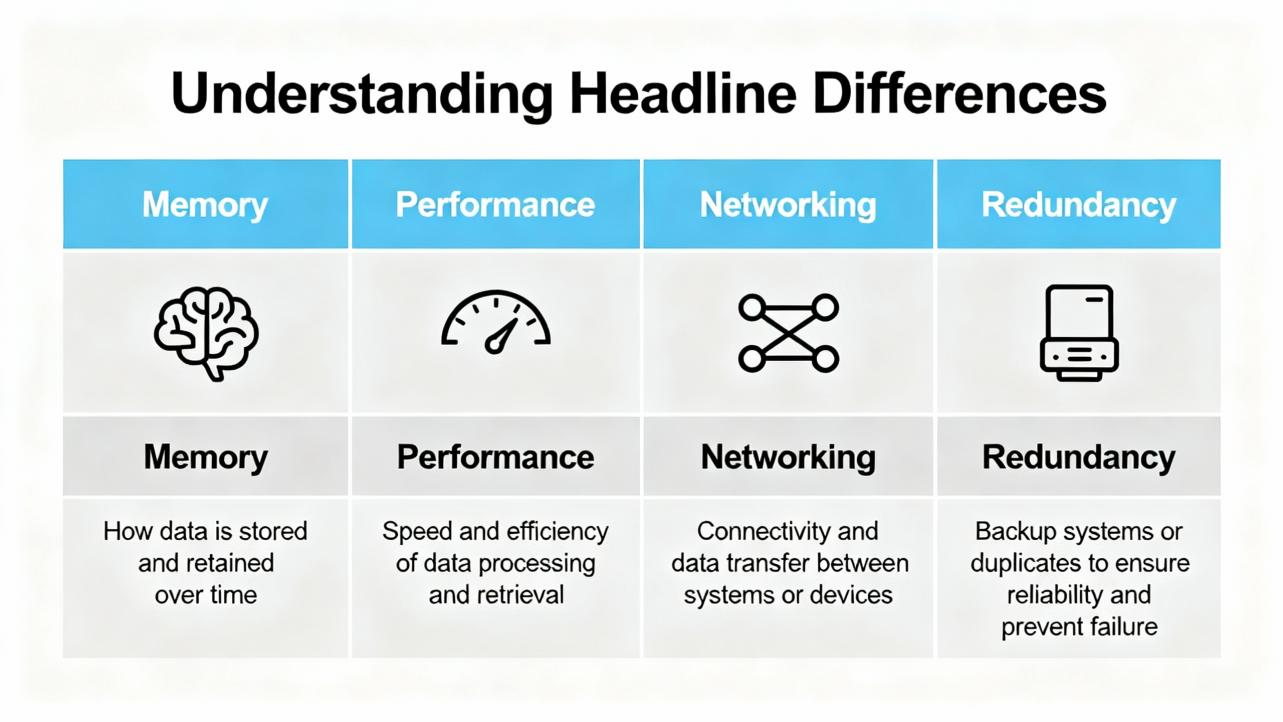
The most visible differences are straightforward. The 1756-L83E increases user memory relative to the 1756-L73, and it pairs that added program space with a much faster processor. It also eliminates the need for a separate Ethernet module for many systems. On redundancy, the story is nuanced: the 5570 generation underpins mature controller redundancy today, while redundancy on the 5580 generation has been documented as not broadly available in several selection guides; verification against the current Rockwell release notes is prudent before committing an architecture.
| Spec/Characteristic | 1756-L73 (ControlLogix 5570) | 1756-L83E (ControlLogix 5580) | Notes and Sources |
|---|---|---|---|
| User memory | 8 MB | 10 MB | The Automation Blog; Do Supply; UBest PLC |
| CPU performance | Baseline 5570-class | Commonly 5–20× faster than 5570 | The Automation Blog price-and-spec brief; PDFSupply overview |
| Embedded Ethernet | External 1756-ENxT typically 100 Mb-class | Integrated 1 Gb single port | The Automation Blog; UBest PLC |
| EtherNet/IP capacity model | Up to 500 controller connections; per-module caps such as 128 CIP on ENBT | Model-specific node caps; examples published include L81E 100, L82E 175, L83E up to 250, L85E 300 on newer firmware | Do Supply controller selection guidance; other articles cite 100 for L83E—confirm per firmware |
| SD card included | 1 GB typical | 2 GB typical | The Automation Blog |
| Controller redundancy | Supported in 5570 with 1756‑RM2 architecture | Not broadly available in published guidance at time of cited sources; verify latest RA position | Do Supply guidance; Rockwell literature for redundancy modules |
| Energy storage module | ESM supported on 5570 variants | ESM not supported on 5580 | Do Supply system guide |
| Studio 5000 versioning | Compatible across many revisions in the 5570 era | Requires newer Studio 5000 (examples cited include v28+) | The Automation Blog migration note |
Published node counts for the L83E vary by source and firmware revision. Do Supply shows up to 250 EtherNet/IP nodes for L83E on Logix Designer v30 and above, while other trade articles list 100. In the field I treat node limits as a design constraint that must be verified in the Integrated Architecture Builder and the current Rockwell data sheet for the exact catalog number and firmware.
On paper, the L83E’s 10 MB looks like a small uplift over the L73’s 8 MB. In practice, that extra headroom often absorbs the growth that inevitably accompanies recipe variants, diagnostics, alarm rationalization, and more detailed data handshakes with HMIs, historians, and MES. Both controllers still live in the PLC world where memory is measured in megabytes rather than gigabytes. That means disciplined data design is non-negotiable.
From the perspective of memory types and behavior, it helps to remember that runtime logic works in RAM, while nonvolatile storage lands on SD. Control.com and GCAN both emphasize that RAM is fast and volatile, while nonvolatile storage retains programs and recipes. The practical implication is that your program structure and data types drive scan time and memory footprint. Grouping similar data types in user-defined types to minimize padding, packing boolean flags instead of scattering single-use BOOL tags, and preferring integers over floating-point when precision and range allow all reduce memory draw and CPU workload. Offloading bulky logs and analytics to databases or historians instead of bloating controller arrays keeps your CPU responsive and your HMI snappy.
The bottom line is that neither controller is a dumping ground for big datasets. A 10 MB L83E keeps you comfortable longer than an 8 MB L73, but careful tag design, UDT hygiene, and externalizing large historical data remain best practice on both.
Across line upgrades I have supported, the single strongest reason to pick an L83E is performance headroom. Multiple sources cite the 5580 generation delivering from five times to well over an order-of-magnitude speedup versus 5570 controllers under practical workloads. That acceleration is not just about raw clock speed. It materializes as shorter, more stable scan times as projects grow, faster message handling, and reduced HMI latency during alarm bursts or recipe downloads.
Performance is also workload-sensitive. Arithmetic on 32-bit integers is cheap, while floating-point, string parsing, and heavy array traversal are more expensive. GCAN’s guidance to select the simplest adequate data types echoes field reality. If your application includes motion, model-based control, heavy diagnostics, or dense datasets flowing over EtherNet/IP, the L83E’s integrated 1 Gb port plus modern CPU microarchitecture help the entire control loop stabilize at lower scan times. When commissioning, I always baseline scan, CPU usage, and per-task execution counters on the existing controller, then model likely growth. When the math says you will be perpetually tight on the L73, moving to L83E usually pays off immediately and future-proofs the cell.
Networking often confuses teams because 5570 and 5580 families describe capacity differently. The L73 era leans on “connections,” for example up to 500 controller connections, while the L83E era leans on “EtherNet/IP nodes,” with model-specific caps. Do Supply’s controller guide, for instance, lists the L83E at up to 250 nodes on later firmware, whereas some trade summaries cite 100. These figures coexist because they reference different firmware baselines and because real-world device mixes vary. Motion drives, robot controllers, safety bridges, and cameras all consume connections differently.
Two principles simplify design. First, integrated 1 Gb Ethernet on the L83E eliminates a separate communication card and delivers higher backplane and port throughput than a 100 Mb ENBT-class card. That means faster I/O updates, quicker Produced/Consumed tag transfers, and more breathing room for HMI and peer-to-peer messaging during production spikes. Second, capacity is always architectural. Validate the complete node and connection budget—including update rates and packet sizes—using Rockwell’s Integrated Architecture Builder before locking the bill of materials.
If controller redundancy is a must-have today, the 5570-based L73 is on familiar, well-documented ground. Redundant ControlLogix architectures with 1756-RM2 modules, matched chassis, and proper cabling are widely implemented in process plants. Published guides have stated that redundancy on the 5580 series is not broadly available; this is an area where Rockwell’s position evolves, so consult the current 1756 controller technical data and release notes before final selection. In plants where we needed redundancy immediately, I have kept the L73 architecture and used network and storage upgrades to mitigate other bottlenecks. Where redundancy was not mandatory, the L83E’s performance and 1 Gb networking produced more tangible uptime benefits than theoretical controller failover, especially when paired with robust industrial UPS and network designs.
Both controllers use Secure Digital media for nonvolatile storage, but the L83E typically ships with a larger default card. The Automation Blog’s price-and-spec comparison cites 2 GB shipping on 5580 versus 1 GB on 5570. On energy storage, Do Supply’s guidance highlights an important difference: 5570 supports Energy Storage Modules for backup and security variants, while 5580 does not. In practice, this mainly matters for how you plan short power dips and how you secure the platform. In every case, don’t conflate storage media size with runtime memory. SD cards are excellent for backup, firmware, and recipes; they do not expand working program memory.
When you adopt L83E, you adopt a newer Studio 5000 baseline. Several practical guides, including The Automation Blog, flag that you should standardize maintenance laptops at the required major version, with v28 commonly noted in early L8 deployments. Upgrading the engineering toolchain is a cost line in real projects. If your plant still runs a mixed fleet and can’t efficiently align versions, that alone can argue for sticking with L73 in the short term while you plan a clean migration path.
A useful snapshot from The Automation Blog compared the cost of an L83E to an L73 plus a separate Ethernet card, and found the L83E package to be lower by roughly $1,700.00 to $1,900.00 in the configurations shown. Prices move with supply conditions and discounts, but the takeaway is durable: integrated 1 Gb networking in the L83E can reduce total system cost while delivering more performance and memory.
The choice becomes straightforward when you map requirements to constraints. If you need controller redundancy now, and your team and spares strategy are aligned to 5570, the L73 remains the reliable option. If you need significant scan-time reduction, expect program or data growth, or want to fold Ethernet into the CPU with 1 Gb performance, the L83E is the better fit. If your cell has a large, connection-heavy architecture, mind the 5580 node limits for the exact model and firmware; validate with current Rockwell documentation and modeling. If your organization cannot yet roll out the Studio 5000 major version required by the L83E, time your adoption to your software roadmap.
In my field work I have seen the biggest gains from L83E when the control strategy was network-bound or CPU-bound, particularly where Produced/Consumed traffic and messaging were heavy. Conversely, where redundancy, qualification history, or version control were dominant drivers, the L73 kept lifecycle risk lower.
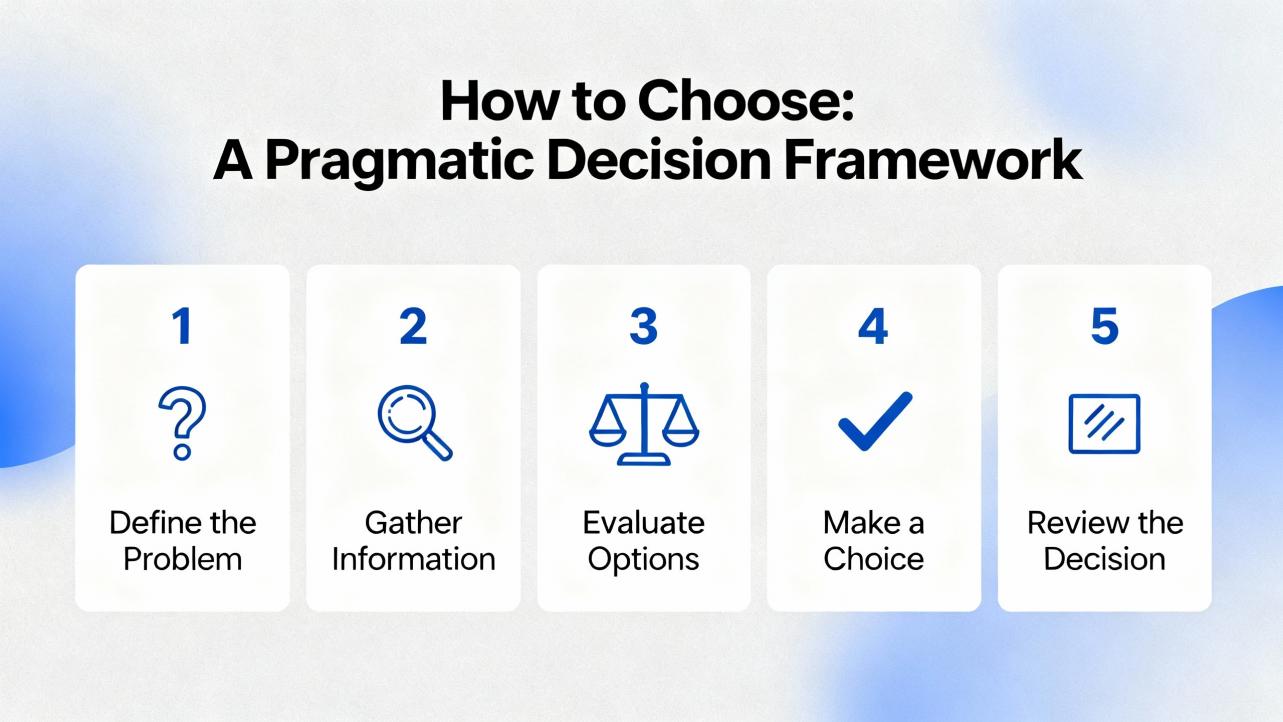
Successful upgrades start with measurement. Baseline scan times, task execution times, and CPU utilization under peak production on the current controller. Inventory all EtherNet/IP devices, requested packet intervals, and packet sizes, then validate the architecture in Integrated Architecture Builder. Clean up tag structures before migration by grouping similar data types to reduce padding and packing boolean flags into bit arrays where appropriate. Offload historical logs and noncritical analysis to external databases or historians to keep the controller focused on deterministic control. Stage your Studio 5000 rollout early and test the project in a lab chassis to catch firmware and toolbox mismatches before plant downtime begins. If you migrate from L73 to L83E, pay specific attention to connection budgets shifting from a connections-based mindset to a nodes-based one on the CPU.
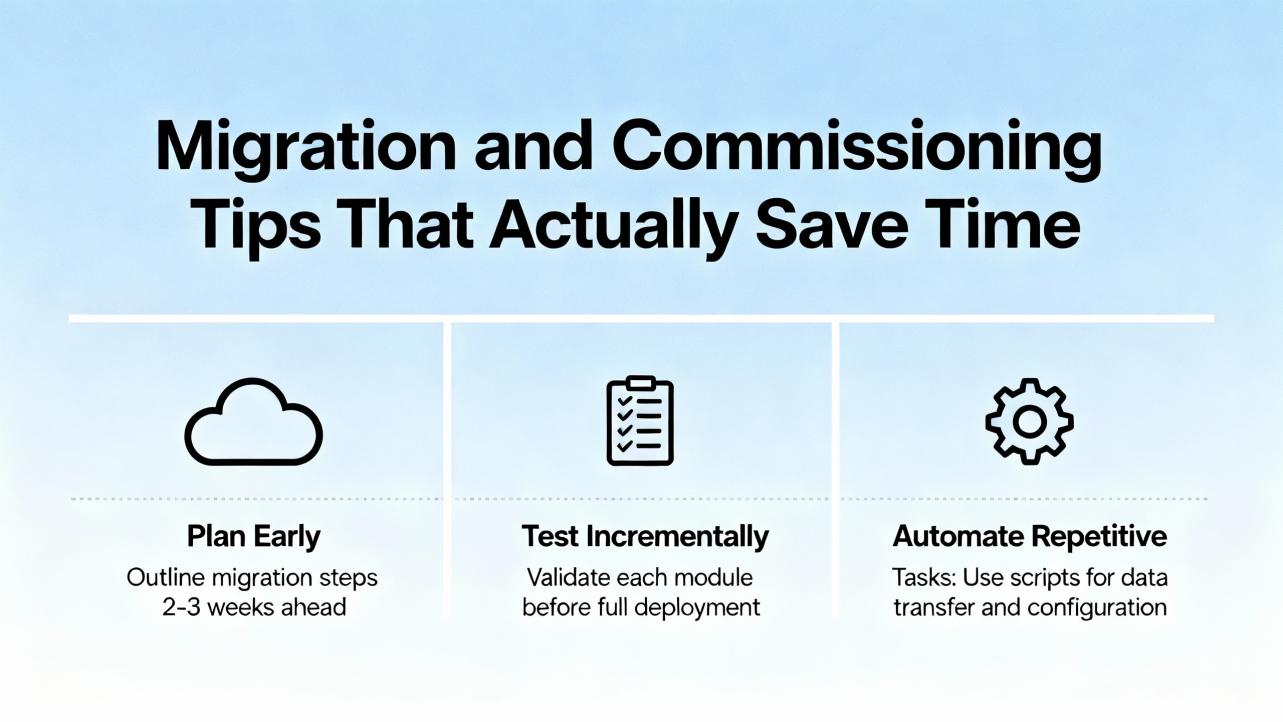
Lean tag design is not a one-time activity. During maintenance, resist adding throwaway BOOL tags for single uses; fit new flags into existing packs or UDTs. When you must use strings, cap their length to the smallest workable size and clean them up after use. Keep diagnostic arrays bounded and periodically purge nonessential entries. When operators request more data on-screen, consider whether HMI or historian can compute or hold that data instead of the PLC. Control.com’s advice to keep PLCs doing deterministic control, HMIs for animation, and databases for data collection is as relevant in the Logix world as anywhere. Following this discipline preserves headroom on both L73 and L83E and makes performance more predictable.

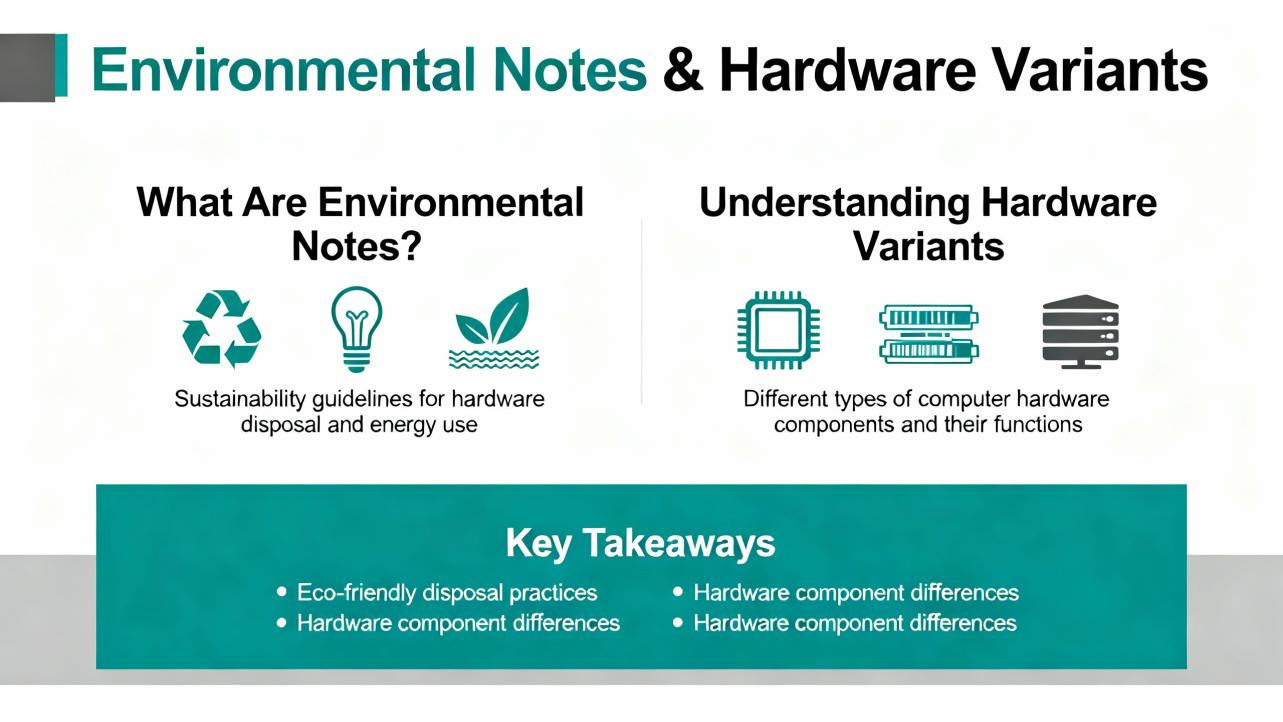
If your installation faces washdown or chemical exposure, remember that ControlLogix catalog numbers with a K suffix denote conformal coating, and XT variants extend temperature ratings to −13 to +158°F. These ruggedizations exist for both generations; they do not change the performance or memory story but directly affect lifespan and reliability in harsh conditions. When in doubt, specify the environmental variant at the time of purchase rather than retrofitting protective measures later.
Both the 1756-L73 and 1756-L83E are proven ControlLogix controllers, but they are not interchangeable in how they scale. The L83E gives you more program memory, drastically more CPU performance, and integrated 1 Gb Ethernet that simplifies rack design and often reduces total cost. The L73 offers mature redundancy options and a well-understood versioning footprint that can be valuable in regulated or validated environments. If you need speed and network headroom, prefer the L83E. If you must deploy controller redundancy today and your plant standards are anchored on 5570, the L73 remains the safe choice. In all cases, design the memory model with discipline, validate node and connection budgets with current Rockwell data, and plan your Studio 5000 rollout as part of the project—not as an afterthought.
Q: Will moving from a 1756-L73 to a 1756-L83E reduce my scan time without code changes? A: It often does. Multiple independent articles report the 5580 generation delivering between five and twenty times the performance of the 5570 generation under typical workloads. Real gains depend on your logic mix, message load, and I/O update rates. Baseline before and after to quantify improvement.
Q: Does the 1756-L83E support controller redundancy today? A: Published selection guides indicate that 5570-based controllers underpin mature redundancy architectures, while 5580 redundancy has not been broadly available in those guides. Verify the latest Rockwell Automation technical data and release notes for your exact firmware and catalog number before designing for redundancy on 5580.
Q: How many EtherNet/IP devices can I connect to an L83E? A: Capacity is specified in nodes and varies by firmware. Do Supply’s guide cites up to 250 nodes for L83E on newer firmware, while other trade sources cite 100. Always validate the limit for your firmware and model, and check actual device connection needs and update rates in Integrated Architecture Builder.
Q: Do I still need a separate Ethernet module with the L83E? A: For many systems, no. The L83E integrates a 1 Gb EtherNet/IP port, which replaces the need for a separate 1756-ENxT module for controller-level Ethernet. Systems with specialized or redundant network topologies may still use additional communication modules.
Q: Is the memory increase from 8 MB to 10 MB meaningful? A: Yes, but only if you also keep the program lean. The extra space absorbs growth in recipes, alarms, and diagnostics, but disciplined tag design and offloading large datasets remain essential on both controllers. Consider the L83E’s added memory as headroom, not a license to cache everything in the CPU.
Q: Will upgrading to L83E force a Studio 5000 upgrade? A: Yes, you should plan for a newer major version aligned to the L8 platform. Several industry articles note v28 as a common baseline for early L8 deployments. Align engineering laptops and version control before commissioning.
Rockwell Automation controller selection and technical data provide the baseline specifications for both 5570 and 5580 controllers. The Automation Blog offers a clear price-and-spec comparison illustrating performance and integrated Ethernet value. Do Supply’s processor selection guidance details memory ranges, node and connection models, and redundancy notes across 5570 and 5580 families. UBest PLC’s comparison underscores differences in memory and network capacity claims that vary with firmware. Control.com and GCAN provide practical engineering guidance on controller memory behavior, data types, and performance impacts that map directly to day-to-day programming decisions. Where specific figures vary across sources, I have stated that explicitly and recommend confirming the exact value against the current Rockwell Automation literature for your firmware.


Copyright Notice © 2026 mooreautomated.com All rights reserved,Moore Automated is not an authorized distributor or representative of the manufacturers featured on this website. Brand names and trademarks featured are the property of their respective owners.



Leave Your Comment