







MP 3009X
Get A Quote
On paper, backup strategy lives in policies, architecture diagrams, and budget cycles. On the plant floor, it often shows up as a Friday night phone call when a line is down, a historian server is corrupted, or an engineer laptop with the only copy of the PLC program refuses to boot. In those moments, you do not have six months to design a perfect hybrid cloud architecture. You have a few hours to stand up something good enough to protect the “crown jewels” until a permanent solution is in place.
Across industries, data loss is not just an IT inconvenience. Research summarized by InvenioIT notes that about 60% of companies that lose a large volume of data shut down within six months, and downtime can cost from thousands of dollars per hour for small operations up to several million dollars per hour for large enterprises. Other reports cited by Object First and OneNine highlight that ransomware and cyber incidents are now a leading cause of outages, and that many backups quietly fail tests or are never tested at all. In practical terms, that means a manufacturing site can appear compliant on paper and still be one blown hard drive or one ransomware hit away from days of lost production.
In industrial automation environments, the risk is amplified by the mix of IT and OT systems. Recipe databases, SCADA and HMI servers, engineering workstations, scheduling systems, and historians are tightly coupled to the physical process. Losing one of them is not just a data problem; it can stop a packaging line, foul up a batch, or leave a site temporarily blind to alarms. The good news is that the same backup principles documented by providers like Archsolution, Acronis, and Bacula Systems can be applied quickly in emergencies if you focus on a few essentials and accept that “temporary but working” is better than “perfect but not deployed.”
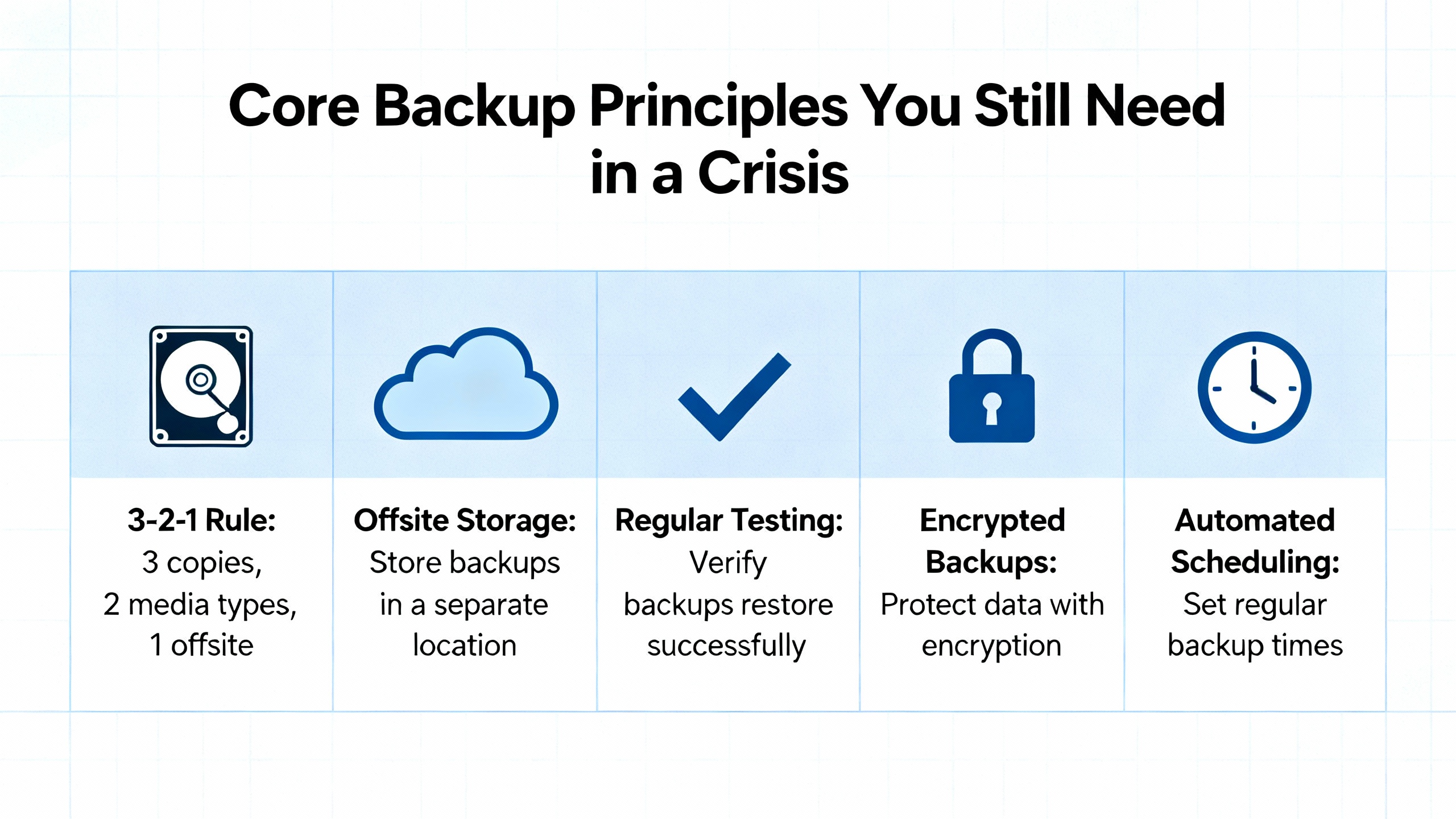
Even under time pressure, you cannot ignore the basics. The organizations referenced in the research converge on a few foundational ideas.
First, define what backup actually means. InvenioIT and WebIT Services both describe corporate backup as a system that regularly copies data and systems to separate storage so you can restore either individual files or entire servers to defined recovery points. The Washington State Auditor’s guidance for public-sector leaders makes the same distinction between backup and recovery: backup is the protected copy; recovery is the ability to restore service within acceptable time and data loss limits.
Those limits are captured in two metrics that appear in almost every best-practice guide. Recovery Time Objective is the maximum downtime you can tolerate for a system. Recovery Point Objective is the maximum amount of data loss you can tolerate, expressed as time between the last good backup and the incident. OneNine, Object First, MyShyft, and others all stress starting with RTO and RPO, because they drive everything from backup frequency and method to storage choices. On a plant floor, that might translate to “we can survive a historian being down for three hours but not a batch execution server” or “we can re-enter one shift’s worth of lab results, but not a week.”
Second, you still want the safety net of multiple, independent copies. The 3‑2‑1 rule shows up repeatedly in materials from Agile IT, Archsolution, Acronis, ConnectWise, and the state-level guidance. In plain language, this rule says you should keep at least three copies of your data, stored on two different media types, with at least one copy offsite. More recent work from Object First and Acronis extends this into a 3‑2‑1‑1‑0 model: an extra copy that is offline or immutable, and a goal of zero backup errors through monitoring and testing. In an emergency, you may not hit that ideal pattern, but having more than one independent copy and at least one copy outside the control of the incident is still non‑negotiable.
Third, every credible source emphasizes testing. Agile IT warns that too many organizations focus on making backups and neglect verifying restores. OneNine cites research showing that a large fraction of backups are incomplete and more than half of restore attempts fail, often because nobody tried a restoration until a real disaster. Bacula Systems and Object First both recommend a mix of simple verification (can you open a restored file), functional tests (can you bring an application back in a test environment), and occasional full-scale drills. For a temporary deployment, your test might be as simple as restoring a single configuration file or spinning up a test virtual machine from last night’s image, but you must do something more than trusting the “success” flag in a log.
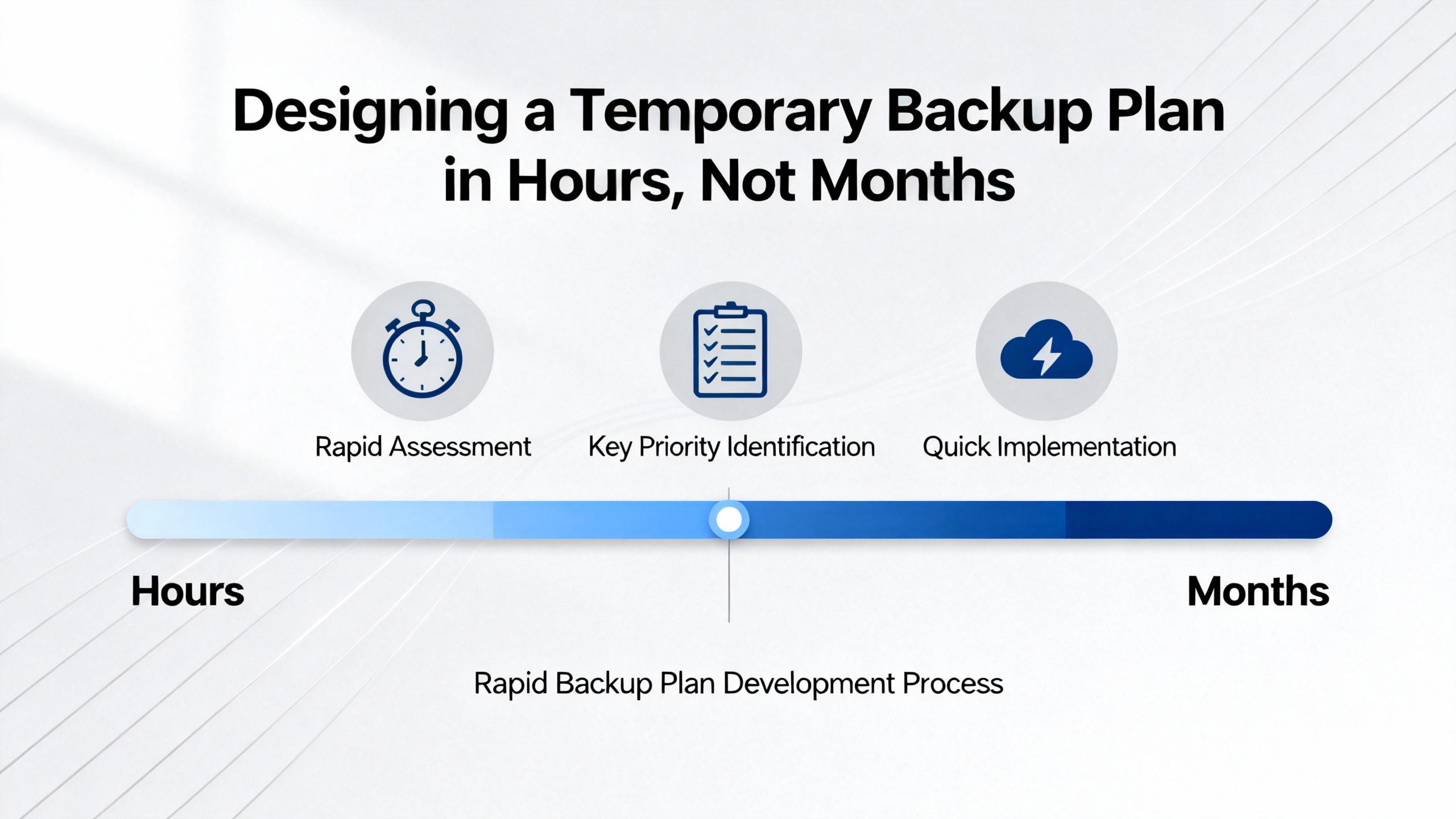
In a mature environment, backup design involves architecture reviews, formal risk assessments, and procurement cycles. In a real plant emergency, you may be working with whatever hardware and network you already have, and the constraint is how much you can safely change without disrupting production further. The research includes a very practical guide from the backup.education community that describes a roughly twenty‑minute backup setup for Windows servers using built-in tools. That mindset is exactly what you want: identify the most critical systems, use integrated capabilities where possible, and automate enough that the solution keeps running after you leave the site.
Start by clarifying scope. You will not protect everything on day one, and that is acceptable as long as you consciously pick what matters most. ConnectWise and WebIT Services recommend classifying systems and data by operational criticality, compliance exposure, and financial impact. Translated into an automation context, your first tier usually includes control-related servers and databases, engineering repositories, and any system that would significantly delay or complicate restart if lost. Less critical desktops and archive shares can wait.
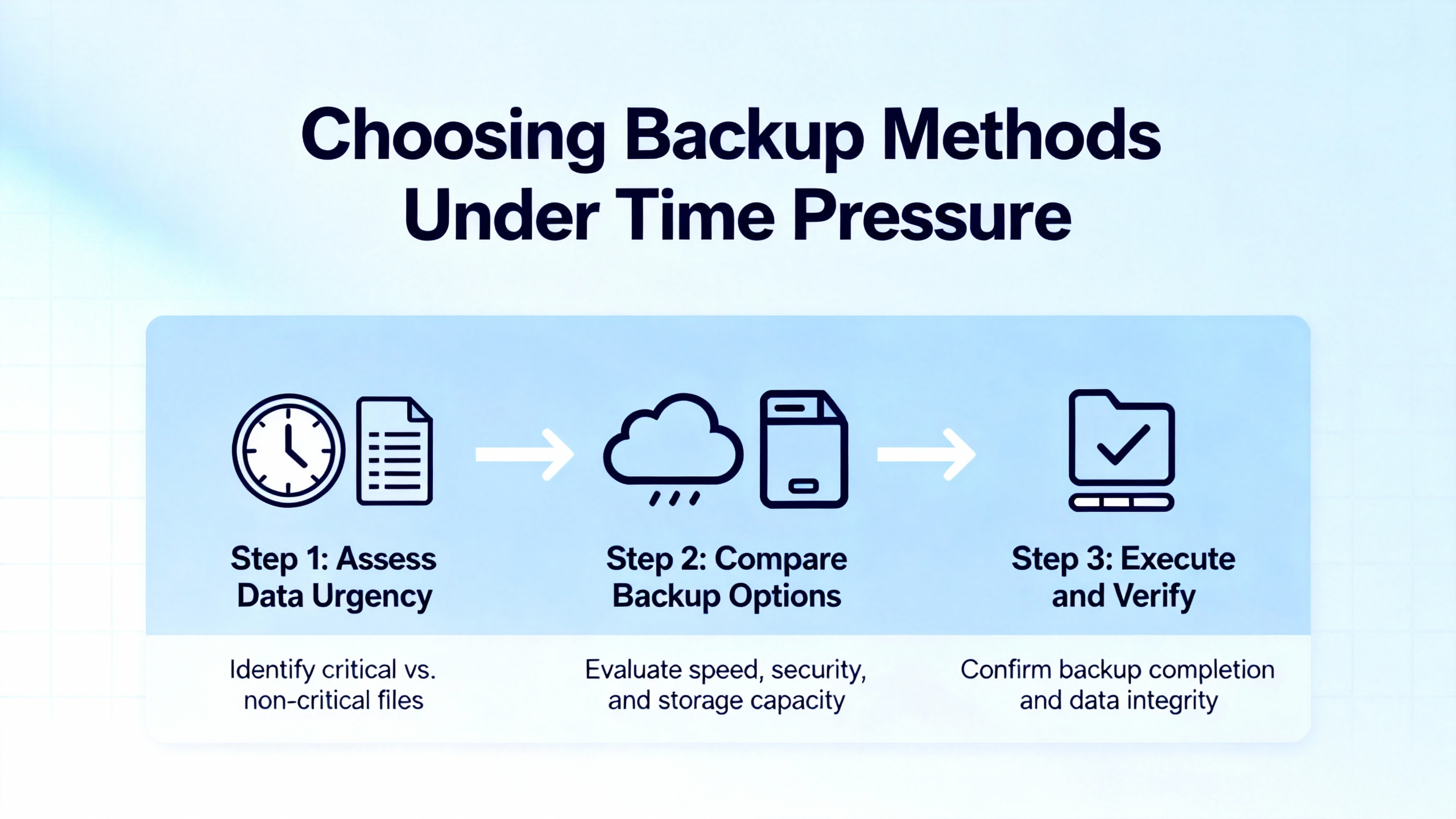
Once you know what you are protecting, you can choose fast-to-deploy methods that align with the environment. Much of the guidance in the enterprise articles assumes modern virtual infrastructure, cloud connectivity, and centralized management. In many industrial facilities, you will be working with standalone Windows servers, limited bandwidth, and strict change-control. That makes the “simpler is better” advice from backup.education, WebIT Services, and several small-business–oriented guides particularly relevant.
The backup.education article explicitly recommends focusing first on the “crown jewels” such as databases, shared drives, irreplaceable application data, and key configuration files. That approach maps cleanly to OT systems. For example, on a combined IT/OT network, you might put scheduling databases, historian data, recipe or batch configuration, SCADA archives, and engineering project storage in that crown-jewel tier.
The same article suggests prioritizing high-risk items for daily backup and less critical data weekly, with around thirty days of retention in the quick-and-dirty setup. That aligns with what ConnectWise describes for smaller organizations: match frequency to how fast the data changes and how painful it would be to recreate. If every shift adds new setpoints, audit records, or production reports, daily is the bare minimum, and more frequent capture may be justified if your RPO is measured in hours rather than days.
One of the strongest messages from the backup.education and WebIT Services material is that you can get surprisingly far with native tools. On Windows, that includes the built-in backup console, PowerShell’s wbadmin for volume-level images, and file-based copies using tools like robocopy scheduled through Task Scheduler. These tools are free, integrated, and, according to the backup.education piece, cover roughly eighty percent of typical backup needs for straightforward file and volume protection.
In an emergency deployment, a pragmatic pattern looks like this. You log into the key server with administrative rights, define a backup job that captures the system volume and data volumes, point it at a local NAS, network share, or attached USB array, enable compression and encryption, and schedule it for off-hours, often around two in the morning when the load is low. You immediately trigger a manual run and then perform a small restore test so you do not discover misconfigured paths or permissions during an actual failure. This is not elegant architecture, but it is fast, reversible, and dramatically better than having no recent copy at all.
The same principle applies on Linux or other platforms with native snapshot and copy tools. The enterprise-focused guides from Bacula Systems, Rubrik, and Tencent Cloud describe snapshot-based protection for databases and virtual machines, but the underlying idea is the same: leverage platform-integrated backup where you can, because it is usually better tested and easier to automate than ad‑hoc scripts assembled under pressure.
While whole-system images are valuable, they are not the only lever you have. Database-specific best practices from OneNine and the MyShyft materials on scheduling and deployment highlight the value of combining full backups with more frequent incremental, differential, or transaction log backups. That pattern is especially relevant for historians, batch databases, and scheduling systems, where the data changes constantly and losing the last few hours can be expensive.
The database-oriented guidance suggests taking periodic full backups as baselines, then using either incremental backups (changes since the last backup of any type) or differential backups (changes since the last full backup) to capture ongoing change. Transaction log backups can squeeze the RPO further by allowing point-in-time restores. In a rapid deployment, you might not have time to design fully optimized chains, but you can usually add at least one database-aware backup job that runs more frequently than the image-level backup and stores its output on the same temporary target.
MyShyft’s database backup guidance also stresses that backups must be tested in a non-production environment before and after deployments, and that restore times should be measured against RTO targets. Even if you cannot stand up a full clone environment during an emergency, restoring a backup to a test database instance on a spare server or virtual machine is a quick way to validate that your emergency job is producing usable output.
Storage is often the constraint in a rushed deployment. The 3‑2‑1 rule emphasizes different media and at least one offsite copy. Acronis, InvenioIT, and Object First all caution against relying on a single external drive sitting next to the primary server, because a fire, flood, or theft can eliminate both at once. In many industrial contexts, the quickest way to approximate the rule is to combine local network storage for speed with removable media or a secondary location for resilience.
A simple pattern is to send nightly backups to a local NAS or backup server for fast restore, then mirror that repository to a removable disk rotated offsite, or to a physically separated part of the facility that is not likely to be affected by the same localized incident. Object First’s extended 3‑2‑1‑1‑0 model adds the idea of offline or immutable storage. Even in a rushed scenario, you can often create an additional copy that is not continuously online, such as periodically export backups to a disk that is disconnected when not in use, reducing the risk from ransomware and administrator mistakes.
Several sources, including Agile IT, Hycu, ConnectWise, and Veeam, describe the benefits of cloud and hybrid backup for modern distributed environments. Cloud backup offers geographic redundancy, pay‑as‑you‑go scalability, and automated scheduling. Hycu’s material on cloud backup strategies notes a significant volume of ransomware attacks across major economies and emphasizes that many organizations that pay ransom still recover poorly. That context reinforces the value of moving at least one copy of critical data into a separate cloud environment where the same attack is less likely to reach it.
In industrial sites with constrained or highly controlled external connectivity, cloud backup might not be feasible as a primary emergency measure. However, where a secure path exists, a temporary cloud backup job for less sensitive but operationally important data, such as scheduling or reporting databases, can be a powerful complement to local copies. Research from Spanning shows that even cloud‑hosted platforms like Google Workspace need independent, cloud‑to‑cloud backup to protect against user error and malicious deletion, so treating “it is already in the cloud” as equivalent to “it is backed up” is a mistake.
The main trade-offs are bandwidth and governance. Tencent Cloud’s efficiency guide and the Arcserve cloud deployment material recommend techniques like running backups during off-peak hours, using incremental backups, and enabling compression and deduplication to reduce data volumes. Those same tactics help keep plant networks stable while you seed an initial cloud copy in the background.
Nearly every best-practice source, from Agile IT and Bacula Systems to Object First, ConnectWise, and Veeam, emphasizes automation. Manual, ad‑hoc backups depend on one person remembering to click a button, which is exactly what you cannot count on during the chaotic days following an incident. The backup.education article recommends immediately setting up monitoring and alerts for failed jobs and using clear, timestamped names for backup jobs and sets.
In an emergency deployment, aim for simple automation. Use native schedulers to run jobs at defined times. Enable e‑mail or messaging alerts for failures where the platform supports it. At minimum, make it someone’s explicit daily task to review backup logs and storage consumption until a more robust monitoring stack is in place. Several sources, including Object First and Veeam, also suggest automated backup verification where platforms support it, because catching corruption early is crucial to achieving that “zero backup errors” aspiration in the 3‑2‑1‑1‑0 model.
When you are stabilizing a site, you rarely have the luxury to debate academic distinctions between backup types. Still, the differences between full, incremental, differential, and snapshot backups matter for performance and recovery. The Archsolution, Acronis, ConnectWise, Hycu, and Bacula Systems content all describe these methods in similar terms.
A concise way to think about them in an emergency context is summarized in the following table.
| Method | What It Does | Emergency Strengths | Emergency Trade-Offs |
|---|---|---|---|
| Full backup | Copies all selected data | Simple to understand and restore | Slow and storage heavy; may be disruptive on large sets |
| Incremental backup | Copies changes since last backup of any type | Fast and storage efficient for frequent runs | Restores require last full plus all incrementals |
| Differential backup | Copies changes since last full backup | Faster restores than pure incremental chains | Grows larger between fulls; higher storage than increment |
| Snapshot/image backup | Captures point-in-time state of system or volume | Very fast capture and restore, ideal for VMs and servers | Requires snapshot-capable infrastructure and careful use |
For a quick deployment, full backups are attractive because they are conceptually simple, and restore procedures are straightforward. However, when dealing with multi‑hundred‑gigabyte historians or file shares, running full jobs every night may be unrealistic. Incremental or differential backups reduce backup windows and network load, as highlighted in the Tencent Cloud and OneNine materials, and are often a better choice after an initial full backup is in place.
Snapshot-based methods, heavily used in guides from Bacula Systems, Rubrik, and ArcGIS Enterprise, can be a lifesaver for virtual servers. They let you grab a consistent state quickly before major changes, such as applying patches or reconfiguring software. The ArcGIS guidance, for example, cautions that services using underlying databases should be stopped or quiesced before snapshots to avoid inconsistency. The same caution applies to automation systems: snapshots are powerful, but they are not a replacement for structured data-aware backups of databases and configuration repositories.
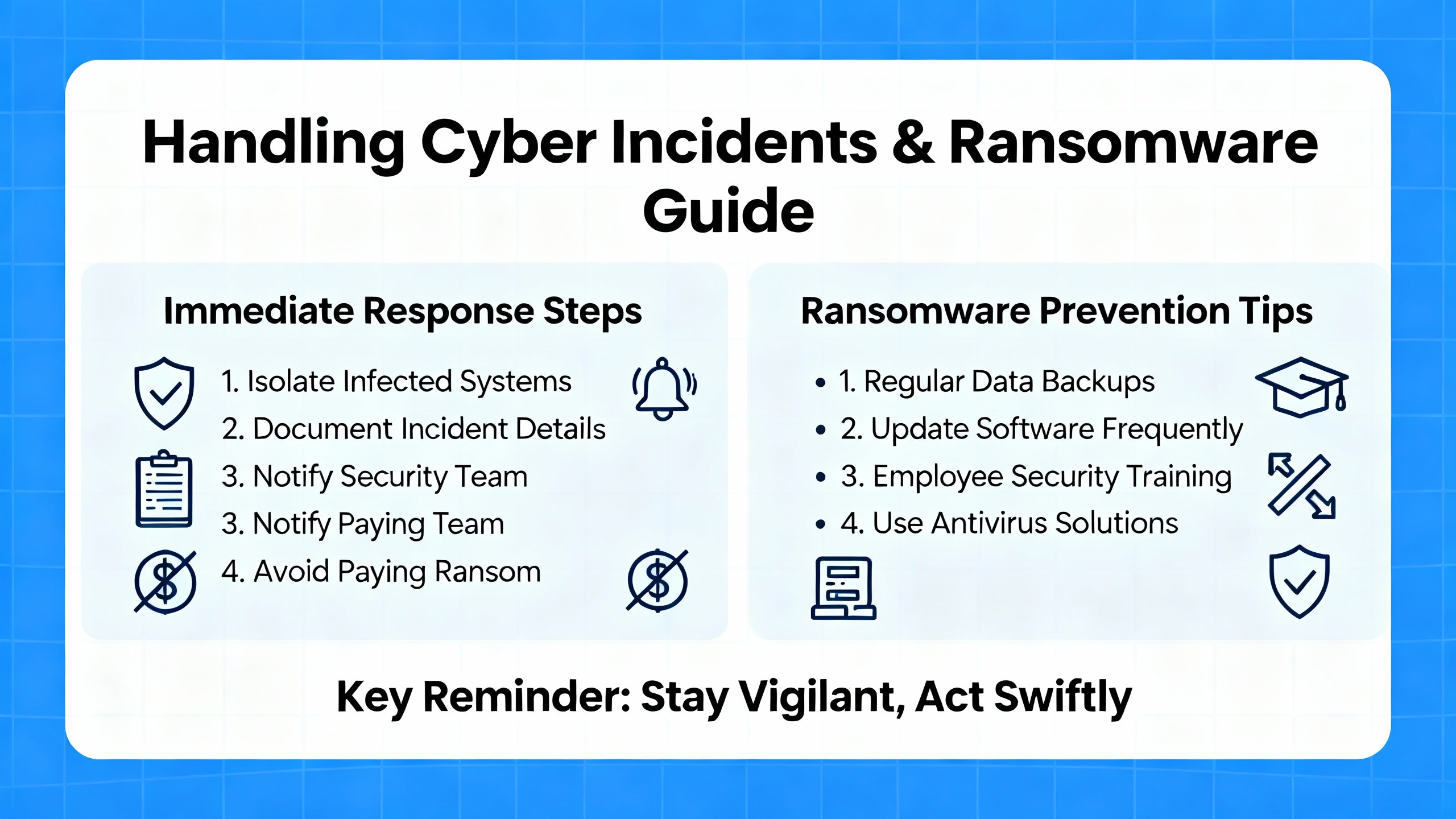
The research is unambiguous about the scale of ransomware risk. Hycu cites a large number of known attacks in a single year across major economies and notes that the majority of organizations that paid ransom only partially recovered their data, sometimes paying more than once. Axcient references a BrightCloud report indicating that a very high percentage of managed service providers have seen ransomware attacks against their customers, with ransom demands starting around tens of thousands of dollars and remediation costs reaching hundreds of dollars per hour. InvenioIT points out that for many small and mid‑sized businesses, the operational downtime costs of an attack are an order of magnitude higher than the ransom itself.
For a temporary backup deployment in an industrial environment, a few security-oriented practices from Object First, Bacula Systems, Veeam, and Spanning are particularly relevant. Wherever possible, store at least one backup copy on immutable or offline media so that ransomware cannot encrypt or delete it. Implement strong access controls and role-based permissions on backup consoles and repositories so that only trusted personnel can modify jobs or perform restores. Encrypt backup data both in transit and at rest, especially if it leaves the plant network or contains sensitive production, employee, or customer information. Monitor backup behavior for anomalies such as sudden large deletions or unusual patterns of change, which Object First and Veeam describe as a sign of active cyberattack.
Spanning’s guidance for cloud‑to‑cloud backup also highlights that restores in a compromised environment should be granular and version-aware, so you do not overwrite clean data with contaminated or partially encrypted versions. In a plant scenario, that might mean restoring specific directories, databases, or system states rather than bluntly rolling entire servers back to an unknown point.
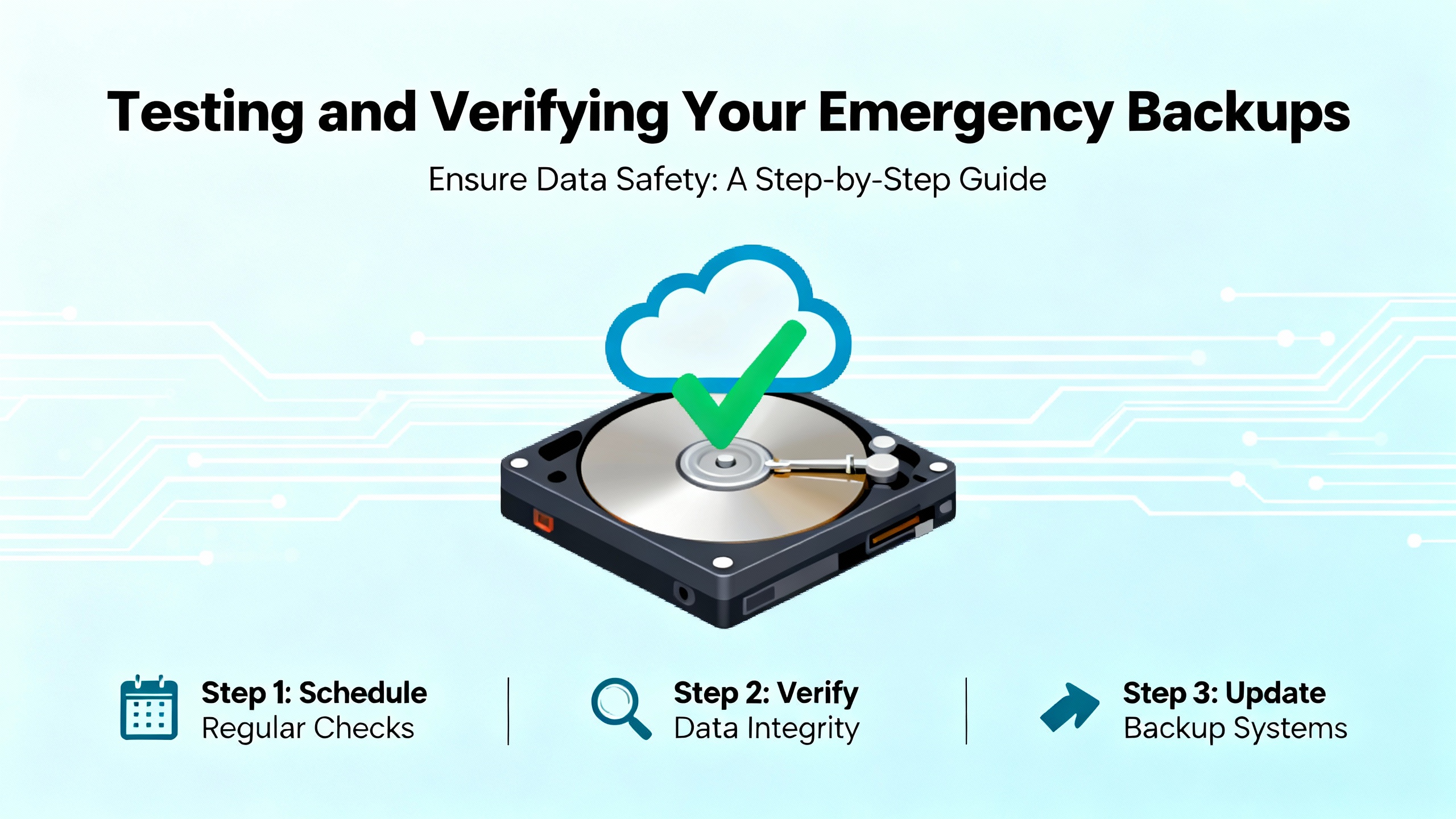
Under crisis conditions, it is tempting to declare victory once the first backup job runs without errors. The research strongly advises against stopping there. Agile IT, Bacula Systems, OneNine, MyShyft, and the SAO leadership guidance all insist that regular restore testing is the only way to know whether you can actually meet your RTO and RPO when it counts.
Bacula Systems outlines a tiered approach: tabletop exercises that walk through procedures on paper, functional tests that restore specific systems in a controlled environment, and full-scale drills that simulate a real disaster. MyShyft’s scheduling and database materials recommend defined recovery testing schedules and realistic scenario simulations, including verifying that restored applications still function with their integrations and that recovery times match expectations. OneNine cites statistics that a large portion of organizations have never tested restores, and a majority of backups are either incomplete or fail during recovery.
For a temporary deployment, you may not be able to run full-scale disaster simulations, but you can still bring discipline to testing. Restore a small but representative set of files after the first backup, and again after any significant change to the backup job. For critical databases, perform a test recovery to a non-production instance and run basic application checks. Track the time these operations take and compare them to your defined RTO, even if the “definition” is informal at first. Capture results in a simple log so you and the next engineer can see whether reliability is improving or degrading over days and weeks.
Rapid deployment of backup systems in an emergency is, by definition, a temporary solution. The risk, especially in operational environments, is that temporary becomes permanent, and a set of quick fixes silently evolves into the de facto architecture. The sources from Archsolution, Object First, Bacula Systems, Veeam, Hycu, and others all argue that long-term resilience comes from moving beyond improvised setups to structured, documented, and regularly tested strategies.
Once the immediate crisis is under control and you have at least one consistent backup for each crown-jewel system, the next steps are to formalize what you have done, close the obvious gaps, and integrate backup into broader business continuity planning. That means documenting which systems are protected, where the backups live, how long they are retained, and how restoration works. It means revisiting RTO and RPO with plant leadership and adjusting schedules, methods, or infrastructure where they do not align. It also means deciding where cloud, hybrid, or more advanced features such as immutable storage, backup virtualization, and continuous data protection make sense for your specific mix of OT and IT systems, as demonstrated in platforms discussed by InvenioIT, Hycu, Object First, and others.
Several sources, including Object First and Veeam, recommend periodic strategic reviews of backup architecture to keep up with changing threats, technologies, and business requirements. For industrial automation teams, that review should explicitly include OT equipment and engineering practices, not just enterprise servers. Backups for PLC programs, HMI configurations, historian schemas, and scheduling logic need to be part of the same conversation as ERP databases and file servers, even if the technical mechanisms differ.
Ultimately, well-run plants treat backup as part of routine engineering hygiene rather than an occasional project. In my experience, the sites that recover fastest from outages or cyber incidents are not the ones with the flashiest tools, but the ones where someone has thought through “what happens if this box dies,” put a simple backup in place, and proven at least once that they can restore it. Rapid deployment of temporary backups in a crisis is often the first step toward that culture. The key is to make sure it is not the last.


Copyright Notice © 2026 mooreautomated.com All rights reserved,Moore Automated is not an authorized distributor or representative of the manufacturers featured on this website. Brand names and trademarks featured are the property of their respective owners.



Leave Your Comment