







MP 3009X
Get A Quote
As an industrial automation engineer who spends more time in cabinets than offices, I’ve upgraded, recovered, and recommissioned a lot of ABB AC800M controllers. Firmware upgrades are routine on paper, yet they are among the most stressful maintenance tasks when the plant is waiting on a clean restart. This guide distills field-proven practices for upgrading AC800M firmware safely, diagnosing the classic “red LED flashing” scenario, and avoiding version pitfalls that can cripple communications. The advice is grounded in first-hand work on PM866-class CPUs and aligned with guidance from ABB manuals, System 800xA release notes, and community experience shared on Control.com and the Automation & Control Engineering Forum.
Firmware updates fundamentally replace the low-level system that boots, initializes hardware, and orchestrates the runtime. When this layer changes, everything above it—libraries, I/O stacks, communications modules, and the application binary—must remain compatible for the controller to come up cleanly. If compatibility breaks or the upgrade is incomplete, the controller signals it with a red LED pattern and refuses to finish booting. As a practitioner on the Automation & Control Engineering Forum put it plainly, firmware updates can wipe what’s loaded; the only reliable safety net is a complete, verified backup taken before you start. In other words, upgrades fail most often not because the bits are bad, but because the preparation and version alignment were incomplete.
The AC800M family sits at the heart of ABB’s 800xA control system and Compact 800 deployments. Controllers such as the PM866 series host the base firmware that must match the engineering toolchain (Control Builder M), the controller libraries, and the communications modules’ firmware and profiles. High Integrity (HI) variants add further constraints. ABB’s release notes and compatibility tables spell out which controller firmware works with which library versions and which communications interfaces. I always confirm those matrices before touching a running controller because even a minor mismatch can block a download, stall a boot, or destabilize a fieldbus.
ABB has issued targeted product alerts over the years that illustrate why this diligence matters. On November 20, 2018, ABB reported that AC 800M firmware versions 5.1.1-3 and 5.1.1-4, when used with CI854A PROFIBUS libraries 2.2-1 or 2.3.3, could cause a reset or fault during reconfiguration of the CI854A. In redundant systems, both CI854A modules could reboot, dropping the entire PROFIBUS segment and driving slave outputs and inputs to their predefined safe states (OSP/ISP). The event is rare by ABB’s account, but the impact is not. If your upgrade path crosses versions called out by alerts or release notes, treat those transitions with special caution and plan the work in a maintenance window.
Success with AC800M upgrades is won before you press the button. The controller’s application and parameters are your production brain; treat them as such. I export a verified backup that includes the application project as engineered in Control Builder M, any recipes or non-volatile data the controller maintains, the current library set, and the controller’s firmware and version information. I confirm that the backup is restorable on a bench-powered spare controller of the same class. There is no better confidence check.
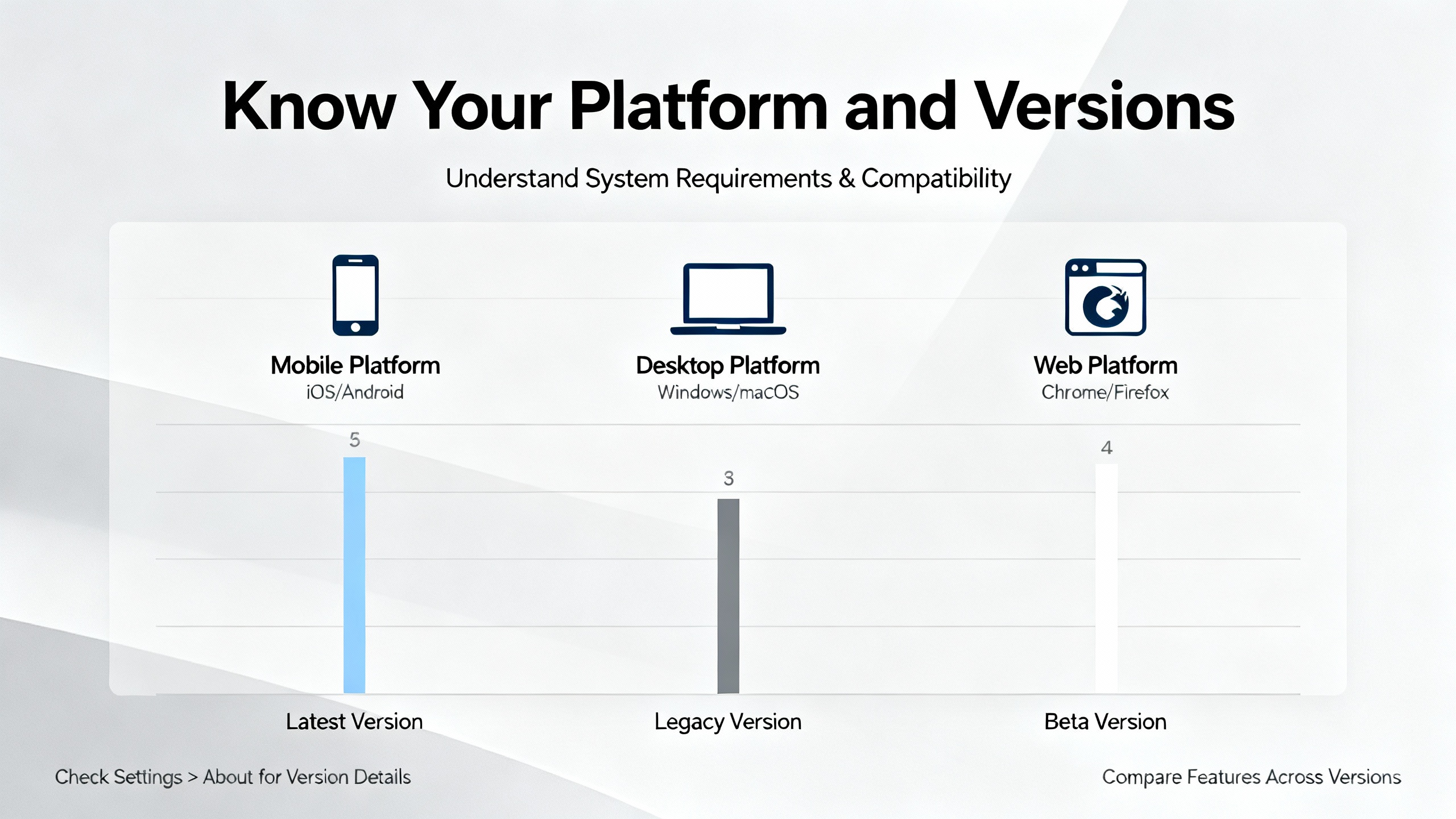
Compatibility is next. I line up the target controller firmware with the engineering workstation’s Control Builder M version, verify library compatibility, and check communications modules’ required profiles. ABB’s System 800xA release notes consistently emphasize version alignment across controller, libraries, and tools. If there’s doubt, I test the project on a spare. Timing matters as well. Plant operations should agree on a window long enough to perform the upgrade, wait through a clean boot, validate communications and I/O health, and roll back if something isn’t right.

AC800M firmware can be loaded using the serial firmware upgrade interface or over the network once the controller’s base system is healthy. When a controller is bricked or ambiguous, I favor the serial path because it bypasses network dependencies and talks to the bootloader directly. The tradeoff is speed and convenience: Ethernet is quicker and integrates better with engineering workflows once the controller is reachable, while the serial interface is slower but more deterministic in recovery scenarios.
In the field, a reliable routine looks like this. The controller is powered by a known-good supply. The serial cable and adapter are validated with a second device to rule out flakiness. The correct firmware package for the specific CPU model is selected; PM866-class devices require the matching bundle, not a neighboring CPU’s image. The load is started and allowed to complete without interruptions. Afterward, the power is cycled fully and left off long enough to discharge and clear residual states. The controller is then powered on and observed patiently for a complete LED sequence. Only after the base firmware finishes and the controller reaches a stable state do I attempt any IP configuration or project download.
LEDs are your first diagnostic channel. A persistent red LED after a firmware load is unnerving, but its meaning depends on the pattern. ABB’s documentation states that a flashing red LED can indicate that a firmware upgrade is in progress or that the controller is in a fault state. Right after an upgrade, a flashing red LED that does not transition to a steady healthy state signals that the process did not complete or that the controller cannot finish initialization. In that condition, network tools won’t connect because the base OS is not ready.
Here is how I convert that signal into action. If the red LED continues flashing several minutes after a power cycle, I assume the firmware package is incorrect for the CPU or the transfer was corrupt. I reload the correct package over serial, ensure stable power during the entire process, and repeat the full power-down and restart. If I still see flashing red with no transition, I escalate to checking version alignment with libraries and communications modules’ expected profiles and consider rolling back to the previously working firmware.
A Control.com case involving an 866-class processor captures this classic failure mode succinctly: the firmware load over the serial interface reportedly completed, the controller restarted, and the red LED began flashing continuously. No battery was installed and the poster doubted that was relevant. The key is to focus on what that LED is telling you. It’s not about retained RAM at this stage; it’s about whether the controller’s base system can complete its boot.
I approach this in stages. First, I confirm that the firmware package exactly matches the controller model and series. Second, I repeat the upgrade using a known-good cable and a power supply that isn’t near its limits. Third, I perform a full power cycle and wait patiently for the LED sequence to run its course. Only when the controller reaches a stable state do I attempt to set IP parameters. If the LED keeps flashing with no progress, I don’t waste time trying network tools; I return to package selection, version alignment, and the potential need to revert.

Even a flawless controller upgrade can create lively surprises at the communications layer. ABB’s product alert regarding AC 800M firmware versions 5.1.1-3 and 5.1.1-4 with CI854A PROFIBUS libraries 2.2-1 or 2.3.3 is a good example. The issue surfaces during CI854A reconfiguration and can cause the interface to reset. In redundant systems, both CIs may reboot nearly together, dropping the bus. In non-redundant systems, the CI can enter fault mode until it is hot-removed and reinserted. The moment the bus falls, slaves drive outputs to OSP (Output Set as Predefined) and inputs to ISP (Input Set as Predefined). If those predefined values are not aligned with a safe process state, the trip is more than a nuisance.
The right mitigation is boring but effective. Avoid live reconfiguration of PROFIBUS in affected versions. Schedule the work in a window, verify OSP and ISP values align with safe conditions, and coordinate with operations on an expected communications drop. If possible, update either the controller firmware or the CI854A library to a compatible combination vetted by ABB’s compatibility tables. For upgrades that must traverse these specific versions, the safest path is a staged validation on a bench system with a representative CI854A and a few slaves to check behavior before touching a production bus.
Redundancy is never a license to take chances, but it changes the risk calculus. In CPU and network-redundant AC800M deployments, you can upgrade one side at a time, force a switchover, and validate. However, as ABB’s alert shows, there are edge cases where both redundant communications interfaces can reset during a reconfiguration in certain versions; in that window, redundancy doesn’t protect the segment. That’s why I treat controller and fieldbus upgrades as distinct events. Controllers get upgraded one side at a time with a clean switchover and functional checks. Fieldbuses get their own window, with clear expectations that the segment will drop if a reset occurs.
Non-redundant systems require stricter discipline. You plan the tasks so that a single reset doesn’t strand the process in a bad state. You verify predefined I/O states before you begin. You have a recovery action ready—in the CI854A scenario, that means preparing for a hot-remove and hot-insert if the interface gets stuck. And you keep the original firmware and library bundles at hand for a rapid rollback if the behavior isn’t acceptable.
A practitioner on the Automation & Control Engineering Forum summed it up bluntly: firmware updates can wipe everything. While not every platform behaves that way, you should assume that an AC800M upgrade can require a full application restore. When I plan a job, I do not only export the logic. I also capture parameters, recipes, non-volatile data stores the application depends on, and the current firmware and library versions. I verify that the backup can be restored and downloaded on a spare. I document the exact state before upgrading. After the upgrade, I restore in the same order every time: the base firmware, the correct library set, the communications profiles, and finally the application. That order avoids mismatches that look like application bugs but are really version conflicts.
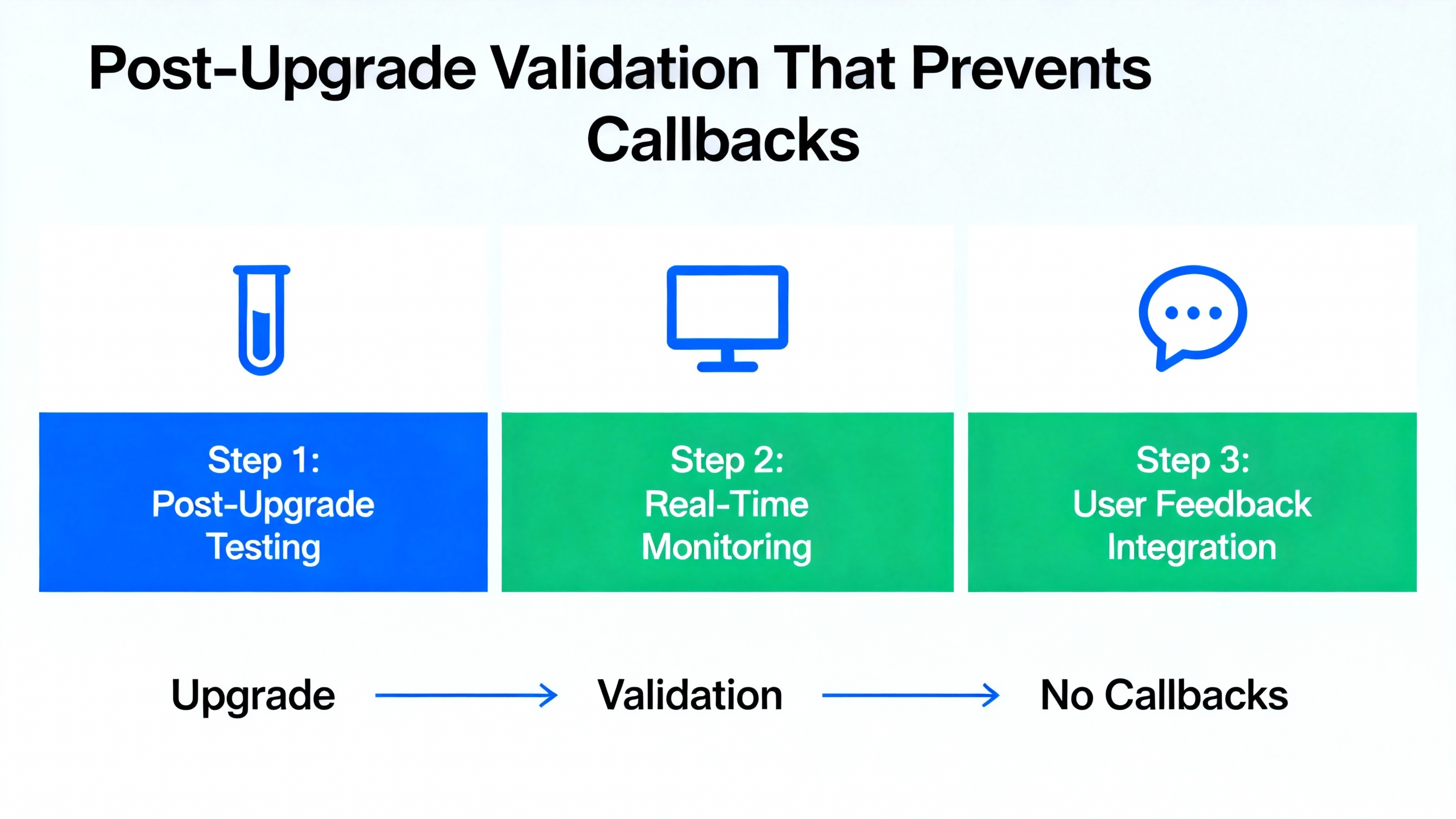
Commissioning an upgraded AC800M isn’t done when the LED turns green. I expect to prove that the controller is executing the correct project and that its interfaces behave. I connect online in Control Builder M and confirm CPU load, task execution, and program states. I validate that all communications channels come up, especially the fieldbus segments. On PROFIBUS I check that slaves are healthy and that their outputs and inputs match expected values. On Modbus TCP and Ethernet/IP I verify connections, scans, and data integrity. I review diagnostic logs for new warnings or recurring recoveries that could indicate a marginal configuration. I test a handful of interlocks and alarms that are representative of safety and operations. Only after this pass do I release the system back to operations.
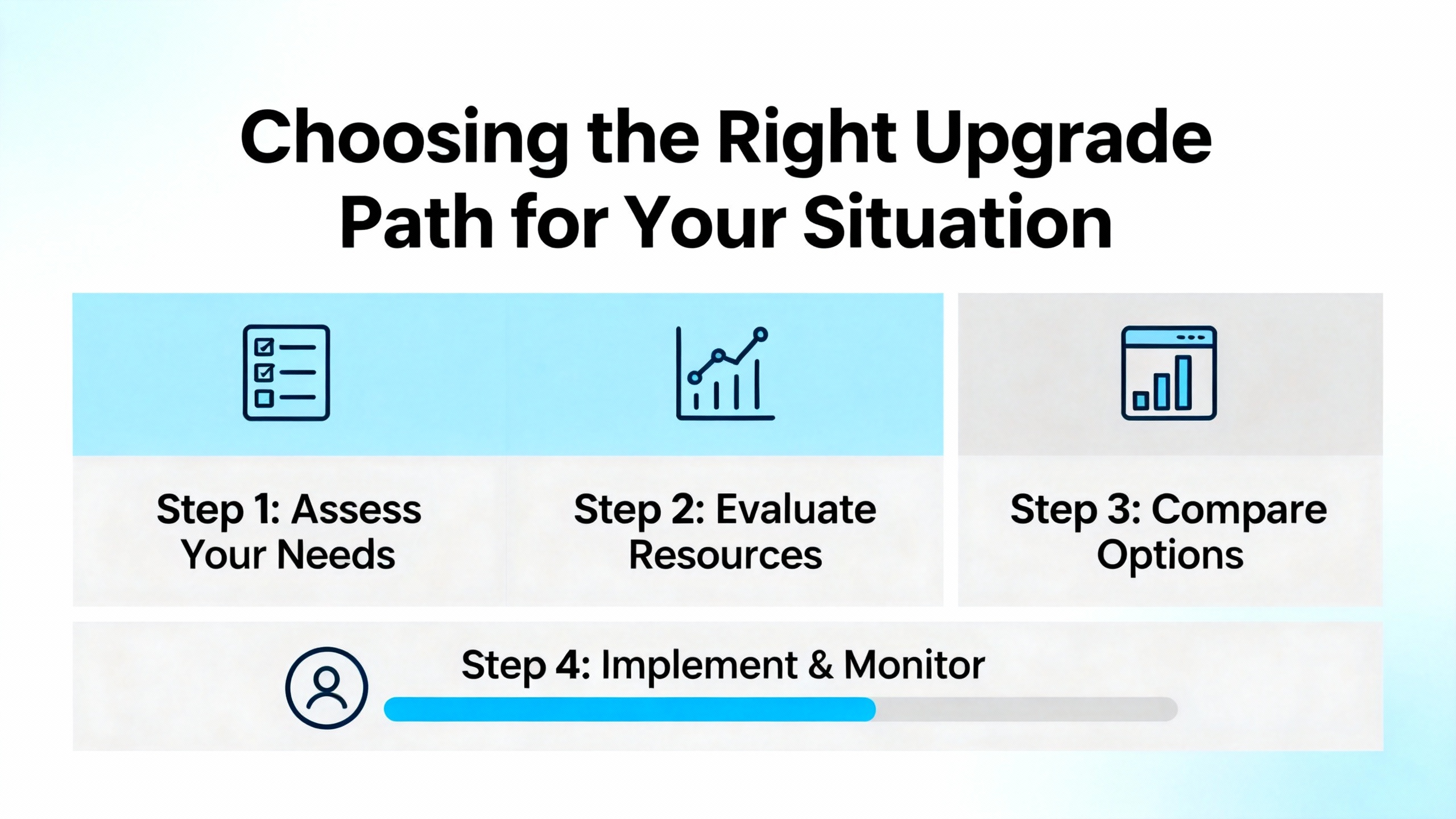
When I land at a site with a controller that flashes red after a firmware update, I don’t assume a unique failure. I follow a pattern that has recovered more controllers than I can count. I start by confirming the CPU’s exact model and the firmware package used. If there is any doubt, I reload over the serial firmware upgrade interface because it interacts directly with the bootloader and avoids network ambiguity. I ensure clean power, repeat the load, and perform a complete power cycle. I then wait. AC800M units can take longer than expected to settle after a base firmware load; patience avoids interrupting a normal finishing sequence. If the red LED persists, I look for version alignment issues. I check the engineering tool version and the targeted library set. If the controller requires a different bundle, I change direction rather than repeat the same attempt. When the controller finally stabilizes, I proceed to IP addressing and a known-good minimal project to verify runtime before loading the full application.
Clarity with terms reduces missteps. In conversations about AC800M upgrades, “firmware” refers to the embedded system that persists without power and boots the controller, not just the application. “Control Builder M” is the ABB engineering environment used to configure and program AC800M devices. “HI” identifies the High Integrity variants that add safety-related capabilities and constraints. On PROFIBUS, “CI854A” denotes the communications interface module, and OSP/ISP define the forced output and input states that slaves assume when communications fail. The field uses “serial firmware upgrade interface” to mean the low-level path for loading controller firmware when network access is unavailable or unreliable.

Every site has a mix of constraints. Some have redundancy and a maintenance culture that accommodates staged work; others run tight and cannot spare more than a narrow window. The serial method is resilient and ideal for recovery; it is slower but gives near-direct control over the process. Network-based upgrades are faster and convenient when the controller is already healthy, but they rely on a stable IP stack and matching versions, so they are a poor choice for rescuing a bricked CPU. Redundant systems let you sequence with a switchover, but communications interface behavior in specific firmware and library combinations can still impose a full-segment drop. Non-redundant systems force you to plan for outages and safe I/O states. Align your method with these realities rather than forcing a one-size-fits-all workflow.
| Symptom after upgrade | Likely cause or context | What I do on site |
|---|---|---|
| Red LED flashes continuously and controller never reaches a stable state | Incorrect or corrupt firmware image for the CPU; upgrade not fully completed | Reload the correct firmware via the serial interface, power-cycle completely, and wait for a full LED sequence before attempting IP setup |
| Network tools cannot reach the controller immediately after a load | Base OS has not finished; controller is not yet online | Delay network configuration until the base firmware stabilizes; avoid interrupting the finalization |
| PROFIBUS segment drops during CI854A reconfiguration in versions 5.1.1-3 or 5.1.1-4 with libraries 2.2-1 or 2.3.3 | Known ABB product alert scenario | Avoid live reconfiguration, schedule a window, verify OSP/ISP safe states, and prepare for CI hot-remove/hot-insert or update to a compatible combination |
| Application missing or inconsistent after upgrade | Application and data were wiped or version-mismatched | Restore from a verified backup that includes project, parameters, libraries, and profiles; validate in Control Builder M before handing back to operations |
Firmware updates are not only about features or bug fixes; they are also about security. Reputable guidance from vendors and industry sources emphasizes firmware updates as a normal part of lifecycle management to fix vulnerabilities, improve interoperability, and extend product life. That is true for AC800M as much as for other embedded systems. Treat upgrades as controlled changes. Record the starting versions, the artifacts used for the update, the precise procedure, and the end state with screenshots where appropriate. Store the firmware bundles and library sets alongside the project in your version-controlled repository or a well-managed file share. If your site employs System 800xA, follow ABB’s hardening and compatibility guidance to avoid stepping outside supported combinations.
A recurring question is whether a missing controller battery causes post-upgrade LED issues. In my experience and as anecdotally noted in the Control.com case, a flashing red LED immediately after a firmware load points to boot completion problems rather than RAM retention. Batteries matter for retaining certain states, but they are not the primary suspect when a controller fails to finalize after an upgrade. I also cannot overstate the value of a bench-powered spare. Setting up a spare PM866-class unit with a known-good power supply and a loopback I/O or a simple bus simulation gives you a sandbox to validate firmware and library combinations before risking production. And finally, patience is not optional. Many premature power cycles and network pokes have turned recoverable controllers into longer outages. Let the device finish what it needs to do.

It can. Practitioners on the Automation & Control Engineering Forum caution that updates may wipe loaded programs and configurations. Plan as if it will, and keep a verified, restorable backup that includes the project, parameters, and any non-volatile data. Confirm restore on a spare controller before you schedule downtime.
A continuously flashing red LED after an upgrade typically means the controller has not completed booting its base firmware or it encountered a fault. The usual culprits are an incorrect or corrupt firmware image or an upgrade that did not finalize. Reload the correct package over the serial interface, perform a complete power cycle, and wait for the LED sequence to finish before attempting network access.
Exercise caution. ABB issued a product alert noting that reconfiguration of CI854A under those controller firmware versions with specific library versions could cause a reset and communications outage. Plan reconfiguration in a maintenance window, confirm safe OSP/ISP values, and consider updating to a compatible combination.
| Source | Relevance |
|---|---|
| ABB System 800xA and AC 800M manuals and configuration guides | Version alignment across controller firmware, libraries, and engineering tools; platform definitions and procedures |
| ABB Product Alert 3BSE047421D0224 (November 20, 2018) | Details on CI854A reconfiguration resets with AC 800M firmware 5.1.1-3/5.1.1-4 and specific CI libraries; OSP/ISP behavior |
| ABB System 800xA release notes | Compatibility matrices and operational notes for supported versions and modules |
| Control.com forum discussion on AC 800M red LED flashing | Field observation that a flashing red LED follows an upgrade path that did not complete; practical recovery considerations for 866-class CPUs |
| Automation & Control Engineering Forum discussion on firmware updates | Practitioner advice that firmware updates can wipe applications, reinforcing the necessity of verified backups |
Upgrading AC800M firmware should be a controlled, boring job. When it isn’t, a clear plan, compatible versions, verified backups, and a calm recovery routine turn a flashing red LED back into a steady production heartbeat. If you want a second set of eyes on your upgrade path or a dry run on a bench spare, I’m happy to help you script it, stage it, and ship it with confidence.


Copyright Notice © 2026 mooreautomated.com All rights reserved,Moore Automated is not an authorized distributor or representative of the manufacturers featured on this website. Brand names and trademarks featured are the property of their respective owners.



Leave Your Comment