
Registered Address: 32D Floor Guomao Building, No.388, Hubin South Road, Siming District, Xiamen,Fujian, China
3008
Get A Quote
When a safety PLC trips on a watchdog timeout, production halts and attention turns to the controller. In HIMA systems such as HIMax and HIQuad X, a watchdog event is not just an inconvenience; it is the safety logic doing exactly what it should by forcing a safe state when execution does not meet timing guarantees. I work on sites where uptime matters and risk tolerance is low. The recurring patterns behind watchdog faults are power quality, scan-time spikes, communication congestion, and a few configuration traps that only show up under stress. This guide explains what a watchdog timeout means in a safety PLC, how it differs from communication timeouts, where I commonly find the root causes, and how to tune, test, and harden a HIMA-based system without compromising functional safety.
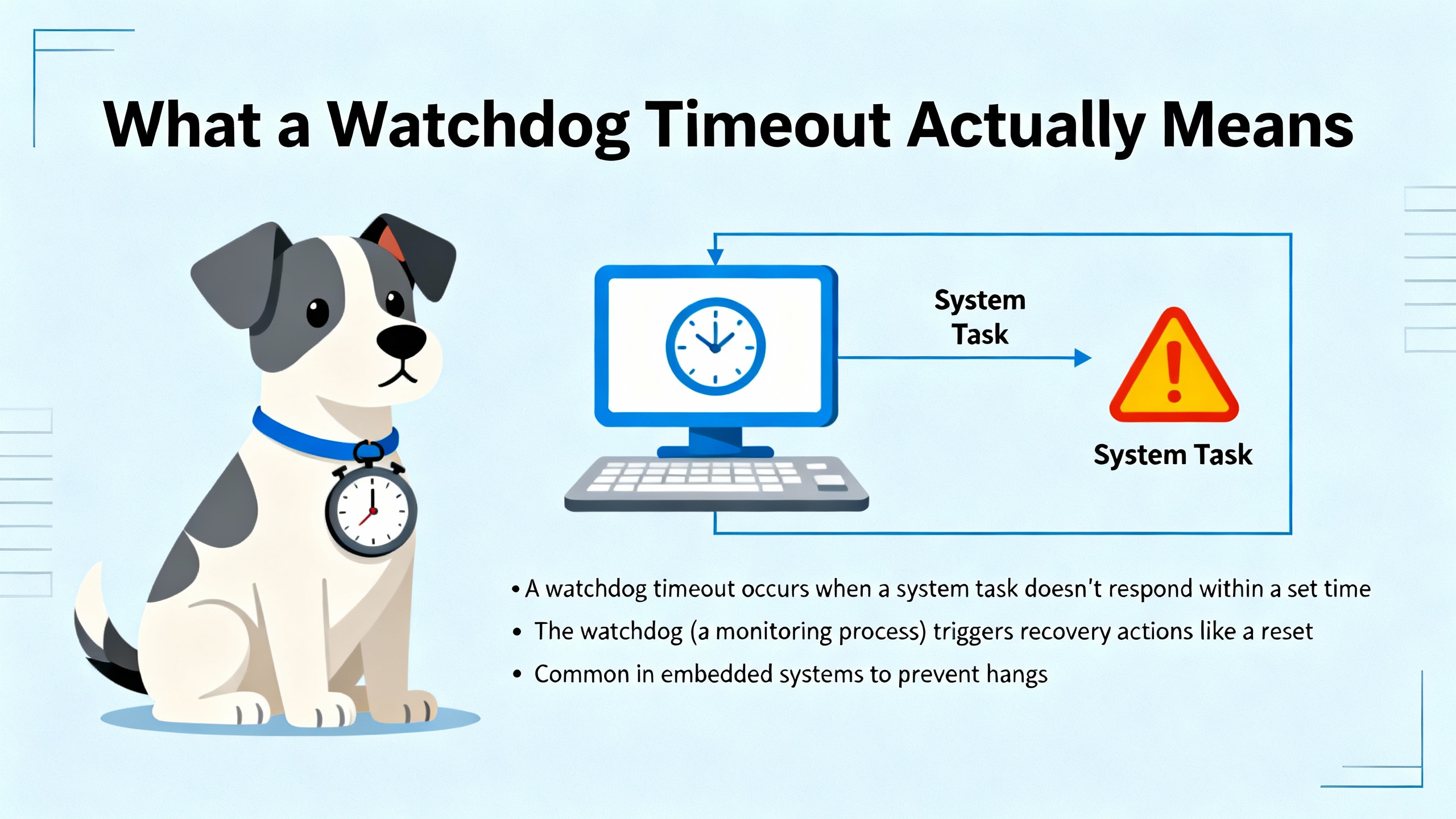
A watchdog timer is an independent timing mechanism that must be retriggered periodically by the PLC’s operating system or by the scheduler that runs application tasks. If execution falls behind and the watchdog is not “kicked” in time, the watchdog asserts control and the PLC takes a defined protective action, typically halting safety execution and driving outputs to a safe state. In normal operation the PLC completes a scan or a task cycle and restarts the watchdog before the timeout elapses. In faulted operation the watchdog times out, which is a visible symptom rather than a cause.
Independent industry sources describe two broad classes of watchdogs. Hardware watchdogs live outside the CPU core and remain reliable even when software is misbehaving. Software watchdogs are flexible and can monitor subsystems or tasks but rely on the CPU. Windowed watchdogs are a specialized variant that must be retriggered within a defined time window. This matters to safety because the watchdog is your last line of defense against lockups, infinite loops, deadlocks, and starvation that could otherwise leave outputs energized in an unsafe way. References from AutomationForum emphasize choosing a timeout that sits just above the worst-case execution time while remaining below manufacturer limits, validating the number through measurement rather than guesswork.
HIMA architectures pair fault-tolerant hardware with high diagnostic coverage, and many I/O modules include features like channel isolation, short and open detection, and built-in monitoring. That improves resilience, but it does not exempt the logic from watchdog enforcement when the execution budget is blown. Practical experience and community reports show that HIMA CPUs, like other safety PLCs, can be sensitive to power rail quality and grounding. A recurring theme in Control.com forum discussions is that 5 VDC dips or ripple, shared 24 VDC rails between CPU and I/O, and poor common bonding can disturb CPU behavior and I/O card logic. When the processor is starved for clean power at the wrong moment, watchdog timeouts become far more likely.
The other HIMA-specific angle is standards and safety lifecycle discipline. HIMA systems are designed and certified around IEC 61508 functional safety principles. That lens should shape how you respond: tune conservatively, collect evidence, recover safely, and document changes. Safety is not a tuning exercise alone; it is an engineering process.
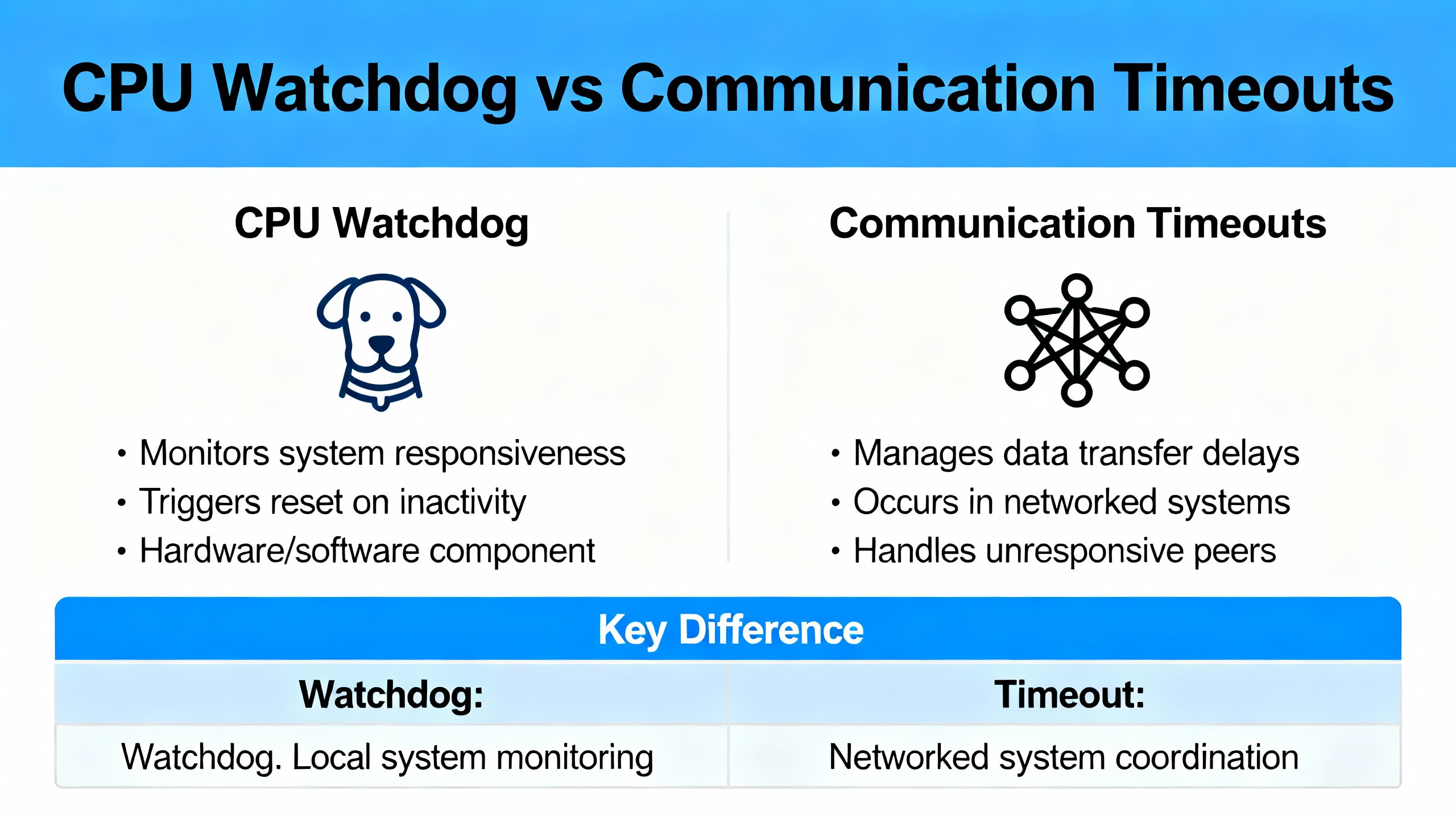
It is easy to misdiagnose a communication alarm as a PLC watchdog fault or vice versa. They look similar to operators because both events interrupt the process and flash red on screens. They are not the same failure mode or the same fix. Communication timeouts in HMIs occur when the panel or SCADA fails to receive a reply within the configured window; the PLC might still be running, and the issue often lies in network, serial settings, or polling load. A watchdog timeout is the PLC enforcing a hard real-time contract and stopping because execution overran.
| Topic | CPU Watchdog Timeout | HMI/Comms Timeout |
|---|---|---|
| What it means | PLC scan or task exceeded allowed time; watchdog forced a safe action | HMI did not receive a response from the PLC within its set timeout |
| Typical driver | Long logic path, blocking loops, bursts of messaging, CPU starved by power or OS contention | Cabling faults, EMI, duplicate IPs, wrong protocol settings, over-polling |
| Visibility | PLC enters stop/safe state; safety outputs de-energize per design | HMI alarms and stale values; PLC may still be in run |
| Primary fix vector | Reduce execution time or adjust watchdog within safe bounds | Repair physical layer, correct settings, right-size polling and timeouts |
For comms timeouts, guidance from Schneider Electric, Flextech Industrial, New Tech Machinery, and AutomationDirect community threads is consistent: reseat or replace cables, confirm IP and subnet, ensure protocol and port selection line up on both ends, enable hardware handshaking if supported on serial links, reduce HMI polling intensity, and increase the HMI timeout moderately if the controller is busy.
On power events or generator transfers, I often see a pattern where the PLC can be switched from STOP back to RUN but network services remain impaired until a more deliberate recovery is performed. In community reports involving non-HIMA systems, watchdog errors returned predictably after short intervals, and network communications remained down until a full re-download and controlled handoff restored the stack. That is a red flag that the root cause is not just application logic timing but also a communications subsystem or OS service that did not restart cleanly after the upset. In the HIMA world, the safest path is to treat any such behavior as a signal to check the power and grounding first, then re-validate the application and I/O health.
The watchdog trips because timing guarantees were missed. The reasons those guarantees were missed are varied, but the usual suspects show up repeatedly across sites and sources. Power quality comes first. If the 5 VDC rail sags during inrush or under load, or if there is ripple superimposed on the 24 VDC bus that feeds CPU and I/O, the CPU and logic will misbehave under the wrong conditions. The practical fix is a clean separation of supplies for the CPU and I/O, a solid common bond, and verified low ripple measured with an oscilloscope. This is not a theory exercise; the power card output must be tested both under load and at no load.
The next cause is scan-time spikes. These show up when heavy math, synchronous communication bursts, or deeply nested ladder branches align at the wrong time. A scheduler that is normally fine can overrun during an unusual combination of states, a changeover, or a network recovery sequence. The calls that tip the budget are often message instructions fired in bursts, long string handling, or poorly bounded loops in function blocks that were assumed to be lightweight.
Another cause is communication drivers and firmware states. If a comms stack on the controller or a module is stuck in a transitional state after a disturbance, the PLC can spend cycles polling a dead endpoint or servicing retry queues, elongating the scan. Reports from community forums highlight cases where a clean download and transfer-of-control cleared the problem until the underlying condition reappeared. That suggests a driver or stack that needs version attention and better error handling in the logic.
Finally, I/O anomalies and wiring disturbances can cause exception paths to execute more slowly. For example, diagnostics that hunt for intermittent shorts and opens at high frequency across many channels can raise overhead. HIMA I/O modules are strong on diagnostics and isolation, which is a net positive for safety, but it still takes execution time to service those diagnostics when faults chatter.
Start by making the plant safe and freezing the evidence. Do not power cycle out of habit if the system provides useful diagnostic context after the fault; a hard reset erases clues. Confirm the PLC state, record controller and module LEDs, note HMI screens and timestamps, and capture system diagnostics. On many platforms, there are counters for watchdog-induced reboots or error codes that identify the phase of the reboot; Host Engineering mentions a system register that tracks watchdog reboots and can be reset from code after logging. HIMA platforms have their own diagnostics; your goal is to persist evidence to non-volatile storage or a historian before you clear anything.
Next, inspect power and grounding. Measure the 5 VDC and 24 VDC rails with an oscilloscope to detect ripple and transients, including during startup and on load steps. Check for floating potentials between supply rails and common. If CPU and I/O share a supply, consider separating them. Physically inspect supply cards for discoloration or output variation that appears only under load. These basic checks catch a surprising number of watchdog events.
Then profile execution time. Trend minimum, average, and maximum cycle or task execution times, and correlate spikes with machine states. Look for patterns: a spike when a particular screen is active, a spike on a recipe download, a spike when a certain valve pack cycles. If you can, disable nonessential comms and messaging temporarily and see if the spike disappears. That narrows the suspect list.
Isolate communications. Replace long or suspect network segments with a short, known-good cable, or connect the HMI directly to the controller with a simple switch. Rule out duplicate IPs and confirm addressing. On serial links, verify baud rate, parity, data bits, and stop bits on both ends; enable hardware handshaking if the devices support it. If swapping a switch or using a different brand materially changes reconnection behavior, the switch firmware might be contributing to the symptom even if it did not cause the initial timeout, as noted in AutomationDirect support discussions.
If the fault persists, reduce the application to a minimal project that exercises only essential safety functions. If the watchdog never trips under minimal logic but returns under the full project, the overload lives in your application. If it trips even under minimal logic, the hardware, power, or firmware stack needs attention. Keep firmware at supported levels and test recoveries in a controlled window rather than in an ad-hoc way under live load.
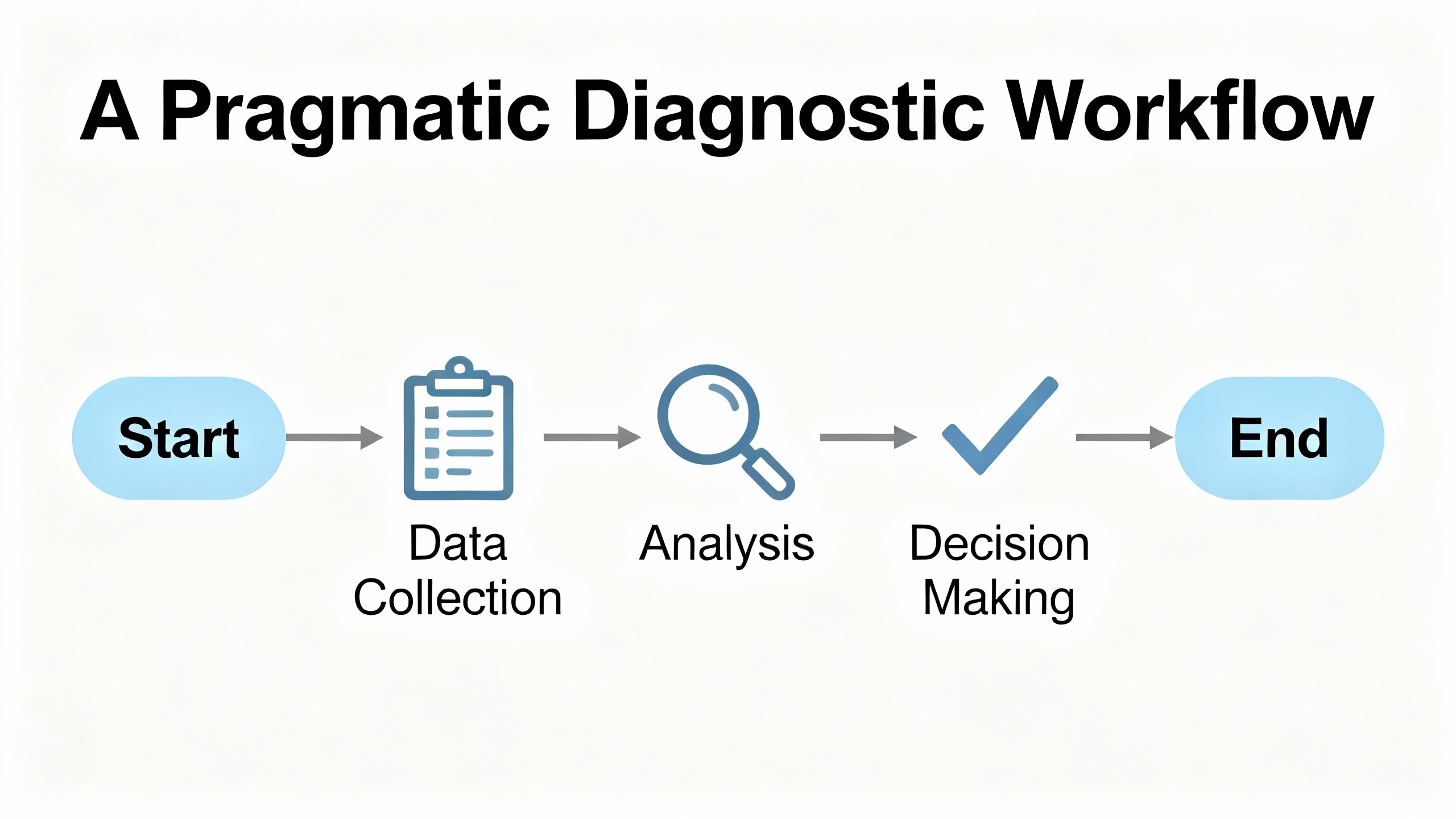
The watchdog’s purpose is to detect and stop unhealthy execution quickly. Tuning it too high masks problems and weakens protection. Tuning it too low creates nuisance trips and reduces availability. External guidance offers a sensible method. Determine the worst-case execution time of your control cycle or tasks under real load. Consider jitter induced by I/O updates, messaging, and peak operations. Choose a watchdog timeout slightly above the observed worst-case while remaining below any maximum permissible value given by the platform. Avoid setting the watchdog to the maximum allowed unless you can justify that the process itself has a very long and well-characterized worst-case path.
As a conceptual example from automation literature, a system with a 100 millisecond control period and observed execution between about 40 and 75 milliseconds would choose a watchdog at roughly 135 milliseconds to avoid false trips while maintaining fast detection. In another example, one platform’s maximum permissible watchdog value is about 380 milliseconds; operational timeouts should stay below that cap. These examples illustrate the principle more than the numbers. For HIMA, follow the published safety manuals and test the setting under worst credible conditions, including startup, E-Stop recovery, and network reconnect storms.
Windowed watchdogs can raise discipline by rejecting both too-early and too-late kicks. That can catch loops that spin too fast because of bypassed work. Hierarchical watchdogs at the task and subsystem level add granularity so a single misbehaving function can be killed and restarted without taking down the entire controller. Where the platform supports it, consider using task-level monitors for non-safety services such as diagnostics and messaging, reserving the system watchdog to protect the overall safety state.
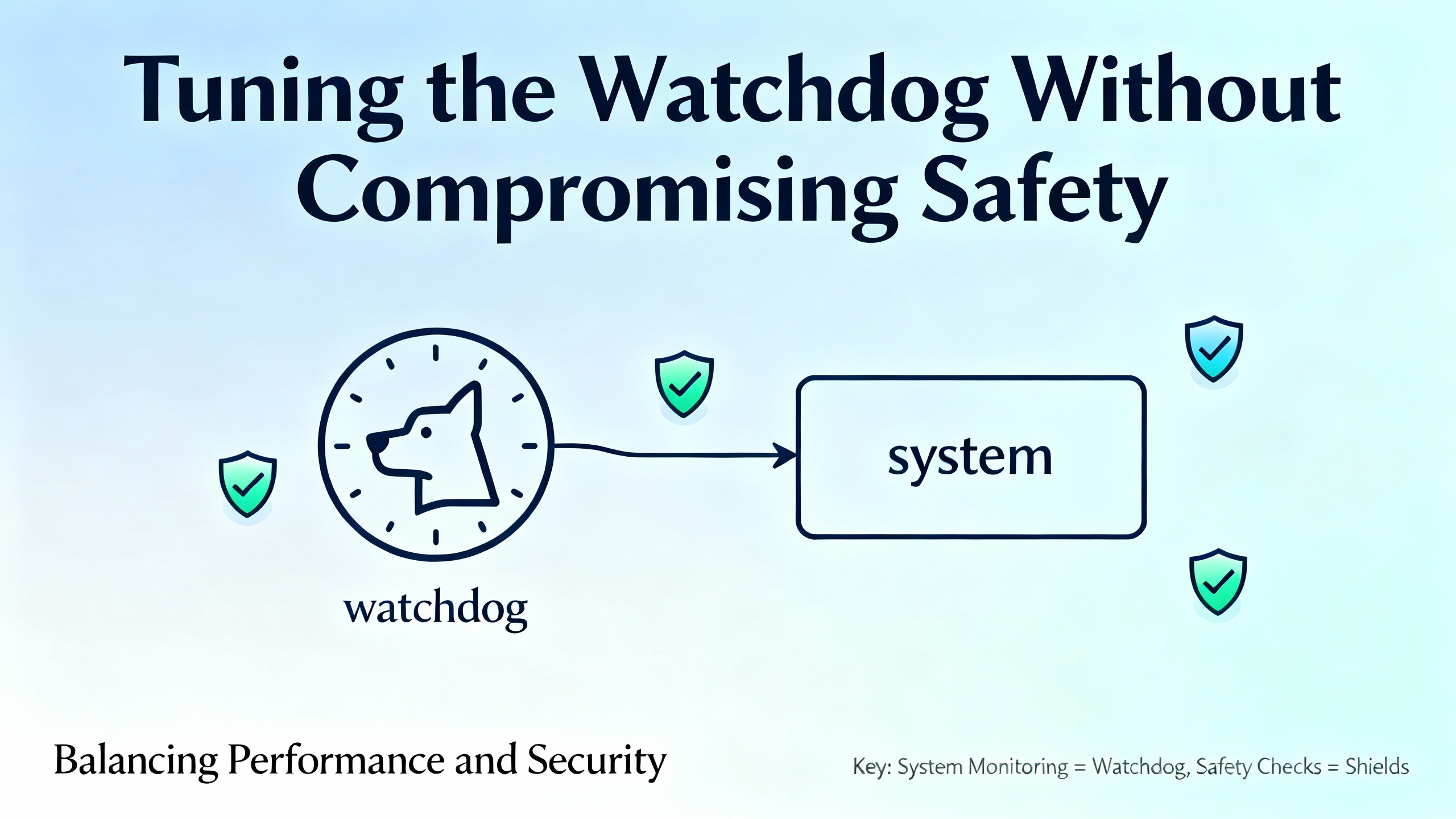
Bounded execution is deliberate. Move heavy or non-critical work out of the fastest safety-related cycles. Replace blocking loops with state machines that do a small slice of work per scan and yield. Limit burst messaging by queuing or staggering message triggers instead of firing many at once. Where a platform supports event tasks, use them for infrequent but intensive work so they are not polled aggressively in fast tasks. Keep function block code defensively written to protect against string overflows, runaway loops, and retry storms.
Avoid using HMI screen numbers to drive control decisions and keep touch event handling simple and debounced. Some HMI platforms, under time pressure or with high polling loads, can lag or drop events, which is why logic should never rely on a human-machine display for core sequencing. Community reports caution that reducing HMI polling intensity, extending HMI timeouts, and enabling hardware handshaking on serial links can improve stability without touching safety logic.
Many watchdog trips begin with unstable comms that cascade into overrun as the controller attempts retries and reconnects. Keep your topology simple and the physical layer robust. Use shielded, properly grounded cabling, keep signal wiring away from high-power runs, and add ferrites where noise is a problem. Confirm unique addressing and compatible subnets; duplicate IPs produce symptoms that look like random timeouts. On serial links, stick to parameter pairs known to be robust and consider a moderate baud rate if long runs or EMI are unavoidable. If you suspect switch firmware, swap in a different model temporarily to isolate the variable. Flextech Industrial and Schneider Electric guidance for communication timeouts aligns with this approach.
When HMIs show “No reply within timeout,” cover the basics. Verify that the controller is actually in RUN, clear any controller faults per procedure, and perform an orderly cycle: shut down the HMI or host, power cycle the PLC if safe to do so, wait for it to boot, then restart the host to re-establish the session cleanly. If recent firmware or software changes preceded the issue, roll back to a known-good backup and test again. New Tech Machinery’s practical walkthrough on host communication errors emphasizes that a properly seated cable fixes more issues than it has a right to.
The fastest path to stability is often found at the power supply. HIMA community troubleshooting calls out 5 VDC as a sensitive rail and recommends measuring for dips during startup and under load. Separate 24 VDC supplies for CPU and I/O reduce interaction and make troubleshooting easier. Ensure a solid common ground so there are no floating voltages between rails and common. Measure ripple with an oscilloscope and confirm that it remains low across operating states. Replace suspect supply cards that pass a no-load check but sag under real demand. Power quality issues are silent killers that manifest as watchdogs, corrupted I/O logic, and random communication drops.
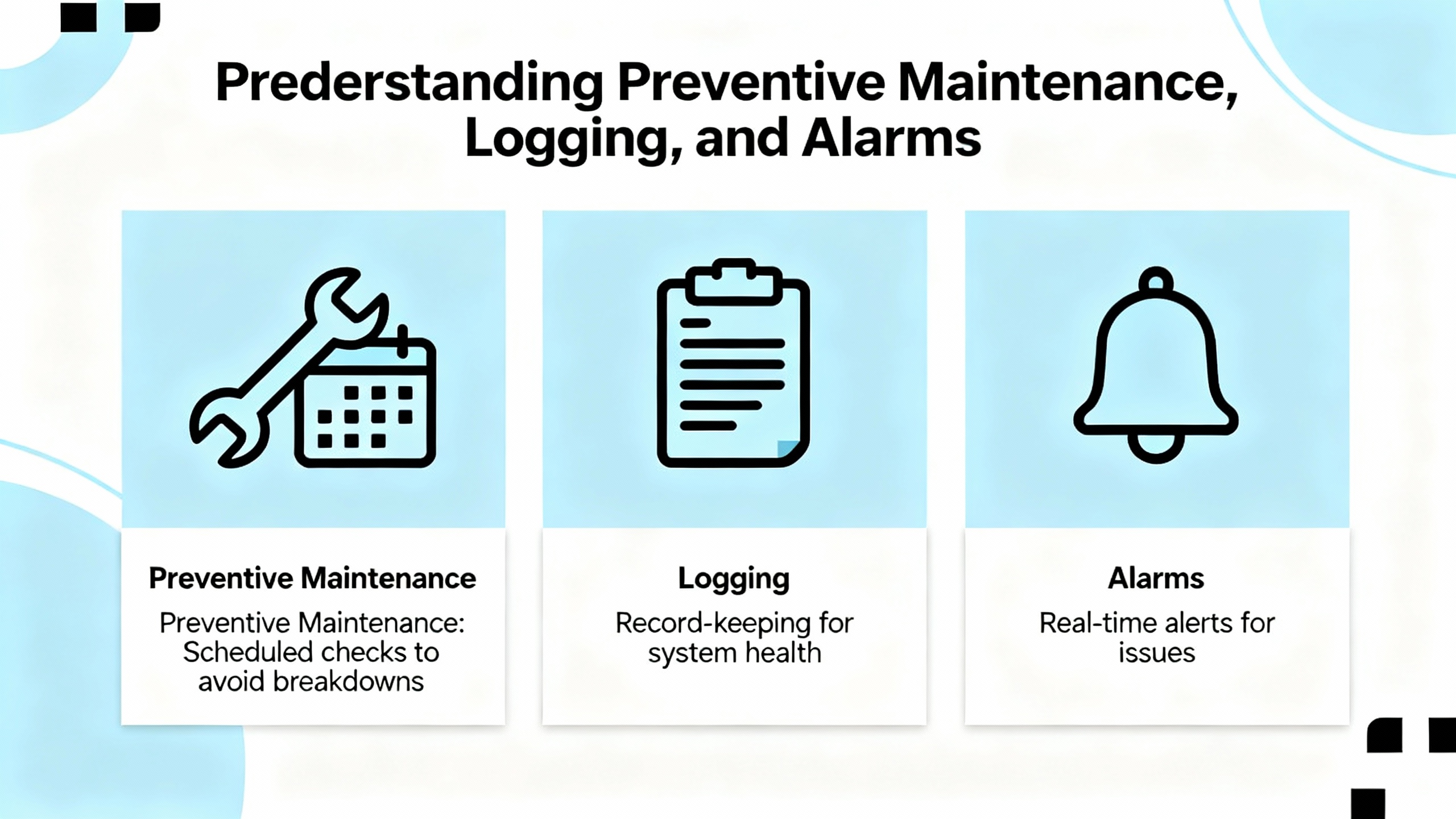
Preventive practices are the opposite of heroics at two in the morning. Maintain current backups of safety programs to enable rapid recovery and validated replacement. Keep firmware and software at supported versions and document changes. Monitor cycle-time statistics and trend min, average, and max values. Persist watchdog events in non-volatile memory or a historian so they survive reboots. Where a platform exposes a reboot or watchdog counter, read it at startup, log increments for maintenance visibility, and reset it only after the event is captured. Routine cabinet inspections, airflow and filter checks, and verified environmental conditions within rated limits reduce both nuisance trips and real faults.
Every adjustment has a cost. Increasing a watchdog timeout reduces nuisance trips while raising the time a fault can persist undetected. Reducing HMI polling decreases communication load while increasing data latency. Adding more diagnostics improves fault coverage while adding execution overhead. The right balance is application-specific and must respect safety requirements first. The functional safety view, reflected in HIMA’s standards-aligned publications and general IEC guidance, is to prove worst-case performance under credible conditions, choose conservative settings, and re-validate after change.
| Change | Benefit | Risk |
|---|---|---|
| Increase watchdog timeout slightly above measured worst-case | Fewer nuisance trips during peaks | Potentially slower detection of true hangs |
| Reduce HMI polling or tag count | Lower comms load and fewer timeouts | Slightly stale values on screens |
| Stagger or queue message instructions | Smooth CPU load and network use | Slightly delayed data movement |
| Split monolithic routines into smaller ones | More predictable execution time | Added complexity in scheduling |
| Separate CPU and I/O power rails | Fewer cross-coupled failures | Additional hardware and space |
When stabilizing a system or planning an upgrade, invest where it pays back quickly. Choose power supplies with low ripple and adequate headroom, and prefer separate rails for CPU and I/O where the architecture allows. Stock critical spares like CPU power modules, communication cards, and common I/O modules. Use industrial-grade, shielded, properly terminated cabling and switches designed for noisy environments. Keep a compact oscilloscope on the shelf because measuring ripple and transient noise is not optional when watchdogs appear.
For module selection, lean on HIMA’s strengths. Favor I/O modules that carry relevant safety certifications and provide robust diagnostics and isolation. Diagnostics shorten downtime, and isolation prevents one bad loop from poisoning the rest. Keep environmental protection in mind so enclosures, airflow, and contamination control match the real conditions on the floor. Train technicians to capture evidence before rebooting, to verify parameters methodically, and to separate communication symptoms from controller watchdogs.
When a watchdog trip halts a HIMA safety PLC and you cannot take the process offline for long, follow a recovery pattern that balances safety with pragmatism. Secure the process in its safe state and document controller LEDs, timestamps, and alarms. If the evidence is sufficient, attempt a controlled switch to RUN. If communications are impaired or the trip returns quickly, collect a power and grounding snapshot, then perform a deliberate recovery: restart supporting network devices, power cycle the PLC if allowed by the procedure, and only then restart HMIs and hosts. If the behavior persists, schedule a maintenance window to separate power rails, replace suspect supplies, and validate the application with logging of cycle-time extremes. This approach mirrors community experiences that report persistent faults after power events and emphasizes that a successful restart is not proof of a fix.
Is it safe to increase the watchdog timeout to stop nuisance trips? It can be safe when done within platform limits and only after measuring worst-case execution under real conditions. The goal is to sit just above the true worst case, not to hide timing problems.
Can an HMI communication timeout cause a CPU watchdog? Indirectly, yes. If the application responds to comms faults by firing bursts of retries or by executing heavy recovery logic in fast tasks, the extra work can increase scan time and trip the watchdog. The right fix is to clean up communications and scheduling rather than masking the watchdog.
Why do watchdogs show up after short power blips even when the PLC is on a UPS? A controller can remain powered while network devices, I/O rails, or field instruments brown out. That leaves stacks and drivers in odd transitional states, increasing CPU load until everything re-synchronizes. Cleaning up power domains and recovery logic reduces this risk.
Safety PLC watchdogs are not the enemy; they are the guardrails. In HIMA systems, watchdog trips almost always trace back to power quality, execution-time spikes, or communication behaviors that only fail under stress. Measure, do the boring electrical work, bound your code, and tune conservatively. If you need a quick sanity check before a restart at 3:00 AM, start with power and grounding, then work up the stack.
AutomationForum, Understanding watchdog timers in PLCs, including timeout selection and hierarchical monitoring.
AutomationDirect Community, discussions on HMI and PLC timeouts, serial robustness, and network reconnection behavior.
Host Engineering forum, notes on watchdog-induced reboot counters and remote recovery patterns.
Control.com forum, HIMA-focused advice on 5 VDC dips, ripple, and power segregation for CPU and I/O.
Flextech Industrial, practical causes and prevention of HMI communication timeouts.
New Tech Machinery, step-by-step remediation for host communication errors due to cabling and assembly.
Schneider Electric, definition and troubleshooting of “No reply within timeout” in HMI-to-PLC communications.
Vista Projects, structured troubleshooting of PLC errors across hardware, software, and operational domains.
PLCLeader, HIMA I/O module characteristics related to redundancy, diagnostics, and IEC 61508 alignment.



Registered Address: 32D Floor Guomao Building, No.388, Hubin South Road, Siming District, Xiamen,Fujian, China
MooreAutomated.com is the official website and primary online platform operated by Moore Automation Limited. The website provides information about the company’s industrial automation parts sourcing services, product coverage and customer support. Moore Automation Limited operates as an independent supplier and is not an authorized distributor or representative of the manufacturers displayed on this website unless expressly stated.
Leave Your Comment