







MP 3009X
Get A Quote
Backplane communication problems on ControlLogix aren’t just annoying—they are the kind of issues that take a clean shift schedule and turn it into a long night with a flashlight, a multimeter, and Studio 5000. I’ve stood in front of quiet conveyors and dead HMIs with a red OK light staring back at me, and I’ve learned that “backplane error” is a symptom, not a diagnosis. This guide packages what works in the field with what reputable sources confirm, so you can move from panic to plan and bring I/O, motion, and comms back online safely and quickly.
The ControlLogix backplane is the internal chassis bus that lets the controller, communication cards, and I/O modules talk to each other across the slots. When it fails or becomes noisy, you’ll see modules disappear in browsing tools while they still look physically alive, controller faults linked to module connections, strange timeouts across multiple slots, or a CPU that runs but can’t “see” the comms cards in software. That pattern points to either a sick module disrupting the bus, a power quality issue sagging the backplane under load, a pathing or driver problem that masks discovery, or occasionally a version mismatch that keeps tools from recognizing what’s there. HESCO’s troubleshooting guidance is clear: confirm communications and power first, then move to module health and firmware using Studio 5000 diagnostics and module status (HESCO). Getting those basics right prevents chasing ghosts.
I always start with power and comms because most firefights end right there. Confirm the chassis supply voltage under load with a multimeter and watch for behavior that looks healthy at idle but sags when the rack wakes up. Field repair firms regularly cite power as the dominant contributor to PLC failures, and the simple range check Rockwell users lean on—staying in the common 24 V DC window of about 20.4–27.6 V DC—quickly flags weak supplies and bad feeders (GES Repair). Reseat suspect modules, confirm that end caps and filler panels are in place to maintain airflow, and verify that the controller recognizes each slot in Studio 5000. Use the module OK, RUN, I/O, and network status LEDs as fast diagnostics; solid green typically means life is good while a red or flashing pattern deserves a trip into the faults and status tabs. HESCO’s advice about reboots not curing deeper faults is spot on; if a restart clears a symptom temporarily, treat that as a clue to heat, capacity, or failing components rather than a fix (HESCO).
From the communications side, make sure your path is sane and current. In RSLogix/Studio 5000, “Who Active Go Online” is still the quickest way to ditch a stale multi‑hop route that can cause the infamous “invalid communications path” dialog when trying to use serial or indirect routes. If you’ve been bouncing between SLC and Logix families, re-run DF1 Autoconfig and set the device type correctly; leaving it set to SLC from a prior job will block a ControlLogix session, and looping paths (Channel 0 → Backplane → Controller) can waste a lot of time before you spot them (Control.com).
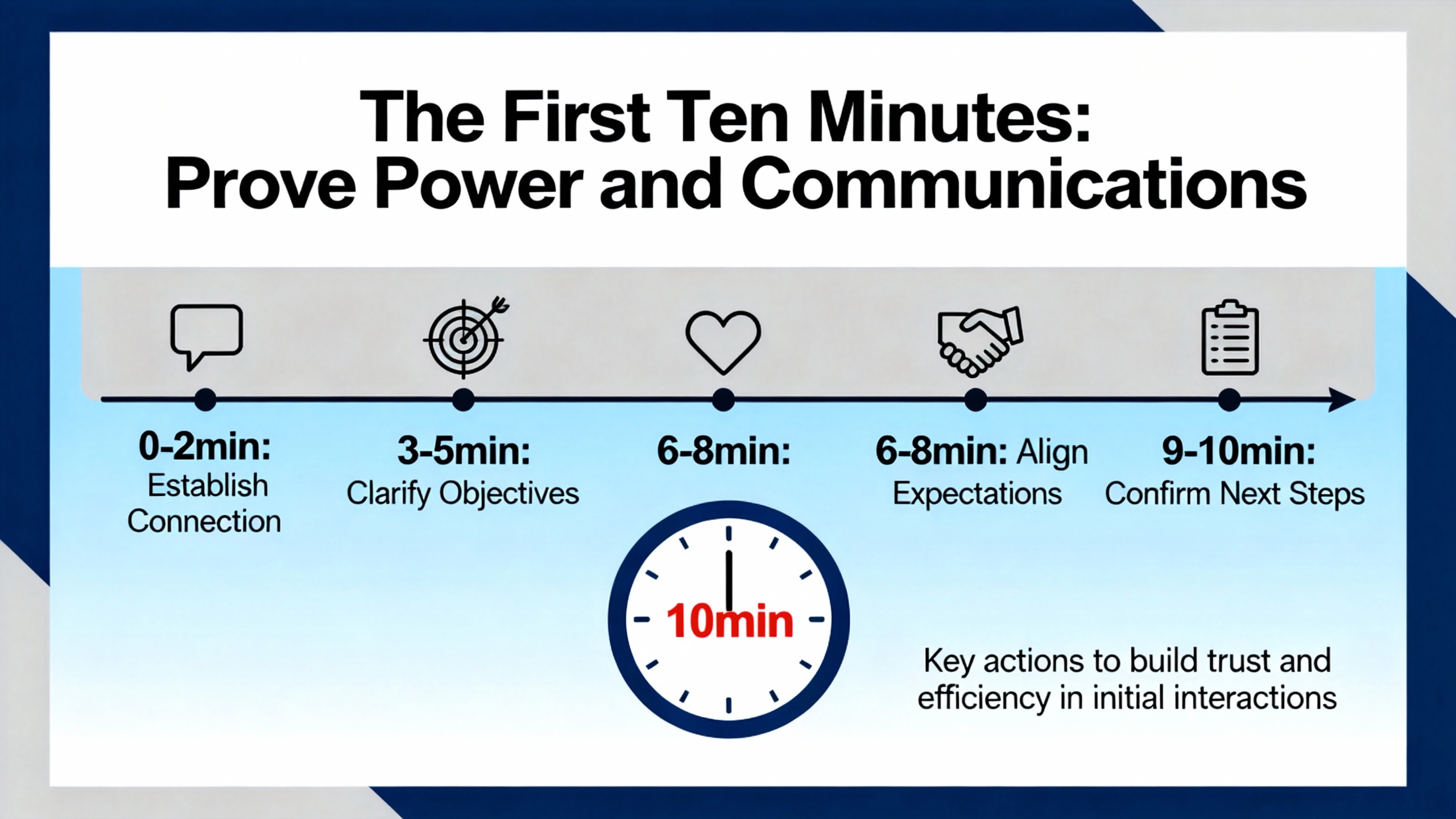
Plant stories on Control.com read like déjà vu: a controller happily executes but nothing shows up across the backplane in a browser. After swapping modules, processors, the chassis, and a power supply, the system returns to normal, but the root cause looks suspiciously like a power problem—often a misbehaving UPS. “Clean power” isn’t just a voltage number; it includes ripple, steps, and the behavior of that UPS sinewave under load. When backplane visibility is intermittent or weird, measure supply ripple, log voltage under load, and, if you’re on an inverter‑type UPS, try a temporary bypass with properly filtered utility power. Swap a known‑good power supply and even a spare chassis early in the process if your site has them. When power has been out of spec for a while, look for cascading damage—scorched spots, discolored components, and bent or contaminated backplane connectors—before you declare victory after the first reboot (Control.com).

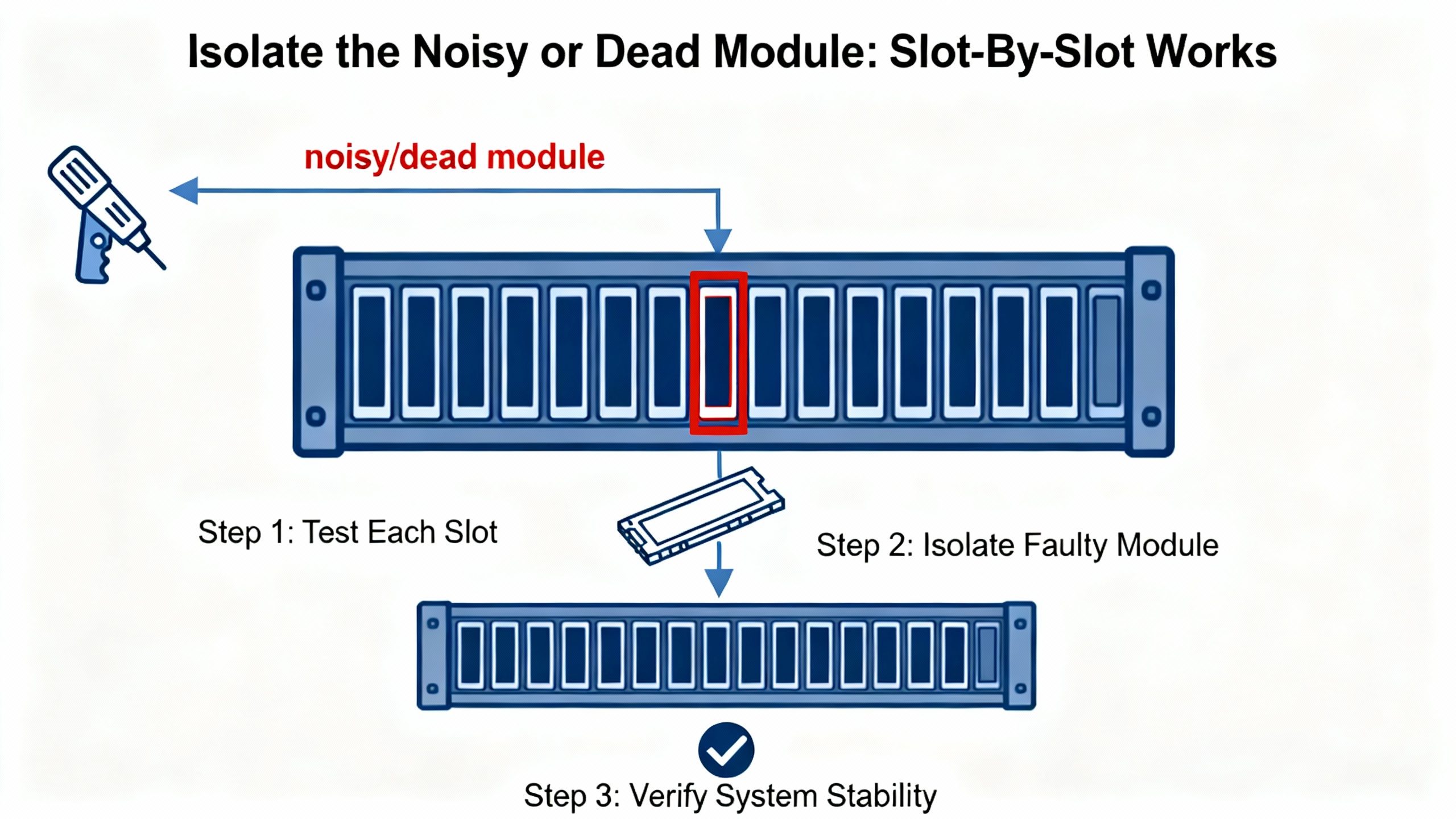
When a ControlLogix rack throws bus errors or modules keep faulting, you can lose hours guessing. Do the simple, decisive thing: pull everything except the CPU and reintroduce modules one slot at a time. A recurring pattern in the field, backed by community troubleshooting, is a failed backplane interface ASIC inside a comms or motion module that drags the bus down; experienced techs even note some chips with an Atmel stamp on certain vintages (OXMaint community). SERCOS cards show up often in these stories: one failing module can fault others and break CPU or Ethernet communications. The tell is repeatable failures in the same slot while the rest of the chassis runs fine. Physically inspect the suspect card for scorched or corroded areas, reseat it, and swap with a known‑good spare to confirm. If the failures vanish with that card absent or replaced, you’ve got your culprit. Before you put the cabinet back together, address electrical noise with shielded cabling and ferrite beads where appropriate, verify grounding, consider ambient temperature effects, and confirm the power supply’s capacity and model compatibility for the chassis load. If you need escalation, reference Rockwell technical notes about noisy modules or backplane ASIC issues when opening a support case to shorten the cycle time (OXMaint community).
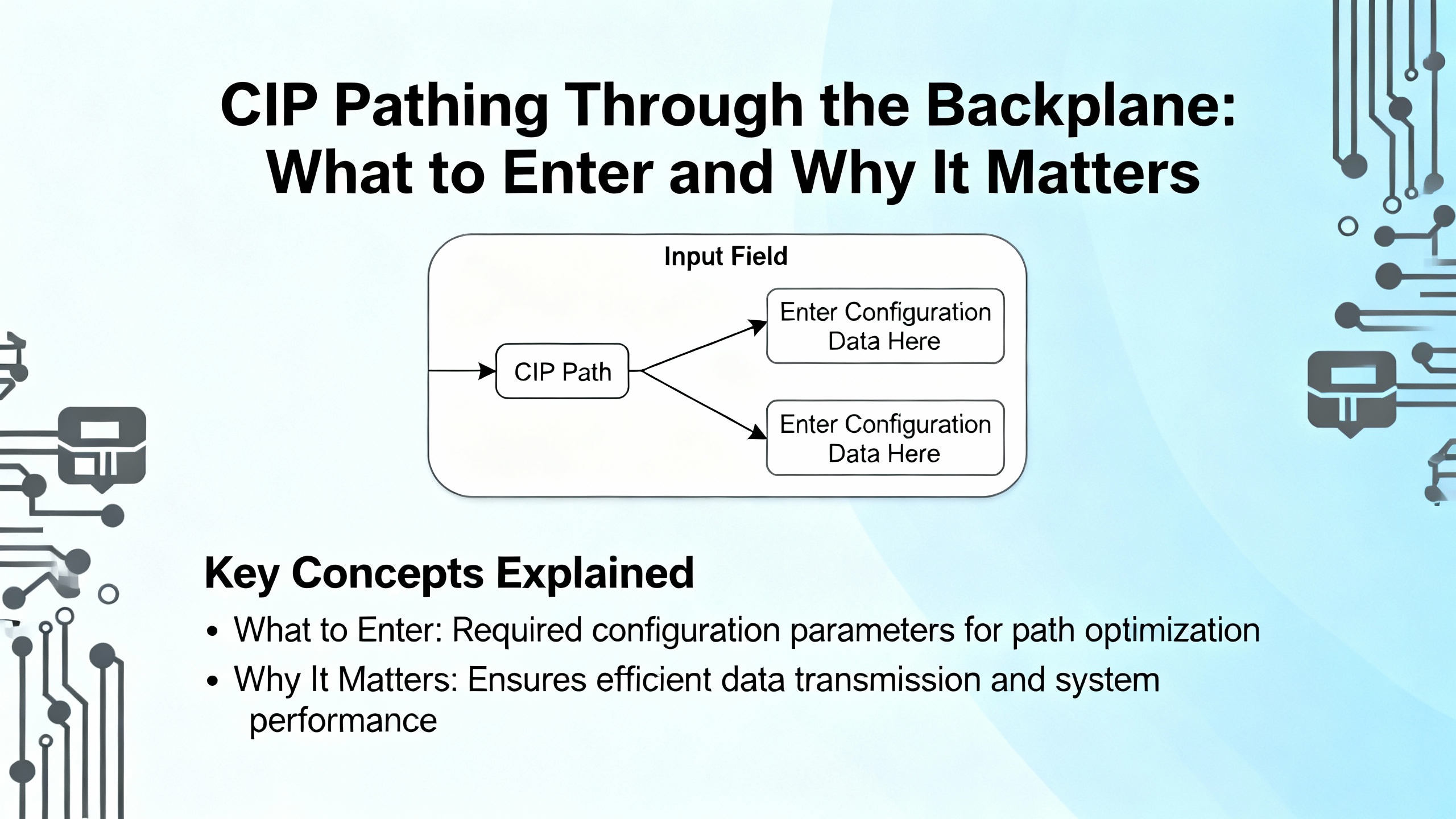
Backplane faults that only happen from a specific path are often configuration mistakes, not hardware. A frequent example is adding a ControlLogix into an OPC server through an Ethernet bridge module and misaddressing the controller behind the bridge. KepServerEX users reported that using an EWEB’s IP with a device ID like “ip,0,0” broke identity retrieval and kicked back a CIP error 0x1 with an extended code 0x311, forcing tags into a symbolic fallback. The fix was to set the path correctly—route to the backplane on port 1 and target the controller slot—so “ip,1,0” for a CPU in slot 0, or in general “ip,1,<cpu_slot>” when bridging through EN2TR or EWEB. After correcting the device ID, regenerating the tag database cleared the errors and restored stable browsing (PTC Community). That is the sort of subtle error that looks like a backplane problem from a software seat but is really a CIP pathing mismatch.
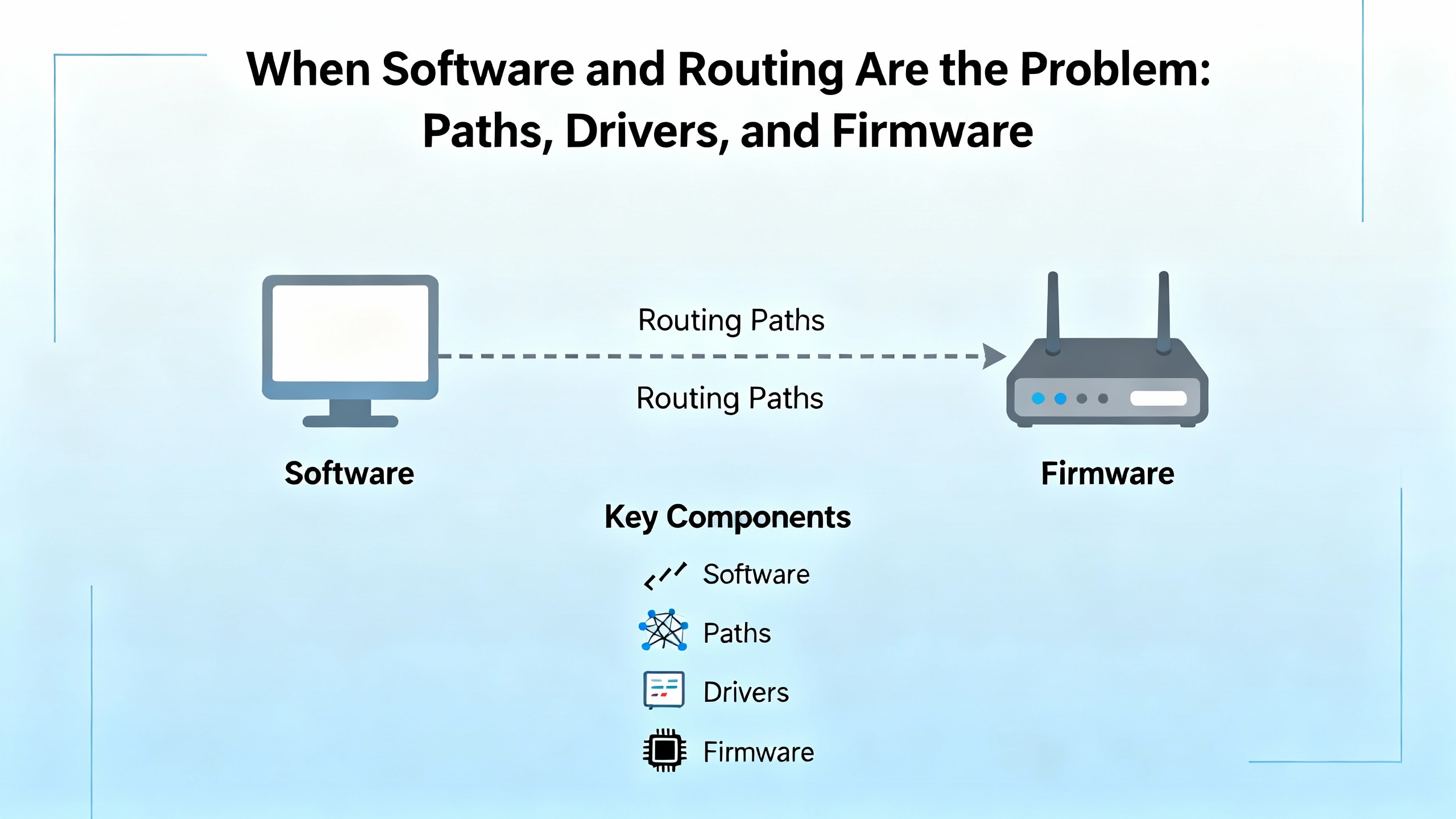
In other cases, discovery trouble sits at the firmware boundary. RS Linx or other tools may fail to detect a controller cleanly until you either update to a compatible firmware set or, in some environments, temporarily downgrade to match deployed tooling. The goal is to align controller, comms modules, and client software around a supported combination so identity retrieval and browse paths succeed consistently (OXMaint community).
There’s also a caution about reverse‑engineered or undocumented behaviors. Conversations among comms developers point out that “unsupported feature toggles” might buy speed at the cost of stability across firmware releases. On the plant floor, reliability is king, so stick with vendor‑documented drivers and CIP paths where possible, and treat experimental options as lab‑only until proven stable. That conservatism saves weekends (Inductive Automation Forum).
One special case deserves a blunt reminder: routing RS‑232 DF1 through a ControlLogix processor to ride on ControlNet is not recommended. DF1 is a point‑to‑point serial protocol and ControlNet is deterministic and scheduled. Shipping non‑deterministic serial traffic through that fabric undermines the very timing guarantees ControlNet is built to provide. Use native ControlNet mechanisms (such as produced/consumed tags and scheduled connections) or EtherNet/IP for controller‑to‑controller links. If serial devices must join the party, terminate them locally at a serial interface module or with a protocol gateway instead of bridging DF1 across the backplane and out onto ControlNet (Rockwell Knowledgebase).
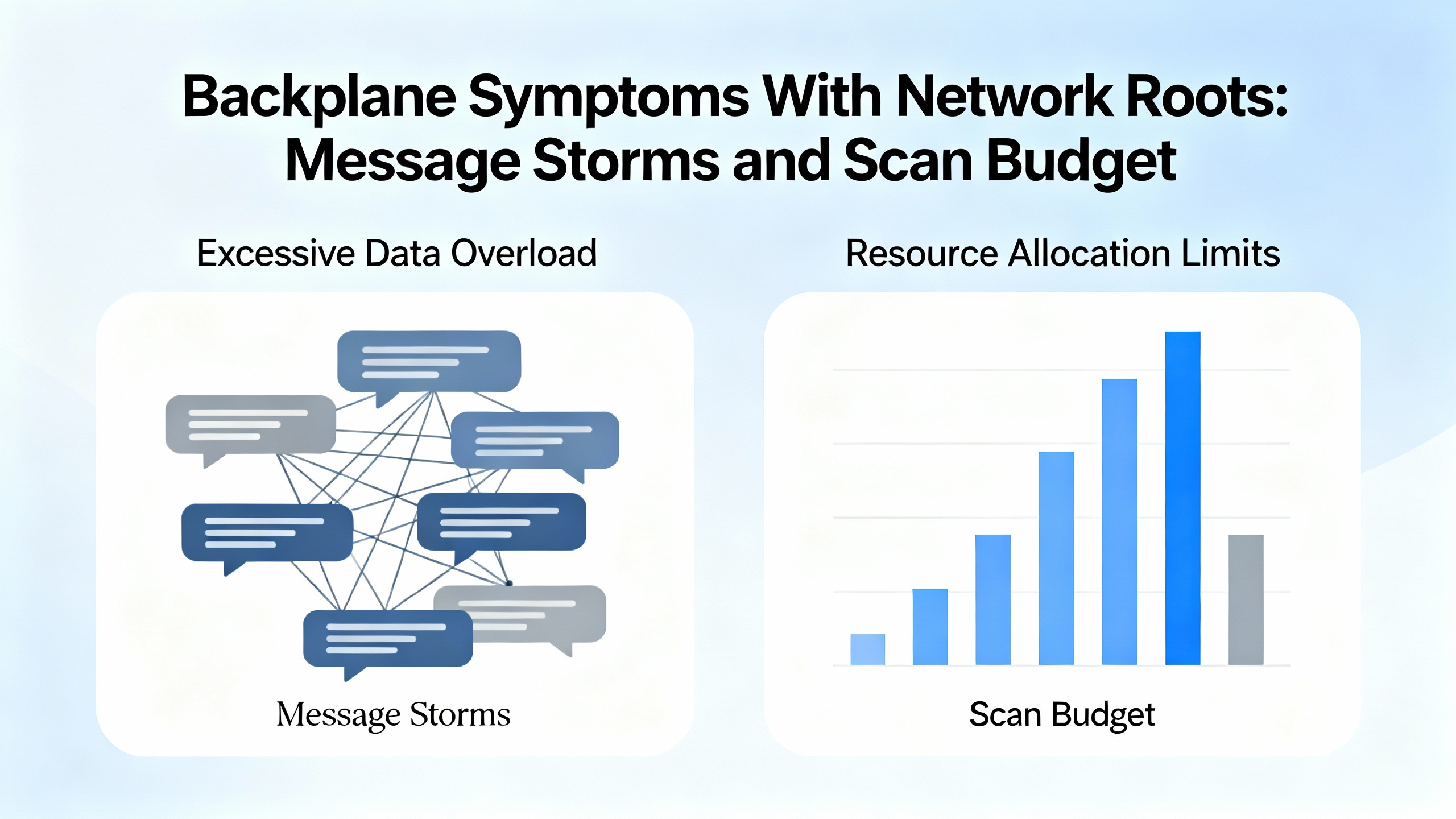
Not every “backplane communication” complaint is about the backplane. Sometimes the bus is fine and the controller is drowning. A case that feels familiar involved a controller CPU that stayed maxed out even after an upgrade. The system had roughly 50 outgoing MSG instructions, 60 incoming, and about 103 Ethernet devices on the network. Increasing I/O RPIs from around 5 milliseconds to roughly 200 milliseconds didn’t materially reduce CPU load. The engineering plan—disable everything during a shutdown and bring functions back piecewise to find the offenders—is exactly the right mindset (Stack Overflow).
The fixes that stick are practical. Throttle MSG concurrency so only a controlled number are in flight at once, and sequence them using each instruction’s DN/ER bits to prevent a bursty storm every scan. Batch data into arrays or UDTs to reduce connection churn and stop reading single tags hundreds of times. Where data is exchanged cyclically, replace MSGs with produced/consumed tags so the controller does less per‑transaction work, acknowledging that this change needs a planned download and coordination at both ends. Stagger communications in periodic tasks to avoid firing many messages at the same instant, and review HMI, SCADA, and historian polling rates; it is common to find operator screens polling faster than process needs require. Watch ENxT module diagnostics for connection counts, packet rates, and errors, and use Task Monitor and GSV/SSV trends to track scan time and overlap so you can see the difference your changes make in real time (Stack Overflow).
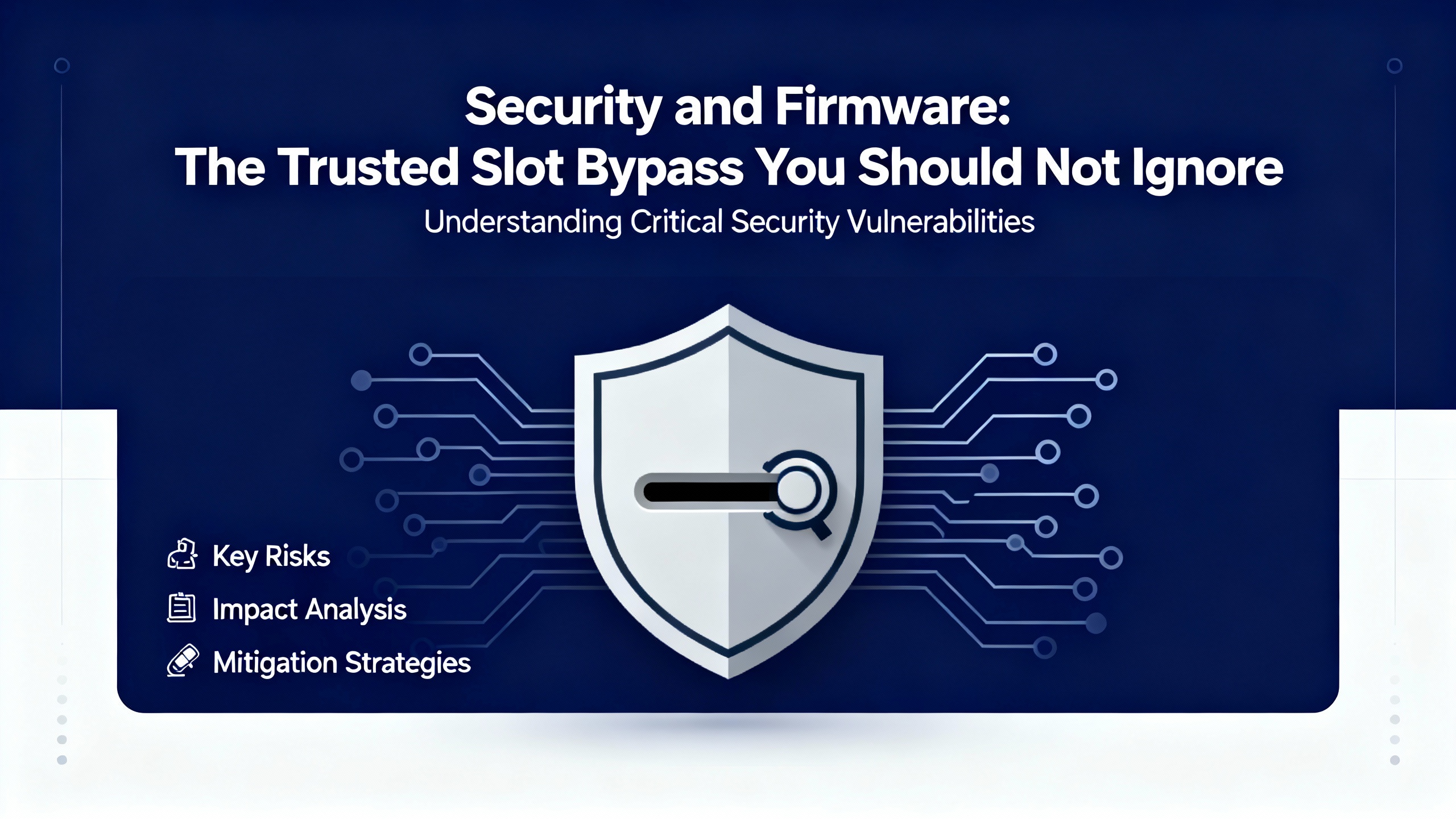
Modern ControlLogix deployments live at the intersection of operations and security. Claroty’s Team82 disclosed a Trusted Slot bypass in ControlLogix 1756 chassis that lets an attacker route to the CPU through the backplane using crafted CIP paths. With network access, the attacker can elevate CIP commands to download or upload logic and change device configuration. The Common Vulnerabilities and Exposures record carries a CVSS v3.1 score of 8.4 (High) and a CVSS v4 score of 7.3. The problem sits in the validation of path redirections, which checked only the final hop and allowed a route through a trusted module. Team82 even shipped a Snort rule to catch CIP Forward Open requests with multiple local chassis redirections on the same backplane (Industrial Cyber, citing Claroty Team82 and CISA).
Mitigations exist but require action. Rockwell released controller and Ethernet module firmware that closes the hole for ControlLogix 5580 (1756‑L8x) at V32.016, V33.015, V34.014, and V35.011 and later, and for GuardLogix 5580 at matching versions. The 1756‑EN4TR Ethernet module is fixed at V5.001 and later. For several EN2x and EN3x families, specific Series and revisions are covered, such as EN2T Series D, EN2F Series C, EN2TR Series C, EN3TR Series B, and EN2TP Series A at V12.001 and later. Older Series in those lines have no fix and require a hardware upgrade to a supported Series. One published summary listed EN3TR Series B in both fixed and unfixed groups; treat that as a signal to check the Rockwell advisory carefully before you plan the upgrade. Even with firmware corrected, keep the good hygiene: segment controls networks, restrict who can program, and deploy the Snort detection to catch attempts. When you are in the middle of a backplane incident, remember that some “mystery comms” may be hostile rather than accidental; it pays to verify security posture as part of your recovery checklist (Industrial Cyber, CISA).
The following summary wraps field‑proven fixes to common, confusing patterns. Use it to validate your root cause theory before you reach for the next spare part or click another firmware dialog.
| Symptom in the Field | Most Probable Root Cause | What Fixes It Fast | Source |
|---|---|---|---|
| Modules are powered but invisible in browsing; CPU runs but can’t see Ethernet or specialty comms across the backplane. | Backplane interface ASIC failure inside a module, often a comms card; power quality sag or ripple; noisy module poisoning the bus. | Remove everything but the CPU and add modules one‑by‑one until the fault returns; replace the offending card (SERCOS is a frequent culprit); inspect for scorch; verify power quality and bypass UPS; confirm supply sizing. | OXMaint discussion, Control.com case notes |
| CIP identity retrieval fails when browsing via an EWEB/EN2TR bridge; errors include CIP 0x1 with extended 0x311 and a forced symbolic protocol. | Wrong CIP “Device ID” path that doesn’t route to the controller slot on the backplane. | Use the bridge IP with a device path that includes the backplane port and CPU slot; “ip,1,<cpu_slot>” is the pattern; regenerate the tag database. | PTC Community |
| Serial session returns “invalid communications path” or can’t configure an Ethernet module through the serial link although it browses. | Stale multi‑hop route; DF1 driver set to a prior device family; browsing loops through the backplane; module too busy is a red herring. | Use “Who Active Go Online” to rebuild the path; run DF1 Autoconfig and set device type to ControlLogix; avoid Channel 0 loops; try ControlNet or Ethernet if available. | Control.com thread on serial comms |
| CPU is pegged; increasing I/O RPI doesn’t lower CPU; many MSG instructions and hundreds of devices on EtherNet/IP. | Message storms, poor scheduling, HMI/SCADA polling too fast; backplane looks unstable because the controller is saturated. | Throttle MSG concurrency, batch reads/writes, replace cyclical MSGs with produced/consumed tags, stagger coms in periodic tasks, slow noncritical polling, watch ENxT stats and Task Monitor. | Stack Overflow case study |
| Backplane communication breaks only after firmware changes or certain tool versions. | Version mismatch across controller, comms modules, and engineering tools; RS Linx detection incompatibility. | Align firmware to a supported set; update or in some cases temporarily downgrade to restore discovery; confirm with vendor notes. | OXMaint discussion |
You rarely get a useful error message when a path is slightly off. This is what works when you are routing through Ethernet bridges to reach a controller in a 1756 chassis.
| Bridge Module | Device ID / CIP Path Pattern | Example Pattern | Field Note |
|---|---|---|---|
| 1756‑EN2TR | ip,1,<cpu_slot> | 192.168.10.10,1,0 | The “1” is the backplane port on the bridge; the final number is the CPU slot. |
| 1756‑EWEB | ip,1,<cpu_slot> | 10.10.10.5,1,0 | Same logic; no special EWEB config needed beyond the correct path. |
| Multi‑slot controllers | ip,1,<actual_slot> | 172.16.2.20,1,3 | Count slots exactly as installed; don’t assume slot 0. |
These patterns match how Common Industrial Protocol routes across backplanes and networks. If you still see identity errors after correcting the path, clear cached device definitions, refresh the server’s project tree, and regenerate the tag database. When the Device ID is right, CIP identity and browsing succeed consistently (PTC Community).
The core tool is Studio 5000 Logix Designer. Its online diagnostics, real‑time fault tracking, and module status views show whether backplane connections are healthy, and its trending helps catch timing issues and watchdog trips the moment they happen (HESCO). For legacy SLC 500 and MicroLogix work that affects larger systems, RSLogix 500 remains essential for scan status and toggling bits in a pinch (HESCO). RSLinx path management, driver configuration, and “Who Active” remain the fastest way to reset a confused communications route, especially after cable swaps or plant‑wide maintenance (Control.com). On the server side, OPC/driver diagnostics in KepServerEX often expose CIP path or identity mismatches faster than you can see them in the PLC log, and correcting those silently fixes “phantom” backplane errors. For deep dives, Wireshark captures around the problem device, paired with ENxT diagnostics and controller GSVs, let you prove if the PLC is saturated or the wire is congested. If you’re stuck, Rockwell TechConnect is worth the call; experienced engineers can shortcut days of guessing when the issue crosses multiple subsystems (HESCO).

A small amount of preventive maintenance avoids the lion’s share of these problems. Replace PLC batteries every two to three years so you don’t lose variables and program data during power events, and plan the swap during scheduled downtime (HESCO). Keep the cabinet cool and clean; heat and dust quietly accelerate failure in power supplies and comms cards (HESCO, GES Repair). Back up controller projects quarterly at minimum and always after major changes, and consider Rockwell AssetCentre when you’re managing fleets of controllers so backups are automatic and auditable (HESCO). For aging hardware—SLC 500, early CompactLogix, and older 1756 comms modules—start a lifecycle plan now; Installed Base Evaluations help quantify age and supportability so you are not making replacement decisions at 3:00 AM (HESCO). On the network side, follow segmentation and rate‑limiting practices so HMI and historians don’t flood a controller that’s already juggling I/O and motion. When you must bridge through a control chassis, use the correct CIP paths and don’t expect the backplane to behave like a generic IP router for arbitrary third‑party tools; some packages simply need a PC on the same subnet as the target devices, or a properly configured routed or NAT path under IT control (PTC Community and field experience).
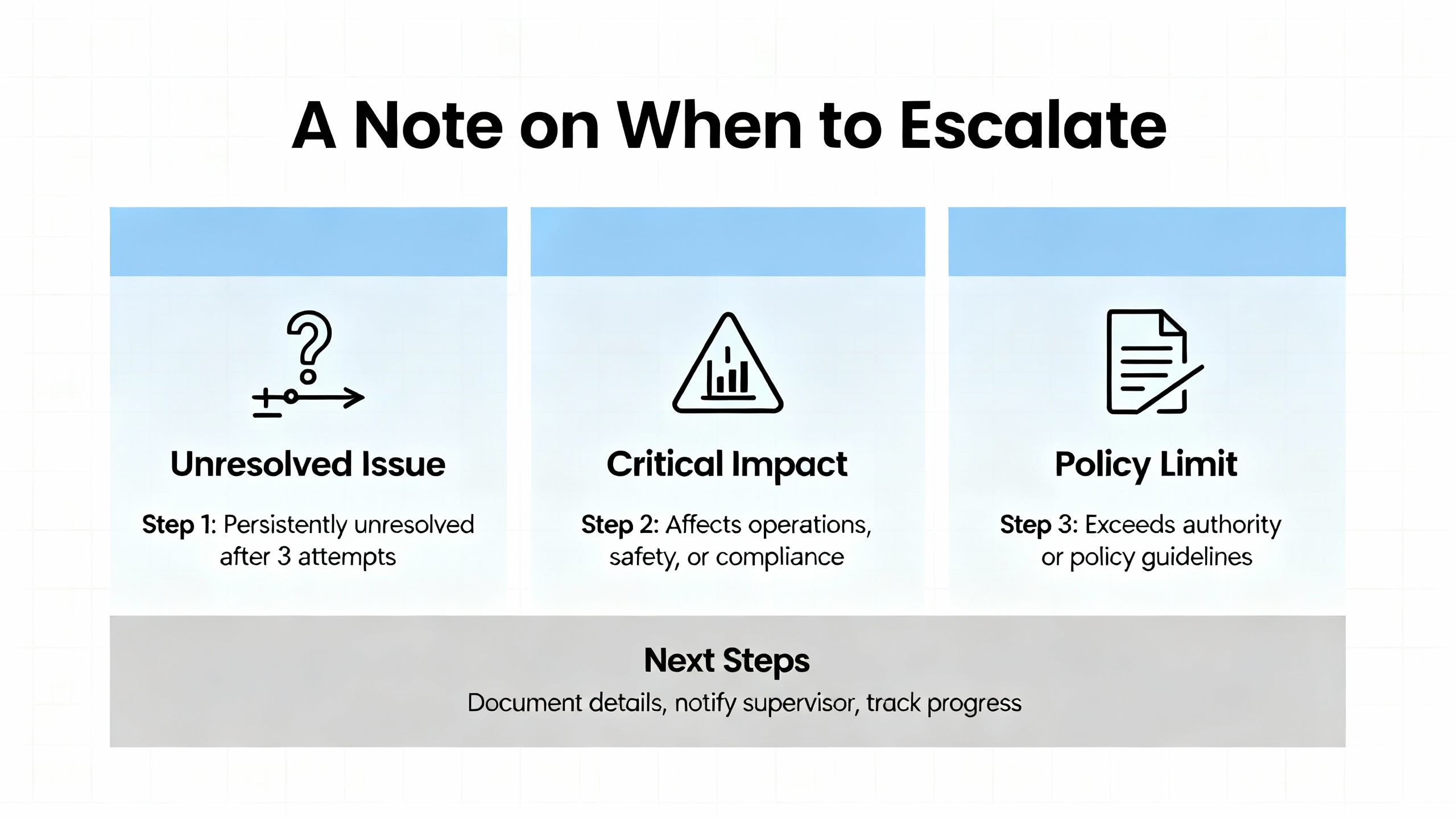
Do‑it‑yourself fixes include replacing obviously faulty I/O, swapping a chassis supply, reseating or replacing a noisy comms card, correcting CIP paths and drivers, restoring a known‑good program, and restarting confused modules with a clear paper trail. Escalate quickly when faults involve multiple interconnected systems, when uploads or downloads fail due to memory allocation problems, when corrupted programs or controller memory are suspected, when the CPU or a comms module shows clear hardware failure, or when you have no current backup (HESCO). If security indicators overlap with backplane instability—unexpected logic changes, unexplained connections, or CIP traffic anomalies—loop in IT and review the Trusted Slot vulnerability advisories to ensure your firmware level and network monitoring are up to date (Industrial Cyber, CISA).
If modules vanish from browsing but remain powered, and the CPU’s OK and RUN status look normal, suspect the backplane. Pull all modules except the CPU and reinsert them one by one until the issue returns. If problems correlate with message bursts, HMI activity, or ENxT statistics spiking, it’s more likely a network or controller load issue. Studio 5000’s faults and ENxT diagnostics help you separate bus faults from traffic problems (OXMaint community, HESCO, Stack Overflow).
Identity failures through a bridge are often a CIP pathing error rather than a flaky card. The Device ID must include the backplane and the controller’s slot. A pattern like “ip,1,<cpu_slot>” fixes this and, once applied, letting the server rebuild its tag database restores stable browsing. If the path is correct and detection still fails, align firmware revisions for the bridge and controller with client tooling (PTC Community, OXMaint community).
Yes. Firmware misalignment can break discovery or force brittle fallbacks, and security fixes for the Trusted Slot bypass are only available at or above specified versions for controllers and Ethernet modules. Older Series in some families have no fix and require hardware upgrades. Planning updates in controlled windows keeps both stability and security on your side (Industrial Cyber, CISA).
When the rack goes quiet, don’t let the backplane spook you into random part swaps. Confirm power, fix the path, isolate the noisy card, and balance the controller’s message load. These are the moves that get product moving again. If you want a second set of eyes or a plan to harden what you’ve got before the next holiday rush, say the word and I’ll bring the meter and the coffee.


Copyright Notice © 2026 mooreautomated.com All rights reserved,Moore Automated is not an authorized distributor or representative of the manufacturers featured on this website. Brand names and trademarks featured are the property of their respective owners.



Leave Your Comment