







MP 3009X
Get A Quote
Keeping a line running is often won or lost in small details, and a “BAT” or “BATT” light on an Allen‑Bradley controller is one of those details that deserves immediate attention. In the field, I’ve seen perfectly healthy machines go dark after a brief power dip simply because a backup cell had quietly aged out months earlier. This guide explains what that warning means, how to replace the battery without losing your program, and how to reset the controller to a clean bill of health. The focus is practical: what to do, why it matters, and how to avoid repeat visits. I reference reputable sources along the way, including Rockwell Automation literature, BatteryGuy Knowledge Base, AutomationForum, ACS Industrial, and HESCO’s Rockwell troubleshooting guidance.
In Allen‑Bradley PLCs and PACs, the backup battery preserves volatile memory and the real‑time clock when primary power is unavailable. That can include user logic, configuration, retentive data, and timekeeping depending on the platform and configuration. The battery’s job is simple: bridge short power losses and extended maintenance shutdowns so you resume where you left off. Many controllers use lithium cells—often lithium‑thionyl chloride—at nominal 3.0 V or 3.6 V. Some designs add capacitor‑based energy storage for short retention windows. The exact behavior is model‑specific, so it is essential to confirm in the product manual whether your controller stores the application in non‑volatile memory or relies on battery‑backed RAM for the program, tags, or both. HESCO’s Rockwell PLC troubleshooting notes and Rockwell Automation literature emphasize verifying how your controller saves program data and what the battery actually protects.
The practical implication is straightforward. A PLC may run normally with a depleted battery while it has power, but if mains power drops, you risk losing volatile contents. That is why maintenance teams should treat a battery warning as a live issue and avoid powering down until a backup and a plan are in place.
Plants typically encounter two backup approaches: capacitor assemblies for short retention and lithium cells for longer periods. Capacitor modules can hold up for brief outages—measured in days for some platforms and conditions—while lithium cells deliver multi‑year retention under normal operating temperatures. AutomationForum notes that lithium assemblies typically last about two to five years, whereas capacitor assemblies are better suited to short durations measured around a few days. Lithium‑thionyl chloride chemistries dominate PLC applications thanks to long shelf life and stable voltage profiles. Temperature, frequent power‑offs, and controller age shorten service life, so a hot cabinet in August is not just an operator comfort issue—it directly affects how long your battery can be trusted.
| Backup method | Typical retention window | Typical chemistry/voltage | Where it’s used | Strengths | Limitations |
|---|---|---|---|---|---|
| Capacitor energy storage | Hours to a few days | Not a primary “battery” chemistry | Short‑term holdover | No cell to replace; simple | Not suitable for long off‑periods; life degrades with heat |
| Lithium battery assembly | Roughly 2–5 years of service | Lithium‑thionyl chloride, 3.0 V or 3.6 V | Long‑term retention | Long service life; stable voltage | Temperature and frequent cycling shorten life; requires scheduled replacement |
Allen‑Bradley controllers indicate low battery with a “BAT” or “BATT” LED and often log a diagnostic message. Bastian Solutions describes a front‑panel “BAT” indicator behavior where a steady red light points to a missing or nearly discharged battery. DOSupply’s technical overview notes that in some legacy PLC‑5 systems using 3.0 V cells, the warning threshold can be around 2.0 to 2.5 V and often implies roughly ten days of remaining retention. Treat any warning as a prompt to act immediately but methodically: back up the program, verify what memory is protected by the battery in your model, and plan the swap. ACS Industrial offers a critical caution from field experience—if the red battery light is on, do not power down before you have a known‑good backup.
On many controllers with a front‑accessible battery, BatteryGuy’s guidance is to leave the PLC powered during the replacement to preserve memory. If the battery is buried behind a module that must be removed for access, disconnecting the power supply to avoid electric shock may be necessary; in that case, be prepared to reload the program afterward. The correct path depends on your controller family and how the battery is mounted, so follow the controller’s installation instructions and your facility’s electrical safety procedures.
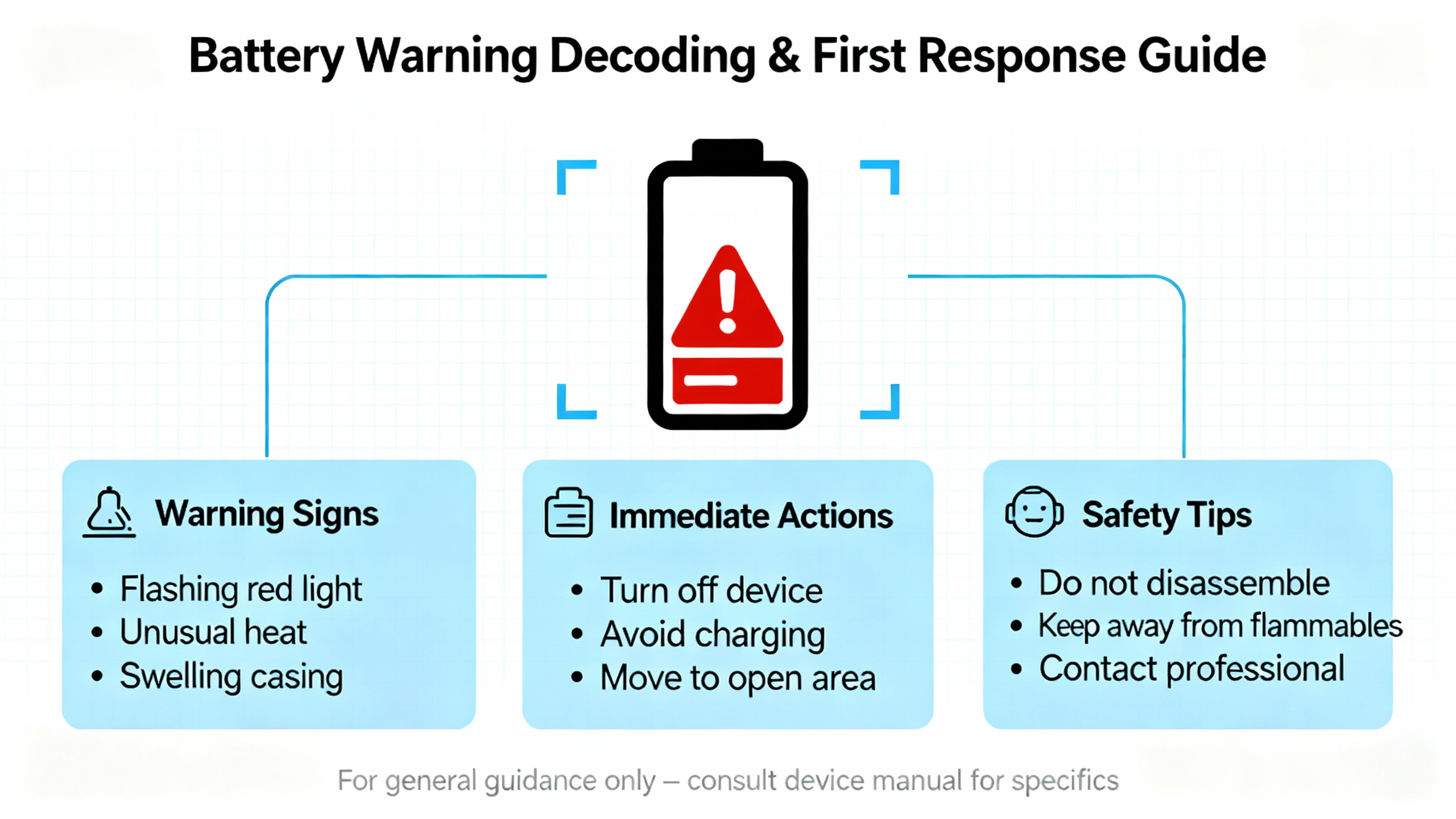
Good preparation is what separates a routine change from a long night. Begin by uploading a full, known‑good backup of the controller program and relevant configuration. Pull retentive data and network settings if your software and controller allow. If your site manages dozens of Rockwell systems, HESCO recommends using AssetCentre to automate backups across the fleet; at minimum, maintain manual versioning and store your backups in more than one location.
Next, secure a matching replacement cell. AutomationForum and BatteryGuy both stress verifying voltage, chemistry, physical size, connector type, and OEM compatibility. Check the date code and avoid cells with questionable storage history. If a front‑accessible battery is clearly hot‑swappable per the manual, plan to keep the controller energized; if access requires removing modules or exposing energized conductors, plan a controlled power‑down, coordinate with operations, and bump that backup to the top of your checklist.
Finally, gather a digital multimeter and any hand tools. A DMM is valuable not only for testing the removed cell but also for confirming the installed cell’s voltage if your controller allows access without compromising safety. Use DC volts range above the nominal battery rating; do not use AC for this test.
A reliable procedure follows a simple arc: prepare the controller, make the swap, and validate memory retention. In preparation, ensure the machine is in a verified safe state. If your model supports hot‑swap and the battery is front‑accessible, keep the PLC powered to preserve RAM; if it is not hot‑swappable, execute a controlled stop and power down per your lockout plan. Confirm again that the backup file is current and available.
When ready to swap, open the battery compartment or remove the minimal hardware required to access the cell. Release the retaining clip if present, unplug the connector, and remove the battery carefully to avoid shorting the terminals. Handle the new cell by the edges and avoid contaminating contacts; Panasonic’s handling guidance echoed in engineering forums warns that oily films can cause low‑level discharge over time. Connect the new battery with correct polarity, place it under the retaining clip, and reseat any module or door. Minimize the time the controller is without battery support. If the controller was powered down for access, restore power only after you’ve closed the compartment and replaced any covers or modules fully.
The validation phase is where many teams save themselves from a callback. Confirm that the “BAT/BATT” indicator clears after installation. If a diagnostic bit remains latched, acknowledge it in your HMI or software, then check again. Many HMIs can display fault codes such as battery alerts; Bastian Solutions encourages mapping those diagnostics to the screen for quicker troubleshooting. Verify program integrity by going online with the controller and confirming that retentive tags look as expected. Reset and verify the real‑time clock, then perform a planned power cycle if appropriate for your process to prove that memory retention is working and that the warning does not reappear. If the LED persists after a good swap, AutomationForum recommends testing the new cell with a multimeter and re‑checking probe connections before suspecting the controller.
Technicians often want hard numbers to decide whether a removed cell is genuinely spent. AutomationForum offers useful DMM guidance: test on a DC range above nominal, and compare to the table below. DOSupply’s overview aligns on thresholds and emphasizes using DC measurement to avoid misreads.
| Nominal cell | Full‑healthy reading | Low‑warning band | Replace now |
|---|---|---|---|
| 3.0 V lithium | At or above 3.0 V | About 2.0–2.5 V | Below about 2.0 V |
| 3.6 V lithium | About 3.6–3.7 V | About 2.4–2.9 V | Below about 2.4 V |
These are at‑rest, no‑load checks; a cell that sags under load is effectively worse. If you have persistent battery warnings with seemingly healthy cells, broaden the diagnosis beyond the battery.
A less common but consequential scenario is a battery that keeps draining even with the PLC powered. An Automation & Control Engineering Forum discussion describes how, in some architectures, if the backplane or internal supply voltage falls below the battery voltage, current can backflow and the battery starts to support the memory even with mains present. The normal design uses diode isolation to prevent this. If a drain persists, investigate power supply health under load, reseat modules, and confirm that the rack’s current draw is within specification; an overloaded supply can sag enough to cross this threshold. In multi‑rack systems, swapping power supplies between racks can help isolate whether the issue follows the supply or stays with the rack.
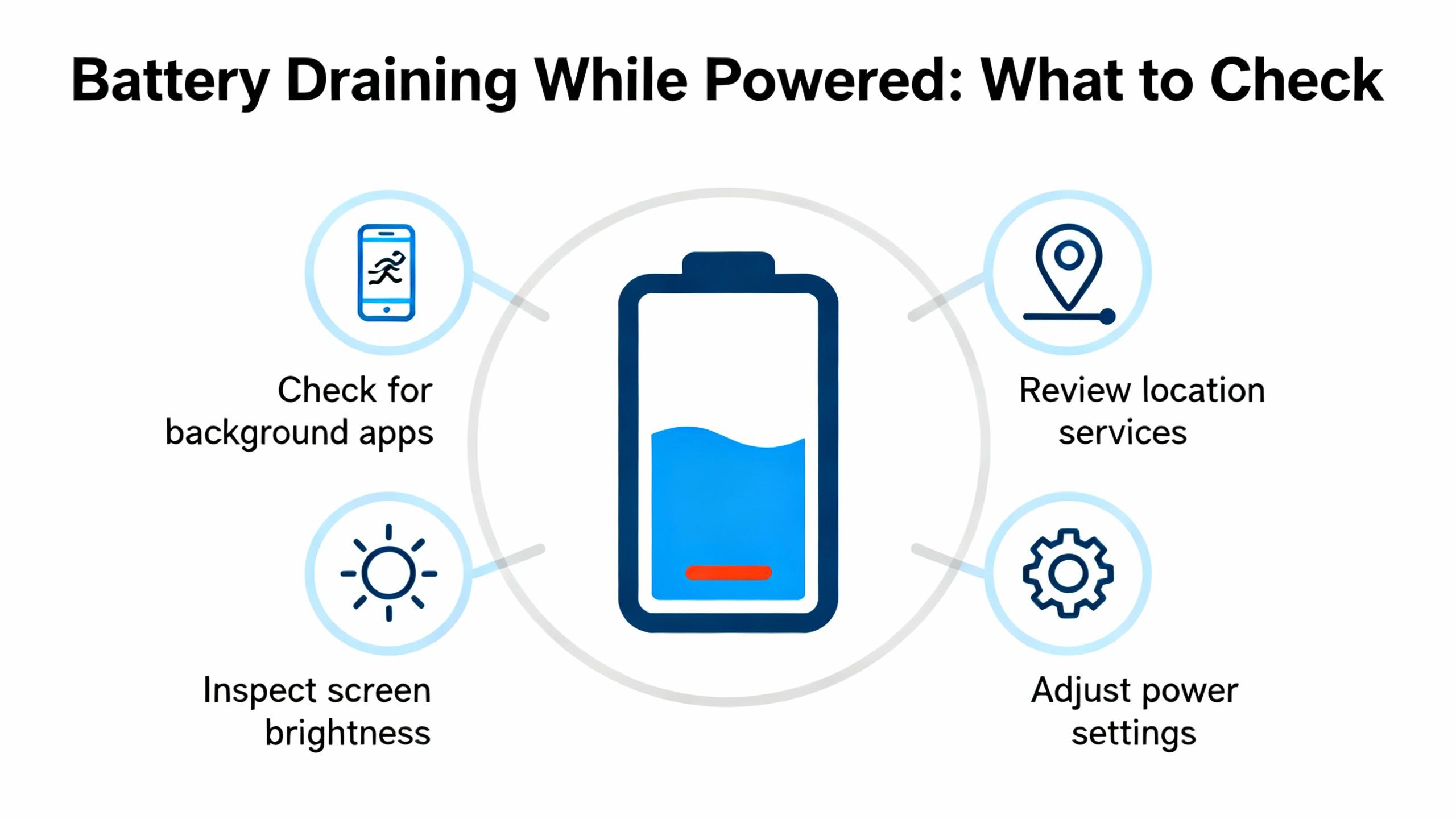
Resetting is less about pushing a “reset” button and more about clearing the battery diagnostic, re‑establishing accurate timekeeping, and validating logic and data. After the swap, acknowledge battery‑related messages in the controller and HMI as needed so that you are looking at current states rather than latched history. Set the real‑time clock accurately; a bad RTC can cause headaches with scheduled sequences, data stamps, and batch records. Confirm that any battery‑dependent retentive data has been preserved or, if your model uses non‑volatile storage for logic, verify that the saved application is intact. Finally, schedule a short, supervised power cycle. If the system restarts cleanly without battery diagnostics, you have confidence that the replacement and reset are complete.

Replacing a PLC battery should be a scheduled activity, not a firefight. BatteryGuy and Industrial Automation Co. both place typical service life at about two to five years and recommend proactive replacement every two to three years. Some OEM guidance for legacy families such as Allen‑Bradley SLC 500 and PLC‑5 is more conservative—AutomationForum notes annual replacement when systems are frequently power‑cycled—and cautions against exceeding three years even in continuous service. Heat accelerates aging, so manage cabinet temperature, particularly in summer, and keep dust off heat sinks and filters. HESCO encourages routine visual checks, and, importantly, keeping automated backups current so a dead battery can never escalate into lost code.
If you manage a larger installed base, standardize a maintenance calendar and hold teams accountable for updating controller labels and CMMS records with battery replacement dates. An inexpensive label on the door and a traceable work order are worth more than another spare cell sitting on a shelf.
Battery selection is not a place for guesswork. Match the original voltage, chemistry, connector, and capacity; choose OEM‑approved part numbers when available to avoid subtle incompatibilities. Inspect date codes and avoid cells that have been stored improperly. Store spares in a cool, dry area in their original packaging and avoid extreme temperatures. Handle cells with clean, dry hands or gloves, and avoid shorting terminals with tools or jewelry. Engineering forum experience and Panasonic handling guidance highlight that residues on contacts can create continuous low‑level discharge; keeping contacts clean and minimizing handling time preserves service life.
Disposal of lithium cells should follow facility and local rules. BatteryGuy advises that visibly damaged or leaking cells be placed in a polyethylene bag with about one ounce of calcium carbonate, then double‑bagged and heat‑sealed, and then routed through an appropriate disposal company. For intact spent cells, use your established hazardous waste stream.
Battery changes are deceptively simple tasks performed inside control panels that also contain dangerous energy. Follow your lockout/tagout procedures, particularly if access to the battery requires removing modules or exposing conductors. If your model explicitly allows hot‑swap and the battery is front‑accessible without exposure to energized parts, a powered swap can be the right choice to protect memory. If there is any doubt, plan a controlled stop. Keep one hand clear of grounded surfaces when reaching into panels to minimize fault current paths, use insulated tools, and coordinate with operations so you do not trigger unexpected trips mid‑production. The few minutes spent on a pre‑job brief often save hours.

Operators often ask whether they should always change batteries with power on. The best answer is model‑specific. BatteryGuy describes two realities: when a battery is accessible on the front of the processor, replacing with the PLC powered can preserve memory; when access requires removing modules, power should be disconnected to avoid shock, and you must be prepared to reprogram or restore from backup. Weigh the risks. A powered swap can protect volatile memory, but only when you can do it without exposing live conductors. A powered‑down swap removes shock hazards but requires absolute confidence in your backups and a clear recovery plan. In both cases, minimizing the time between removal and insertion matters because many controllers only have a small capacitor buffer.
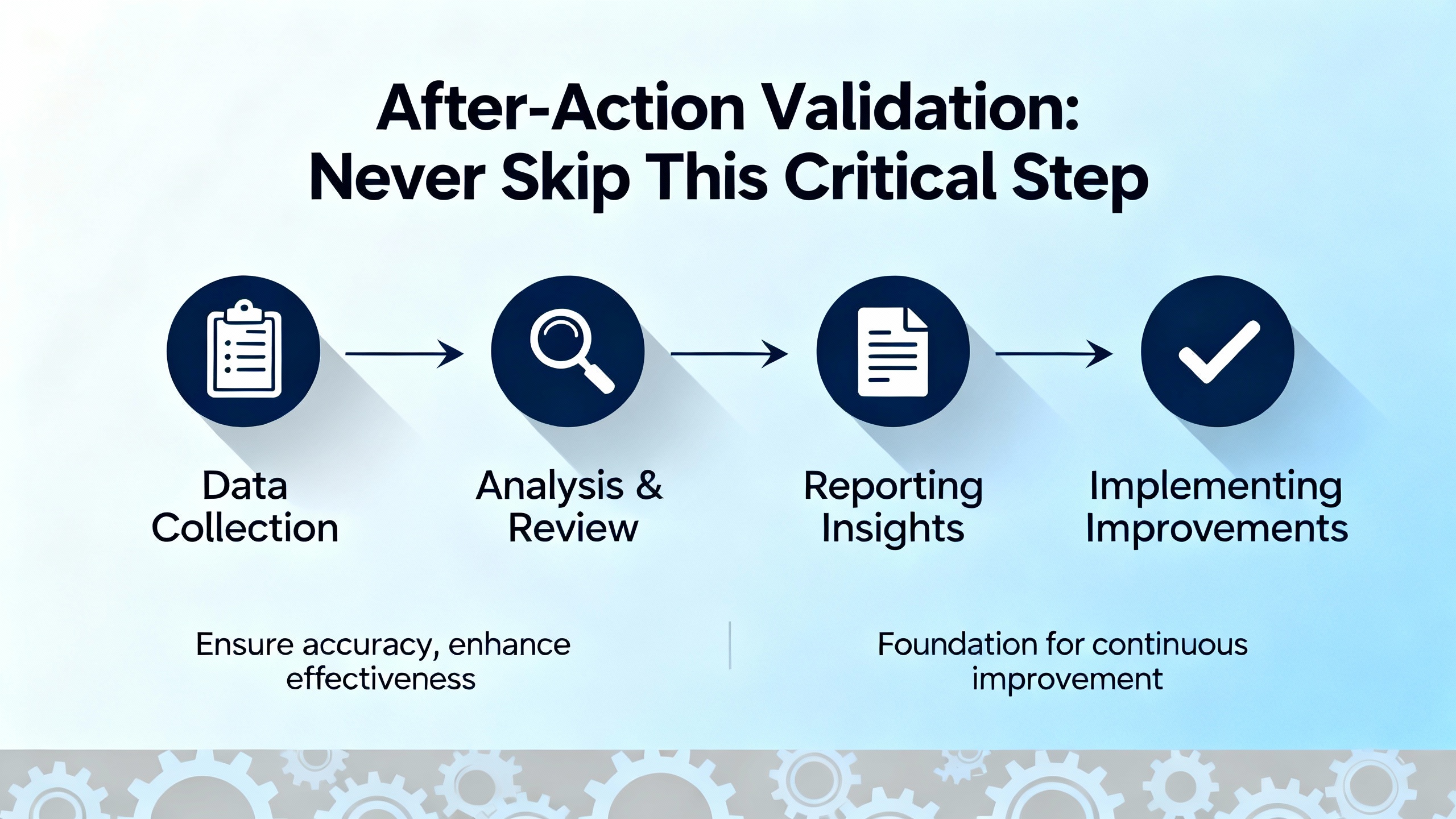
When the cell is in and the warning has cleared, take a moment to verify what matters. Confirm that the HMI shows no lingering battery faults. Check that retentive tags and recipe data look correct. Reset the date and time and verify data stamps in a trial run. If feasible, perform a single controlled power cycle to confirm memory retention and a clean restart. Then record the replacement date on the controller and in your CMMS, update spare stock levels, and close the loop with a short note to the team about any anomalies. These small habits prevent repeat work and build trust with production.
When limits are fuzzy, technicians often over‑ or under‑service. The thresholds above are a solid field guide. At the cell level, consider a 3.0 V lithium unhealthy below about 2.5 V and due for replacement below about 2.0 V, and a 3.6 V lithium unhealthy below about 2.9 V and replace‑now below about 2.4 V. Treat a battery warning as roughly days, not months, of safe retention remaining. For service intervals, the two‑to‑three‑year cadence is a reasonable default; shorten that interval in hot, power‑cycled environments, and be particularly cautious with older SLC 500 and PLC‑5 hardware where manufacturer guidance has historically been conservative.
A battery light on an Allen‑Bradley controller is not a crisis if you respect what it’s telling you. Back up first, know whether your model uses battery‑backed RAM or non‑volatile storage for the application, and follow an access‑appropriate procedure to swap the cell. Confirm the warning clears, reset the clock, and verify that data and logic are intact. Adopt a two‑to‑three‑year replacement cadence, tighten environmental controls that accelerate aging, and automate backups so a dead battery is an inconvenience rather than an outage. The teams that treat battery maintenance as a routine asset task spend less time scrambling and more time producing.
Field experience supported by BatteryGuy and AutomationForum puts typical service life around two to five years, with a proactive replacement cadence of two to three years. High temperatures, frequent power outages, and aging hardware shorten that timeline, while cool, stable cabinets help extend it.
If the battery is front‑accessible and the manufacturer indicates hot‑swap is supported, keeping the PLC powered preserves memory. BatteryGuy notes that when access requires removing modules, disconnecting power to avoid shock is the safer route, and you should be prepared to reload the program afterward. Always follow the model‑specific manual.
It depends on the controller family and configuration. Some Allen‑Bradley controllers store the application in non‑volatile memory and use the battery mainly for the real‑time clock and retentive data. Others rely on battery‑backed RAM. HESCO’s Rockwell guidance and Rockwell Automation literature both emphasize verifying how your controller saves program data and ensuring you have a current backup.
Start by confirming the new cell’s voltage with a DMM on a DC range above nominal. AutomationForum recommends checking meter probes and connections, then reseating the connector. Clear latched alarms in the HMI or software, set the RTC, and power‑cycle if appropriate to confirm the warning does not reappear. Persistent warnings with a healthy cell warrant deeper power and backplane checks.
At rest, a 3.0 V lithium cell is healthy at or above 3.0 V, marginal around about 2.0 to 2.5 V, and ready for replacement below about 2.0 V. A 3.6 V lithium reads roughly 3.6 to 3.7 V when full, is marginal around about 2.4 to 2.9 V, and should be replaced below about 2.4 V. Measure on a DC range with a digital multimeter.
BatteryGuy advises placing the cell in a polyethylene bag with about one ounce of calcium carbonate, double‑bagging, heat‑sealing, and using a qualified battery disposal company. For intact spent cells, route them through your facility’s hazardous waste process and follow local regulations.
This guidance draws on Rockwell Automation literature, BatteryGuy Knowledge Base, AutomationForum’s replacement procedure notes, ACS Industrial’s program‑loss cautions, Bastian Solutions’ maintenance checkpoints, Industrial Automation Co.’s preventive maintenance practices, and HESCO’s Rockwell PLC troubleshooting guidance. Each of these sources reinforces the same practical truths: replace on a schedule, back up before touching batteries, and validate after the swap.


Copyright Notice © 2026 mooreautomated.com All rights reserved,Moore Automated is not an authorized distributor or representative of the manufacturers featured on this website. Brand names and trademarks featured are the property of their respective owners.



Leave Your Comment