







MP 3009X
Get A Quote
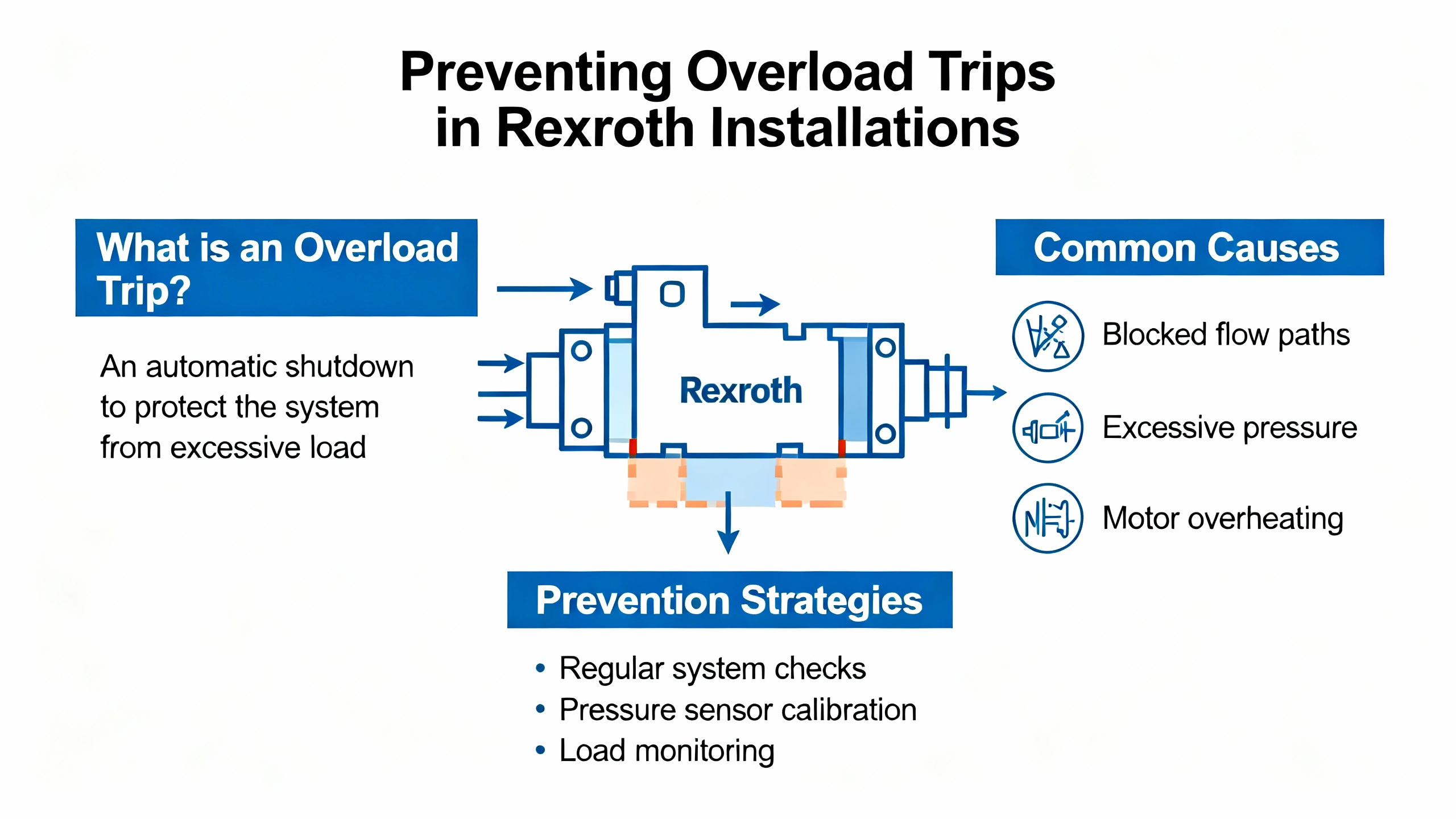
On paper, overload protection looks like just another column in a Rexroth data sheet: continuous current, peak current, thermal class, protection codes. On the plant floor, it is the difference between a controlled stop and a burned-out motor that takes a line down for days.
Servo drives are the brain and muscle of high‑precision motion. Bosch Rexroth IndraDrive and older Indramat families regulate position, speed, and torque by comparing command values with feedback and then driving current into synchronous or asynchronous motors. As several troubleshooting guides from Bosch Rexroth specialists and third‑party repair houses point out, these drives constantly supervise current, thermal load, and DC bus energy. When the drive decides the motor or power stage is working too hard for too long, it raises an overload warning or trips on a fault.
Global Electronic Services notes that servo drive overload faults are a major cause of unexpected equipment shutdowns because they abruptly stop production and force maintenance into reactive mode. A separate servo drive troubleshooting guide from Industrial Automation Co. emphasizes that overcurrent, overvoltage, undervoltage, and thermal errors all feed into the same reality: the drive is protecting itself and the motor from damage while your throughput drops to zero.
Understanding how Rexroth actually implements overload protection is the first step toward fixing recurring trips without defeating safety or cooking expensive hardware.
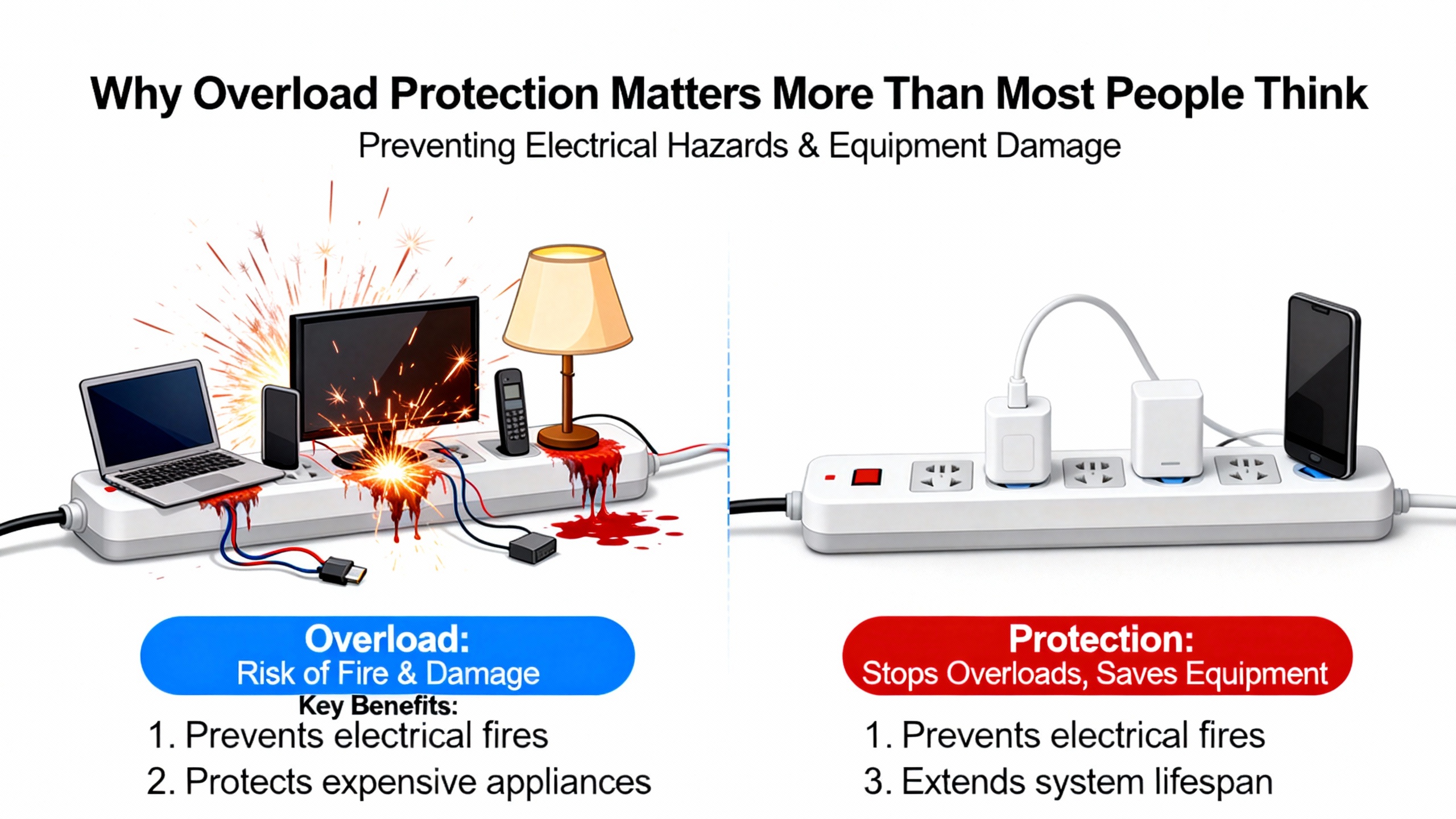
Bosch Rexroth does not publish a single generic “overload” bit. Instead, protection is delivered through a family of fault and warning codes that reflect what the drive thinks is going wrong. The research material spans classic Indramat DDS and DKC controllers, newer IndraDrive C and M units, and IndraDyn MSK motors, but the themes are consistent: device overload, torque overload, motor and drive overtemperature, and DC bus or braking overload.
Hyperdyne’s discussion of IndraDrive error E2061 is one of the clearest explanations of Rexroth’s overload prewarning behavior. E2061 is explicitly described as a prewarning for device overload. In plain terms, the drive has decided that the load on the power stage has exceeded an allowable threshold. Hyperdyne stresses that this is not a nuisance code to look up later. If you ignore it and keep running, the drive responds by reducing force or torque, and in that source the consequence is an overheating message identified as E8057.
Okmarts’ detailed Rexroth fault code table adds another piece. There, F8057 is listed as a device overload shutdown fault. Taken together, these sources show a pattern across Rexroth platforms: an early warning such as E2061 that the drive is being pushed too hard, followed by a more serious overload or overtemperature fault such as F8057 or E8057 if conditions do not improve.
Hyperdyne’s practical advice for E2061 is very direct. When you see this prewarning, turn off the drive and let it cool down. If the axis has been in service for a long time, investigate what has changed compared with its original commissioning. The article specifically calls out increased friction, tougher duty conditions, and ambient temperature outside the documented requirements as common contributors, and recommends checking the Rexroth error manual for the correct environmental limits.
Rexroth drives do not just watch average load; they also supervise instantaneous torque demand. Okmarts documents torque overload on IndraDrive as fault E8260. This is raised when the commanded torque, including acceleration and deceleration demands, overshoots configured limits.
The recommended remedies in that source are very parameter‑level and consistent with what you see in Rexroth commissioning tools. They include reducing acceleration, adjusting torque and velocity limit parameters such as S‑0‑0082, S‑0‑0083, S‑0‑0092, and P‑0‑0109, optimizing speed loop tuning, verifying correct motor phase sequence, and adding an external braking resistor when needed. The common theme is that torque overload is almost always a combination of aggressive motion profiles and mechanical load, not just a random drive glitch.
Earlier Indramat DDS controllers expose the same concept under different codes. Fault 24 is an overcurrent shutdown that occurs when any of the three phase currents rises above one and a half times the unit’s rated current. The official remedy in the Indramat material is to check the motor cable, verify current regulator parameters, and escalate to service if necessary. Overcurrent codes like this are often the hard stop behind a more descriptive torque overload error on newer platforms.
Overload and overheating are two sides of the same coin. Rexroth drives monitor both the power section and the motor for excessive temperature. Okmarts lists F2018 as a device over‑temperature shutdown and F2019 as a motor over‑temperature alarm, while an IndraDrive C fault guide from Indramat USA highlights F218 for amplifier overheating and F219 for motor overheating. Classic Indramat DDS controls use numeric codes 18 for drive overtemperature and 19 for motor overtemperature, each preceded by a thirty‑second warning (codes 50 and 51) before shutdown.
Bosch Rexroth’s MSK (IndraDyn S) motors add more detail. A Wake Industrial guide explains that MSK stators use a KTY84 sensor that gives a motor overtemperature warning (E251) when the winding temperature climbs into the high 280s °F and then shuts the motor down with F219 around 302 °F. The same source notes that these motors are typically rated IP65 for roughly 32 to 104 °F ambient and that, once overheated, they can take on the order of two hours to cool back down to room temperature. Prolonged operation above that warning region accelerates magnet and insulation degradation.
All of these thresholds are enforced by firmware. Global Electronic Services points out that high ambient temperature and inadequate heat dissipation are major contributors to servo drive overload faults, precisely because they stress the thermal side of the protection envelope. When a drive is already hot, it takes far less additional current or torque to push it into a shutdown condition.
Heavy, fast‑moving axes do not just overload motors; they pump energy back into the DC bus during deceleration. Rexroth handles this with braking resistors and DC link supervision, and again you see explicit fault codes tied to overload behavior.
In the Indramat DDS family, code 20 is a bleeder overtemperature shutdown raised when the continuous regenerative power into the braking resistor is too high. Code 25 is a DC link overvoltage shutdown when the DC bus voltage exceeds approximately 475 volts. The official remedy in that material is to reduce the braking ramp gradient or add additional braking resistance so the regenerative energy can be dissipated safely.
Okmarts’ IndraDrive fault table shows the same story on newer Rexroth hardware. F2816 indicates a DC bus failure, while F2820 is a braking resistor alarm and F8838 flags overcurrent on an external braking resistor, often due to resistance that is too low or a short circuit. Wake Industrial’s IndraDrive M article also highlights F220 for brake resistor overload and F224 for braking time exceeded during regenerative events. These codes are the drive’s way of saying that it is protecting the DC link and braking path from overload and thermal damage.
Overload problems are not always about “too much”; sometimes the drive trips because it is being asked to deliver rated torque from a sagging supply. Indramat DDS code 26 flags DC link undervoltage when bus voltage drops below about 200 volts, and IndraDrive C and M units use fault F226 or F2026 to signal similar conditions. Wake Industrial warns that F226 often appears when AC power is cut while drives are still enabled. The recommended practice is to disable drives before removing mains power and to verify incoming power quality if undervoltage faults are recurring.
These undervoltage protections interact with overload because a weak supply forces the drive to demand more current to maintain torque, heating components faster and reducing overload margins.
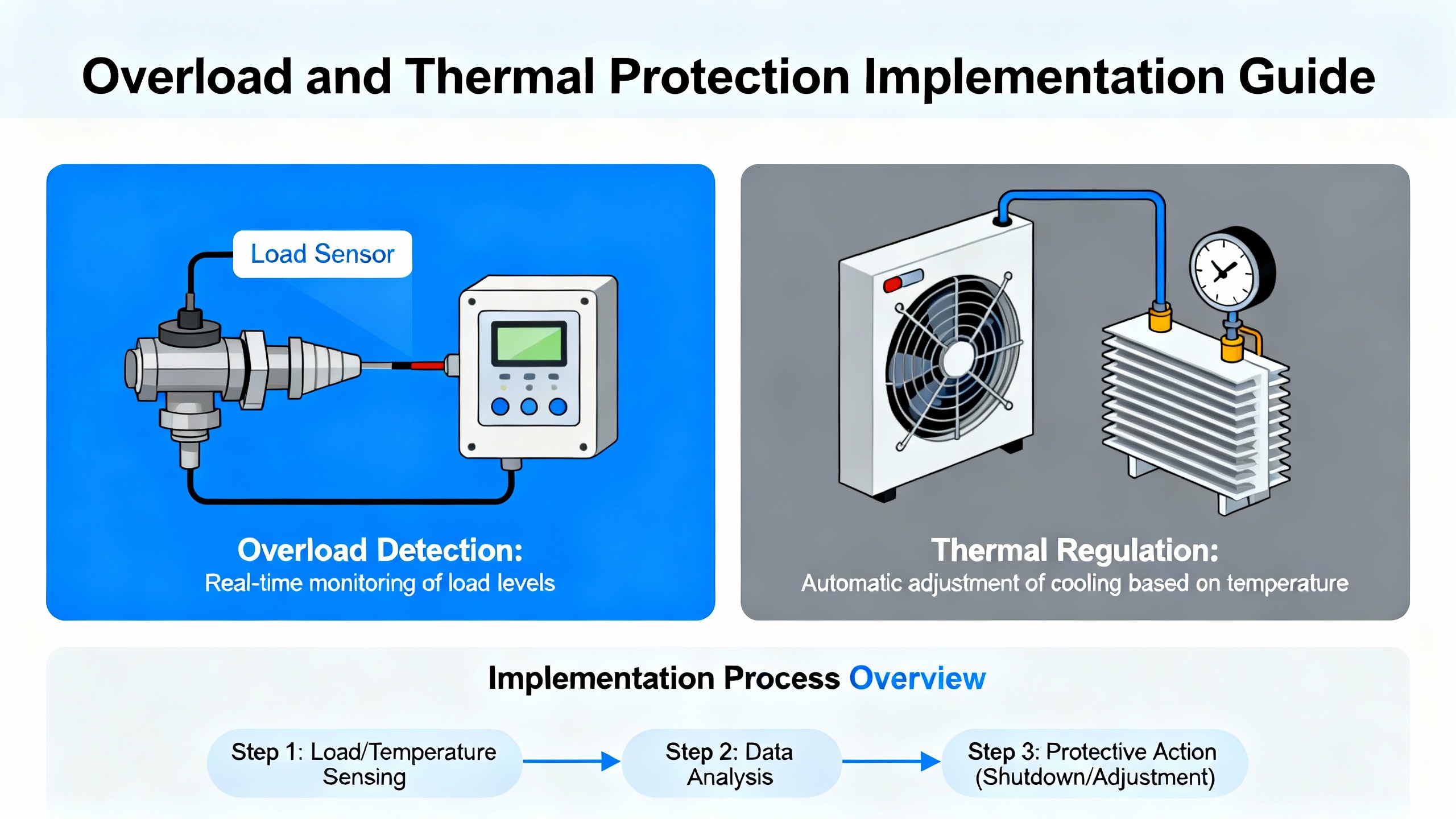
The overload landscape can feel like alphabet soup when you first connect to an IndraDrive with IndraWorks or read an Indramat DDS display. It helps to group the representative codes from the research material into a handful of protection modes.
| Protection mode | Representative Rexroth codes (examples) | What the drive is sensing and doing |
|---|---|---|
| Device overload prewarning | E2061 | Calculated drive load has crossed a defined threshold; the drive warns that continued operation risks overheating. |
| Device overload and overheating | F8057, E8057, F2018, 18 | Power section overload or overtemperature; the drive reduces torque or shuts down to protect its hardware. |
| Motor thermal overload | F2019, F219, 19, E251 | Motor temperature from sensors exceeds permitted level; warnings precede a full motor shutdown. |
| Torque and current overload | E8260, 24, 001, F8060 | Commanded or actual current and torque exceed configured or rated limits; motion is stopped to avoid damage. |
| DC bus and braking overload | 20, 25, F2816, F2820, F8838, F220, F224 | Regenerative power or DC link voltage is too high, or braking resistor current is excessive; regen is limited or tripped. |
| Undervoltage under load | 26, F226, F2026, 003 | DC link or supply voltage has fallen below minimum levels, often during operation; the drive disables motion. |
The exact behavior depends on the firmware and hardware variant, but the engineering intent is the same across Rexroth families. The drive translates measured currents, temperatures, and bus voltages into warning and fault codes so you can attack the underlying mechanical, electrical, or configuration problem instead of guessing.
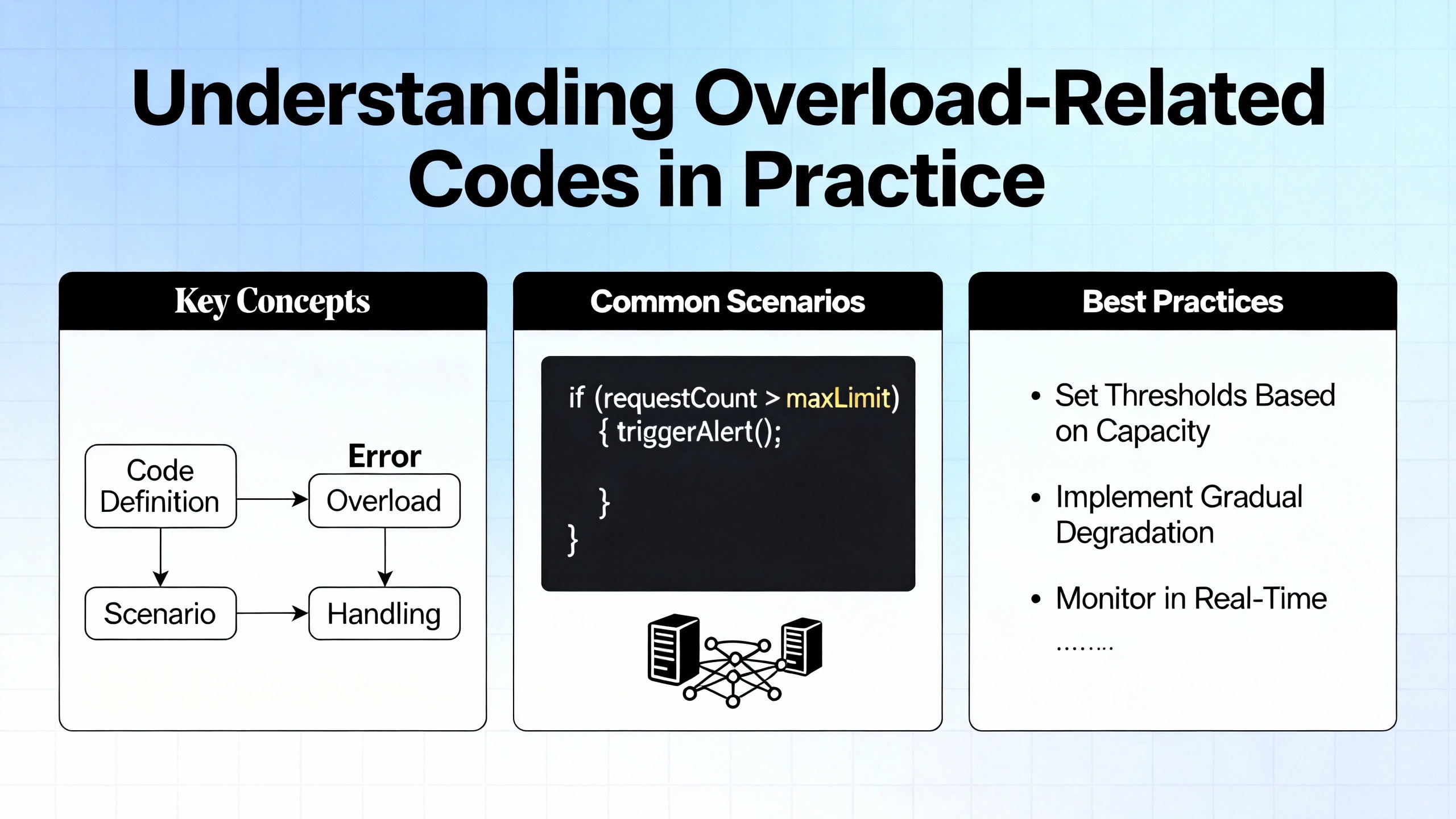
If you line up the explanations from Global Electronic Services, Okmarts, Hyperdyne, DoSupply, Baiza Automation, KEB America, and various Bosch Rexroth fault guides, the root causes of overload faults fall into a few recurring patterns.
Mechanical resistance is by far the most common. Global Electronic Services defines a servo drive overload fault as a situation where the motor draws excessive current to overcome increased friction, binding in linear guides, or jamming in the mechanical system. DoSupply’s servo motor troubleshooting guide makes the same point in more detail. Overcurrent and overload errors often trace back to misaligned rails on CNC machines, seized bearings, stuck brakes, or couplings that no longer allow smooth rotation. Baiza Automation notes that aging machines tend to overheat more because worn internals add drag, which is effectively hidden load that the drive must fight.
Changes in load inertia are another frequent culprit. When production engineers or operators increase the mass on a conveyor, add tooling to a spindle, or bump up speeds without adjusting motion profiles, acceleration and deceleration peaks can spike. Global Electronic Services highlights rapid acceleration and deceleration on higher inertia as a direct path to overload faults. Rexroth’s own sizing guidance, reflected in Baiza’s servo selection comments, warns that connected inertia should not exceed roughly ten times the servo motor’s capability. When that rule of thumb is ignored, torque overload and regen faults become routine.
Thermal issues overlay everything else. KEB America points out that overheating is one of the critical failure drivers for servo motors, often caused by blocked airflow, high ambient temperatures, or extended operation. The MSK motor material from Wake Industrial makes it clear that Rexroth’s thermal shutdown is intentionally conservative. Winding temperature only needs to creep into the low 300s °F for the motor to be shut down for self‑preservation, and the cooling time back to a safe starting point can be over two hours. IndraDrive M content from Wake Industrial also notes that full thermal performance is typically specified up to about 113 °F ambient. Above that, fans, heat sinks, and cabinet air conditioning need to work much harder to keep the same overload margins.
Electrical faults aggravate or masquerade as overload. PES Quality’s general discussion of drive overload errors underlines the role of motor overcurrent from shorted windings, incorrect motor size, or poor configuration. Indramat DDS fault 24 and Rexroth’s generic error code 001 both point to overcurrent from overload, shorts, or wrong motor parameters. When a phase is partially shorted, the drive sees high current and temperature even at what looks like a modest mechanical load. Undervoltage and power supply issues, captured in codes such as 26 and F226, further increase current draw and heating because the drive has to push harder to deliver torque from a weak supply.
Parameter and tuning mistakes round out the list. Okmarts links torque overload E8260 and speed loop alarms like F8078 to aggressive acceleration and deceleration ramps, conservative limit values, and suboptimal loop tuning. Industrial Automation Co. gives similar advice around overvoltage and undervoltage errors, where deceleration settings are too harsh for the mechanical system and the drive’s regen capacity. Excessive loop gains or unrealistic motion profiles effectively ask the drive to do the impossible within the configured current and thermal limits, so the overload protection triggers and shuts things down.
Finally, contamination and lack of maintenance quietly push systems toward overload. KEB America explains that coolant, oil, dust, and debris can block servo motor fans and passages, overheat windings, and accelerate bearing wear. When bearings growl or drag, the motor has to fight that friction all day, which shows up as higher current, hotter stator, and more frequent overload warnings.
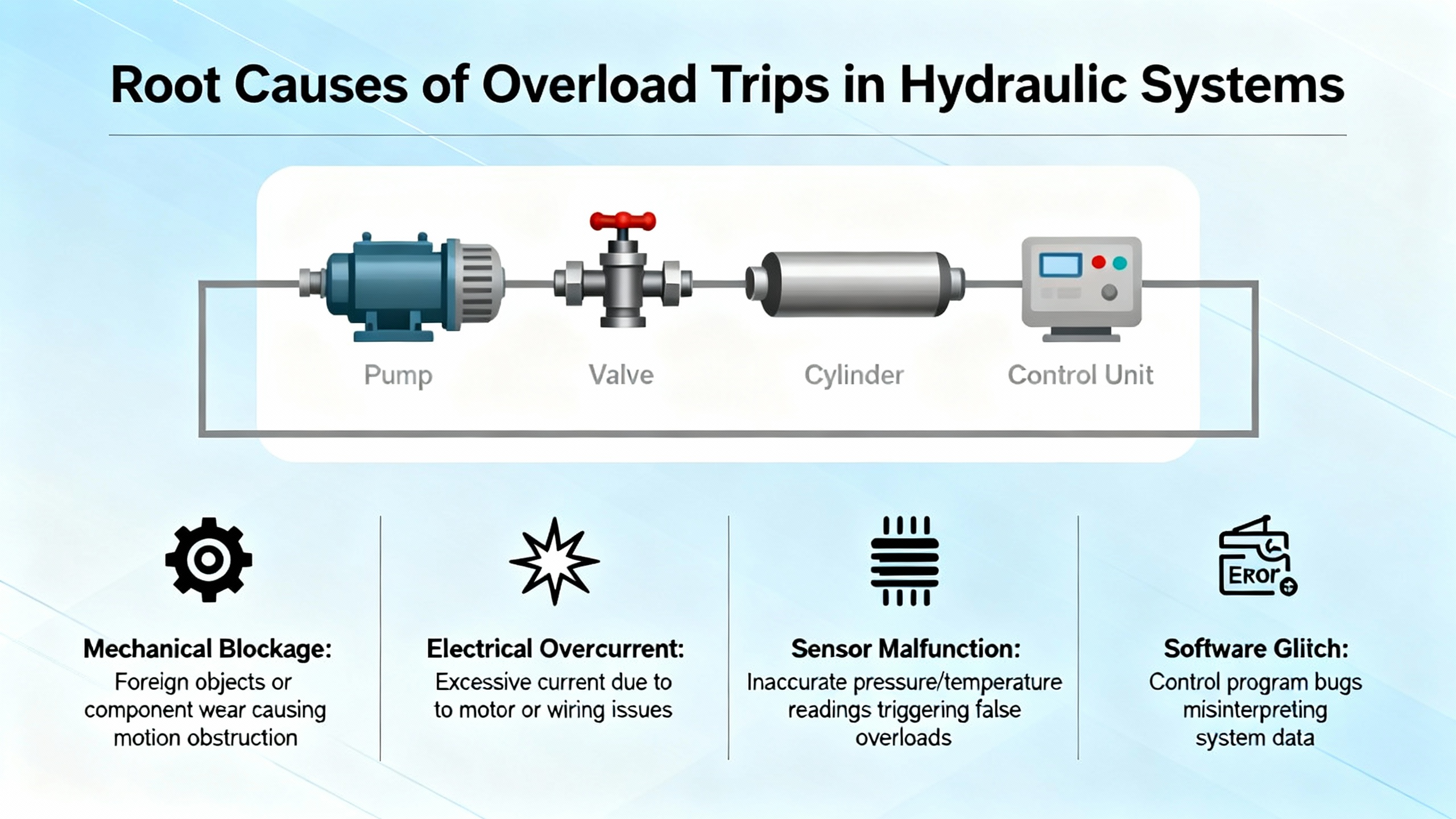
When a Bosch Rexroth servo axis starts throwing overload or overtemperature faults, the worst thing you can do is simply clear the code and hit start repeatedly. The protection is telling you the axis is operating outside its safe envelope. This is how I typically attack these issues on site, aligned with the recommendations from the referenced guides.
The first step is to capture exactly what the drive is reporting. Note the full error code, not just the alarm text, and where possible pull the fault history from the drive using IndraWorks or the local HMI. Global Electronic Services stresses this kind of data collection: look at current levels, voltage trends, and temperature just before the fault. In practice this means checking when the code appears in the motion profile; for example, only at the end of a fast deceleration, only during heavy cutting, or after the line has been running for half an hour in a warm plant.
Next, assess temperature and cooling. If you are seeing codes like F2018, F2019, F218, F219, or classic 18 and 19, you know thermal protection is involved. Check cabinet filters, fans, and airflow. Wake Industrial’s IndraDrive M material and KEB America’s servo motor article both highlight poor ventilation and ambient temperatures above the drive’s rating as common causes. Keep in mind that Hyperdyne specifically warns against trying to “cheat” cooling by opening drive cabinets and pointing a fan inside. Baiza Automation reinforces that tactic as harmful because it pulls dust and dirt into components, creating more problems later. Follow the documentation and restore proper climate control instead of creating a makeshift cooling scheme.
Once temperature is under control, dig into the mechanics. Global Electronic Services recommends starting with mechanical resistance when dealing with overload faults, and DoSupply’s troubleshooting guide provides several concrete examples where misaligned guides or stuck mechanics caused overcurrent errors. Decouple the motor from the load if possible and run it unloaded at modest speed. If the drive runs cleanly in that condition but trips on overload once reconnected, you likely have bearing issues, misalignment, or jamming downstream. KEB America notes that bearing failure is one of the most common servo failures and that unusual growling noises at high speed are a clear warning sign. Addressing bearings, guides, couplings, and brakes is usually more effective than trying to “tune around” mechanical faults.
After mechanical checks, confirm the electrical side is sound. PES Quality summarizes the basic checks well: compare motor and drive nameplate ratings with the actual load, measure motor current on each phase where safe, and inspect cabling for damage or shorts. Indramat DDS overcurrent codes and Rexroth’s generic error code 001 both flag cases where current exceeds design values due to overload or wiring issues. Okmarts’ fault list for Rexroth drives includes F8060 for overcurrent in the power section and F8064 for motor phase loss, both of which call for a thorough inspection of motor power cables and connections. Undervoltage codes such as 26, F226, and F2026 should push you to measure incoming AC power and DC link stability, and to verify that drives are being disabled properly before power is removed.
Only after mechanical and electrical issues have been addressed should you move into parameters and tuning. For torque overload E8260 and speed loop alarms like F8078, Okmarts recommends reducing acceleration and deceleration rates, adjusting torque and velocity limits, and optimizing speed loop gains. Industrial Automation Co. ties overvoltage faults to deceleration settings and recommends installing braking resistors and moderating ramps in fast packaging applications. Global Electronic Services encourages analyzing when in the motion profile overload faults occur, because that points directly to which moves or profiles need to be softened or reshaped.
Finally, you need to validate your fixes under controlled load. Global Electronic Services advises collecting baseline performance metrics and monitoring how current, temperature, and fault history change after repairs. The old Indramat DDS documentation suggests starting with lighter loads and then ramping up to normal operation to be sure that changes really solved the issue rather than just moving it further into the duty cycle. This matches field reality: you do not pack the machine to full throughput immediately after eliminating a chronic overload; you prove the fix gradually.
Consider an IndraDrive axis that starts throwing E2061 prewarnings early in the afternoon, then occasionally escalates to a shutdown with an overload or overheating code. Hyperdyne’s article makes it clear that E2061 is the drive’s way of saying “this is too heavy; I am about to drop it.” If operators have been clearing that warning and continuing to run, they have effectively been training the system to run into more serious protection events.
In this scenario, the first move aligned with Hyperdyne’s recommendation is to stop the drive and let it cool fully. Because Rexroth MSK motors can take more than two hours to cool from overtemperature back to ambient, you should schedule a proper downtime window rather than trying to shoehorn diagnostics between cycles.
With temperature stable, you review what has changed in the application. Hyperdyne specifically suggests looking for higher friction, harder duty, or ambient conditions that differ from the original installation. Perhaps the customer recently changed product dimensions on a packaging line, increasing the mass on a conveyor. Maybe local maintenance added heavier tooling to a spindle without re‑tuning motion profiles. Perhaps the plant’s climate control has been struggling, pushing cabinet temperature toward or beyond the 113 °F ambient that Wake Industrial cites as the upper range for full IndraDrive M performance.
You then run through the mechanical and electrical checks described earlier, watching carefully for signs of bearing wear and contamination as highlighted by KEB America. Next, you examine motion profiles and torque limits in IndraWorks, comparing configured parameters with the recommended ranges Okmarts describes for torque limits and acceleration ramps. If E2061 appears in the drive history primarily during aggressive moves, this is a strong hint that motion programming needs to be softened or broken into multiple steps.
By treating E2061 as a serious early warning instead of an annoyance, you can typically eliminate the underlying overload condition and avoid the more disruptive overheating faults that follow.
Eliminating one overload fault is good; making sure it does not come back after the next process tweak is better. The combined advice from the research sources translates into a pragmatic preventive strategy.
Start with proper sizing and inertia management. Baiza Automation emphasizes that, during servo selection, the inertia of the driven load should not exceed roughly ten times the motor’s capability. KEB America notes that servo motors can deliver up to about sixty percent higher torque capacity than similar induction motors, which tempts designers to downsize motors while still demanding aggressive performance. Sticking to conservative inertia and torque margins makes overload protection less likely to trigger during normal operation.
Keep cooling and ambient under control. Wake Industrial’s IndraDrive M data around ambient limits and MSK motor thermal thresholds shows how sensitive these systems are to cabinet and motor surface temperatures. Plant cooling, cabinet air conditioning, fan maintenance, and clean air paths are non‑negotiable. Baiza Automation advises keeping plants climate‑controlled and explicitly warns against opening servo cabinets to blow external fans inside because of dust ingress and long‑term damage risk.
Mechanical maintenance is as important as electrical checks. Global Electronic Services and DoSupply both tie overload faults back to bearings, guides, and couplings. KEB America goes further, suggesting predictive maintenance using vibration monitoring for critical servo axes. At a minimum, routine mechanical inspections, proper lubrication, and alignment checks should be part of your preventive maintenance schedule.
Electrical integrity and parameter discipline close the loop. PES Quality’s generic drive overload article and Okmarts’ parameter‑oriented guidance both underline the need to keep motor data, current limits, and motion profiles aligned with reality. After any motor swap, tooling change, or firmware update, verify that motor type, encoder configuration, and torque limits match the new setup. Document parameter sets and back them up using Bosch Rexroth tools so you can quickly revert to a known good configuration if experiments push the system toward overload.
Finally, treat overload and thermal warnings as maintenance triggers, not acceptable operating states. Wake Industrial and Indramat fault guides show clear warning codes that precede shutdowns. If your logs show recurring warnings such as E2061 or motor overtemperature warnings like E251, act before they evolve into hard trips. In practice this means scheduling targeted inspections and parameter reviews when you first see the pattern, instead of waiting for a full production‑stopping fault.
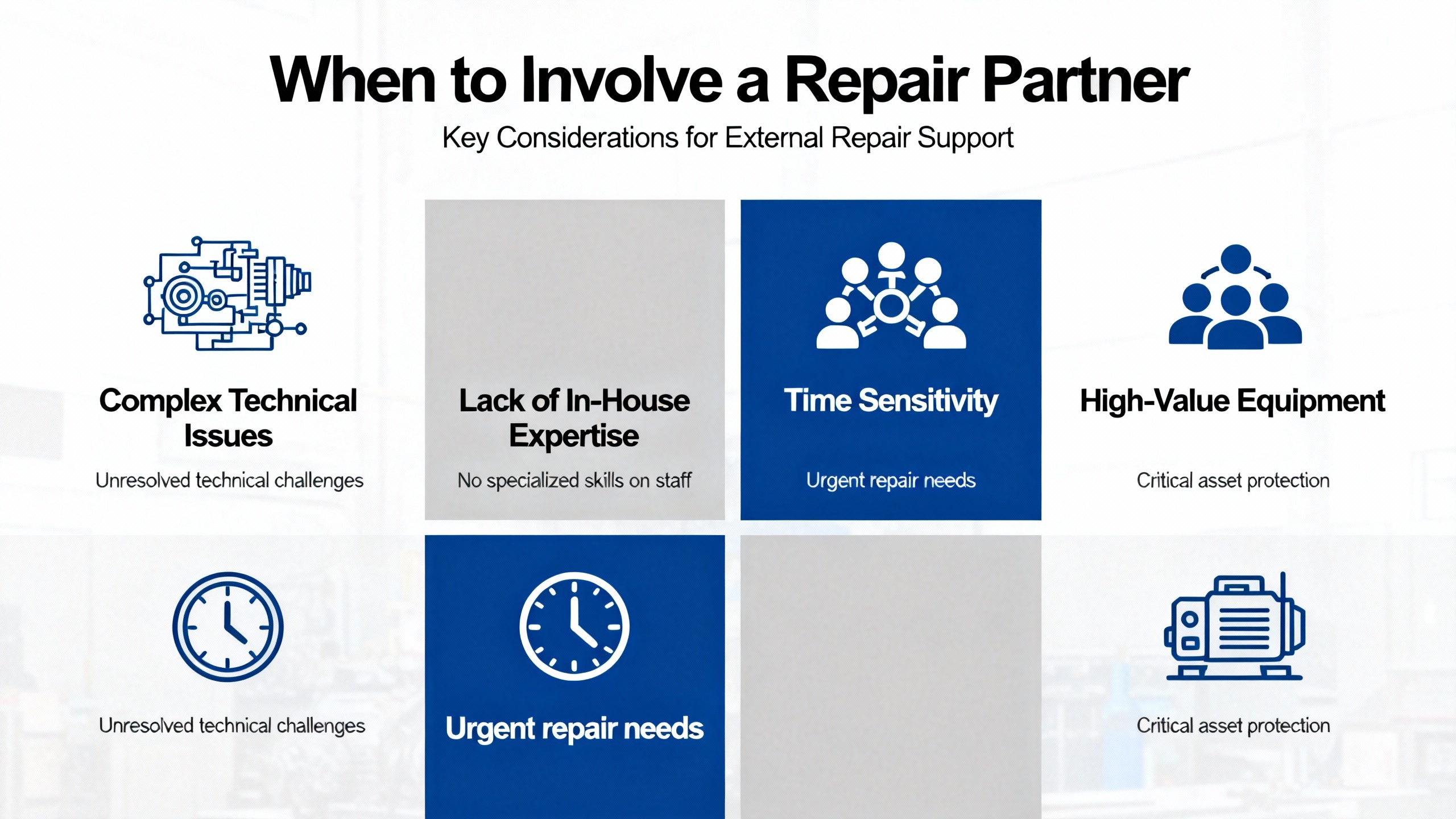
Not every overload‑related code can or should be solved in‑house. Roc Industrial describes a repair process for Bosch Rexroth servo drives that starts with free evaluation and detailed diagnosis using Rexroth‑specific test equipment, followed by component‑level repair and load testing. Indramat USA and Indramat.net materials similarly distinguish between faults that suggest configuration or environmental issues and those, such as repeated startup codes or watchdog and internal synchronization errors, that indicate a defective controller.
If you have corrected obvious mechanical and electrical causes, verified parameters, and still see persistent overload, overcurrent, or overtemperature codes, especially when combined with hardware‑oriented faults like F8000 fatal hardware failure or repeated overcurrent trips without mechanical cause, it is time to involve Rexroth support or a qualified repair house. Provide complete fault histories, operating conditions, and any recent changes so they can replicate and diagnose the problem rather than just swapping boards blindly.
Hyperdyne is very clear that E2061, the device overload prewarning, is not a code you should ignore. It is the drive telling you that it is being overloaded and is on its way to overheating faults such as E8057 or device overload shutdowns like F8057. Repeatedly resetting and running forces the power stage and motor to operate outside their safe envelope, shortens component life, and increases the risk of sudden failure. The correct response is to stop, cool down, and fix the mechanical, electrical, or parameter problem that triggered the overload.
Torque overload codes such as E8260 and overcurrent codes like 24 or Rexroth’s generic 001 indicate that the commanded or actual current and torque are beyond configured or rated limits, often during aggressive acceleration or with increased load inertia. Thermal overload codes such as F2018, F2019, F218, F219, or classic 18 and 19 indicate that the device or motor has physically heated beyond safe temperature thresholds. Torque overloads can occur quickly even on a cold motor, while thermal overloads often appear after sustained heavy operation or in hot environments. In practice the two are linked, because frequent torque overloads generate heat that eventually triggers thermal protection.
Before you pull a drive, capture the complete list of fault and warning codes from its history, note the operating conditions when overload or overtemperature events occur, and record relevant parameters such as motor type, torque limits, and acceleration profiles. Document any changes in mechanics, load, or environment leading up to the faults. Global Electronic Services and Roc Industrial both stress that this context allows repair technicians to reproduce and diagnose the failure more accurately, and it gives you a baseline to confirm the repaired drive behaves correctly once reinstalled.
Overload protection on Bosch Rexroth servo drives is not an obstacle to productivity; it is the early warning system that keeps motors, drives, and mechanics alive. Treat the codes as actionable diagnostics, respect the current and thermal limits they represent, and you will spend far more time running product than replacing hardware.


Copyright Notice © 2026 mooreautomated.com All rights reserved,Moore Automated is not an authorized distributor or representative of the manufacturers featured on this website. Brand names and trademarks featured are the property of their respective owners.



Leave Your Comment