







MP 3009X
Get A Quote
When a DeltaV controller or even the ProfessionalPlus (ProPlus) workstation flips to “Not Responding,” production focus shifts from optimization to recovery. In the field, I’ve seen seemingly healthy networks still block downloads, controllers vanish from DeltaV Explorer, or status flip-flop while pings continue to pass. The good news is that most of these incidents trace to a handful of predictable causes across services, network bindings, and switch configurations. This guide distills on‑site practices and community wisdom and pairs them with practical, low‑risk fixes you can apply fast and with confidence.
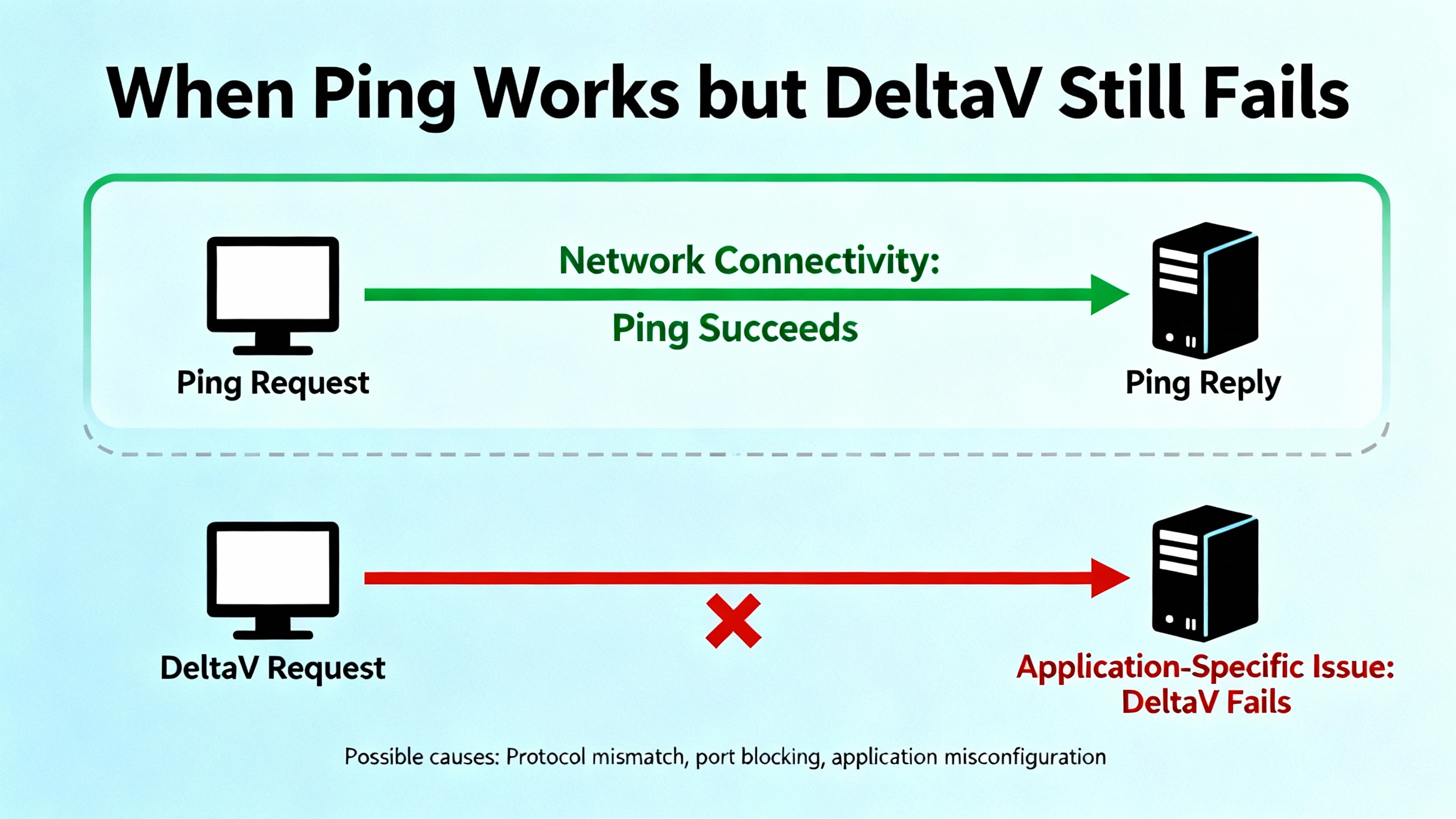
“Not Responding” in DeltaV tools is an application‑layer symptom, not a Layer 3 verdict. A device that answers ICMP pings can still be invisible to DeltaV Diagnostics, fail downloads, or reject requests from DeltaV Explorer. In a typical architecture, the ProPlus hosts core services and the configuration database, while controllers execute strategies and report health over primary and secondary control networks. If both a controller and the ProPlus appear unresponsive inside DeltaV, suspect a shared dependency such as DeltaV services on the ProPlus, NIC binding order, firewall rules, or a switch/VLAN setting rather than a bad cable alone. Guidance from Emerson Exchange 365 and Control.com discussions consistently points to service and network-layer causes when ping continues to work but DeltaV tools do not.
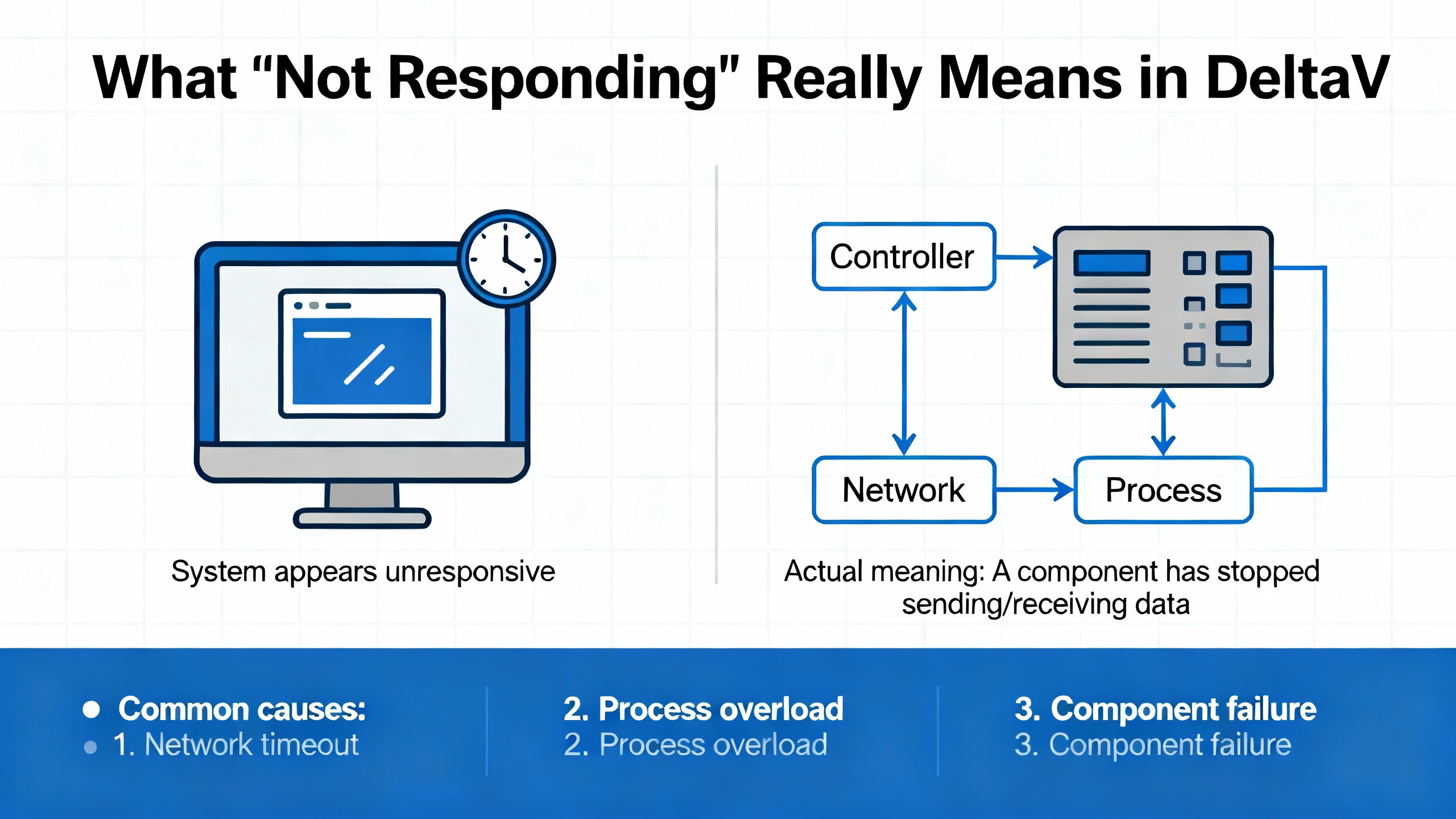
Start with process safety. Confirm that interlocks and permissives remain effective and that no automated recovery step will change outputs unexpectedly. If you have redundant controllers, power supplies, or networks, validate their status first because redundancy may mask a primary fault until failover surprises you. Check controller LEDs and power, and glance at switch port LEDs on both the primary and secondary control networks. If you can ping a node reliably yet DeltaV Explorer flags it as “Not Responding,” shift your attention above cabling: services, rules, and bindings.
A fast way to avoid blind alleys is to frame each symptom by the layer where it most often originates. This helps prioritize the correct checks without whack‑a‑mole changes.
| Symptom | Most likely layer | First checks |
|---|---|---|
| Controller shows “Not Responding,” ping is OK | ProPlus services or DeltaV network | DeltaV services health on ProPlus, Windows firewall and AV exclusions, NIC binding order, Diagnostics |
| ProPlus and controller both show “Not Responding” | Shared dependency on ProPlus | ProPlus services and licensing, control network NIC selection, switch port and VLAN configuration |
| Controller intermittently disappears, then reappears | Power, hardware, or link flaps | Controller power and temperature, redundant PSU health, switch link stability, cold‑restart logs |
| Can see controller but downloads fail | Services, trust, or assignment | DeltaV services status, controller assigned to correct ProPlus, licensing validity, re‑download |
| Device‑level “Not Responding” on a field device, segment OK | Device definitions or segment schedule | Device DD and host files, decommission/recommission, segment schedule rebuild, address uniqueness |
This mapping reflects patterns raised in Emerson Exchange 365 threads and Control.com posts, where ping success commonly coexists with DeltaV application‑layer failures stemming from service or network configuration issues.
In practice, the ProPlus is the linchpin that either restores or delays recovery. Begin by confirming all DeltaV services are running and healthy. Open the Windows Services console and the DeltaV Workstation Status Monitor, and make sure the configuration, diagnostics, and communications services are not stopped or hung. If you see the operator or engineering tools freeze or throw odd errors, restart only the impacted DeltaV services rather than the entire workstation when possible to reduce disturbance.
Firewall and antivirus are frequent culprits. DeltaV communications use specific services and ports. If a recent AV definition or policy update began blocking those services, you will see pings succeed while downloads and diagnostics stall. Apply vendor‑recommended firewall rules and AV exclusions, then test again. As a quick diagnostic step under controlled conditions, temporarily disabling the firewall can confirm whether a rule is the problem; restore protection immediately after you verify and then add the correct permanent exceptions.
The most overlooked cause is NIC binding order. DeltaV expects the correct network interface at the top for control communications. If the corporate NIC outranks the DeltaV control NIC, traffic can wander into the wrong path. Set the DeltaV control NIC as primary, and, if needed, temporarily disable non‑DeltaV NICs to remove ambiguity while you test. Community posts repeatedly cite route priority conflicts and multiple active NICs as the reason a controller remains “Not Responding” while the OS networking stack appears fine.
A controller with good LEDs can still be busy rebooting, cold‑starting, or rejecting communications based on assignment or licensing. Verify that the controller is assigned to the intended ProPlus and that the system’s licensing and trust are valid. If DeltaV Diagnostics shows mismatched names or an assignment inconsistency, perform a controlled re‑download from the correct ProPlus and confirm that the controller acknowledges the database.
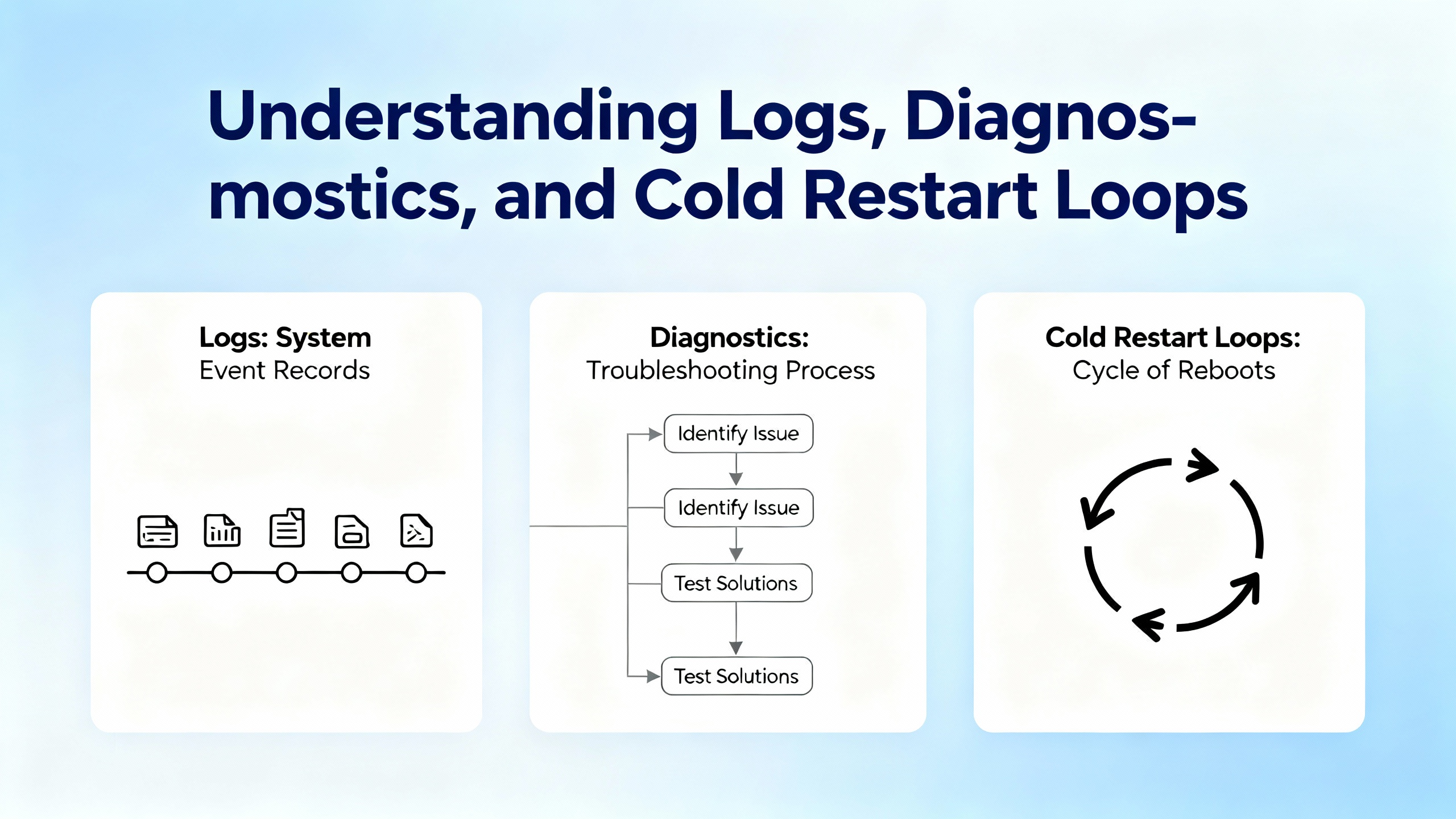
Intermittent resets deserve focused attention. Emerson Exchange 365 notes show event logs with repeating cold restart memory updates and boot messages hours or days apart. That pattern points to unplanned restarts rather than a network miss. Correlate the exact reset timestamps with power quality events, UPS logs, battery status, and switch link changes. In warm environments, verify temperature and airflow around the hardware. If resets cluster after maintenance windows or patch cycles, include firmware level review in your root cause checklist.
Ping proving Layer 3 reachability narrows the field. With reachability confirmed, the emphasis shifts to host services, ports, RPC/DCOM behaviors, and how DeltaV services are bound to the correct NIC and subnet. Misaligned firewall rules or AV hooks that intercept DeltaV processes can allow ping while breaking controller discovery and download flows.
A practical sequence looks like this. Confirm ProPlus DeltaV services are running. Validate the selected NIC for the DeltaV control network and put it ahead of other interfaces. Refresh the Windows routing table if needed by disabling the other NICs briefly and re‑enabling them later with the DeltaV NIC still on top. Check for duplicate IPs by reviewing ARP tables and by tracing MAC addresses on the switch. From DeltaV Diagnostics, attempt to connect again and watch for status changes across node objects. In many real‑world incidents, application‑layer responsiveness returns as soon as the ProPlus re‑binds to the correct NIC and the firewall stops filtering DeltaV processes.
Primary and secondary networks survive by design only if both segments are actually passing the right traffic. Inspect switch ports for the controller and ProPlus on both networks. Confirm link speed and duplex are consistent end‑to‑end. If you changed switch firmware or templates recently, check whether storm control, IGMP snooping, or VLAN isolation features were tightened. Practitioner notes compiled in the field have indicated that DeltaV Smart Switches historically did not support VLANs; while that simplifies deployments, it also means a misapplied VLAN on an upstream switch can silently isolate nodes. Verify your specific hardware and version against the latest Emerson documentation before you change switch behavior.
If a port is suspect, move the controller and ProPlus to known‑good ports with known‑good cables. That single move often distinguishes a failing port from an application problem without altering any host settings. If primary connectivity is erratic but secondary looks clean, favor the stable side while you diagnose, but avoid leaving the system indefinitely on a single leg if you purchased redundancy for continuous operation.
Logs cut through guesswork. In cases where a controller intermittently resets and then reloads configuration, event logs show tell‑tale sequences such as boot start messages and cold restart memory updates. The practical response is to look beyond network checks and attack the root cause. Confirm power supply health and eliminate any shared UPS that is near capacity. Check for any watchdog trip reasons available through diagnostics. Validate controller firmware and consider applying vendor updates under a controlled maintenance window if the reset pattern aligns with known defects. Emerson community posts have documented repeated cold restarts with minimal diagnostic detail, and in those cases, correlating resets with plant power or environmental events often reveals the trigger.
Approach recovery in a sequence that minimizes risk and avoids unnecessary downtime. Begin by ensuring the process is in a safe state and stakeholders are aligned on who will make changes and when. Verify controller power, LED status, and both control network connections. If pings succeed but the workstation or controller remain “Not Responding” in DeltaV, validate that DeltaV services on the ProPlus are running and healthy, then check the Windows firewall and antivirus exclusions. Confirm that the DeltaV control NIC is primary in the binding order, then temporarily disable non‑DeltaV NICs and test again. If Diagnostics starts reporting status, re‑enable the other NICs and retain the correct order.
If nodes still do not appear, move to the switches. Swap the ProPlus and controller ports to known‑good ones on both primary and secondary networks using known‑good cables and re‑test. If this clears the fault, conduct a root cause review of the original ports and document the finding.
When downloads fail even though nodes are visible, verify that the controller is assigned to the correct ProPlus and that system licensing is valid. Re‑download the configuration, watching for any errors in DeltaV Explorer or Diagnostics. If the controller shows intermittent “Not Responding” alongside log entries of cold restarts, schedule a maintenance window to investigate power, environment, and firmware levels. If necessary, power cycle the controller under control conditions and observe boot messages. If you can’t stabilize the controller after basic remediation, collect a diagnostics export and event logs and escalate to Emerson support.

Different tools answer different questions. Use them deliberately and note the expected good result for each so you stop when the evidence is conclusive.
| Tool or console | Purpose | What good looks like |
|---|---|---|
| DeltaV Workstation Status | ProPlus services and workstation health | All required DeltaV services running, no critical errors in workstation status |
| Windows Services and Event Viewer | Host services and OS‑level errors | RPC/DCOM and DeltaV services running, no repeating application or system errors |
| DeltaV Diagnostics | Node visibility and alarms | Controller and workstations visible with normal status, no persistent comm alarms |
| Switch port status | Link integrity and port behavior | Stable link at expected speed/duplex, no flaps or error counters rising |
| Ping, ARP, and route tables | IP reachability and interface priority | Consistent replies, ARP matches expected MACs, DeltaV NIC first in binding/metrics |
| DeltaV Explorer | Download and assignment | Successful download and assignment, no “workstation not responding” errors |
These checks align with advice shared on Emerson Exchange 365 and Control.com and have proven effective on commissioning weekends when hours matter.
Turning off a firewall or disabling NICs can be the fastest way to validate a hypothesis, but every quick fix has trade‑offs. Temporarily disabling the firewall is an expedient diagnostic, yet it increases exposure; apply it only under a controlled test and immediately replace it with correct rules. Disabling non‑DeltaV NICs removes route confusion but can cut off remote access or break corporate policies; perform the test locally and then restore the intended posture with the correct binding order. Reboots clear hung services but can mask the root cause; if you reboot, document the before/after and chase the underlying reason once you have breathing room. Swapping cables or ports quickly exonerates or indicts physical infrastructure, but make one change at a time to preserve evidence.
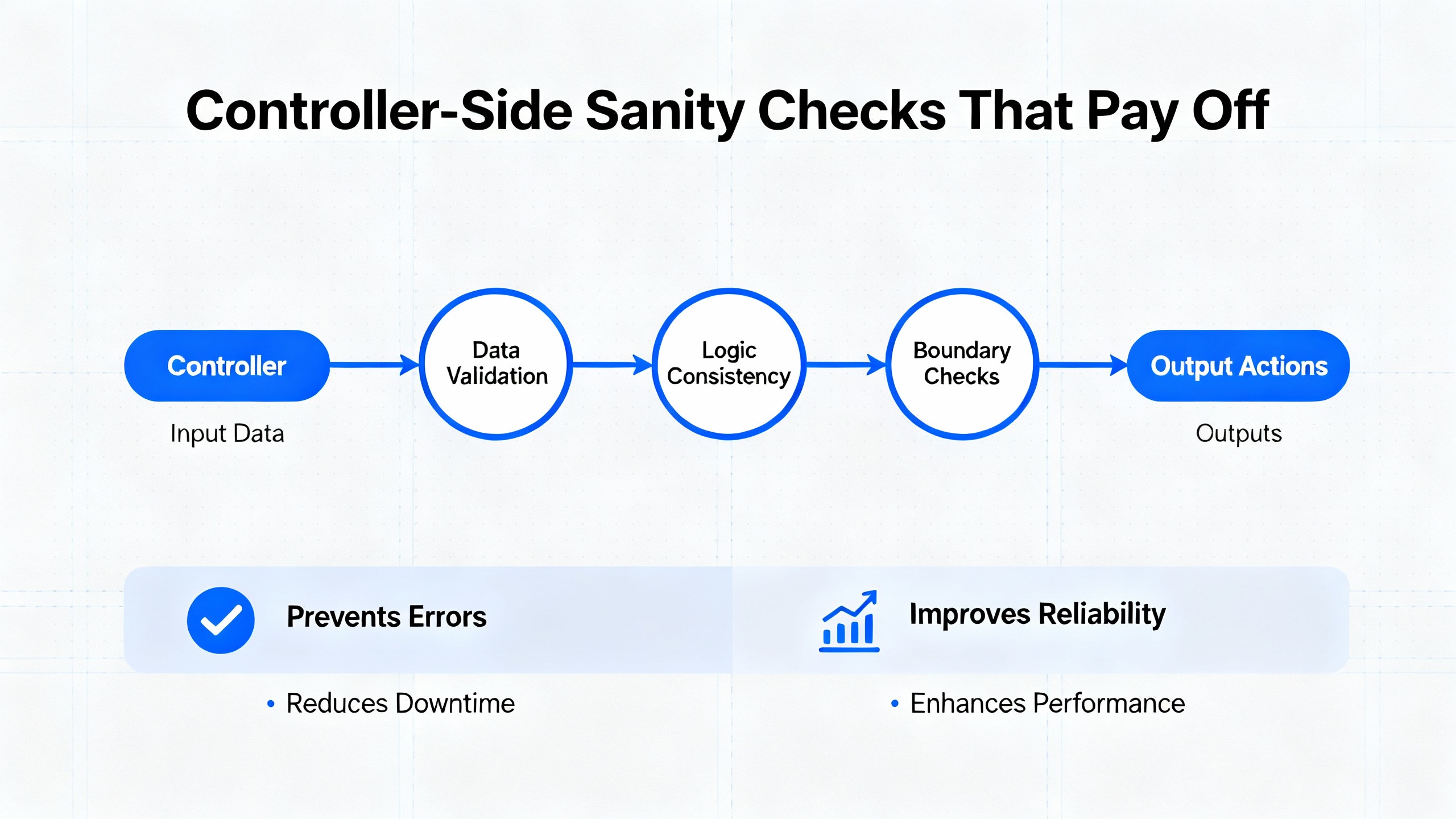
The smoothest recoveries are the ones you never need. Routine maintenance practices for DeltaV environments pay dividends during storms and scheduled outages alike. Keep software and firmware current per Emerson release notes, and plan upgrades during controlled windows with rollback points. Back up configuration and databases routinely and test restores on a bench so you know your backups are usable. Instrument your network for link events and traffic anomalies and set meaningful alerts rather than reactive notifications. Train your team on Diagnostics and common failure signatures so first responders diagnose rather than reboot. Design networks with redundancy and predictable behavior and document port roles and expected VLAN behavior before anyone changes a template on a Friday evening. These practices echo recommendations from Industrial Design Solutions content on troubleshooting and optimization and match the habits of plants with consistently high availability.
A resilient control system is as much about the parts you stock and the gear you choose as it is about procedures. Keep spare controllers, power supplies, and at least one known‑good industrial switch compatible with your DeltaV design. Stock labeled, tested cables for primary and secondary networks in the lengths you use most, and include a few port‑saver patch cords. When selecting replacement switches, favor models and firmware levels that match your approved standards and verify control‑network features with Emerson guidance to avoid surprises around VLANs or multicast behavior. Size UPS systems so they comfortably support your expected runtime with margin; test batteries on a schedule and log performance. Maintain a bench PC with DeltaV diagnostics tools, a controlled antivirus policy, and dual NICs for safe offline tests. Finally, keep a current inventory of licenses and a contact at your Emerson partner so escalations start with accurate context.
Control changes in regulated or high‑hazard facilities demand Management of Change discipline. Even when the plant is down, adhere to your MOC process and record the tests, conditions, and decisions that led to the final fix. If you suspect a hardware defect or a firmware defect, capture diagnostics and logs and escalate with a clear timeline and evidence rather than only symptoms. Community posts on Emerson Exchange 365 demonstrate the value of precise timestamps and log sequences when diagnosing cold restarts or service‑layer faults. When you restore service, close the loop by updating your troubleshooting playbook so the next “Not Responding” alert resolves even faster.
Most DeltaV “Not Responding” events are fixable in minutes when you aim at the right layer. If pings succeed, follow the evidence up to DeltaV services, firewall rules, and NIC binding on the ProPlus. If both ProPlus and controllers are unresponsive in tools, look for a shared dependency before swapping hardware. When resets recur, stop treating it as a network problem and examine power, environment, and firmware with logs in hand. Keep spares, keep backups, and keep your team practiced with Diagnostics. This combination of disciplined triage and preventive care is the surest path to fewer alarms, shorter outages, and a calmer control room.
What should I check first when a controller shows “Not Responding,” but I can still ping it? Move straight to the ProPlus. Confirm DeltaV services are healthy, verify the firewall and antivirus exclusions, and ensure the DeltaV control NIC sits first in the binding order. Then retest with DeltaV Diagnostics. These checks resolve many cases documented in Emerson Exchange 365 threads and match what on‑site teams see most often.
Why do both the ProPlus and a controller show “Not Responding” at the same time? They likely share a broken dependency. Common root causes include a stopped or hung DeltaV service on the ProPlus, the wrong NIC bound to the control network, or a switch configuration isolating the control segment. Focus on the ProPlus first, then verify switch ports and cabling on both primary and secondary networks.
Pings work, but downloads to the controller fail. What next? You are past Layer 3 and into services and trust. Validate that the controller is assigned to the correct ProPlus, that licensing is valid, and that core DeltaV services are running. Try a controlled re‑download and watch Diagnostics for status changes. If a policy update just occurred, re‑check firewall settings and AV exclusions.
The controller keeps coming back after apparent reboots. How do I stabilize it? Treat it as a reset loop. Correlate exact timestamps from DeltaV Diagnostics or event logs with power events, temperature, and switch link stability. Verify power supply health, airflow, and firmware levels. Emerson community posts describe cold restart memory updates repeating every few hours or days; such patterns point to power or firmware rather than wiring.
Do I need to reboot the ProPlus to fix “Not Responding”? Not necessarily. Often, restarting specific DeltaV services or correcting NIC binding order clears the fault without a full reboot. Use a full reboot only if services remain hung or you need to apply OS changes that require one. Document what changed so you can identify the root cause afterward.
How do community and vendor sources help during a live incident? They provide proven patterns that reduce guesswork. Emerson Exchange 365 and Control.com threads point to services, NIC bindings, firewall rules, and switch port behavior as leading causes when ping works but DeltaV does not. Industrial Design Solutions guidance emphasizes preventive practices such as patching, backups, and monitoring, which make recovery faster when something does fail.
This article reflects field experience and aligns with guidance discussed by practitioners on Emerson Exchange 365 and Control.com. It also builds on general DeltaV troubleshooting and optimization practices described by Industrial Design Solutions and on principles recognizable in official Emerson documentation. References will be listed separately.


Copyright Notice © 2026 mooreautomated.com All rights reserved,Moore Automated is not an authorized distributor or representative of the manufacturers featured on this website. Brand names and trademarks featured are the property of their respective owners.



Leave Your Comment