







MP 3009X
Get A Quote
DeltaV controller redundancy is designed to make failures boring. When a primary controller faults, the standby should assume control without a bump to the process, operators should keep their hands on the process not on panic buttons, and historians and batch should barely notice the event. If you are reading this, your last switchover was not boring. This article explains why automatic switchover fails in the real world and what actually restores trust in a DeltaV redundant pair. I am writing from the vantage point of an industrial automation engineer who spends a lot of time on plant floors recovering from the very situations engineers hoped would never happen. I also draw on Emerson’s product documentation for controller redundancy, field wisdom shared on Emerson Exchange 365, and practical operations guidance summarized by reputable integrators.
A DeltaV redundant controller pair consists of a primary and a hot standby that run the same configuration and maintain deterministic state alignment. The two controllers are mounted together and synchronize across a dedicated redundancy link while presenting redundant paths to the control network and, in supported architectures, to the I/O subsystem. When the active controller detects a qualifying fault, the standby becomes active and the process continues without a bump in outputs, provided versions match and the pair remains synchronized. Emerson’s controller redundancy data sheet emphasizes that control strategies do not need special programming to benefit from failover and that diagnostics report controller, link, and network health so faults can be isolated quickly. Manual switchover is both supported and encouraged during planned maintenance, and the pair supports online replacement and return to redundancy after the failed unit is swapped and resynchronized. The same documentation stresses a few rules that practitioners learn to respect: keep firmware and configuration versions matched across the pair; segregate power sources and network paths; and watch for alarms indicating a degraded state so that redundancy does not remain broken longer than necessary.
Failures rarely announce themselves with a single clear alarm. Operators might call because DeltaV Explorer shows a controller node not communicating. Engineers may point out that Diagnostics still shows the active controller scanning, yet redundancy status is degraded or a manual switchover command is blocked. Sometimes the process hiccups when it should not, as alarms reissue or a burst of General I/O Failure indications appears during a controlled switchover test. In several real-world cases discussed by experienced users on Emerson Exchange 365, the active controller deliberately stopped communicating on the network to protect itself from abnormal traffic such as a broadcast storm or suspected attack, leaving Explorer blind to the node while the controller protected its process. Those same discussions reinforce practical steps that matter later in root-cause analysis: record LED states on removal, bookmark the exact times of communication alarms in the Ejournal, and retrieve the controller’s buffered events via telnet with help from the Emerson Global Support Center. The version of DeltaV and the controller model matter because behavior and diagnostics vary across hardware generations, so those details should be included in any case you open.
| Symptom | Likely cause | First checks | Practical fix |
|---|---|---|---|
| Explorer shows “node not communicating” while the process keeps running | Controller self-protection from abnormal network traffic or a network storm | Switch logs, span of broadcast traffic, controller LEDs, Ejournal for communication-fail alarms | Isolate or remediate the storm on the plant network, restore stable traffic, and verify controller communications return without forcing a failover |
| Redundancy status stuck in Degraded | Standby not commissioned, not receiving download, or redundancy disabled | Redundancy parameters PExist, PAvail, and RedEnb in Diagnostics | Physically verify the standby, complete download to both units, enable redundancy, and confirm all gating parameters report Yes |
| Manual switchover blocked | Controller reports a blocking reason via Status | Redundancy Status parameter in Diagnostics for the specific block | Resolve the reported condition and reattempt a manual switchover once health is restored |
| Frequent IOF indications during planned switchover | Known alarm regeneration behavior during alarm re-creation | Alarm behavior guidance for redundant switchover | Notify operators before planned switchover and verify loop stability while alarms are reissued; confirm Time In values remain unaffected |
| Standby refuses to synchronize | Firmware or configuration mismatch | Controller versions, downloads, and image alignment | Match firmware, complete a full download to the pair, and allow time for synchronization across the redundancy link |
| Redundancy link flapping | Cabling or port issues on the dedicated link | Physical link inspection and diagnostics events | Replace or reseat the cable, check connectors and ports, and confirm stable link health in Diagnostics |
This table reflects a mix of lived experience and points documented by Emerson and experienced users. It provides a quick index; the rest of this article expands on how to validate and fix each condition in a controlled, low-risk way.
The network can be the villain even when controllers are healthy. Broadcast storms will starve normal traffic and provoke controller self-protection, which looks exactly like a controller that “goes dark” in Explorer. This does not mean the controller crashed; it may still be scanning control logic while suppressing communications. Check managed switch logs for storm control triggers or port errors and use Diagnostics plus Ejournal timestamps to correlate symptoms. Action rests with network hygiene rather than controller surgery.
Gating parameters block switchover more often than people realize. Emerson documentation describes three conditions that must all be true for manual switchover to proceed: the standby must physically exist, it must be available by virtue of having received a valid download, and redundancy must be enabled on the pair. When any of those are false, a Status parameter clarifies why switchover is blocked. Focusing here prevents needless hardware swaps and reminds teams to include the standby in their normal download workflow instead of treating it as an afterthought.
Version drift defeats redundancy silently. A mismatch between the active and standby firmware or configuration images will keep a pair from synchronizing. The fix is an orderly version alignment using releases approved for your site, followed by a complete download. As Emerson’s redundancy guidance notes, deterministic, bumpless transfer depends on predictable, validated behavior, and mismatched levels break that trust.
The redundancy link itself is an easy point of failure. An intermittent or damaged cable causes a false sense of redundancy because each controller works, but the pair cannot stay aligned. Diagnostics will show link dropouts. The cure is simple but often delayed: replace the cable and reseat connectors until a stable link is confirmed.
Alarm churn during switchover is expected behavior, not always a symptom. Emerson’s controller redundancy material explains that the system regenerates alarms during switchover. Active, unacknowledged, and suppressed alarms are reissued; inactive or acknowledged alarms are not. Time In values and alarm states remain intact, yet Time Last values update and message strings might not be preserved. The presence of brief General I/O Failure indications during a planned switchover does not necessarily indicate an I/O fault. It does, however, justify operator notification in advance.
A corrupted or bloated event store can muddy the picture. The Event Chronicle (Ejournal) is the authoritative log for communication fail alarms and other events that help sequence what really happened. There are well-documented procedures from practitioner notes to rebuild the Event Chronicle when it misbehaves, but that intervention belongs to a maintenance window. During incident response, the more important action is to copy out the relevant windows of events and preserve them before they roll over.
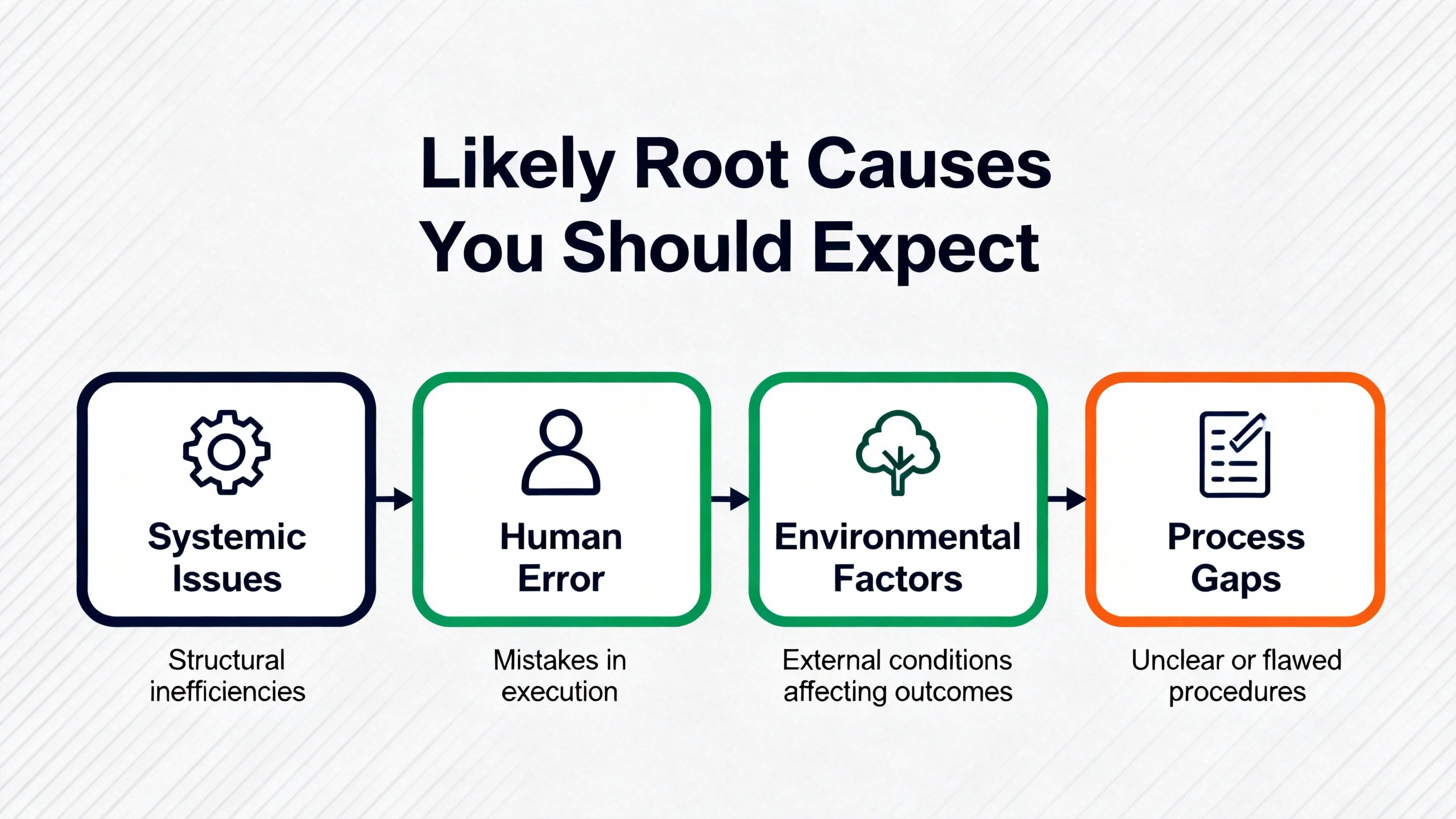
Stabilize the process and slow down the troubleshooting to avoid compounding the fault. If the active controller is scanning and the plant is safe, treat communications and redundancy restoration as the primary goals and defer nonessential interventions. Start with Diagnostics and observe the redundancy subsystem’s current state rather than jumping into forced actions. If redundancy is degraded, look at the existence, availability, and enablement conditions for the standby so you can bring it back into the pair without a restart.
Move next to the time axis. Open the Ejournal and mark the exact times when communication fails started and when operators noticed symptoms. These anchors become the spine of your forensic analysis. If you are missing context from the controller itself, coordinate with the Emerson Global Support Center to retrieve the controller’s buffered events via telnet. This is particularly helpful when the active unit self-isolated from network traffic and you need its own version of events. While you are at the cabinet, record the LED states before removing hardware so that no signals are lost to memory.
Consider the network as a root-cause domain early in the process. Check for broadcast storms or other unusual traffic that could have triggered the controller’s defensive behavior. A temporary isolation of noisy segments and verification that switch storm control is configured buys time and confidence. If a network storm explains the event timeline, restore clean traffic first and confirm communications return before touching the controllers. An overly eager hardware reset can turn a recoverable network event into an unnecessary process risk.
When Diagnostics or Emerson’s Status messages say a manual switchover is blocked, believe them. Investigate the reported condition, whether it is a missing download on the standby, a disabled redundancy setting, or a physical absence. Complete the download to both controllers and re-enable redundancy. It is astonishing how many “controller failures” vanish after a disciplined configuration step that the standby had been missing for weeks.
If a controlled switchover is part of your test plan or maintenance window, prepare your operations team for expected alarm behavior. Remind them that alarm regeneration will reissue active and suppressed alarms, that Time In remains stable, and that Time Last will update. A short briefing avoids confusion at the console and prevents unnecessary calls during the event.
If the pair refuses to synchronize after fixing obvious problems, align versions deliberately rather than experimenting. Check firmware levels against approved baselines and perform a full download. Emerson emphasizes version matching for deterministic failover for good reason, and skipping this step leads to brittle redundancy where the next failure becomes a larger outage.
Lastly, look at the physical redundancy link. If Diagnostics indicates intermittent link health, replace the cable and verify the connectors and ports. It is a minor repair with outsized impact on confidence.
Commission the standby correctly and completely. Create the redundant controller placeholder, allow auto-sense to recognize the pair, move the controllers into their intended control network location, and assign the required license. Complete a download to both units to enable redundancy. When adding a standby to an already active controller, Emerson’s guidance indicates the system can automatically commission the standby without interrupting the process. The important part is to let the synchronization complete and to verify health before declaring victory.
Use manual switchover as a verification tool once the pair is healthy. In Diagnostics, with authorization, initiate a manual switchover to confirm that the standby truly is hot and ready. If the system blocks the command, resolve the reason the Status parameter provides rather than forcing a workaround. A clean manual switchover is a strong indicator that the next automatic switchover will be uneventful.
Repair or replace a suspect redundancy link rather than living with flapping. A cable that drops enough to unsettle synchronization but not enough to trigger a clear fault is the kind of intermittent problem that keeps people up at night. Replace it and recheck diagnostics until the link is unequivocally stable.
Treat network storms with network controls, not controller resets. Configure storm control and segment traffic so abusive broadcast conditions on one segment do not spill into the control domain. Coordinating with your network team is essential here. If the active controller withdrew from network traffic out of self-protection, it will generally return happily to normal communications when the storm subsides, which is a better outcome than power-cycling a controller under load.
Align versions rather than relying on folklore fixes. Apply the approved DeltaV updates during a planned window, review release notes, and get the pair matched. A single upgrade on the active controller without bringing the standby along does not simply defer the work; it accumulates risk for the next failover. Practical advice from seasoned practitioners is consistent on this point.
Preserve and, when needed, rebuild your event history. The Event Chronicle and Ejournal are your best allies for reconstruction. If you later find the Chronicle misbehaving, schedule a rebuild with your database administrator so that future incidents leave a usable trail. Practitioner notes spell out how to rebuild those databases safely; the key is to do it on your own time, not in the middle of an outage.
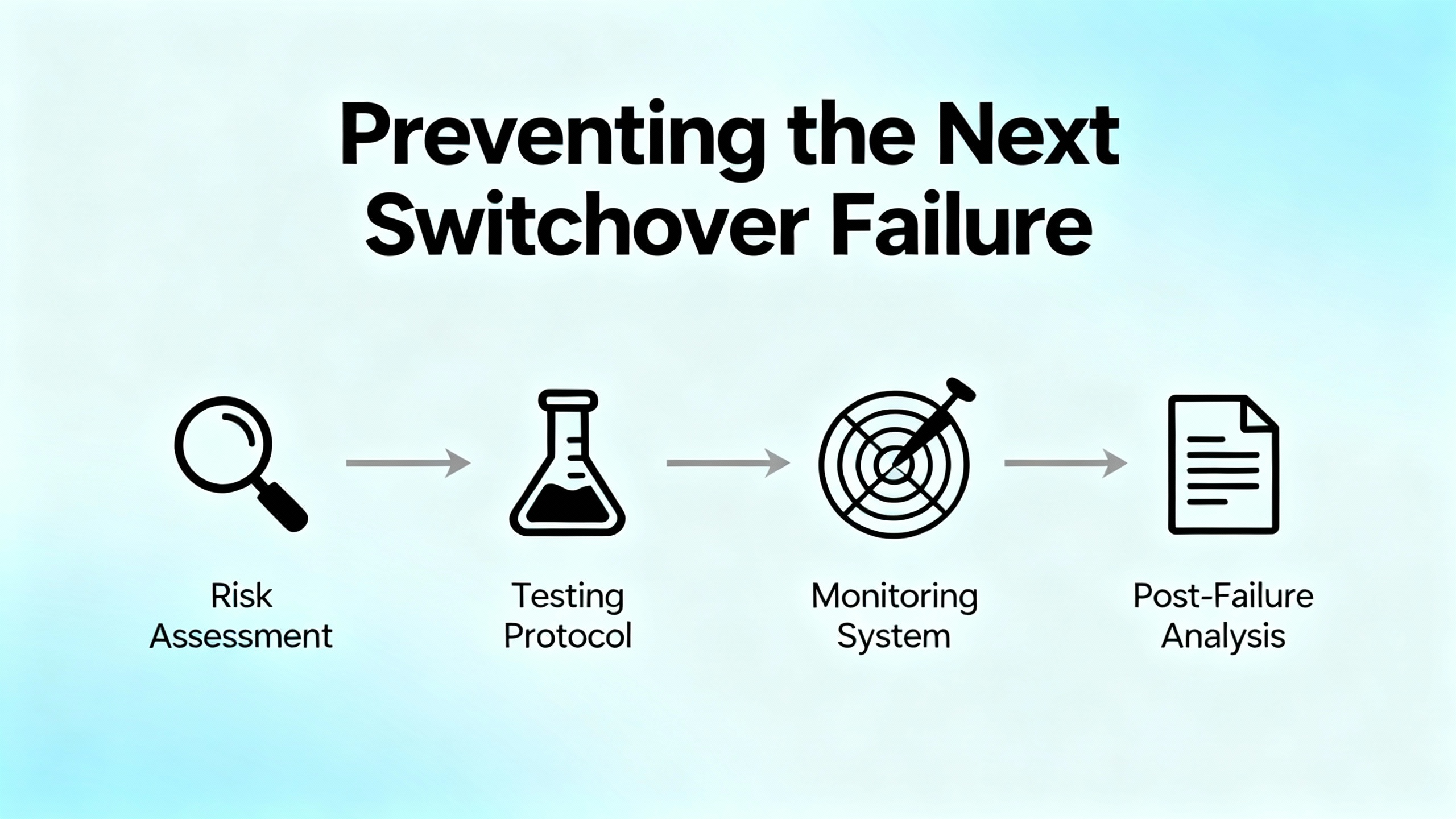
Successful redundancy hinges on design and discipline more than heroics. Emerson’s data sheets and field training echo best practices that general automation sources also reinforce. Separate power sources for each controller in the pair, segregated network paths, and tight version control are foundational. Monitor redundancy health continuously and alarm on degraded states so that you never run for days without protection.
Operational excellence for redundancy includes testing and measurement. Set clear availability targets, define acceptable recovery times and acceptable data loss windows, and plan drills that test both automatic and manual switchover during controlled maintenance periods. According to guidance summarized by Software Toolbox, deterministic failover depends on good heartbeats or watchdogs, clean time synchronization, and state replication. In DeltaV, the platform handles the synchronization, but you still need to keep time sync and logging clean so your diagnostics make sense later.
Keep systems current and resilient by policy, not by exception. Integrator guidance from IDSPower highlights scheduled patching, off-peak upgrades with documented rollbacks, and backups that are validated with actual restores, not assumptions. Training pays off when pressure is high; give your technicians practice with Diagnostics, switchover procedures, and post-event validation. Finally, document the architecture and store a playbook that explains who does what when redundancy degrades, so the procedure succeeds even when your A-team is off for the weekend.
Hot standby in DeltaV means the secondary controller is online, running the same configuration, and maintaining alignment with the primary so it can assume control instantly. Bumpless switchover is the promise that outputs and control loop states do not spike or sag when roles change. The redundancy link is a dedicated connection between controllers used for synchronization and health exchange; when it fails, the pair cannot stay aligned even if both controllers are otherwise fine. The Ejournal is DeltaV’s event and alarm journal that records communication fails and other events, which are crucial for reconstructing timelines. The Emerson Global Support Center is the escalation path for retrieving local controller event buffers via telnet and interpreting what the controller believed was happening when the network did not capture it. A broadcast storm is an uncontrolled flood of broadcast traffic on a network segment that starves legitimate traffic and can trigger protective behaviors in controllers and switches.
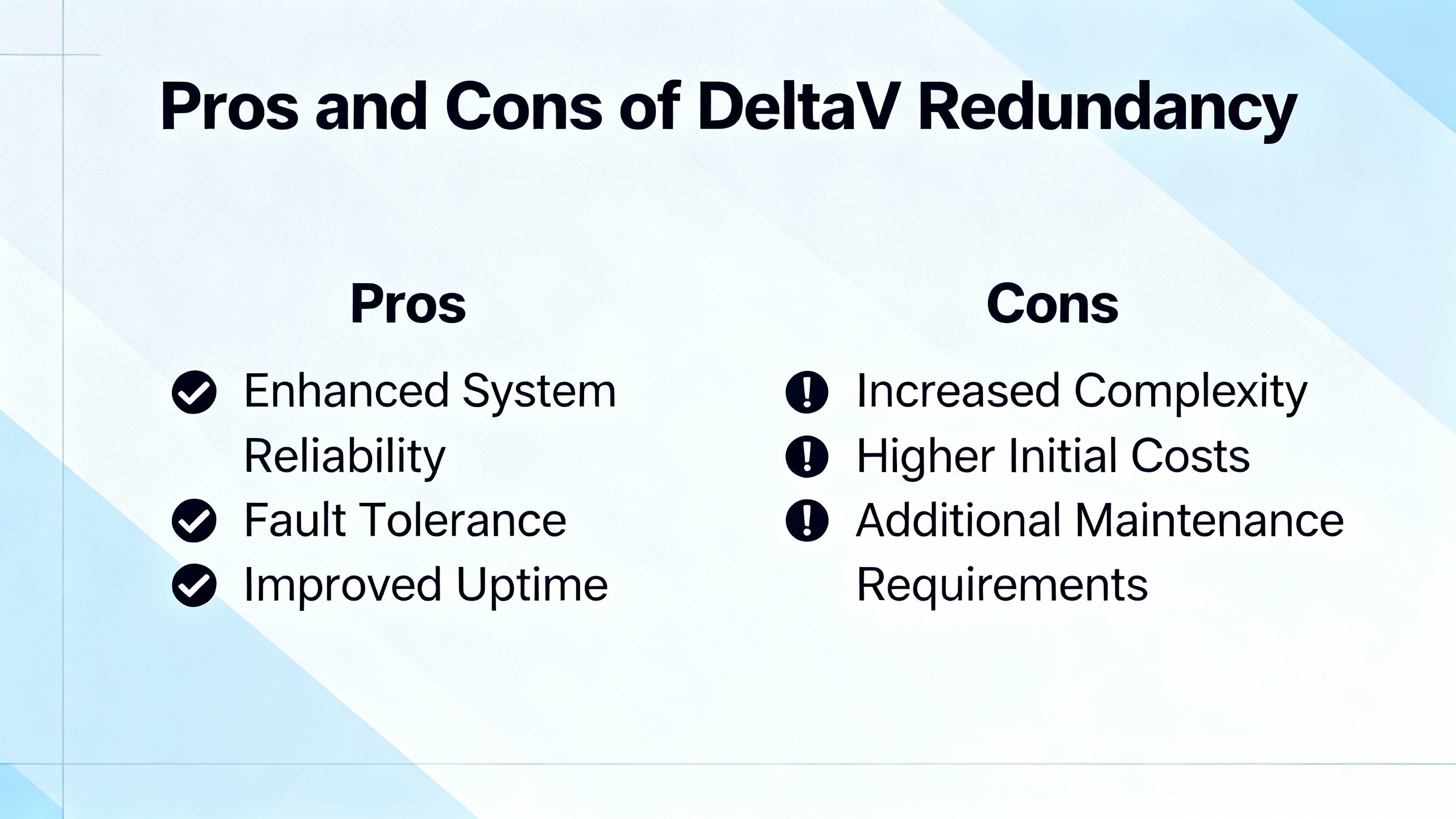
The benefits are immediate when a failure hits. Redundant controllers keep control loops running through hardware faults and allow online hardware replacement and return to redundancy without process interruption once the pair resynchronizes. Diagnostics and event logging provide visibility, and when versions and configurations are aligned, failovers are uneventful and predictable. The trade-offs are real and manageable. Redundancy introduces cost in hardware, licenses, and upkeep. It adds operational discipline requirements such as matching firmware, coordinating downloads across the pair, and segmenting networks so storms do not neuter your protection. If teams neglect maintenance, the redundant architecture decays into a single point of failure in disguise. The balanced view is that redundancy is not a substitute for good operations; it is an amplifier of good practices and will punish neglect.
When specifying or upgrading a DeltaV system with redundancy as a must-have, think about the lifecycle rather than the purchase order. Confirm that your chosen controller models support redundancy together and that the necessary redundancy licenses are included from day one. Procure separate power sources and plan panel power distribution so each controller can ride through a failure independently. Include spare controllers and the redundancy link cabling in your spares list and confirm that firmware for spares matches the plant standard. Commit to a version management policy where both members of the pair are updated in the same maintenance window and tested with a manual switchover before returning the system to service. Ensure managed switches in the control network enforce broadcast controls and are monitored, and that your network team understands that a controller “disappearing” is often a protective feature rather than a fatal condition. Lastly, confirm your support path by validating access to the Emerson Global Support Center and capturing the procedures your team will follow to retrieve event buffers, correlate Ejournal entries, and document a post-incident review.
It usually means Explorer cannot talk to the node, not necessarily that the controller is down. In documented cases, the active controller intentionally stopped network communications to protect itself from abnormal traffic such as a broadcast storm, yet it continued to execute control. Check Diagnostics, controller LEDs, managed switch logs, and Ejournal timestamps to confirm the situation, then address the network condition before touching the controller.
Emerson’s redundancy behavior regenerates alarms during switchover. Active, unacknowledged, and suppressed alarms are reissued, while inactive and acknowledged alarms are not. Alarm Time In and states remain intact, although Time Last updates and message strings might not be preserved. Communicate this to console operators before maintenance to avoid confusion.
Three conditions must all be true: the standby must physically exist, it must be available through a valid download, and redundancy must be enabled. If any are missing, the controller reports a blocking reason via a Status parameter in Diagnostics. Resolve the reported condition by commissioning the standby, completing the download to both controllers, and enabling redundancy, then try again.
Version alignment is essential for deterministic, bumpless failover. Mismatched firmware or configuration images often prevent synchronization, which leaves the system vulnerable. Match versions to site standards, complete a full download, and verify synchronization before relying on the pair.
Call when you need controller-side context that is not in plant-level logs or when switchover logic is behaving unexpectedly. Controllers store events in local buffers that can be retrieved via telnet with GSC assistance. Combine those with Ejournal alarms and operator observations to build a reliable timeline and root cause.
Yes, when done correctly. Emerson documentation indicates you can add a standby to an existing active controller without process interruption. Commission the standby, assign the license, allow auto-sense to recognize the pair, complete the download, and wait for synchronization. Validate with a controlled manual switchover during your maintenance window.
Redundancy failures are rarely about a single bad box and almost always about gaps in discipline. The platform Emerson designed delivers hot standby with bumpless transfer when firmware and configuration match, the redundancy link is healthy, and the network behaves. The most effective path to repair blends practical field checks with the platform’s own diagnostics: verify the gating conditions, align versions, fix the network noise, and test a manual switchover before handing the system back. Close the loop with prevention. Monitor redundancy health, patch on a schedule, drill your switchover procedure, and keep a clean event history. The boring switchover you wanted is closer than it feels when you treat redundancy as a program, not a checkbox.
Acknowledgments to Emerson product documentation for DeltaV Controller Redundancy for architecture and behavior statements, to Emerson Exchange 365 for field-proven troubleshooting moves such as using telnet to retrieve controller buffers and capturing LED states, and to practitioner summaries from Software Toolbox and IDSPower for practical design, testing, and maintenance habits that keep redundancy honest.


Copyright Notice © 2026 mooreautomated.com All rights reserved,Moore Automated is not an authorized distributor or representative of the manufacturers featured on this website. Brand names and trademarks featured are the property of their respective owners.



Leave Your Comment