







MP 3009X
Get A Quote
In an Ovation DCS, a “network card problem” can range from a flakey copper patch cable to a dead controller interface that quietly takes half a unit out of service. On paper it is just another Ethernet link. On site at 2:00 AM, it is a plant trip waiting to happen if you guess wrong.
This article walks through how I approach Ovation network card failures in the field, how to separate card faults from upstream network or OPC issues, and what to do so the same failure does not bite you again. The focus is practical: what to look at on the HMI, what the LEDs are telling you, how Ovation’s network architecture and diagnostics are meant to be used, and when to involve Emerson support.
Throughout, I will refer to publicly available Emerson and industry content, such as Emerson Automation Experts guidance on Ovation network design, Emerson’s OW360 “Maintaining Your Ovation System” material, Ovation troubleshooting training (OV300), a Combined Cycle Journal article on Evergreen lifecycle upgrades, and a Control.com discussion on OPC “bad quality” versus “error” status. The goal is to align bench‑top theory with what actually works in a running plant.
Most Ovation engineers first see network card problems from the operator’s chair, not from a switch CLI. The symptoms vary, and getting that pattern right is the first diagnostic step.
Sometimes the Ovation HMI shows frozen or obviously wrong values, with alarms indicating communication loss to a controller or I/O drop. In OPC-connected subsystems, you may see values replace with placeholders such as hashes or dashes and an OPC “bad quality” status. A well known Control.com thread explains that an OPC “error” means the server or data source is truly malfunctioning, while “bad quality” means the value is not usable, conceptually like “not a number.” Emerson and other vendors often propagate that quality flag up to the HMI, which may show the last value or a dummy value, but clearly marked as bad and accompanied by an alarm entry so the hardware problem is traceable later.
In other cases the plant sees intermittent issues. Values update most of the time but occasionally spike to zeros or go stale for a second or two before catching up. That pattern often points at marginal physical media, electrical noise, or congestion rather than a hard card failure. System event logs and switch counters will usually show errors or drops in those situations.
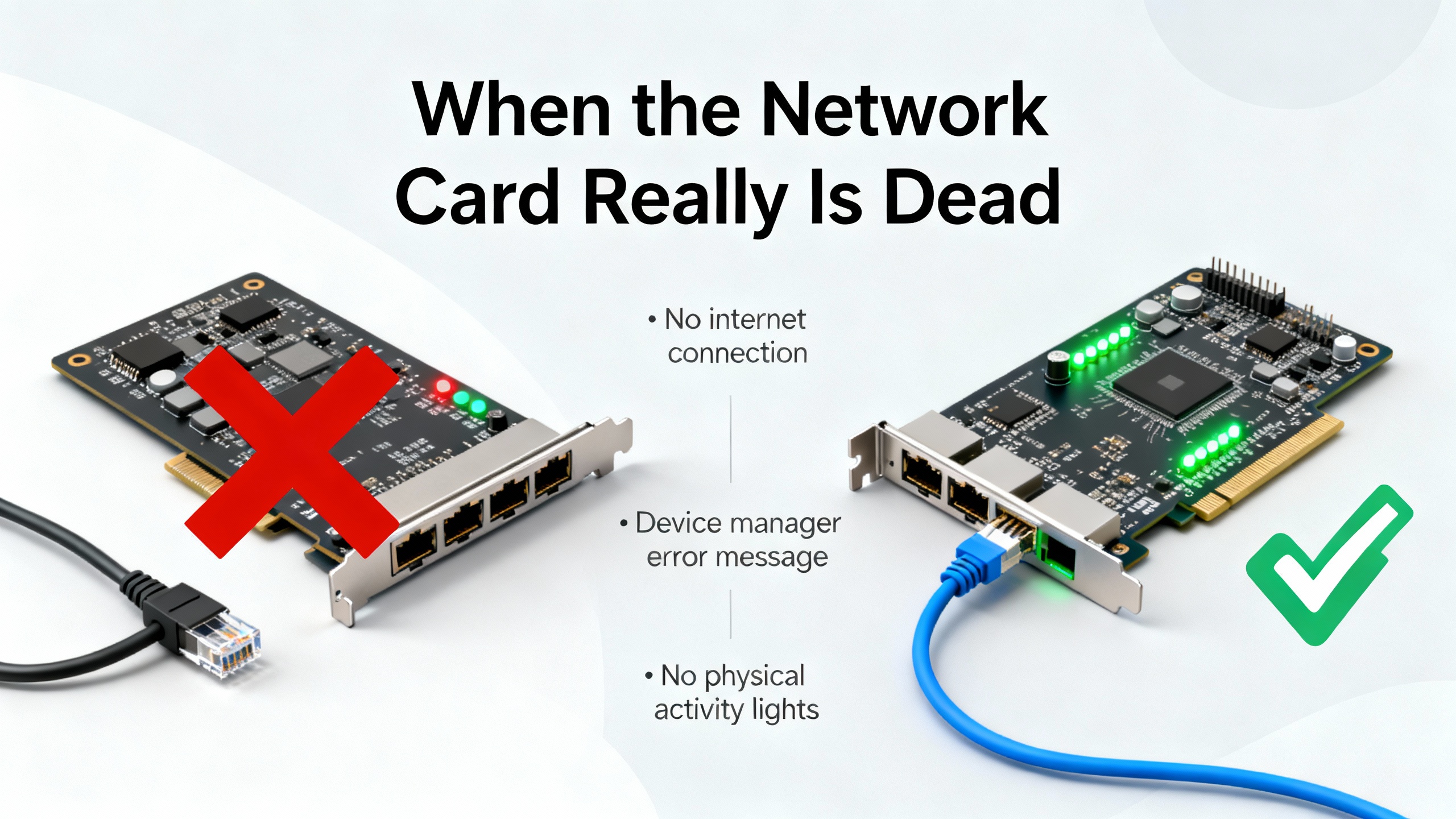
True card failures tend to look cleaner and nastier. A workstation NIC that has failed hard may show no link LEDs and lose connectivity completely. An Ovation controller network interface that dies may take an entire drop offline in System Status and be accompanied by specific Ovation error messages and alarms, provided the path to the historian and operator stations is still intact. Emerson’s OW360 maintenance manual and OV300 troubleshooting course both emphasize that you must trace faults end to end, from the field wiring through I/O, controller, network, and all the way to the display. “No data” on the screen does not automatically mean “bad card” unless you can prove the rest of the chain is healthy.
The table below summarizes how different symptoms usually map to layers in the Ovation stack.
| Symptom at HMI or tools | Most likely layer | Typical implication |
|---|---|---|
| OPC “error” status, point quality bad everywhere | Data source or OPC server | Controller or server offline, software or service failure |
| OPC “bad quality” but server healthy | Field device or I/O, not the NIC itself | Sensor failure, bad signal, or invalid value |
| Entire controller or drop disappears from System View | Controller network interface, cable, or switch | Card, port, or local wiring failure |
| Only one workstation loses access | That workstation’s NIC or its local path | Local card or cable, or access VLAN issue |
| Intermittent freezes and recoveries | Physical media, EMI, mis‑negotiated speed/duplex | Marginal link, congestion, or cabling problem |
Treat these patterns as hypotheses, not conclusions. The rest of this article is about proving or disproving them quickly and safely.
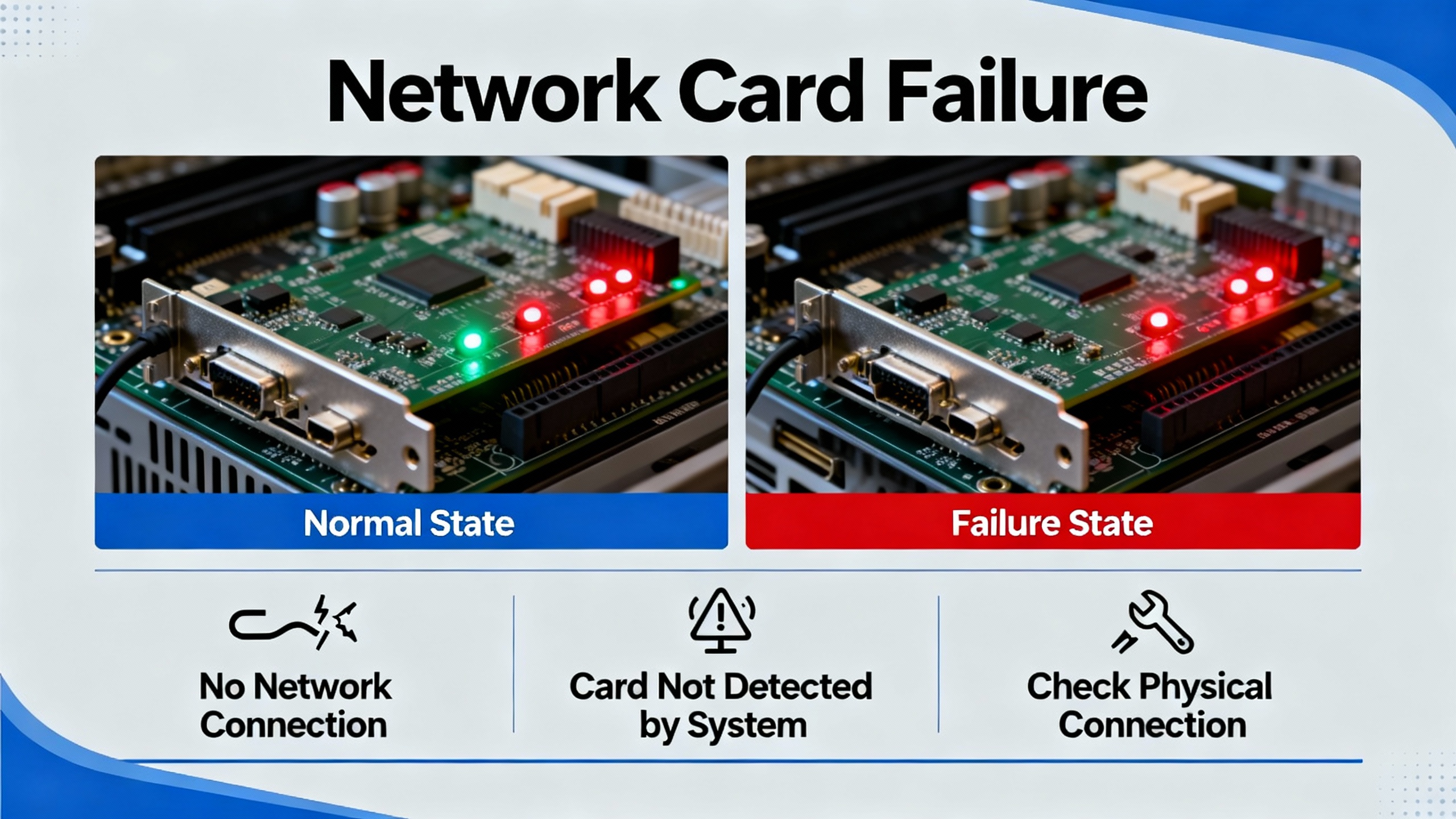
Successful troubleshooting depends on understanding how Ovation systems are wired and segmented.
An Emerson Automation Experts discussion on Ovation network architecture describes several key design principles. Ovation control networks, field PLC networks, and the plant corporate LAN are logically separated for both reliability and security. Non-Ovation devices such as printers or general IT servers are kept off the control network or placed behind carefully controlled routers and firewalls. IP schemes are segmented, with clearly defined static routes and default gateways so that each network knows exactly how to reach the others.
Every Ethernet node is configured with exactly one default gateway. If a controller or workstation must talk to more than one external network, properly engineered static routes are used instead of adding another gateway. Many mysterious communication issues in brownfield plants trace back to overlapping IP spaces or an extra “helpful” gateway added by someone who did not realize how Ovation handles routing.
On the physical side, Ovation networks obey the same Ethernet physics as any other system. Copper runs are limited to roughly 330 ft end‑to‑end. Multimode fiber supports distances on the order of about 1.2 miles at 100 Mbps and a few hundred yards at 1 Gbps, while single‑mode fiber supports approximately 6 miles at common speeds and can reach tens of miles with long‑haul optics. Several generations of Ovation network hardware exist. Emerson documentation distinguishes a second generation, a third generation Fast Ethernet design, and a third generation Gigabit design that removes the need for separate fiber media converters on the switch side. Crucially, these network generations are not meant to be mixed within a single architecture. You can host old and new networks within the same plant, and even virtualized on the same hypervisor platform, but each individual network should be internally consistent and follow Emerson’s validated topologies.
Switches and routers are more than just plumbing in this environment. OW360 and related Emerson materials cover switch and router configuration, port and device statistics, and common routed network problems. LED indicators on switches and cards carry a lot of meaning. The Ovation network architecture article notes, for example, that blinking green is typically normal activity, green with amber indicates errors requiring investigation, amber often signals a non‑forwarding or disabled link, and a dark LED means no communication at all. Switch log files and Ovation’s own System Status pages can show nodes, switches, and routers as active, standby, or offline, which is extremely useful when you are trying to decide whether the issue sits on a specific card or somewhere upstream.
Keeping all of that documented is not optional. A Combined Cycle Journal article on an Ovation Evergreen lifecycle upgrade described how a utility used a thorough checklist to inventory every controller, I/O card, power supply, and network switch before the upgrade, and still found multiple missed power supplies later. That same lesson applies to network cards. If you cannot say exactly which card is in which slot and what it connects to, you will struggle when something fails.
When I get called to an Ovation site for “network card failure,” I follow a repeatable workflow. It is not about heroics. It is about eliminating noise so you touch the right hardware once.
First, I confirm what the operators are actually seeing. I look at the main graphics, any communication‑related alarms, and the system‑level views.
If the problem is through OPC, for example between Ovation and a third‑party PLC or historian, I pay close attention to the quality flags discussed in the Control.com thread. If the OPC client shows “bad quality” but the server is running and the network path appears healthy, the problem may be on the field side, such as a failed sensor or a PLC point forced to an invalid value, rather than the NIC or the Ovation network itself. The correct response then is to treat “bad quality” as a diagnostic signal and trigger field inspection and maintenance, not to reboot servers or start replacing cards.
If the HMI shows entire controllers or drops as missing in Ovation’s System Viewer or System Status, that pushes suspicion down toward the controller network interface, its switch port, or its local cabling. Emerson’s OW360 manual calls out the importance of using System Viewer and Windows Event Viewer together. I check for Ovation system error messages, Windows network driver errors, and any patterns of disconnections or reconnections. If other controllers and workstations remain healthy, the scope is localized and we can be more aggressive with that particular node.
Next, I define the blast radius. Is the issue limited to a single workstation, a single controller, an entire I/O node, or a full network segment?
For a suspected workstation NIC failure, I try to access the system from another HMI or engineering workstation on the same network. If the second workstation can reach the controllers and servers without issue, the network core is likely fine and the problem is local to the first workstation’s card, its cable, or its immediate switch port.
For a suspected controller NIC or I/O network interface, I check how many devices that node talks to. If multiple operator stations, engineering stations, and historians all report that one controller as offline while other controllers are fine, I treat that node as the focus. If many nodes on the same switch or in the same panel show similar symptoms, I look for common causes such as a failed fan‑out switch, a power issue in the panel, or a patch panel problem.
Ovation troubleshooting training (OV300) emphasizes tracing along the entire signal path, and that lesson applies directly to network diagnostics. You start at the symptom and then move upstream: HMI display and quality flags, Ovation controller or server status, network path (cable, port, switch, router), and finally any firewalls or upstream LAN equipment.
Once the problem scope is clear, I go to the hardware. Even in a sophisticated system, many failures come down to something simple at the physical layer.
On site, I physically inspect the network card and cables on the affected node. I look for loose connectors, damaged locking tabs, or signs of strain near the card. If the site is noisy electrically, I check that shielded cables are properly terminated and grounded and that high‑noise equipment such as variable‑speed drives is not running in parallel with long Ethernet runs. General DCS troubleshooting guidance from providers such as IDS repeatedly calls out EMI, loose or dirty connections, and poor network layout as root causes of communication faults. Ovation is not immune to those issues.
Then I check the link LEDs on both ends: at the card and on the switch port. Using the patterns described in Emerson’s Ovation network architecture article, I interpret blinking green as normal activity, mixed colors as error conditions, amber as a disabled or non‑forwarding state, and no LED as an indication of no physical link or power. If I see errors or intermittent activity, I work with operations to schedule a quick cable swap to rule out the simplest failure point. If a known‑good cable does not bring the link up, that points back to the card or switch port.
If the cabling and LEDs look good but there are still errors, I review switch port statistics for the affected port. According to OW360’s guidance on network maintenance, port counters and device statistics often reveal excessive errors, discards, or speed and duplex mismatches that explain intermittent communications. Clearing counters, reproducing the problem, and checking again helps to differentiate old noise from the current incident.
When the physical side checks out, I move up the stack.
First, I confirm that the switch port is mapped to the correct VLAN or network. Mis‑tagging a port can make a healthy card appear dead to the rest of the Ovation system because it is effectively talking on a different island. I cross‑check the switch configuration against the most recent layout drawings and documentation. Emerson’s network‑architecture guidance and the Ovation Evergreen lifecycle checklist both stress that configuration files must match drawings and that both must represent the current live system, not what was shipped years ago.
Then I verify IP configuration. Each Ovation node should have one default gateway, and any additional network reachability should be handled with static routes on the router, not by adding more gateways on the node. If someone has tried to “fix” an issue by adding extra gateways or overlapping address ranges, removing that clutter eliminates an entire class of intermittent communication problems.
Finally, I look at any routing or firewall elements that sit between the affected node and its peers. Ovation systems often connect to plant historians, PI servers, or corporate LANs through routed interfaces. If the only observed symptom is that non‑critical external systems cannot reach Ovation while internal control remains healthy, the problem may sit in those perimeter devices rather than on the Ovation card itself.
At this point, if the physical media and network infrastructure look solid, attention turns back to the card and its host.
On Windows‑based Ovation workstations and servers, OW360 recommends reviewing user profiles, system registration utilities, licensing, and antivirus. For network card failures, I focus on the following checks, coordinated with site IT where needed.
I open the operating system’s device manager to confirm the NIC is present, enabled, and without driver errors. If the device shows exclamation marks or repeatedly disconnects and reconnects in Event Viewer, that is strong evidence of a card or driver problem. I verify that the IP settings match Ovation standards and that no additional “helpful” protocols or services have been added to the NIC that might interfere with OPC or Ovation communications.
I review Windows Event Viewer for network and driver related errors. Emerson’s maintenance guidance explicitly calls out event logs as part of normal diagnostic practice, not last resort. Consistent errors tied to the NIC, especially those coinciding with observed plant symptoms, are a red flag.
I check Ovation specific diagnostics. Ovation System Viewer and System Status can show the health of controllers, drops, and network components. Some Ovation cards and modules have their own status LEDs and diagnostics accessible from engineering tools. OW360 details module status LEDs for I/O and controllers and describes how to interpret excessive alarms or spur problems in redundant module pairs. While those examples focus on I/O and power, the discipline carries over to network interfaces: use the vendor’s diagnostics, not only OS‑level tools.
In virtualized Ovation environments, there is an additional layer. A user on Emerson’s community forums described a case where virtual controllers were not providing any readings even though the USB dongle and network appeared fine. Developer Studio reported that it could not connect to the Power Tool server, and eventually the root cause turned out to be that the Ovation Virtual Host service was not running and would not start. That is not a physical network card failure at all, but from the operator’s perspective it looked like one. In those setups, you have to check hypervisor‑level virtual NICs, Ovation virtual host services, and the path between virtual machines and physical switches.
If all of this points toward the card, I try to reproduce the problem in a controlled way. For example, I may move the same host to another switch port that is known to be clean, or temporarily install a spare card to see if the behavior changes. OV300 troubleshooting training strongly emphasizes controlled experiments anchored in documentation, and that mindset saves you from changing two or three things at once and not knowing which fixed the issue.
Before pulling a card, I make a deliberate effort to ensure the fault does not actually reside upstream.
Guidance from DCS troubleshooting sources such as IDS highlights recurring network problems: EMI, long or poorly routed cables, overloaded networks, and misconfigured switches. Emerson’s DeltaV network redundancy discussions, while focused on a different platform, offer relevant principles. DeltaV smart switches are configured to prevent unsupported ring topologies and rely on star networks where embedded nodes, not the switches, make redundancy decisions. The broader lesson for Ovation is that vendor‑validated architectures are designed and tested as a package. Introducing ad‑hoc rings, unmanaged switches, or untested redundancy schemes can produce intermittent failures that look like card problems but are really topology issues.
If I see multiple cards on the same switch misbehaving, or if replacing a card does not resolve the problem, I redirect attention to the network design itself: Are we using a topology that Emerson has validated for this generation of Ovation network? Are there unmanaged switches serving as hidden choke points? Are there loops or misconfigured redundant links? Emerson’s Ovation network tools, such as System Status and optional aggregation tools like GatherUI, exist precisely to give engineers visibility into these kinds of faults.
Only when I am satisfied that the network design and hardware upstream are behaving as designed do I call the card itself guilty.
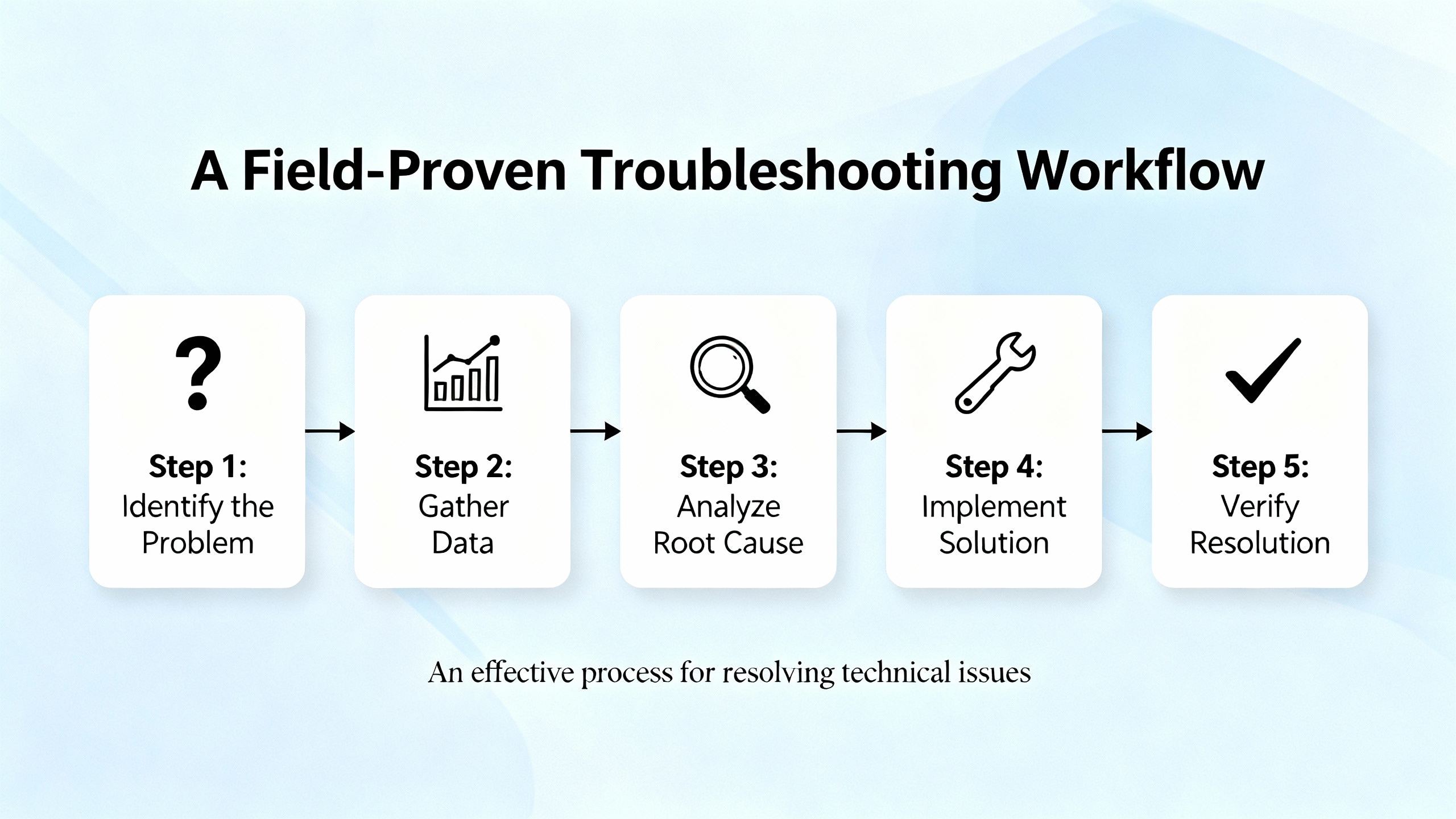
Once you have enough evidence that the network card has failed, the focus shifts from diagnosis to safe replacement and recovery.
Emerson’s OW360 “Maintaining Your Ovation System” manual spends considerable space on power‑down and power‑up procedures for cabinets, redundant modules, and power supplies. The core message is simple: treat control hardware like the critical infrastructure it is. That means observing proper lockout and tagout, following documented cabinet shutdown sequences, and respecting redundancy. If the network card is part of a redundant pair or resides in a controller that has redundancy, you should plan the replacement so that the surviving hardware continues to carry the load with minimal disruption. If there is no redundancy, you should coordinate the work with operations and ensure the process can safely tolerate the downtime.
Before you touch anything, ensure you have the correct replacement part. The Combined Cycle Journal Evergreen article showed how easily critical items such as power supplies can be missed or misidentified, even in a well‑managed fleet upgrade. The same holds for network cards. Verify part numbers, firmware compatibility, and Emerson’s support status. Emerson’s lifecycle “Evergreen” programs and SureService support offerings can help you understand whether a card is obsolete, whether alternatives exist, and how replacements fit into the broader lifecycle strategy for the plant.
During the replacement itself, follow Emerson’s recommended sequence. For controller or network interface modules, that typically means confirming the module is in a safe state, removing and replacing it with an identical or approved spare, and checking status LEDs immediately after seating. For workstation NICs, involve IT so that drivers and security baselines remain consistent with corporate standards.
After replacement, validation is not just “ping works.” You should:
Confirm Ovation System Status shows the node or drop as healthy, with no persistent communication alarms.
Review event logs and switch port statistics to ensure errors have not simply moved or changed form.
Verify that critical control loops, interlocks, and data feeds that depend on that card behave normally, ideally under both low and high load conditions.
When the plant permits it, I also like to simulate a link failure or redundant path switchover under supervision. That confirms redundancy behaves as designed and that the new card integrates properly into that behavior.
Document the failure and the fix. OW360 and Evergreen guidance both emphasize maintaining a running log of changes to controllers, HMIs, I/O cards, and networking gear. Recording that a particular card failed, how it was diagnosed, and how it was replaced helps both your future self and Emerson support when similar incidents occur.
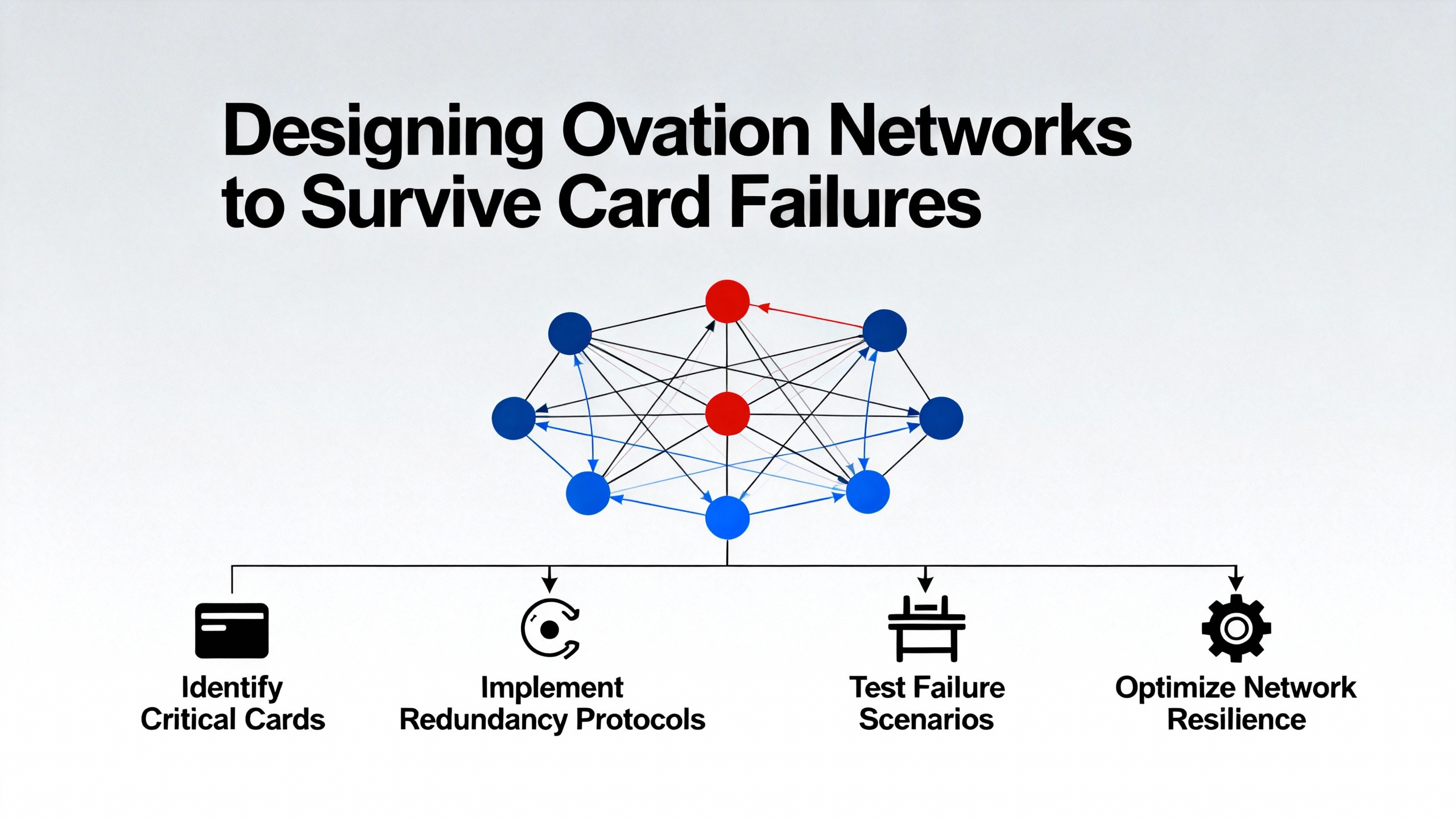
The best way to “fix” network card failures is to design your Ovation system so that a single card failure is a maintenance event, not a plant event.
Industry guidance on DCS network design and troubleshooting, including material from IDS and Emerson, points toward several common design practices. Ovation control networks should be built with redundancy where it matters: redundant controllers and network paths for critical units, dual power feeds for key switches, and thoughtfully placed switches so that a single panel loss does not cut off an entire process area.
Emerson’s Ovation network architecture article shows how third generation architectures use separate uplink ports to provide redundancy while increasing the number of available fan‑out ports. That design not only improves resilience but also simplifies future extensions. Designing with these validated patterns from the beginning reduces the temptation to bolt on unmanaged switches or unsupported rings later.
In addition, you should treat network capacity and monitoring as first‑class parts of your control strategy. IDS’s DCS troubleshooting and common‑issues guidance stresses continuous monitoring of latency and packet loss, segmentation of traffic, and prioritization of critical control traffic. Many Ovation systems run fine for years until additional data historians, remote HMIs, or security tools are added without revisiting network capacity. Suddenly, what used to be a clean control network becomes overloaded, and the weakest cards reveal themselves first. Regular network health checks and performance reviews catch this before failures appear.
The table below summarizes key design choices that directly influence how painful a network card failure will be.
| Design focus | Example practice in Ovation context | Benefit during card failure |
|---|---|---|
| Redundancy and topology | Use Emerson‑validated star topologies and redundant paths | Failure stays local; process remains under control |
| Hardware lifecycle and Evergreen | Include switches and NICs in Evergreen scope and spares strategy | Faster, planned replacements with known compatible parts |
| Documentation and change control | Keep up‑to‑date network drawings and switch configs | Quicker fault isolation and safer modifications |
| Monitoring and diagnostics | Use System Status, switch logs, and port statistics routinely | Early detection of degrading links before full failure |
| Training and drills | Train staff with OV300‑style fault tracing scenarios | More confident, faster troubleshooting under real pressure |
Treating these as project deliverables rather than “nice‑to‑have” extras is what separates plants that shrug off card failures from those that scramble every time one occurs.
Even with strong in‑house skills, there are times when you should bring in help.
Emerson’s Guardian service is designed as a single front door for DeltaV, AMS, and Ovation support. According to Emerson’s own Guardian contact information, the service provides 24/7 phone support, live chat during defined hours, email support with typical responses within one business day, and a secure portal for managing subscriptions and licenses. When you call, you are expected to have the product line, version, and system ID ready, along with information on whether the system is in commissioning, testing, or normal operation. Having your Ovation network documentation and a concise description of what you have already checked makes those interactions far more productive.
On the training side, Emerson offers formal courses such as OV300 (Ovation Troubleshooting) and OW360 (Maintaining Your Ovation System), which dive into diagnostic methods for network, I/O, and system administration problems. The OV300 course explicitly trains engineers to trace faults from field terminations through I/O, controllers, networks, and into the graphic display, using documentation and diagnostic tools systematically. Sending your key staff to those courses and then reinforcing the material with real plant exercises pays off when something fails at an inconvenient time.
Third‑party specialists, including firms like IDS that focus on control‑system troubleshooting across multiple vendors, can also play a role. Their DCS troubleshooting and support articles explain how they help plants design redundant network paths, implement monitoring, and keep firmware and configurations aligned with current best practices. For complex brownfield Ovation installations, a joint effort between Emerson, a specialist integrator, and plant engineering is often the fastest way to stabilize chronic network issues that manifest as repeated “card failures.”
Start by comparing behavior across workstations. If only one workstation cannot reach controllers while others on the same network segment are fine, the core Ovation network is probably healthy and the problem sits on that workstation’s NIC, its cable, or its access port. Check local link LEDs, device manager, and event logs on that host, and try relocating the cable to a known‑good switch port. If multiple workstations and servers all lose communication to the same controller or drop at the same time, the issue is likely within that controller’s network interface, its local switch, or a shared uplink, not within a single workstation card.
It depends on redundancy and plant risk tolerance. If the controller and its network interfaces are fully redundant and Emerson’s documentation confirms that online replacement is supported, you may be able to replace a failed card while the redundant path carries control, provided you coordinate closely with operations and follow OW360’s recommended cabinet and module handling procedures. If there is no redundancy or if the affected controller handles safety‑critical logic, treat card replacement as a planned outage activity, with a clear procedure, rollback plan, and plant approval. In all cases, confirm with Emerson support or the system integrator before attempting online replacement.
Emerson’s Ovation network architecture guidance is quite clear that different network generations should not be mixed within a single architecture. You can operate a second generation network alongside a third generation Fast Ethernet or Gigabit network in the same plant or virtual environment, but each network must be internally consistent and follow its own validated topologies. Mixing generations, or inserting non‑validated switches and media converters in the middle of a designed topology, risks subtle interoperability problems that may surface as intermittent card or communication failures.
No. As the Control.com discussion on Ovation signal errors points out, OPC “bad quality” means the value is not reliable, not necessarily that the network is broken. A field sensor at the end of its life, a failed I/O point, or a PLC flagging a device as failed can all cause OPC servers to mark the value’s quality as bad while still delivering a numeric value. A true OPC “error,” where the server or data source is malfunctioning or unreachable, is more likely to indicate a server, service, or network issue. That distinction matters because replacing a network card will not fix a dead transmitter.
Network card failures in an Emerson Ovation DCS are not just IT nuisances. They are control‑system events that can affect turbines, boilers, and critical auxiliaries if they are handled casually. The combination of symptom‑based diagnosis from the HMI, structured fault tracing as taught in Ovation troubleshooting and maintenance courses, and a solid understanding of Ovation’s network architecture is what keeps these incidents manageable. If you build your system with validated topologies, keep your documentation and training current, and use Emerson’s Guardian and lifecycle programs effectively, network cards become replaceable components instead of plant‑wide emergencies.


Copyright Notice © 2026 mooreautomated.com All rights reserved,Moore Automated is not an authorized distributor or representative of the manufacturers featured on this website. Brand names and trademarks featured are the property of their respective owners.



Leave Your Comment