







MP 3009X
Get A Quote
When a Foxboro distributed control system misbehaves, the plant feels it immediately. Loops oscillate, HMIs lag, alarms stack up, and production edges toward a trip. I have walked into refineries, chemical plants, and power stations where Foxboro I/A and EcoStruxure Foxboro DCS installations were stable for years and then suddenly weren’t. The difference between a one‑hour disturbance and a day of downtime is a disciplined approach: put the process safe, preserve evidence, isolate the fault domain, and fix at the right layer without creating new risk. This guide condenses on‑site repair methods, Foxboro‑specific practices, and reputable guidance from Schneider Electric, AVEVA documentation, Automation Community, ISSSource, and proven field strategies to help you restore control with confidence.

A DCS coordinates plant‑wide control using distributed controllers, I/O, HMIs, and industrial networks. Foxboro DCS is Schneider Electric’s platform for continuous and hybrid processes. Failures rarely come from a single cause. Hardware wear, network errors, software regressions, environmental stress, clock drift, and human factors can all align to produce symptoms such as alarm floods, HMI update delays, intermittent communications, loop oscillations, nuisance trips, rising scan times, and degraded redundancy health. In many cases, the root cause is not the controller at all but fundamentals like grounding, shielding, cabinet temperature, or loose terminations, a reality echoed by practitioners on the Automation & Control Engineering Forum. Because this is a system of systems, the repair path must be systematic.
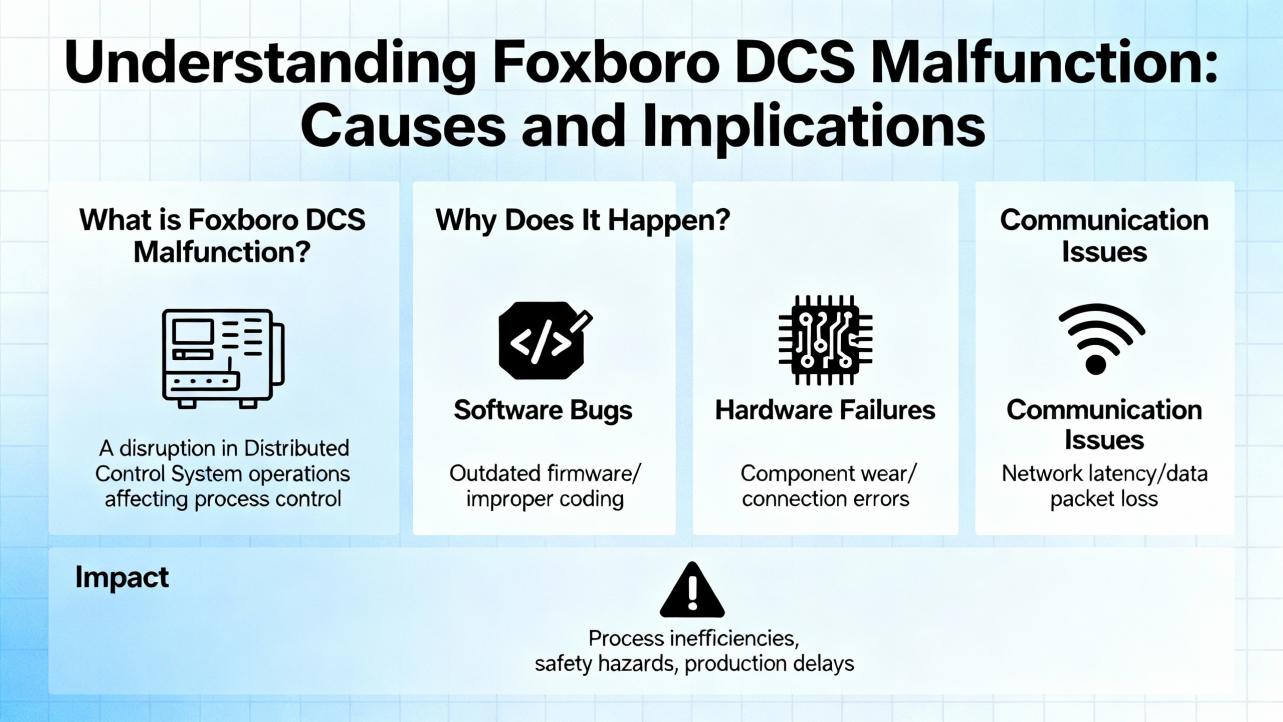
Before touching anything, put the process in a safe state according to site procedures. Capture time‑stamped alarms, events, controller diagnostics, and network health while the failure is present; this evidence drives root cause later. Confirm that last known‑good backups exist and are restorable. The DCS maintenance fundamentals described by Automation Community are clear: use change control for software updates and patches, test changes in a staging environment before production, and periodically test full restores rather than just making backups. Document every action, preserve a rollback option, and align with your management of change process.
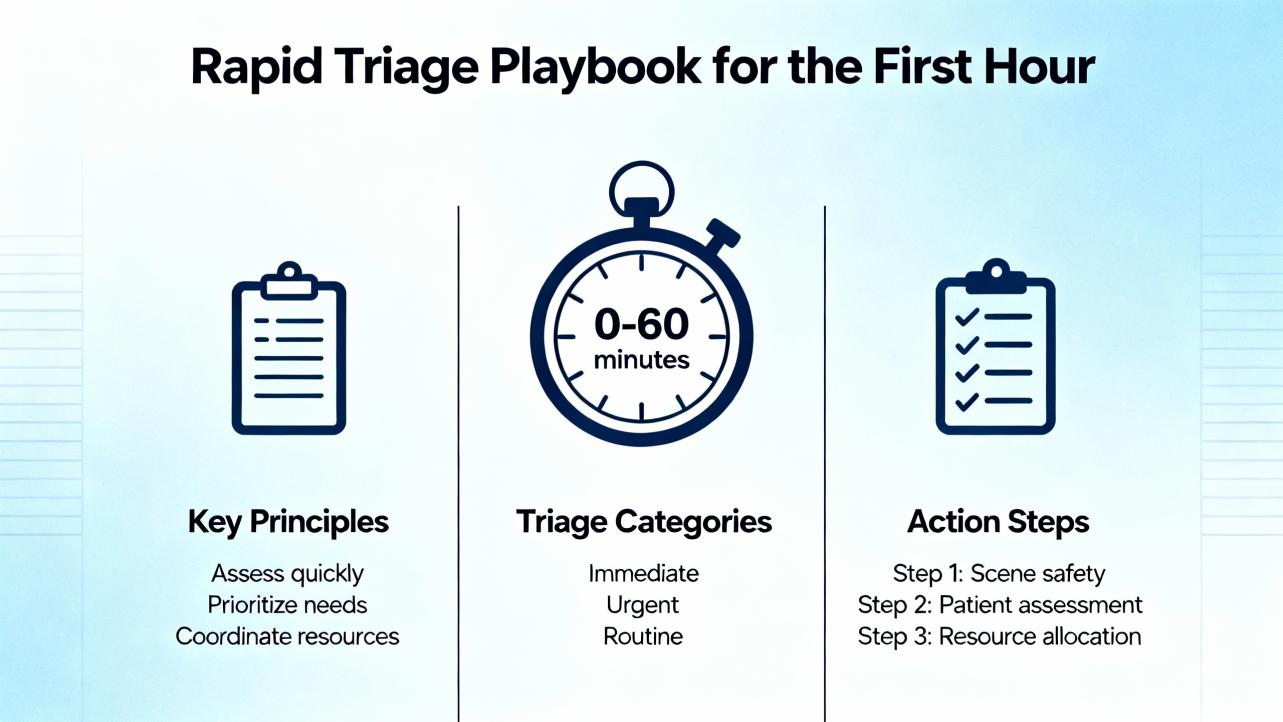
The first hour is about separating noise from signal. Start with observability: note when symptoms started, what changed in the last shift, and how redundancy is behaving. On controllers, check CPU load, scan times, watchdog and reset counters, and redundancy sync state. On HMIs and engineering workstations, verify application services are up and that historical logging appears current. At the network layer, examine link lights and switch port counters for errors. Look for IP or MAC conflicts, VLAN misplacement, or misconfigured redundancy protocols. Validate time synchronization across nodes because bad time can masquerade as “random” malfunctions; many data‑driven features require aligned clocks.
If the plant is stable enough, run a quick “divide‑and‑conquer” isolation. Disable or bypass nonessential subsystems one at a time in a controlled manner to see if symptoms subside. Swap with known‑good spares to confirm a suspected module without over‑tuning the control strategy. When possible, simulate field signals to isolate field wiring versus I/O rack versus controller logic. This pattern, emphasized in field‑focused troubleshooting guidance, reduces guesswork and avoids unnecessary component churn.
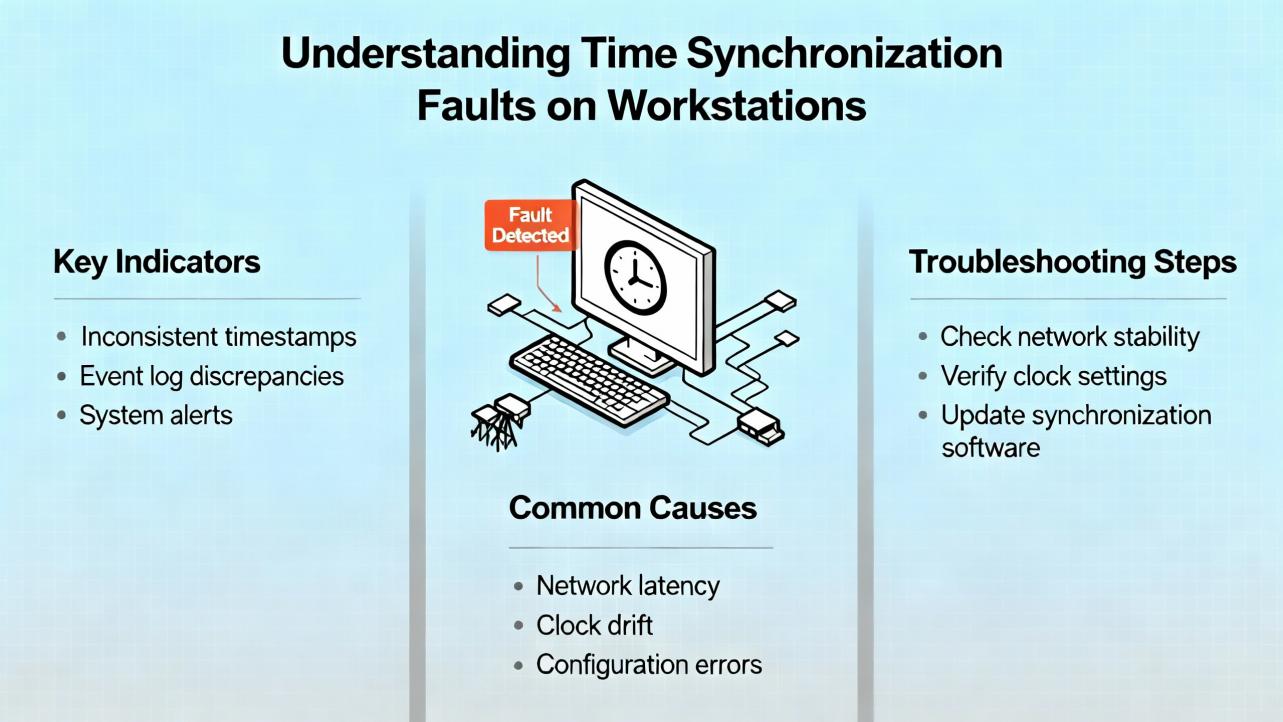
A classic Foxboro symptom is a workstation that refuses to keep time with the Master Timekeeper (MTK) GPS source. Operators fix the Windows clock only to watch it revert within minutes. The root cause is commonly the Windows Time service silently syncing from a domain controller or from the Internet instead of the MTK. The fix is straightforward once you look in the right place.
Open Event Viewer and filter System logs for Time‑Service messages. Query source and peers with w32tm /query /status and w32tm /query /peers. If the node is joined to a domain, Windows often uses NT5DS by default, which follows domain hierarchy rather than a specified NTP server. Explicitly set the service to NTP and point it only at the MTK by configuring Type=NTP and NtpServer=<MTK_IP,0x8>, then apply w32tm /config /update and w32tm /resync /nowait. When dual NICs exist, ensure the control‑network NIC is used for NTP; correct interface metrics and binding order, and consider blocking UDP 123 on the corporate NIC to prevent stray time sources. Audit Group Policy for time settings because domain policies can override local configuration; move the workstation to an organizational unit without enforced domain time if necessary. Confirm timezone and daylight saving settings, check motherboard clock health, and disable any hypervisor tools that force host time into the VM. If the issue recurs only on one node, reinstall or update the Foxboro time client. These steps come directly from practitioners troubleshooting Foxboro time drift in the Schneider Electric community and align with Windows time service behaviors.
Network health is often the quiet culprit behind intermittent DCS troubles. Examine switch logs for port‑level errors and discards. Confirm no loop conditions and that spanning configurations match design. On redundant networks, verify both paths carry traffic and that failover is clean. Ensure the DCS time base is healthy and that NTP or PTP offsets are near zero; out‑of‑sync equipment produces misleading sequences of events and false causality.
Controller diagnostics tell a parallel story. Rising CPU utilization and elongated scan cycles indicate a process load or a faulty logic path consuming time. Task overruns and watchdog near‑misses are red flags. Redundant pairs should show sync “healthy” status, and firmware versions should match documented compatibility matrices. If recent downloads preceded the malfunction, a regression is plausible; a quick return to the last golden configuration can prove or disprove that hypothesis without heavy disassembly.
Do not skip the cabinets. Validate that sensor excitation is present, UPS and power rails hold voltage under load, and that cabinet temperatures and humidity are within spec. Inspect grounding and shield terminations. Check terminal torque and look for loose screws or frayed conductors. Simulate inputs and outputs to localize faults. If line noise or EMI is suspected, look for correlations with big motor starts or VFD activity. This attention to basics aligns with the experience shared in practitioner forums where many “DCS problems” turned out to be wiring or installation issues that would trip any platform, not just Foxboro.
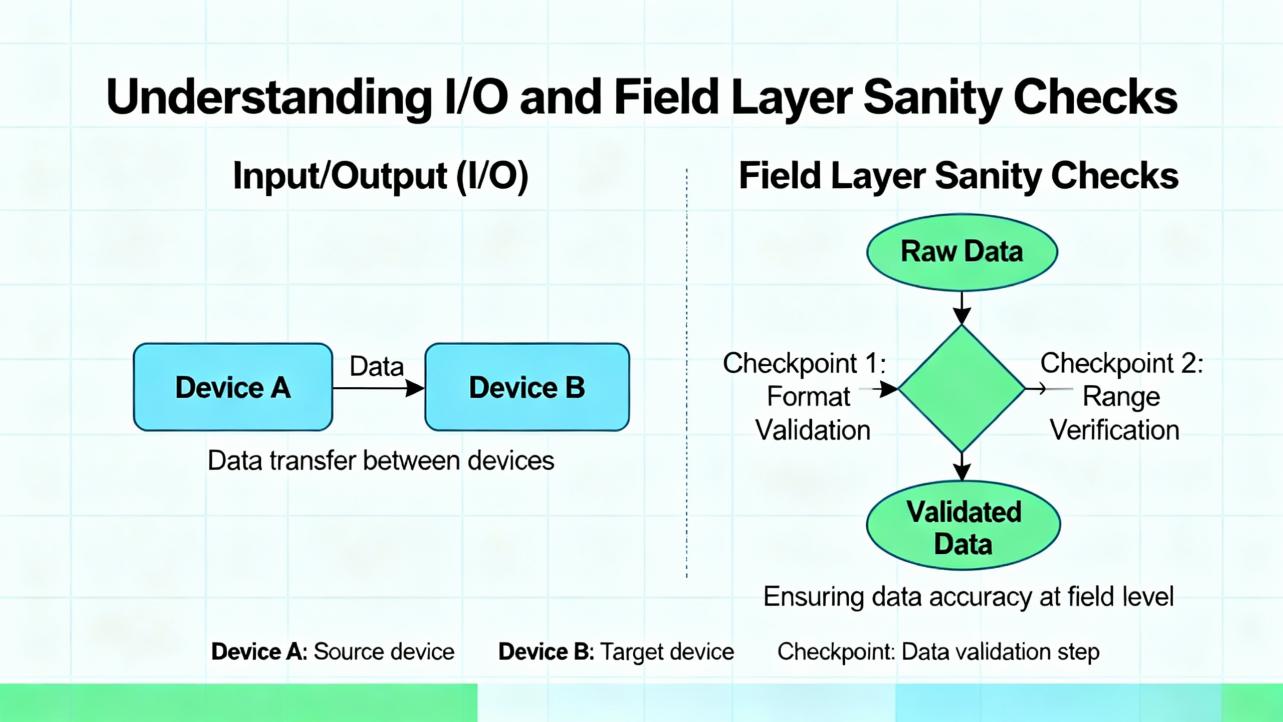
Rely on the simplest effective move. Reseat suspect I/O modules with power isolation to clear oxidation, but only after capturing diagnostics and ensuring you can stop safely. Replace modules when reseating changes symptom behavior. If a logic download precipitated the event, roll back to the last known‑good and re‑introduce changes in a test window. Use staged restarts rather than whole‑system reboots when possible so the plant retains as much visibility as it can while recovering. After each action, monitor with enhanced logging to prove stability rather than assume it.
Security patches deserve special care. ISSSource reported Schneider Electric fixes for EcoStruxure Foxboro DCS Core Control Services in versions 9.5 through 9.8 that address local denial‑of‑service and privilege escalation risks in the kernel driver. The patch, identified as HF97872598, requires a reboot. The threat model is local access rather than remote exploitation, but that does not make it optional. Follow standard patch practice: back up, test offline or in a dev environment, schedule downtime, install, reboot, and verify application services and drivers load cleanly. If you must defer the patch, harden physical and logical access to workstations and engineering nodes, enforce strong authentication, and keep control networks firewalled and isolated. These measures mirror Schneider Electric’s cybersecurity guidance.
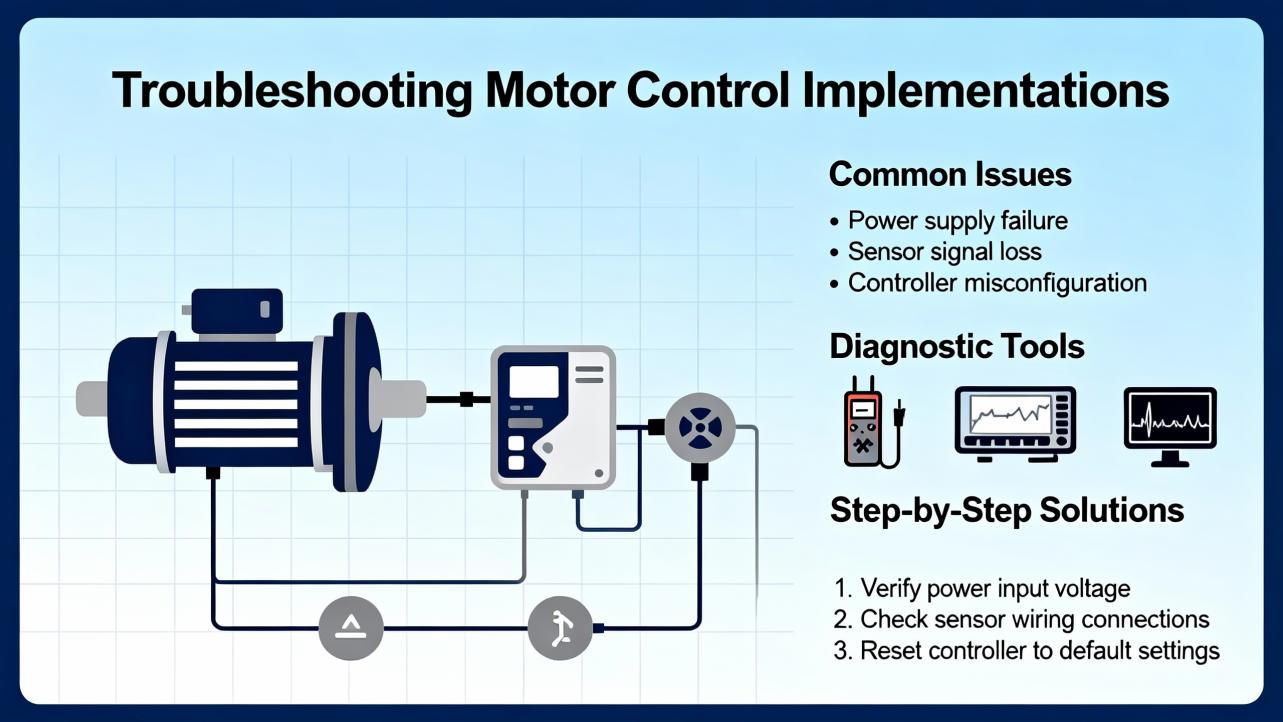
Many plants implement motor start/stop logic in the DCS alongside external protections and emergency shutdown systems. In Foxboro, motor control strategies often use a block sequence such as CIN, COUT, CALCA, and LOGIC with timer logic executing each second. The HMI start is generally a momentary pulse subject to permissives, while the DCS stop is a maintained toggle with no permissives that must be toggled off before the next start. An HOA selector should be wired so that Auto is required for a DCS start; otherwise local pushbuttons can generate “uncommanded start/stop” mismatch alarms.
Common symptoms include start failures where run status never asserts within a timeout, or uncommanded state alarms where commanded state and run feedback disagree. First actions include verifying permissives such as ESD reset cleared, minimum stop time elapsed, and HOA in Auto. Review starts‑per‑period counters; three starts per hour is a common design, and in some services two is safer. Stagger starts by at least ten seconds to avoid transient voltage dips and control network bursts. For cooling‑critical equipment, a minimum run time, commonly thirty minutes, prevents thermal cycling. These patterns, consolidated by experienced engineers, are practical to implement and test, and they prevent the same failure from returning a week later.
If you run AVEVA Batch Management with Foxboro DCS, alarm context matters. Alarms should associate to the batch that actually allocated the equipment. AVEVA documentation describes two ways to carry batch identity: the LOOPID parameter embedded in the Foxboro compound, or equipment allocation that links Batch Management entities to Foxboro tags. In one‑to‑one equipment mappings, either approach works; in runtime handoffs where an auxiliary can be used by different reactors at different times, LOOPID is preferred because a single alarm cannot belong to multiple equipment entities simultaneously. In exclusive‑use scenarios, write the active Batch ID into the lead compound’s LOOPID and into any exclusive‑use compound while it is allocated, so alarms inherit the correct batch context.
Operator accountability is equally important. The Foxboro Operator Action Journal can log operator actions that change process database parameters to both a printer and a configured historian. In FoxView, set the environment to Foxboro DCS Batch, enable Historian Log in the Operator Action Journal configuration, and point it to the historian alias. Persist the setup by adding OJLOG and related entries to the D:\usr\fox\wp\data\init.user file as described in AVEVA’s guidance last updated on December 16, 2024, then validate that actions appear in both the printer log and the historian. These two practices—correct batch alarm association and reliable operator action logging—turn after‑the‑fact investigations into factual reconstructions rather than debates.
A malfunction on an aging system is a reminder to ask whether repair alone serves the plant’s risk profile. Schneider Electric’s guidance on aging DCS systems emphasizes that many installed platforms are near end‑of‑life, and the cost of deferring upgrades includes parts scarcity, rising service cost, and the risk of a prolonged outage at the worst time. Define your migration drivers—uptime, efficiency, features, and usability—quantify them, and decide between phased migration and full replacement. The EcoStruxure Foxboro DCS platform supports plug‑in migration approaches, hot cutovers, reuse of existing wiring, and transfer of control schemes and databases, which can reduce downtime and risk if you plan early. Selecting an experienced partner with proven migration programs matters as much as product choice, and it keeps day‑two maintenance sustainable.
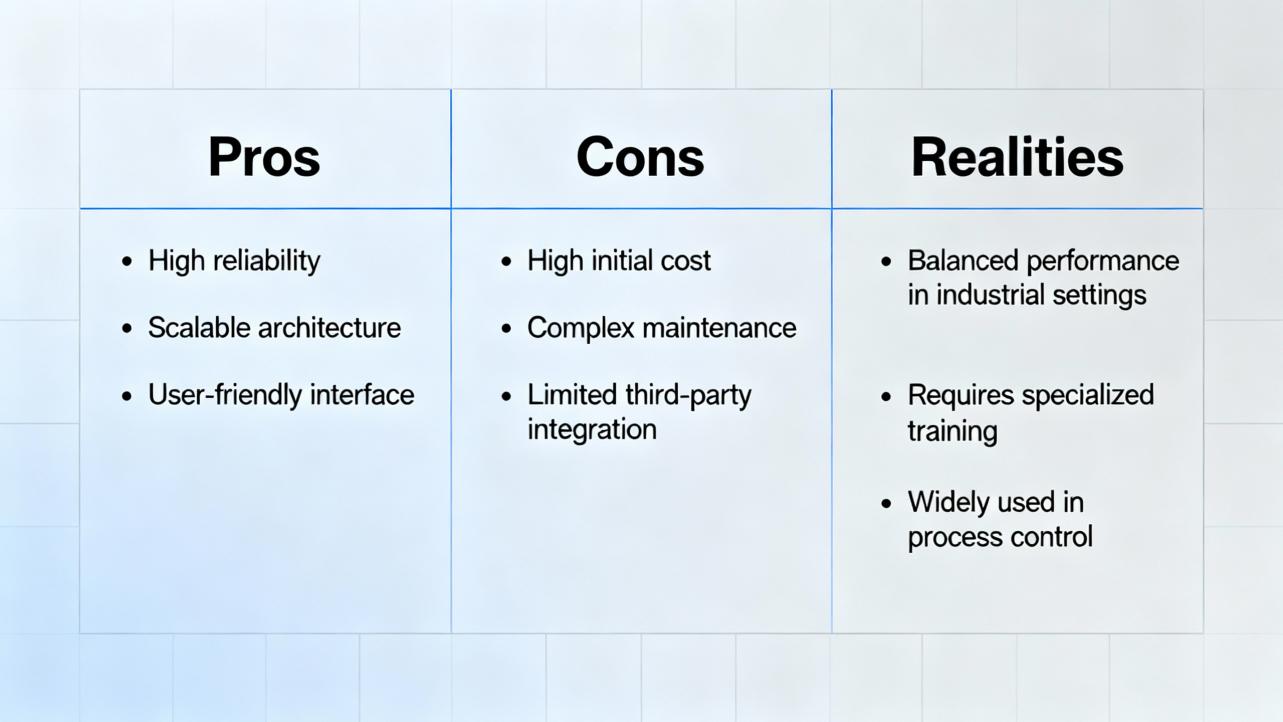
Practitioners generally regard Foxboro DCS as a mature, capable platform with strong redundancy and robust control. Real‑world tradeoffs exist. Workstations can involve high configuration complexity. Some models require a relatively large hardware footprint to deliver full functionality. Replacement parts can be expensive, and vendor troubleshooting sometimes funnels to “call support” for good reasons around system integrity. Importantly, many issues reported as “DCS problems” arise from bad electrical installation and grounding that would trip any vendor’s hardware. On the positive side, you do not have to be an electrical engineer to administer a Foxboro system with proper training, and the platform’s concurrency and control features allow significant process improvements with careful design.
Buying decisions in a repair moment are about risk reduction. Keep critical spares for controllers, key FBMs, power supplies, and network components; the “one thing you don’t stock” is the thing that will fail on a holiday weekend. Maintain a vendor support agreement so you can get updated drivers, patches, and immediate assistance. Standardize on secure, pre‑configured workstations and servers validated for Foxboro applications; Schneider Electric makes these available with redundant fiber Ethernet and mounting options suited to industrial environments, which reduces integration time and compliance friction. Before purchasing any gateway or protocol converter, verify version compatibility and ensure the data types and endianness match your Foxboro drivers. Where time sync is a recurring issue, consider dedicated, hardened time sources on the control network and validate your Windows Time settings against organizational policies so your MTK remains authoritative.
The right maintenance program turns emergency repairs into uneventful checks. Inspect panels and wiring on a defined cadence; tighten terminations and look for heat discoloration. Keep equipment clean, lubricate moving parts where applicable, and verify alignment of rotating equipment controlled by the DCS. Apply software updates and security patches through change control, stage them, and test before rollout. Back up configurations and historian data regularly, and test full restores quarterly so you are confident under pressure. Monitor availability, response times, and data integrity, and keep cabinet temperature, humidity, and vibration within safe ranges. Train operators and maintainers, keep documentation current and accessible, and exercise control loops in simulation and on process after changes. Build redundancy in controllers, networks, and sensors to ride through component failures. Use remote diagnostics for faster troubleshooting and plan lifecycle upgrades before parts become unobtainable. These practices, emphasized by Automation Community and validated in the field, keep small issues small.
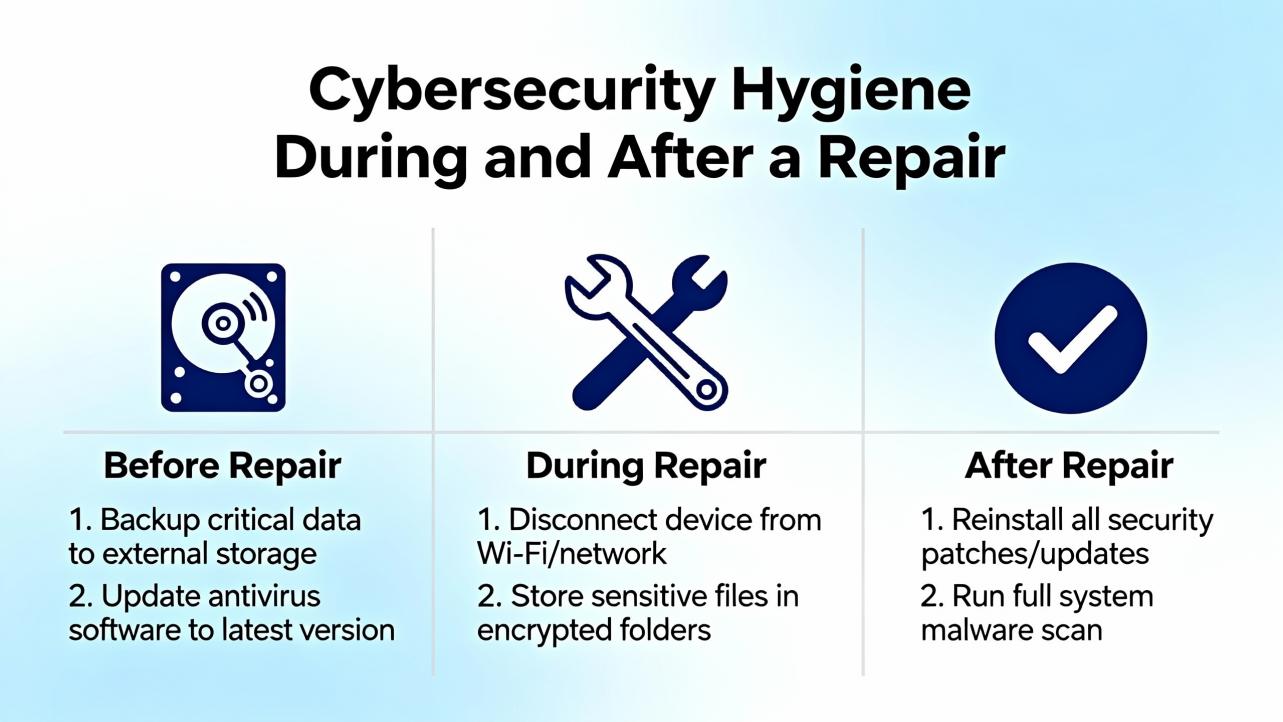
Repairs change system state, which is exactly when attackers exploit gaps. Treat cybersecurity as part of every maintenance activity. Keep control networks segmented and behind firewalls, isolate them from business IT networks, and minimize Internet exposure. Lock controllers physically, avoid leaving devices in Program mode, and do not connect programming laptops to non‑intended networks. Scan removable media before use, and prevent unmanaged cell phones or tablets from bridging into control networks. When remote access is required, use a maintained VPN and remember that its security depends on the posture of the connecting device. Track vendor advisories and apply patches following the test‑then‑deploy discipline. These measures mirror the mitigations described alongside the Foxboro kernel‑driver fixes and should be standard practice even when no patch is pending.
Operator care is a frontline defense. Keep an eye on alarm rates and report sudden changes even if the plant remains steady. When acknowledging alarms, add operator comments that capture what was observed and what changed; the Operator Action Journal complements this narrative. Avoid workarounds that skirt permissives; instead, escalate to engineering with precise timestamps and screen captures. If time display looks wrong, do not repeatedly adjust the Windows clock; report it so the source can be corrected at the MTK or Windows Time configuration. After every plant change, verify loop performance and HMI responsiveness rather than assuming equivalence. These small disciplines compound into reliability.
Distributed Control System is a plant‑wide control platform coordinating controllers, I/O, HMIs, and networks for continuous and hybrid processes. Master Timekeeper is the GPS‑disciplined master clock distributing time to Foxboro nodes. LoopID is a Foxboro compound parameter often used to carry active Batch ID so alarms inherit batch context in AVEVA Batch Management. Operator Action Journal is a Foxboro facility for logging operator changes to both a printer and a historian for auditability.
| Symptom | Likely cause | First action |
|---|---|---|
| Workstation time keeps reverting | Windows Time syncing to domain or Internet rather than MTK | Query with w32tm /query, set Type=NTP and NtpServer=<MTK_IP,0x8>, update and resync, then verify Group Policy and NIC binding |
| Alarm flood after a download | Logic regression or time misalignment | Roll back to golden config, validate time sync and loop stability, re‑introduce changes in staging |
| HMI lag with normal controller scans | Network errors, overloaded workstation, historian backlog | Check switch port errors, CPU and disk I/O, and historian queue; restart services before rebooting |
| Motor start fails intermittently | Permissive not satisfied or HOA not in Auto | Verify ESD reset cleared, minimum stop timer, HOA in Auto, and starts‑per‑hour limits; confirm start pulse wiring |
| Redundancy degraded | Firmware mismatch, failing module, or network path down | Check redundancy sync status and versions, reseat or replace suspect module, test both network paths |
What is the safest way to decide between rebooting a workstation and restarting services only? Prefer the least disruptive action that restores function and preserves evidence. If the HMI or historian service can be restarted and diagnostics captured, try that first. Reboot only after backing up logs and confirming you have a rollback plan; coordinate with operations so alarm awareness is not lost.
Should I install Schneider’s Foxboro kernel‑driver patch immediately? If your system is in the affected version range and the patch has been qualified in your test environment, plan an installation window because it requires a reboot. The reported issues are local‑access vulnerabilities, but defense in depth argues for timely remediation. Back up, test, schedule, install, reboot, and verify services.
How do I know if time drift is causing my alarm sequence to look wrong? Compare event timestamps across multiple nodes and query each node’s time source with w32tm. If offsets vary or the source is a domain controller rather than the MTK, fix time before pursuing logic changes. Misordered events often point to clock issues rather than process anomalies.
What can I safely reseat or replace while the plant is running? You can reseat some I/O modules in systems designed for hot‑swap, but only within your site’s procedures and after isolating the signal path. If in doubt, use a planned outage, because a misstep can trip equipment. Known‑good spares and a disciplined swap test are the right way to confirm suspicion.
When is it time to stop repairing and plan a migration? If parts are scarce, support is limited, or recurrent failures consume more time than the plant can tolerate, quantify Capex versus Opex. Schneider Electric’s migration guidance highlights phased options that reuse wiring and minimize downtime. Start early so you can migrate by choice rather than under duress.
How can operators help prevent repeat failures after a fix? Log clear operator comments, verify loop performance and HMI responsiveness after changes, and report rising alarm rates, slow trends, or screen freezes promptly. Consistent operator observations, paired with the Operator Action Journal and historian data, give engineering the context needed to address root causes.
Foxboro DCS malfunctions are solvable with a methodical approach that starts with safety and evidence, moves through time sync, network, controller, and I/O checks, and ends with targeted repairs and validation. The platform is robust; most recurring issues trace back to fundamentals such as configuration hygiene, wiring quality, and time discipline. Maintain backups and spares, keep cybersecurity current, and train your team to notice small anomalies before they become plant events. When repair no longer buys enough risk reduction, plan a phased migration with experienced support. That is how you turn a bad day into a controlled maintenance story rather than a production crisis.
Schneider Electric guidance on DCS lifecycle and EcoStruxure Foxboro DCS migration
AVEVA documentation on Foxboro DCS alarm association and Operator Action Journal
ISSSource security advisory on EcoStruxure Foxboro DCS Core Control Services
Automation Community best practices for DCS maintenance
SAS‑web guidance on DCS‑based motor control
Schneider Electric community discussion on Foxboro time synchronization issues
Automation & Control Engineering Forum perspectives on common DCS problems


Copyright Notice © 2026 mooreautomated.com All rights reserved,Moore Automated is not an authorized distributor or representative of the manufacturers featured on this website. Brand names and trademarks featured are the property of their respective owners.



Leave Your Comment