







MP 3009X
Get A Quote
When a safety system trips in the middle of production, it is not a theoretical exercise; it is alarms blaring, operators asking for time-to-recover, and management balancing risk against throughput. In critical applications, the Triconex safety platform has earned its place precisely because it is conservative by design, fault tolerant in practice, and diagnosable when the unexpected happens. As a field engineer who has commissioned, tuned, and troubleshot Tricon, Trident, and Tricon CX in refineries, petrochemical units, power generation, and turbine protection, my goal here is to show exactly how to navigate faults pragmatically, protect availability without eroding integrity, and decide when to repair, replace, or modernize—all with a clear eye on cybersecurity realities that now sit squarely in the SIS maintenance inbox.
Triconex is widely recognized as a leading Safety Instrumented System, ranked by end users and revenue in independent industry surveys, with Schneider Electric reporting more than one billion safe operating hours across three decades. The architecture is certified to SIL3, uses Triple Modular Redundancy with two‑out‑of‑three with diagnostics (2oo3D), and features hot-spare I/O slots so you can replace modules online without taking the plant down. Those are not marketing niceties; they are the reasons you can investigate a leg fault or replace a suspect interface card while the process remains in a safe, steady state. The platform unifies emergency shutdown, fire and gas, high‑integrity pressure protection, burner management, flare, and turbine protection under one engineering and hardware umbrella, which reduces the number of unknowns during troubleshooting.
When I show up on a callout, that architectural baseline is what lets me stabilize first, diagnose second, and remediate without trading away safety. The rest of this article is about the practical steps that follow.
Safety Instrumented Systems (SIS) are independent protective layers that detect hazardous states and move the process to a safe condition. Safety Integrity Level (SIL) is the performance target for a Safety Instrumented Function (SIF), assigned through hazard analysis, LOPA, and verification work typically done under IEC 61508 and IEC 61511. Triconex implements those SIFs on a TMR architecture with three logic legs and a majority voter. The 2oo3D scheme allows a single leg to experience a diagnosable fault without losing the function. Hot‑spare I/O means you can swap a failed card while the module’s healthy legs and the rest of the rack continue to execute.
Diagnostics are not an afterthought. Triconex offers Diagnostic Monitor and Advanced Diagnostic Monitor utilities, which connect to the system and generate readable log and diagnostic files. These are the first tools I reach for after I confirm the plant is stable and alarms are under control. According to the Triconex Diagnostic Monitor documentation, specific error classes point you to module type and fault domain—for example, a “voter fault” is defined as a condition that applies to digital output modules.
Under live plant conditions, the sequence matters more than heroic keystrokes. I start by confirming that the trip or alarm did what it was supposed to do, which means verifying process boundaries are intact and that the SIS is controlling risk as designed. Only then do I move to clear a soft fault if the system says it is safe to do so. Clearing a soft fault and watching for an immediate repeat is a legitimate discriminator between a transient disturbance and a persistent failure. When a soft fault returns or the error text is ambiguous, I connect Diagnostic Monitor or Advanced Diagnostic Monitor and capture a diagnostic file with timestamps during the actual fault condition. That file is what Triconex service will ask for, and it is what an experienced engineer can parse to narrow from subsystem to leg.
I treat digital output voter faults with particular care, because they indicate the module type and path where the majority vote is seeing a discrepancy. The same holds for analog output mismatch alarms. In either case, the critical move is to identify the leg and confirm that the system remains in a safe, 2oo3D‑tolerant state. From there, a planned online module swap is the usual path back to a clean diagnostic slate, and it keeps availability high.
The table below compacts real‑world symptoms, likely causes, and actions that have resolved issues on live systems without compromising SIL targets. Every plant is different; always apply your site’s safety management of change, permits, and lockout rules.
| Symptom in diagnostics or HMI | What it usually means | Immediate action on site | Durable fix or follow‑up |
|---|---|---|---|
| Soft fault on an I/O module that clears but returns | Fault is real and repeating on one leg or channel | Clear once to confirm repeat; capture Advanced Diagnostic Monitor logs while the fault is present | Replace the suspect module online via hot‑spare slot; return unit for analysis if under support |
| “Voter fault” reported on digital output module | Majority voter detected leg discrepancy specific to DO path | Verify outputs are in safe state; identify which leg shows bad vote | Perform online module replacement; verify wiring and load conditions; run post‑swap diagnostics |
| “External mismatch” on analog output; internal loopback error on a specific leg | Known elevated failure mode for AO modules manufactured Jan 2013–Oct 2015 tied to resistor weakness and flux chemistry | Confirm the process remains safe and that the failure is isolated to one leg; schedule a timely online swap within your MTTR | Replace the module; reference advisory ID M02363 in RMA; affected units are covered by a seven‑year warranty; reworked units receive protective fill and redesigned resistors |
| “No communication on leg A/B/C” or “sanity test failed” | Leg‑centric fault diagnosed by firmware; system running 2oo3D | Keep plant online if risk is controlled; escalate with diagnostic file | Replace module; review grounding and power quality to rule out environmental contributors |
| Tricon Communication Module (TCM) resets sporadically under high network load | Known legacy vulnerability that can force a controller communication reset | Isolate SIS network traffic; verify no scanning tools or misconfigured hosts are flooding TCM | Apply vendor fixes for affected versions; consider upgrading to later Tricon or CX releases |
| Unusual TriStation traffic or unexpected SIS downloads outside maintenance windows | Cybersecurity event or hygiene lapse; the engineering workstation may be compromised | Lock the controller key switch in RUN; disconnect nonessential hosts; capture network logs | Follow CISA and vendor guidance; harden the engineering workstation; add OT network monitoring with deep TriStation inspection |
| Persistent scan anomalies or spurious bad integer inputs | Environmental noise or grounding issues bleeding into signal integrity | Inspect instrument earth versus system earth; verify line filters and power integrity | Improve EMC practices; prefer 3‑core power cables for filtering; consider isolation transformer on floating supplies |
When the fault is diagnosable to a single module leg and the 2oo3D architecture holds, Triconex practice allows online repair without degrading operation. The watchout is complacency: replace the faulted component within your accepted Mean‑Time‑To‑Repair so you do not risk a second fault that would drop redundancy.
The TRITON/TRISIS incident in 2017 was a watershed moment because it targeted the safety layer itself. Malware executed from a Windows engineering workstation and attempted to read and write Triconex controller memory over the proprietary TriStation protocol. According to independent analysis published by the security community and reported by industry outlets, the attempt tripped the controller into a safe state and exposed the attack. The outcome served as proof that adversaries are willing to manipulate SIS logic directly if given access.
CISA advisories for Triconex systems describe specific vulnerabilities and operating conditions that matter in the field. One advisory covering the Tricon model 3008 outlined how unverified control‑program memory and fixed memory locations could be abused by a high‑skill attacker. Another covered legacy TriStation 1131 versions and TCM modules, highlighting risks from legacy accounts, cleartext exposure, and a high‑severity debug port condition in certain TCM firmware. Critically, these scenarios assume that an attacker can reach the SIS network and that the controller key switch is left in PROGRAM. The practical lesson for troubleshooters is that some download anomalies and unexplained controller mode changes are not “software gremlins”; they can be symptoms of compromised workstations or mismanaged access.
Here is a concise reference you can use during an incident review to separate configuration error from exposure and to drive concrete mitigations.
| Exposure or condition | Why it matters to troubleshooting | Practical mitigation you can enforce |
|---|---|---|
| Engineering workstation reachable from business or external networks | Changes to safety logic or memory can originate from a non‑SIS host | Isolate TriStation workstations on the SIS network; remove internet access; use offline, verified backups of logic and firmware |
| Controller key switch parked in PROGRAM | Enables downloads and memory changes that should require physical presence | Lock the key switch in RUN; configure operator stations to alarm whenever the key is in PROGRAM; remove and secure the key |
| Legacy TriStation password and account behaviors | Password features and legacy accounts can allow unintended access to project files or cause denial of service | Update to fixed versions; restrict workstation access by authentication and least privilege; use application allowlisting on SIS engineering PCs |
| Tricon Communication Module exposure and legacy debug accounts | High‑severity condition can create an improper access path | Apply vendor firmware updates; segment SIS network; monitor and alert on access to communication modules |
| Unmonitored TriStation protocol on the network | Anomalous read/write and program mode commands can go unseen | Deploy OT network monitoring capable of deep TriStation inspection; baseline normal traffic; alert on download events |
Schneider Electric and CISA both recommend isolating safety networks, enabling Triconex cybersecurity features, and never leaving key switches in PROGRAM. The Canadian Centre for Cyber Security echoed the need for strict segmentation, physical security of controllers and TriStation terminals, and scanning removable media before use. Dark Reading’s reporting on TRITON summarized the vendor’s on‑site remediation at the time and reinforced the message that controller memory manipulation is a realistic threat vector. Black Hat content from the same period focused the community on protocol‑level detection opportunities, such as monitoring identify, memory read/write, program, and firmware command sequences. Incorporate these into your troubleshooting standard of care, not as a separate “security project,” but as routine hygiene every time something looks off in your diagnostics.
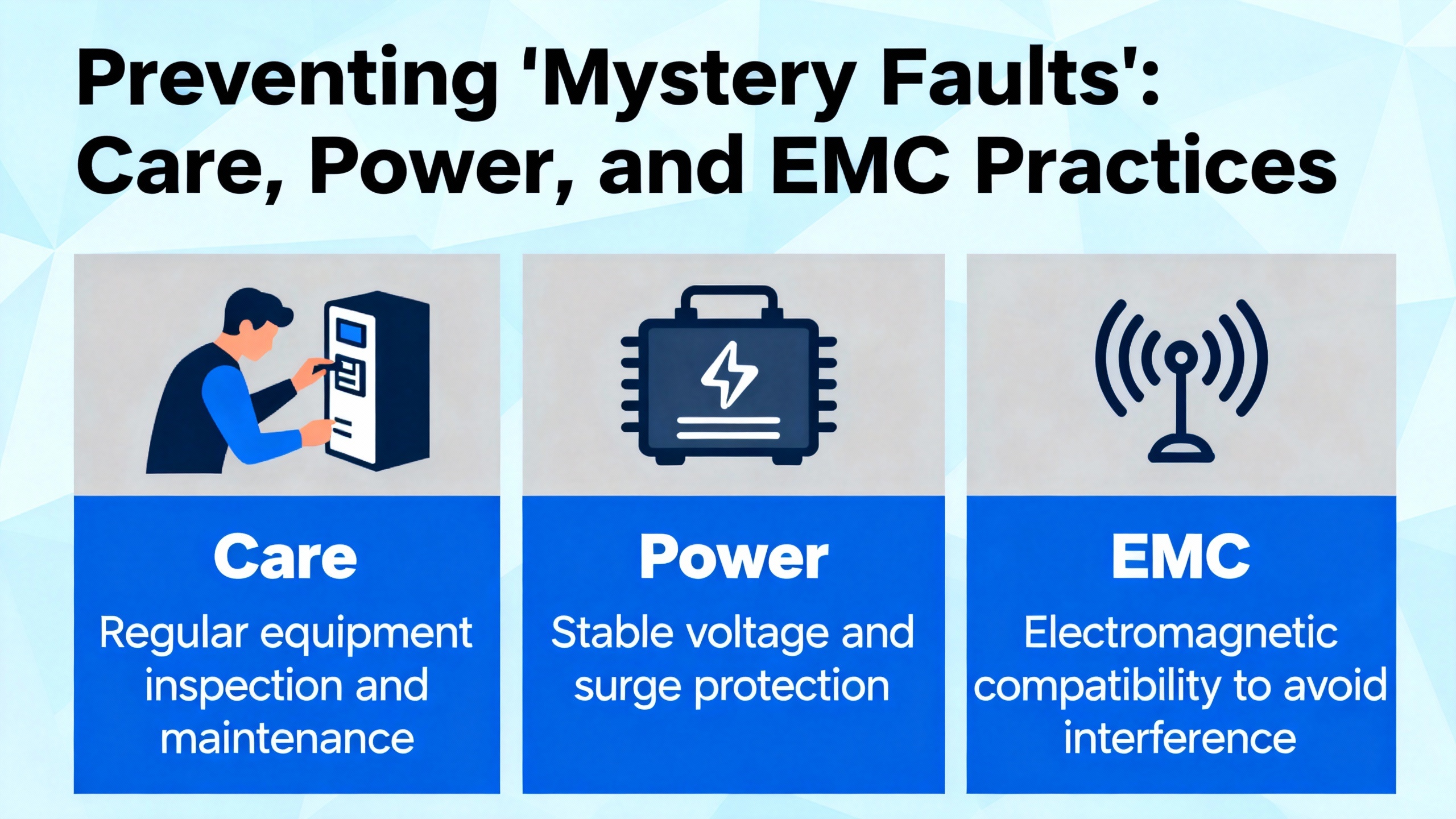
Not every intermittent is a firmware defect. Many are plain physics. Triconex training materials emphasize grounding discipline and electromagnetic compatibility as first‑order controls. In practice, this means maintaining a clean instrument earth separate from noisy system earth, using line filters that require functional earthing to shunt high‑frequency noise, and preferring three‑core power cables because their geometry improves line filtering and noise rejection. Earth‑referenced power tends to be quieter than floating supplies; when you must float, an isolation transformer can improve safety and suppress common‑mode noise. I keep these checks on my standard troubleshooting list because they close out recurring sanity test failures and bad integer readings that diagnostics alone cannot resolve.
A reliable safety system is not achieved by swapping parts forever. You need a policy that determines when an online module replacement is enough, when a whole subsystem deserves a planned upgrade, and when a standardization investment will pay back in lower risk and lower lifecycle cost.
Schneider Electric’s guidance for modernization is to standardize on Tricon CX for new work and upgrades. The CX platform is reported to be about half the footprint and two‑thirds the weight of its predecessors, with faster scan times, five‑times peer‑to‑peer performance, a 1 GB I/O bus, and HART pass‑through. It also holds ISASecure EDSA certification and interoperates with classic Triconex elements, which protects your installed base. In my experience, the ergonomics of the smaller, lighter chassis are not trivia; they reduce panel redesign time and simplify spares. Interoperability means you can stage upgrades leg by leg without a big‑bang cutover.
For discrete repair decisions, use your diagnostics and your MTTR target. If a module leg has failed and the system is operating 2oo3D, plan an online module swap in the same shift and close it out with post‑swap diagnostics. If you are seeing recurring communication resets on a TCM in a legacy range that matches a known advisory, fold a firmware update or module replacement into the current outage rather than waiting for the next one. When a failure matches a vendor advisory like the analog output resistor issue, use the warranty and RMA pathways and request the recommended rework. In the background, ensure your spare strategy covers the exact module part numbers you run, especially across multi‑year lead‑time cycles.
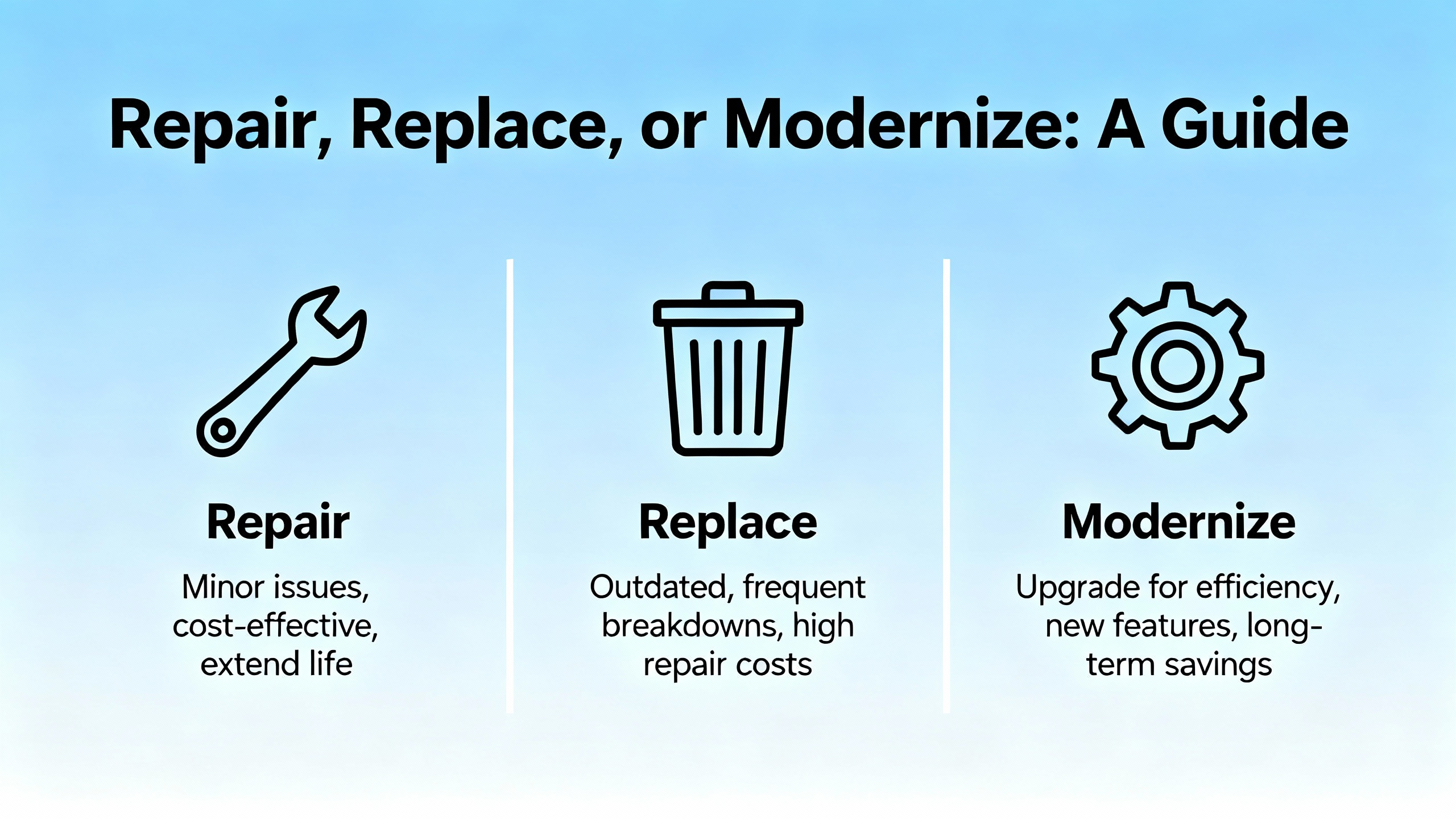
When you are in a design review or scoping a retrofit, platform selection should be framed in both engineering terms and operational ownership. The table below summarizes practical selection criteria I use to drive consensus quickly.
| Decision factor | What to compare | How it plays in the field |
|---|---|---|
| Functional safety and compliance | SIL targets, IEC 61508/61511 evidence, TÜV certifications | All Triconex families achieve SIL3 with TMR; CX adds modern cybersecurity posture and certifications |
| Performance and footprint | Scan time, I/O bus bandwidth, peer‑to‑peer speed, size/weight | CX improves scan performance and peer performance and reduces panel footprint and weight, easing installation and spares |
| Interoperability and migration | Compatibility with installed Tricon/Trident/Tri‑GP assets | CX is designed to interoperate with classic Triconex, enabling staged modernization |
| Cybersecurity posture | Certifications and hardened features | CX carries ISASecure EDSA Level 1 and integrates controls aligned to IEC 62443 practices |
| Lifecycle cost | Engineering toolchain, spares, support, and training | Unified platform reduces engineering effort; vendor training and TÜV‑certified services sustain competence |
For safety services that wrap around any platform choice, Schneider Electric’s TÜV‑certified teams offer HAZOP, cHAZOP, HAZID, LOPA, SIL assignment, SIF design, SIL verification, and Safety Requirements Specifications development. I have seen early engagement at FEED save commissioning months and cut avoidable change orders simply because the SIS envelope was clear and verified before hardware was ordered.
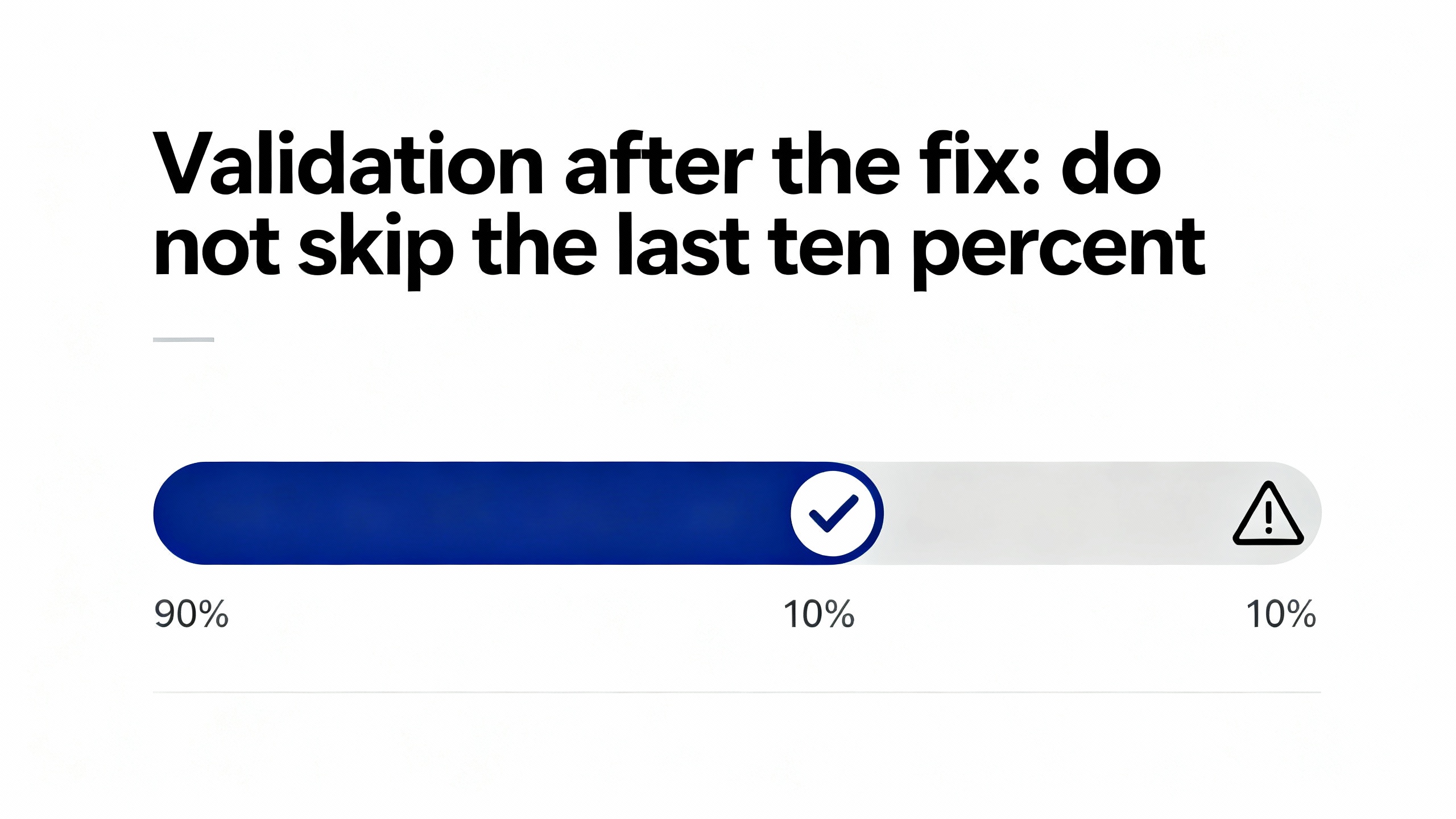
Returning a card to green does not complete a safety job; proving the safety function still meets its requirements does. Close the loop with a documented validation aligned to your SRS and your SIL verification basis. Schneider Electric provides TÜV‑certified Triconex Safety Validation services and a Process Safety Advisor to support the operate‑and‑maintain phases. In the field, I pair those with site procedures for proof testing, change management, and independent review whenever logic or firmware changes are in scope. Always restore offline, verified backups to your known‑good library, and version every artifact that matters.
Procurement for safety systems is easiest when the operations team and the safety engineers speak the same language about risk and availability. If you have greenfield scope or a significant retrofit, standardizing on Tricon CX makes sense for performance, footprint, and cybersecurity reasons while keeping options open for mixed environments. If you run classic Triconex, prioritize spares for the modules with the longest lead times and with known advisories in their lineage. Budget for training in the engineering toolchain, such as TriStation courses that cover TMR fundamentals and configuration. Choose power supplies, cables, and filters with EMC performance in mind, not just nameplate current. Keep your warranty and RMA records organized by module serial and manufacturing date so you can take advantage of extended warranty conditions when they exist. And finally, fund a maintenance line item for periodic cybersecurity hygiene on the SIS engineering workstation; you will earn it back the day you avoid an unplanned trip caused by an unmanaged laptop.
Good security hygiene is not a separate project plan; it belongs in your routine. Keep the controller keyswitch in RUN and alarm loudly if it is ever in PROGRAM outside a work window. Do not connect a laptop that has touched any other network to the safety network without sanitation. Keep TriStation terminals physically secured and logically isolated to the safety zone. Enable enhanced security features in TriStation and communication modules. Minimize remote access, but when you must enable it, use updated VPNs and ensure endpoints are verified clean. These are not just my preferences; they are consistent with guidance published by CISA, the Canadian Centre for Cyber Security, and the vendor’s own security considerations.

What does a “voter fault” on a Triconex system actually mean? It indicates the majority voter on a digital output module sees a discrepancy among legs. The platform is designed to tolerate one leg fault, but you should diagnose the leg, confirm outputs are in the safe state, and plan an online module replacement promptly, aligning with your site’s MTTR.
Is it safe to keep running when an analog output shows an “external mismatch” on one leg? If diagnostics confirm the fault is isolated to a single leg and the system remains in a safe state, you can continue operating while you schedule an online module swap within your MTTR. For modules manufactured between January 2013 and October 2015, a known resistor design and flux combination raised failure rates; those units have extended warranty coverage and a defined rework process through Schneider Electric service.
How do I tell a cyber issue from a configuration error when I see unexpected downloads? Start with physical state: the controller keyswitch should be in RUN. If it is in PROGRAM without an approved work order, treat it as an incident. Review TriStation traffic for identify, read/write memory, program, and firmware sequences outside maintenance windows. Follow CISA and vendor advisories to harden the engineering workstation and restrict access.
The architectural capabilities and lifecycle services come from Schneider Electric’s Triconex documentation and communications, including claims of leadership rankings by ARC and Control Global in 2019, safety certifications to IEC 61508, and operating hours history. The analog output mismatch advisory details were publicly communicated with model ranges, manufacturing dates, warranty duration, and rework procedures. Field troubleshooting practices for soft faults, voter fault scope, and diagnostic workflows align with the Triconex Diagnostic Monitor manual and community advice shared in the Automation & Control Engineering Forum. Cybersecurity risks and mitigations reflect advisories published by CISA, analysis and reporting by reputable security researchers and trade publications, and guidance from the Canadian Centre for Cyber Security. Industry presentations at events such as Black Hat have informed practical detection heuristics for TriStation activity.
In safety, speed is not the enemy of rigor; guessing is. The Triconex platform gives you the diagnostics and redundancy to work quickly without crossing safety lines. Use them. Stabilize first, capture evidence while the fault is present, fix the root cause, and validate the function. Keep the keyswitch in RUN, keep the safety network isolated, and keep your spares, training, and backups current. If you want help translating any of this into your site’s playbook, I am happy to roll up my sleeves with your team.


Copyright Notice © 2026 mooreautomated.com All rights reserved,Moore Automated is not an authorized distributor or representative of the manufacturers featured on this website. Brand names and trademarks featured are the property of their respective owners.



Leave Your Comment