Registered Address: 32D Floor Guomao Building, No.388, Hubin South Road, Siming District, Xiamen,Fujian, China
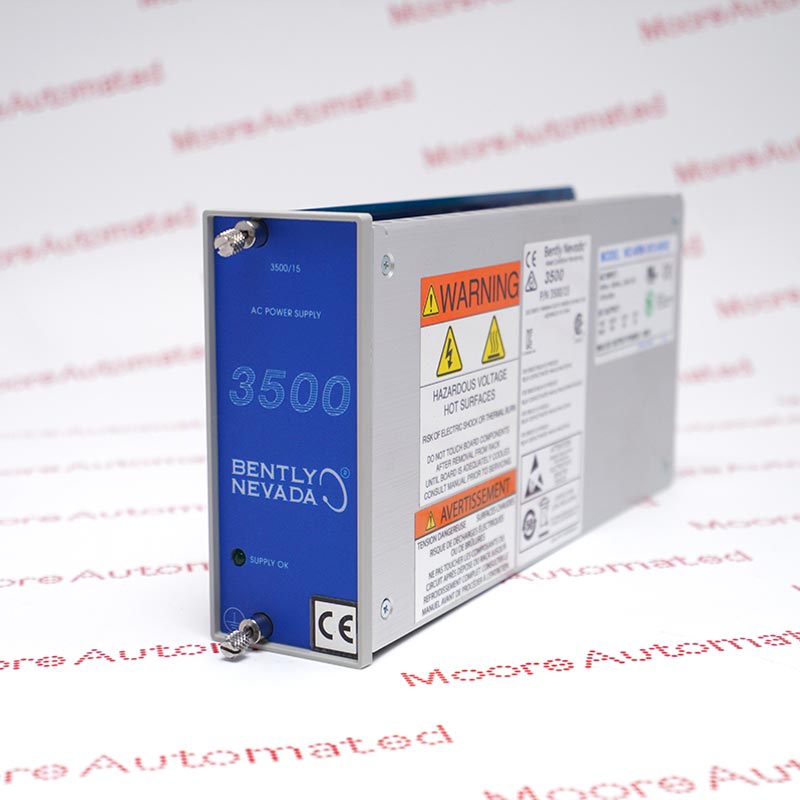
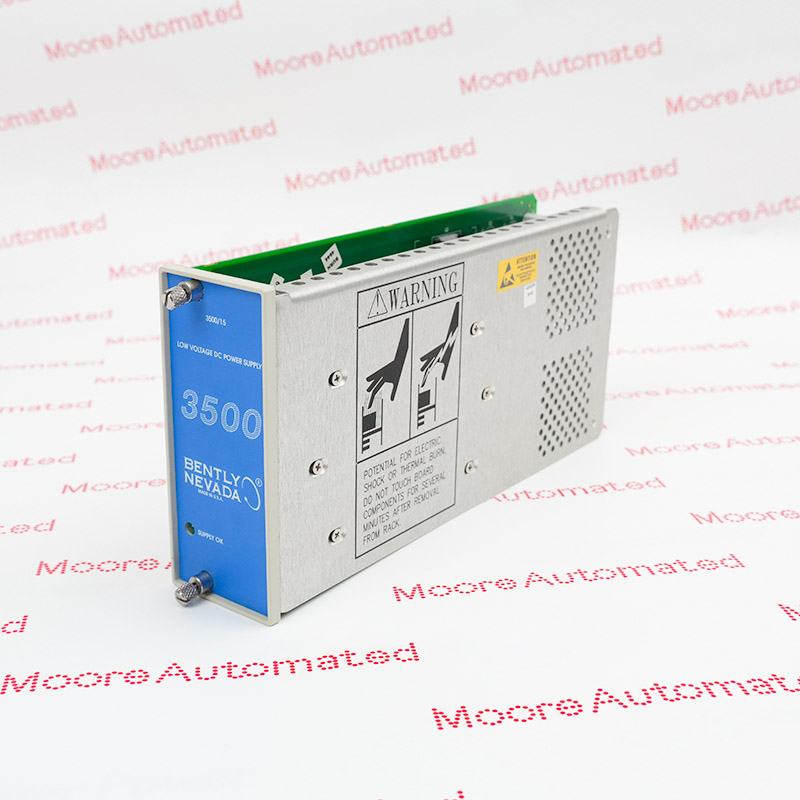
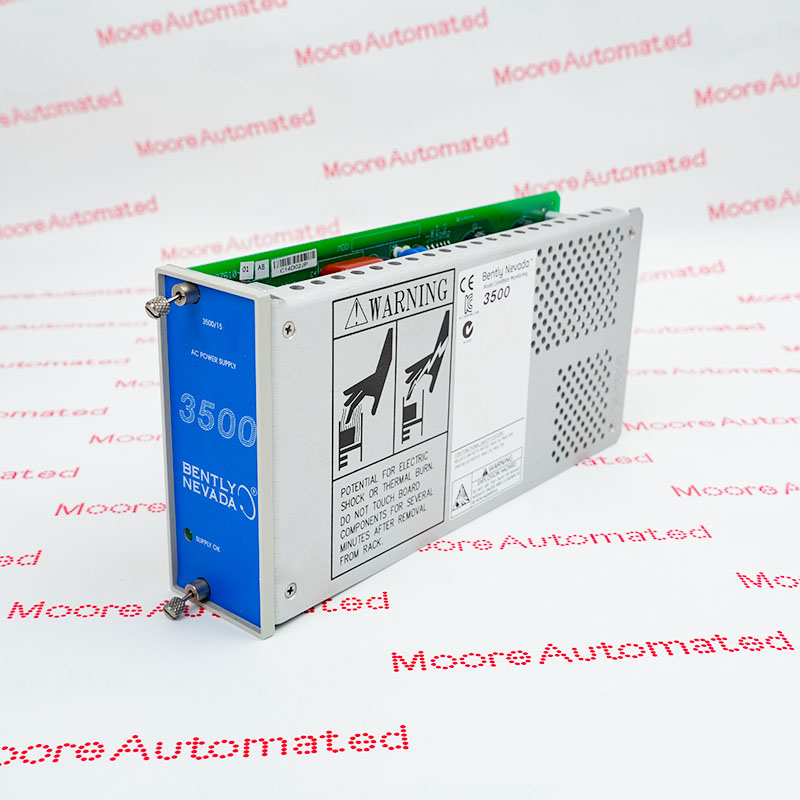
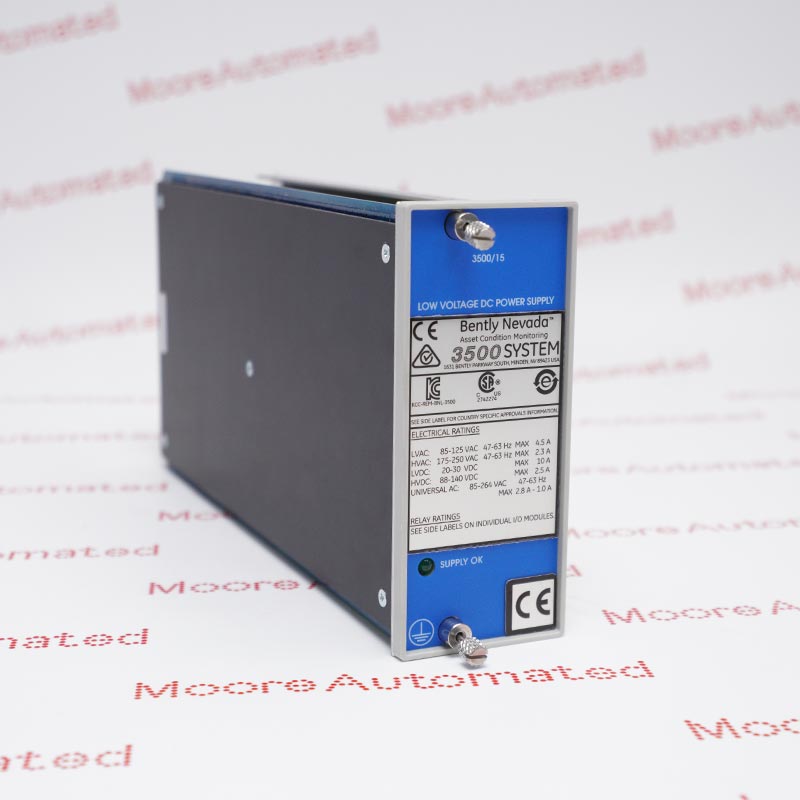
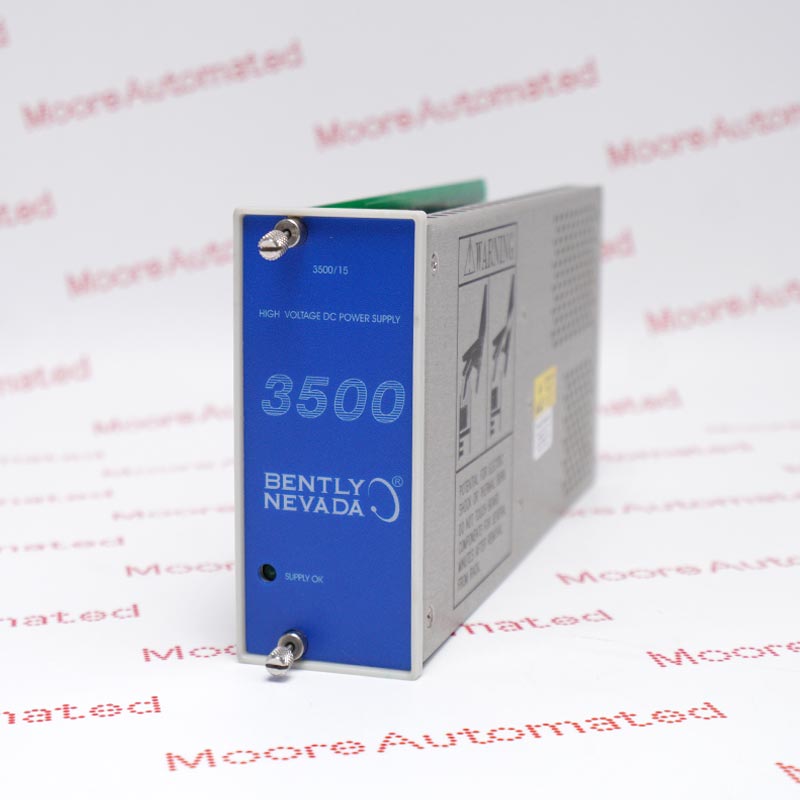
3500/15 106M1079-01
Get A Quote



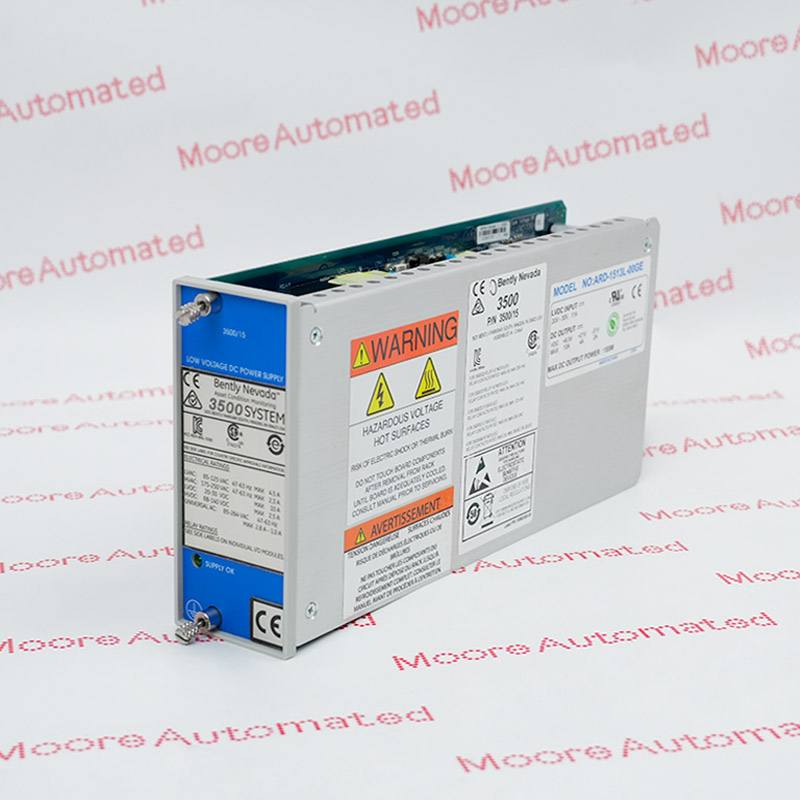
Bently Nevada 3500/15 power supply selection starts with the installed input source, the complete supply reference and its matching Power Input Module (PIM). Use this guide to separate legacy hardware from current options and prepare a clear spare-parts enquiry.
EDITORIAL REVIEW · 3 SEPTEMBER 2026
The family name is only the starting point. Check the supply, the PIM and the installed generation as one selection decision.
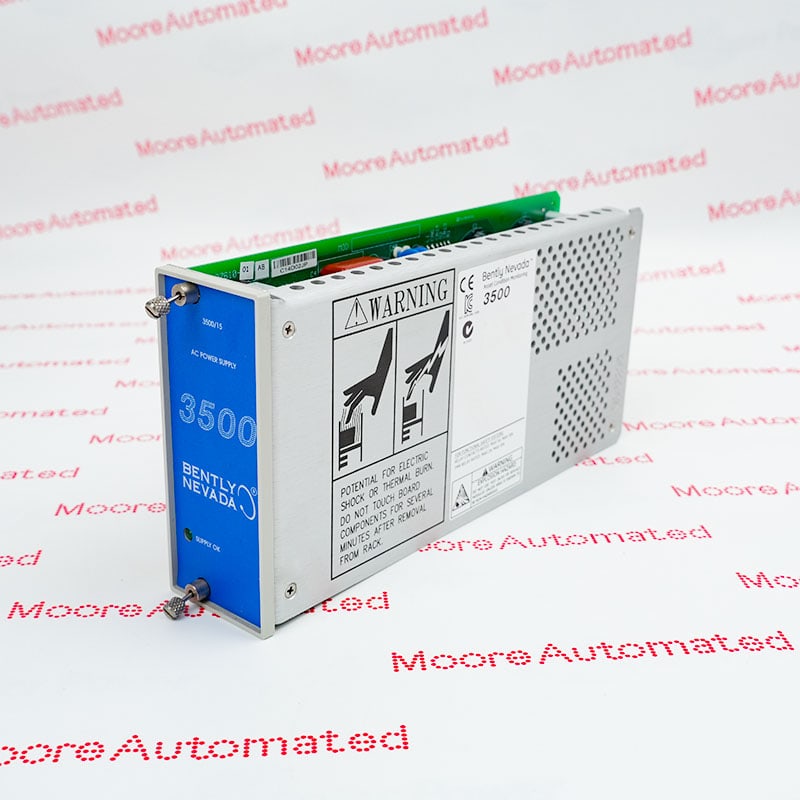
The 3500 system monitors and protects critical rotating machinery. Its power arrangement needs to be considered alongside the monitoring rack, not as a general-purpose plant power supply. Start with the installed equipment record and the 3500 machinery protection range.
A rack can use one or two 3500/15 supplies. With two installed, the arrangement provides redundancy: the lower supply is primary and the upper one is the backup. Redundancy does not eliminate the need to review the upstream source, wiring, alarms and maintenance history.
For a turbine, compressor or pump train, record which rack serves which machine and how a power fault affects operations. A spare should be assigned to that documented configuration. A second supply is not a substitute for a site-approved maintenance plan.
The current manufacturer datasheet lists these input ranges. They must not be applied indiscriminately to older part numbers.
| Current option | Input range | Selection caution |
|---|---|---|
| Universal AC | 85–264 Vrms, non-hazardous; 85–250 Vrms, hazardous | Check the applicable location approval. |
| High-voltage DC | 88–140 Vdc | Identify the matching DC hardware. |
| Low-voltage DC | 20–30 Vdc | Do not confuse low and high DC options. |
The Power Input Module is a separate reference. Manufacturer documentation distinguishes current supply/PIM combinations from legacy combinations; current AC and DC sets are not compatible with the corresponding legacy sets.
| Supply reference | Matching PIM reference | Documented group |
|---|---|---|
| 106M1079-01 | 106M1081-01 | Universal AC |
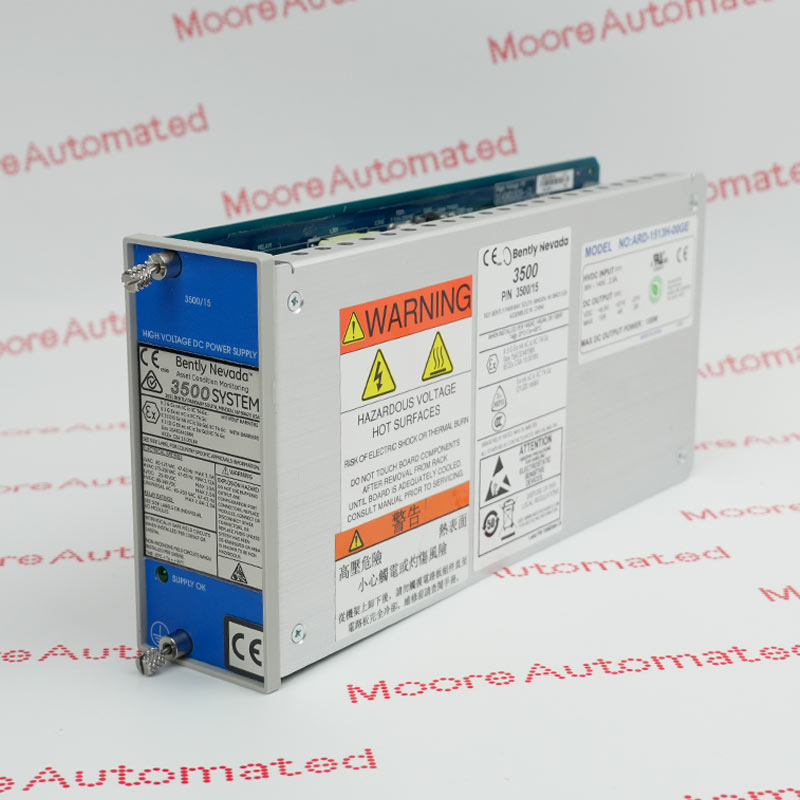
| 114M5329-01 | 115M7750-01 | Current high-voltage DC |
| 114M5330-01 | 114M5335-01 | Current low-voltage DC |
| 129486-01 | 129478-01 | Legacy high-voltage DC |
| 133292-01 | 133300-01 | Legacy low-voltage DC |
In particular, 129486-01 identifies a supply, not its PIM. Treat this table as a reference check, not authorization to alter an installed rack. Verify the complete ordering code, approvals and applicable document revision with the responsible engineer.
If your enquiry concerns a newer DC reference, the 114M5329-01 catalogue entry can help identify the item being requested. A catalogue match does not prove that it can replace a different installed assembly.
Retain label photographs, the supply and PIM references, rack details and relevant fault history. Include the installed input source and environmental requirements. Let qualified personnel determine the fault and any required checks.
Request photographs of the offered unit, its declared condition, included accessories and available inspection records. Agree the scope of any functional test, storage requirements, warranty and dispatch timing in writing.
Rank spares by the consequence of an outage, the number of matching installed units and realistic replenishment time. Use Moore Automated’s EOL spare-parts planning guide to organize the purchasing discussion. Do not infer manufacturer lifecycle status or immediate availability from an online listing.
Original company video retained. It is not a model-specific EOL notice, compatibility approval or commissioning instruction.
No. AC and DC are different hardware options within the family. Select the exact supply and associated input hardware for the documented installation.
Do not treat these references as equivalent. Obtain the installed unit’s label and version-specific documentation before specifying its replacement.
No. It is a legacy high-voltage DC supply reference. The supply and PIM should be identified separately in the enquiry.
No. Redundancy is not a general permission to work on energized equipment. Follow the applicable instructions, site procedures and qualified engineering assessment.
Send clear labels for the supply and PIM, rack details, quantity, required condition, delivery destination and deadline. Identify any required inspection or documentation.
No. Age or a catalogue listing is not a manufacturer lifecycle notice. Verify the status of the exact reference and confirm available sourcing options separately.
Send both the supply and PIM details. Moore Automated can review sourcing options against your documented requirements.
Email sales@mooreplc.com
Phone / WhatsApp +86 180 2077 6792
Technical references reviewed: Bently Nevada 3500/15 datasheet 141530 Rev. P and 3500 System datasheet 162096. Input ranges and reference pairs are version-specific. This article does not establish a discontinuation date or approve a retrofit.



Registered Address: 32D Floor Guomao Building, No.388, Hubin South Road, Siming District, Xiamen,Fujian, China
MooreAutomated.com is the official website and primary online platform operated by Moore Automation Limited. The website provides information about the company’s industrial automation parts sourcing services, product coverage and customer support. Moore Automation Limited operates as an independent supplier and is not an authorized distributor or representative of the manufacturers displayed on this website unless expressly stated.
Leave Your Comment