





Registered Address: 32D Floor Guomao Building, No.388, Hubin South Road, Siming District, Xiamen,Fujian, China
FC-SAO-0220m
Get A Quote



Honeywell FC-RUSLS-3224 and FC-RUSIO-3224 enquiries need more than a matching model string. Separate manufacturer lifecycle evidence from supplier availability, then review the installed platform, module revision and project requirements before purchasing a spare.
EDITORIAL REVIEW · 3 SEPTEMBER 2026
A familiar housing or similar part number cannot establish interchangeability. Start with the evidence for the equipment actually installed.
Record the complete label, hardware revision and its documented role in the installed system.
Check its own supported configuration. Do not copy an approval from another reference.
Buyers searching for Honeywell safety-system spare parts often need an answer to two different questions: is the exact item still supported by its manufacturer, and can a suitable unit be sourced now? Those answers require different evidence.
A discontinuation notice should identify the affected product, revision or ordering scope and the relevant dates. A supplier quotation instead describes an offered unit, condition and delivery commitment. Neither document substitutes for the other. This guide does not assert a confirmed EOL date for either FC-RUSLS-3224 or FC-RUSIO-3224.
Request the applicable manufacturer notice or service confirmation. Check whether it concerns production, sales, repair or a particular system release. Record the notice identifier and the date it was reviewed.
Request a current quotation for the actual requirement. Confirm quantity, condition, documentation, inspection scope and delivery terms. Do not treat a website stock label as a binding dispatch commitment.
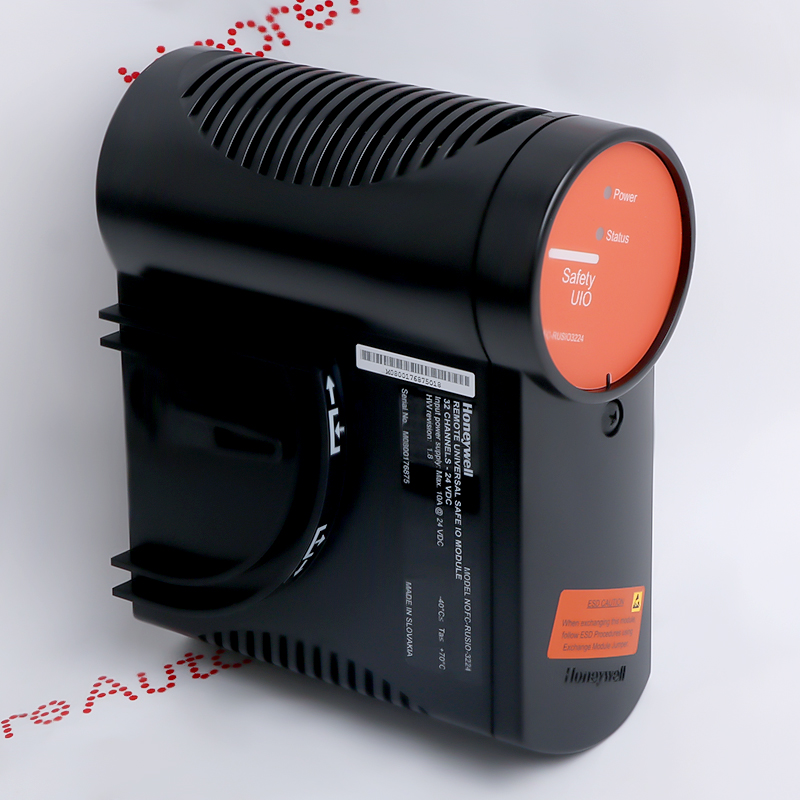
Use the FC-RUSLS-3224 record and the FC-RUSIO-3224 record to identify the requested references. Then compare actual labels with the project’s approved equipment list. Similar naming is not evidence of a direct replacement path.
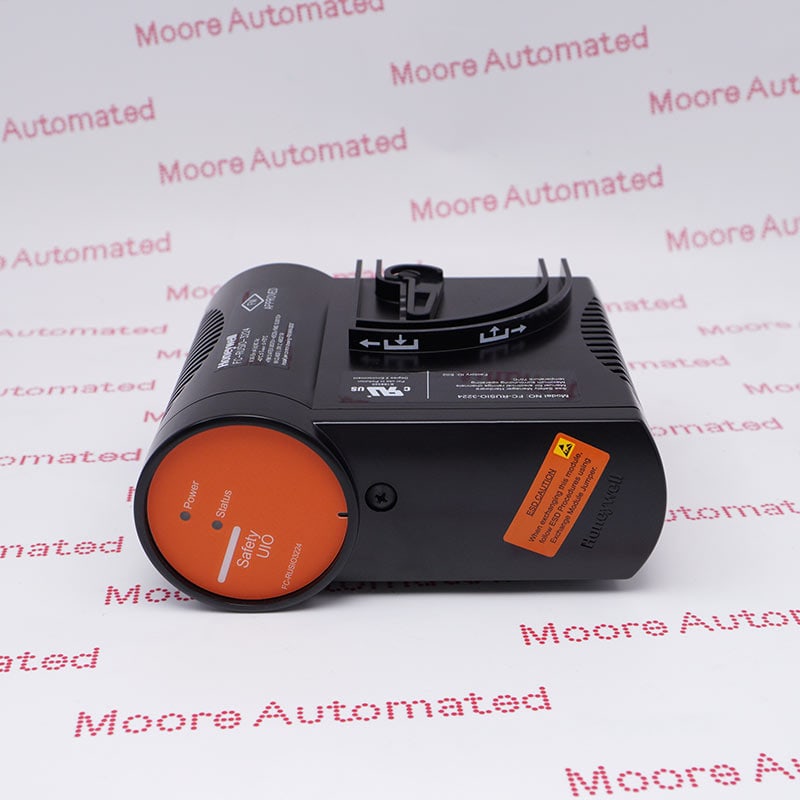
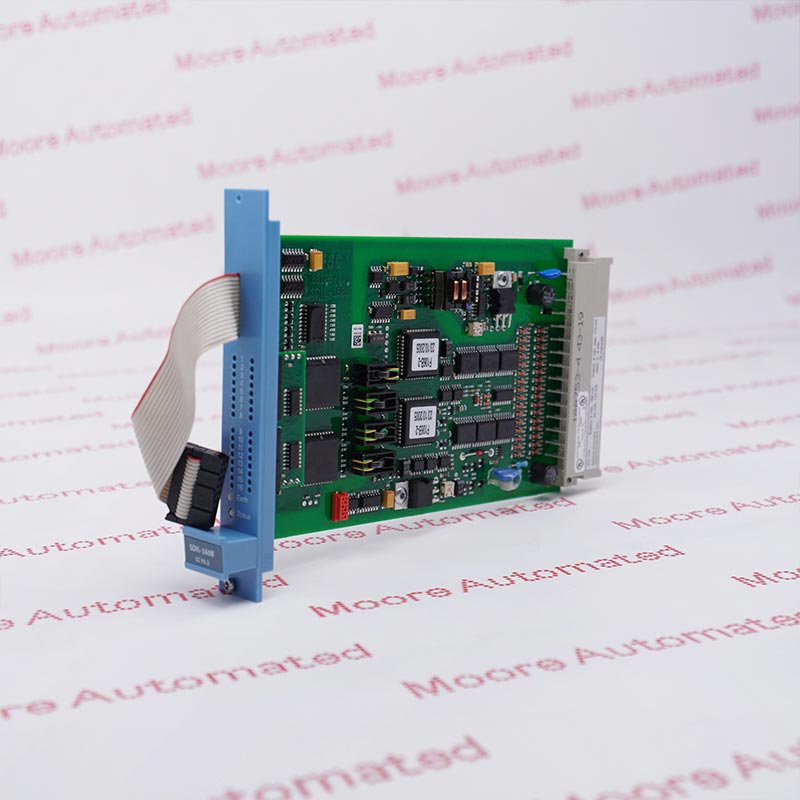
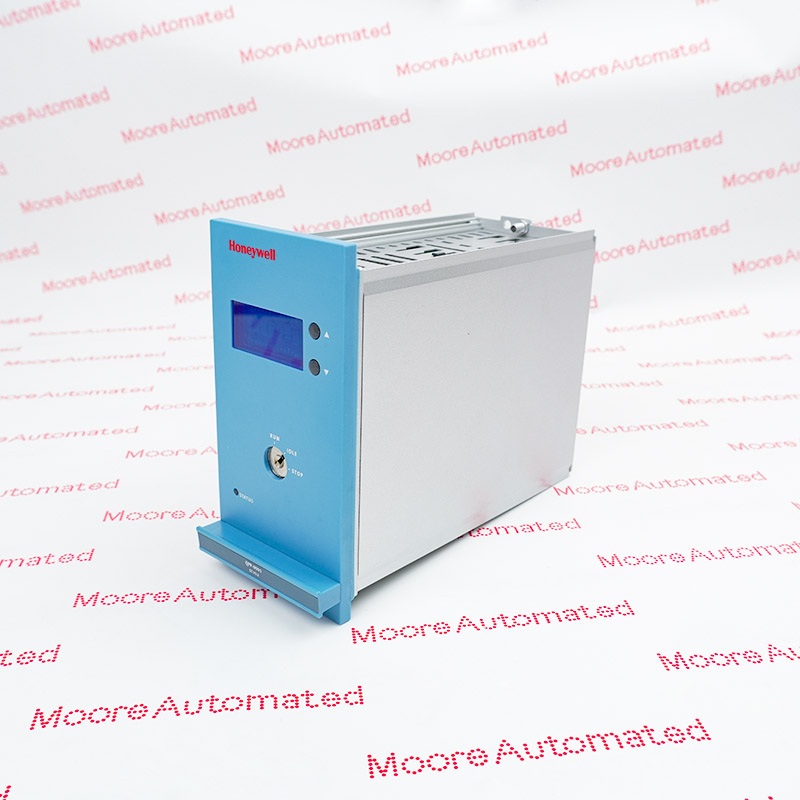
Ask for readable photographs of the offered unit’s complete label, connectors and condition. Link those images to the quotation, not merely to a generic catalogue page.
Next, have the responsible specialist review the installed platform and approved configuration. Visual resemblance cannot perform that review.
Honeywell’s historical System HINTS publications include revision- and release-specific information for these references. That illustrates why the platform and installed versions matter. Historical notices are not proof of a current fault, a current approved version or a blanket end-of-life decision.
Record the platform, site equipment tag, exact module reference, hardware revision and the applicable system/software release. Include terminal or carrier references when relevant to the documented configuration.
Locate the approved equipment list and applicable manufacturer documentation. Have a qualified safety-system specialist determine compatibility and any required engineering review. Keep assumptions out of the purchasing specification.
Agree the exact item and declared condition. Request available traceability and inspection records. Clarify what any test report covers; a visual check or supplier test is not site safety validation.
Before ordering, identify who will accept the unit and authorize any installation. Agree documentation, storage and receipt checks, with engineering approval and validation requirements handled through the site’s established process.
| Situation | Purchasing focus | Engineering boundary |
|---|---|---|
| Verified like-for-like requirement | Source the specified reference and agreed revision; document condition and acceptance criteria. | Confirm that the proposed unit satisfies the installed configuration. |
| Different revision or proposed alternative | Document every difference rather than presenting it as an equivalent. | Obtain a documented compatibility decision before committing. |
| Support constraint or modernization need | Compare interim spares with the cost and schedule of a planned system change. | Assess the wider configuration, validation and operational implications. |
Keep an installed-base register and a controlled spares list so that urgent enquiries do not start from incomplete screenshots. For the wider planning process, see the Honeywell Safety Manager lifecycle guide. Confirm the exact platform in scope before applying any advice.
Original company video retained. It is not a model-specific EOL notice, compatibility approval or commissioning instruction.
Do not assume interchangeability. Have the responsible specialist compare the exact references, revisions and approved installed configuration using applicable manufacturer documentation.
This article does not establish such a date. Request a current manufacturer notice for the exact scope and distinguish discontinuation from service or repair availability.
Documentation and compatibility decisions can be revision-specific. Record the offered revision as well as the installed revision, and have any difference reviewed before ordering.
Not by itself. Confirm that the document applies to your system and obtain the current applicable guidance. A historical notice may have a narrow scope or have been superseded.
No. Establish what the supplier actually tested, then follow the project’s acceptance and validation requirements. Commercial inspection evidence and application approval serve different purposes.
Include the module labels, platform and revision details, quantity, condition requirements, destination and deadline. State the documentation and inspection evidence needed for acceptance.
Share the exact reference, revision and required documentation. Keep commercial sourcing and technical approval clearly connected—but separate.
Email sales@mooreplc.com
Phone / WhatsApp +86 180 2077 6792
Technical context reviewed: Honeywell System HINTS, October 2019 and January 2023. These are historical, version-specific references, not current EOL notices. Exact lifecycle status and applicability must be confirmed for the installed system.



Registered Address: 32D Floor Guomao Building, No.388, Hubin South Road, Siming District, Xiamen,Fujian, China
MooreAutomated.com is the official website and primary online platform operated by Moore Automation Limited. The website provides information about the company’s industrial automation parts sourcing services, product coverage and customer support. Moore Automation Limited operates as an independent supplier and is not an authorized distributor or representative of the manufacturers displayed on this website unless expressly stated.
Leave Your Comment