



Check GE VersaMax lifecycle status by exact part number. Plan PLC and remote I/O spares, verify compatibility and prepare a practical migration roadmap.
Editorial update · 3 September 2026 · Moore Automated
Check the part.
Then plan the next stage.
“VersaMax is end-of-life” is too broad to guide a purchase. Identify the exact PLC, network interface or I/O component before deciding what to stock or migrate.
Which VersaMax role are you maintaining?
Emerson describes VersaMax Modular as a platform for compact control and distributed I/O. In practice, the function of the installed node determines the replacement work. Begin with the GE VersaMax catalogue and the full IC200 or other order reference on the installed hardware; do not collapse modular VersaMax and every Micro or Nano variant into a single lifecycle assumption.
A node with a PLC CPU
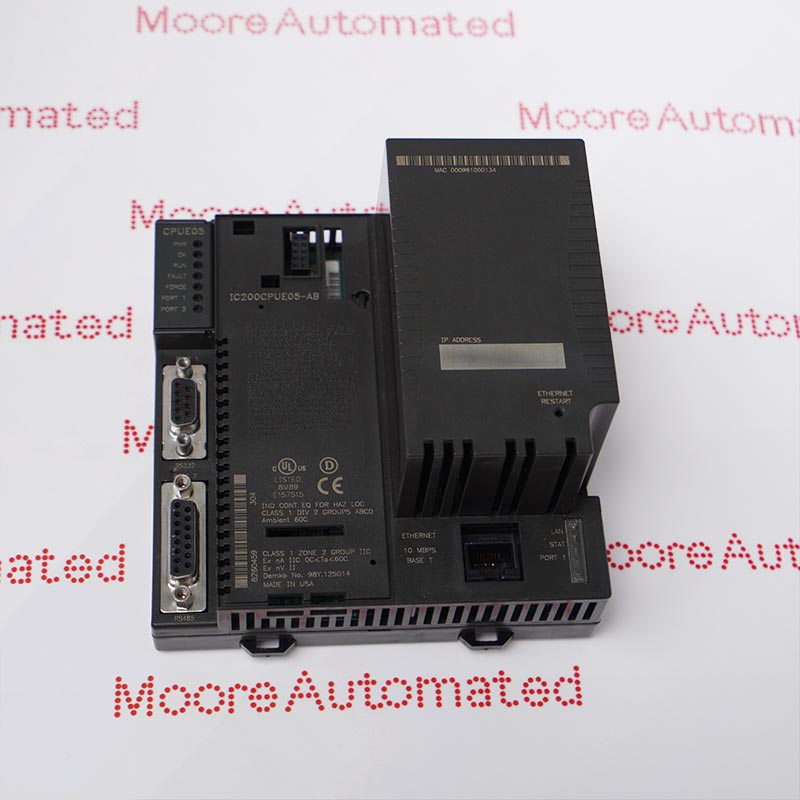
The CPU runs the application. Recovery planning should cover the program, hardware configuration, engineering software, communication settings and connected I/O—not only the processor reference.
A remote I/O node
The node depends on a host controller and a network interface. Check the protocol, device configuration, host compatibility, I/O arrangement and termination hardware before proposing a replacement.
Build a lifecycle roadmap without invented dates
Identify the installed hardware
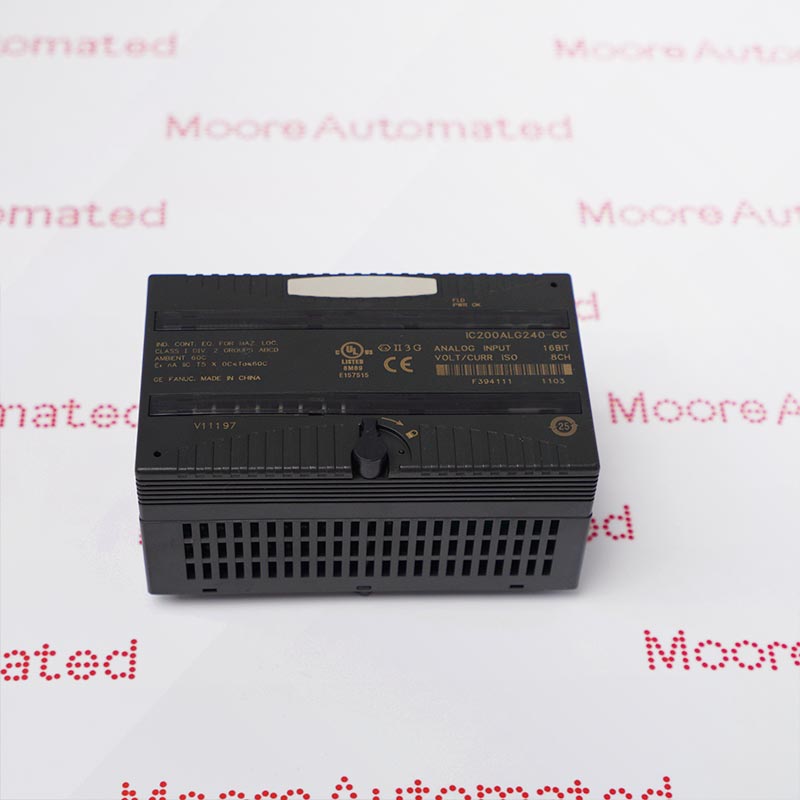
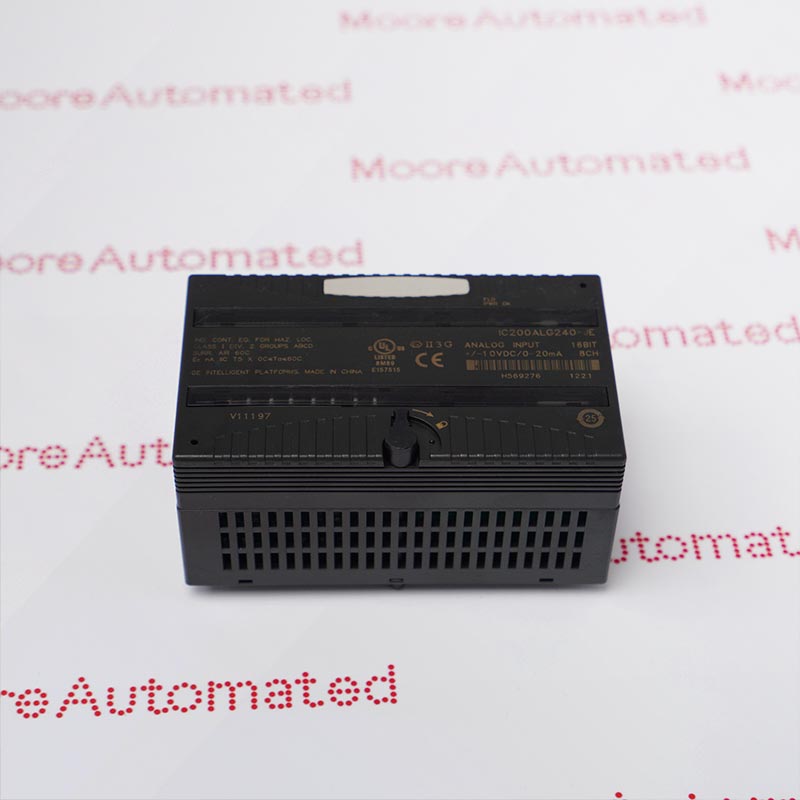
Photograph CPU or network interface labels, power supplies, I/O modules and carriers. Capture complete references, revisions and the installed order. Reconcile the cabinet with the approved drawings.
Request the applicable status notice
Ask for the manufacturer document covering the exact reference. Separate an order deadline, production discontinuation, repair availability and end of service support; these are different milestones.
Secure the recovery path
Keep a controlled configuration backup and the tools required to use it. Confirm the scope of any spare-unit acceptance check and the engineering work needed to return the node to service.
Plan migration around a real window
If support or requirements justify change, define the affected PLC, network and I/O scope. Budget for design review, application verification, commissioning and rollback—not merely replacement hardware.


Check the whole node before accepting a substitute
| Check | Why it matters |
|---|---|
| CPU or network interface | A PLC processor and a remote I/O interface perform different roles. The replacement must match the intended architecture. |
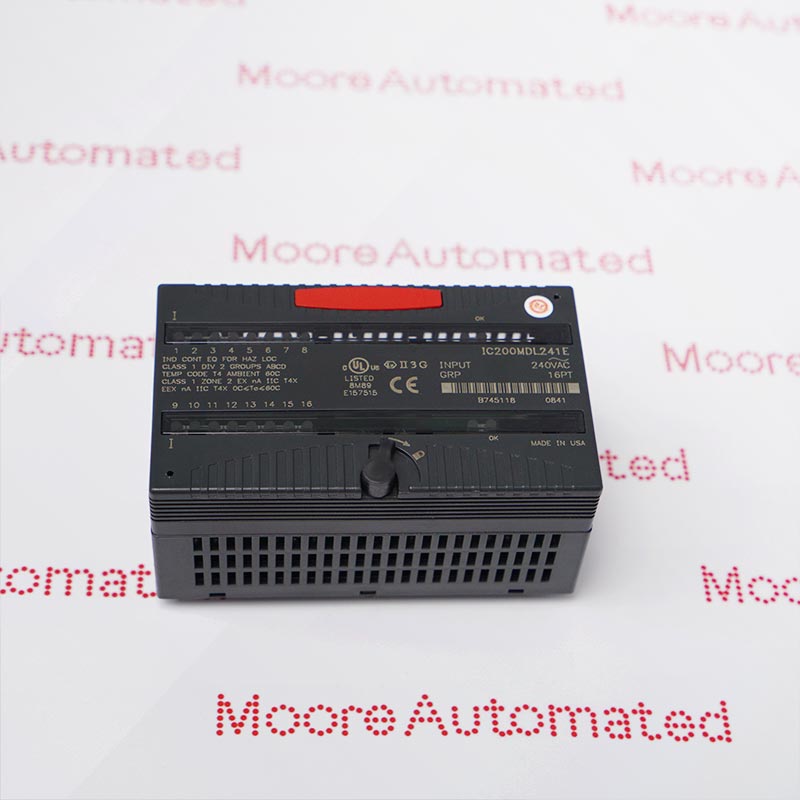
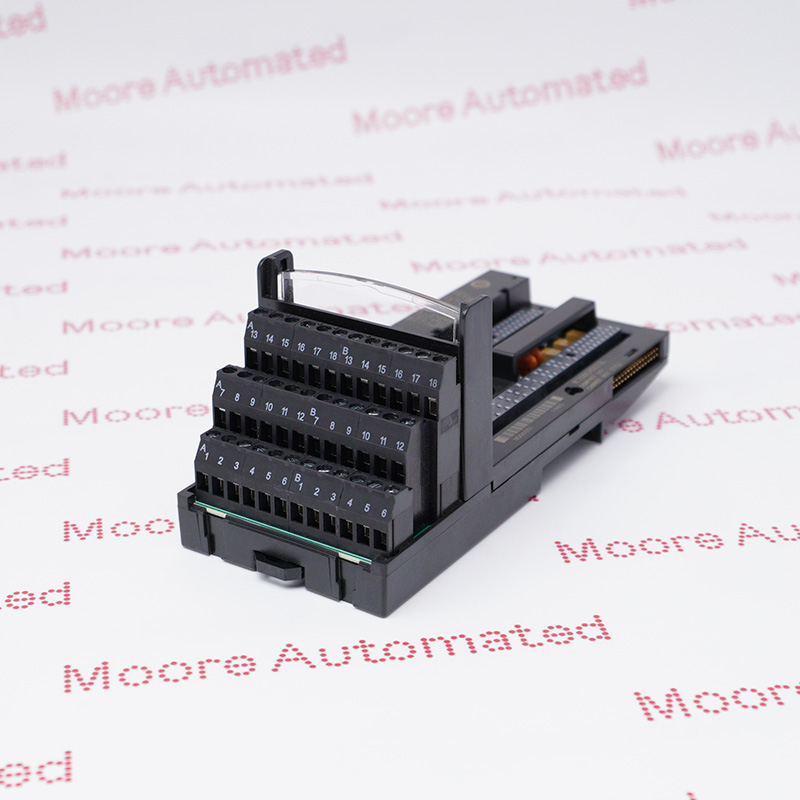
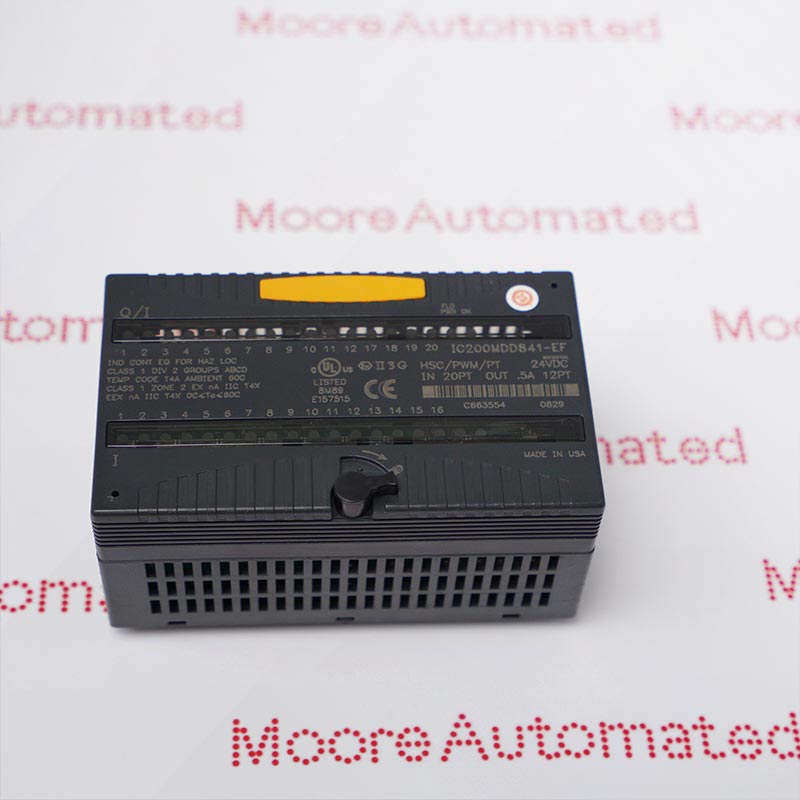
| I/O and carrier | Signal type, electrical requirements, connections and carrier compatibility must be verified together. A similar enclosure is not proof of a match. |
| Power and network | Review the installed power arrangement, network protocol and host configuration against the applicable manuals. |
| Software and recovery | Confirm usable application files, engineering-tool compatibility and the approved restoration method. |
The manufacturer’s VersaMax Modular brochure is useful for understanding the platform architecture, but a historical brochure cannot confirm today’s availability of an individual item. Likewise, an online product page is not a commitment that every revision or accessory remains orderable. Ask for a current quotation and item-specific evidence.
Use spares to manage exposure—not to avoid planning
Choose stocking priorities from the installed population, consequence of failure, recovery time and realistic replenishment options. Record where each spare will be used and how its condition will be maintained. A large inventory of unidentified modules can create a false sense of readiness.
For each offer, confirm the complete reference, declared condition, actual-unit photographs, included accessories, inspection scope and written dispatch estimate. Compare this with the broader GE automation parts catalogue and Moore’s obsolete-parts planning guide. Treat any proposed successor as a project decision until compatibility has been established.
Frequently asked questions
01Has the complete GE VersaMax series reached end-of-life?
This guide does not make that blanket claim. Verify the exact reference against the applicable manufacturer notice; a family name or legacy GE branding is not sufficient evidence.
02Is a VersaMax PLC the same as a VersaMax remote I/O node?
No. A PLC CPU executes an application, while a remote I/O node is connected to a host through a network interface. Their recovery and migration requirements differ.
03Can an I/O module be replaced by one with a similar number?
Do not assume compatibility. Check the signal function, electrical requirements, carrier, termination arrangement and supported system configuration.
04What is the difference between EOL and unavailable stock?
EOL is a manufacturer lifecycle designation with a defined scope. A supplier having no stock—or having stock—does not by itself establish that lifecycle status.
05Should I stock a CPU or plan a migration first?
Assess both together. Criticality, recovery capability, documented support and the plant’s planned service life determine whether a spare, a migration or a combined approach is appropriate.
06What should I send with a VersaMax enquiry?
Send complete part numbers and label photos, identify the node as PLC or remote I/O, and state the required quantity, condition, destination and delivery date. Include carrier or accessory requirements.
Watch the original company video
Company video retained for context; it is not a model-specific lifecycle notice or an acceptance test.
Turn your VersaMax list into a sourcing plan.
Send the exact references and the role of each item in your installed node. Request availability, condition and delivery terms for the specific parts you need.
Email: sales@mooreplc.com
Phone / WhatsApp: +86 180 2077 6792
Technical context: Emerson VersaMax Modular I/O and Control data sheet, 00813-0100-0112 (June 2020), and Emerson’s IC200BEM003 product information. These describe architecture; they are not a universal VersaMax discontinuation notice.
Editorial guidance only. Availability and quoted commercial terms require written confirmation. All product names remain the property of their respective owners.




Leave Your Comment