



Plan Honeywell Safety Manager lifecycle reviews with hardware records, software checks and controlled spare-parts decisions for the installed safety system.
Editorial update · 3 September 2026 · Moore Automated
A spare part is only one link in the safety chain.
For Honeywell Safety Manager, lifecycle planning must connect the installed hardware, software configuration and approved safety application.
Field evidence
Signals, interfaces and approved drawings.
System evidence
Hardware identity and controlled configuration.
Acceptance evidence
Authorized testing and documented return to service.
Confirm the platform and the notice
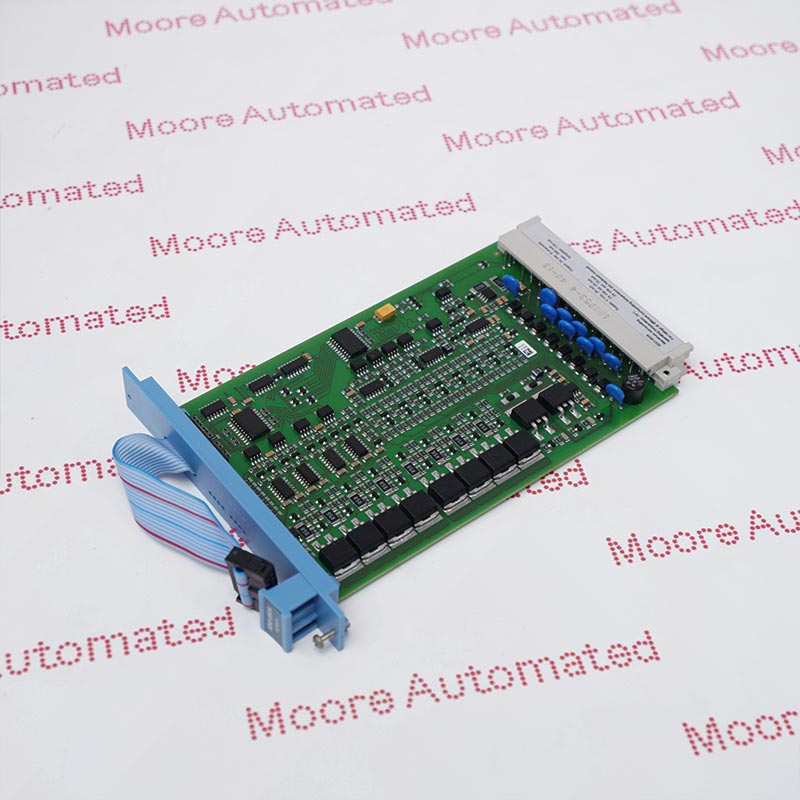
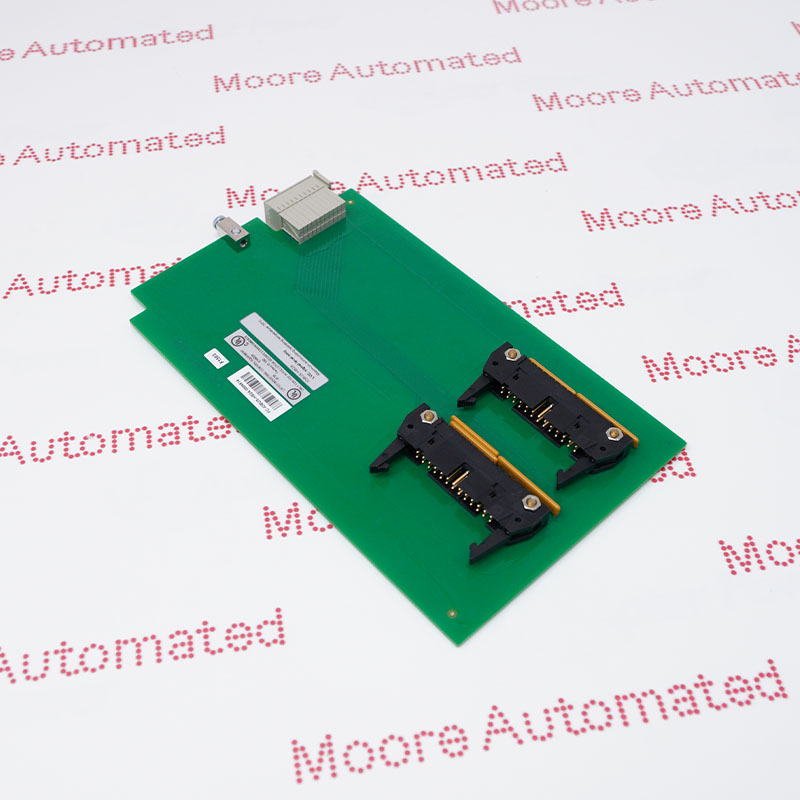
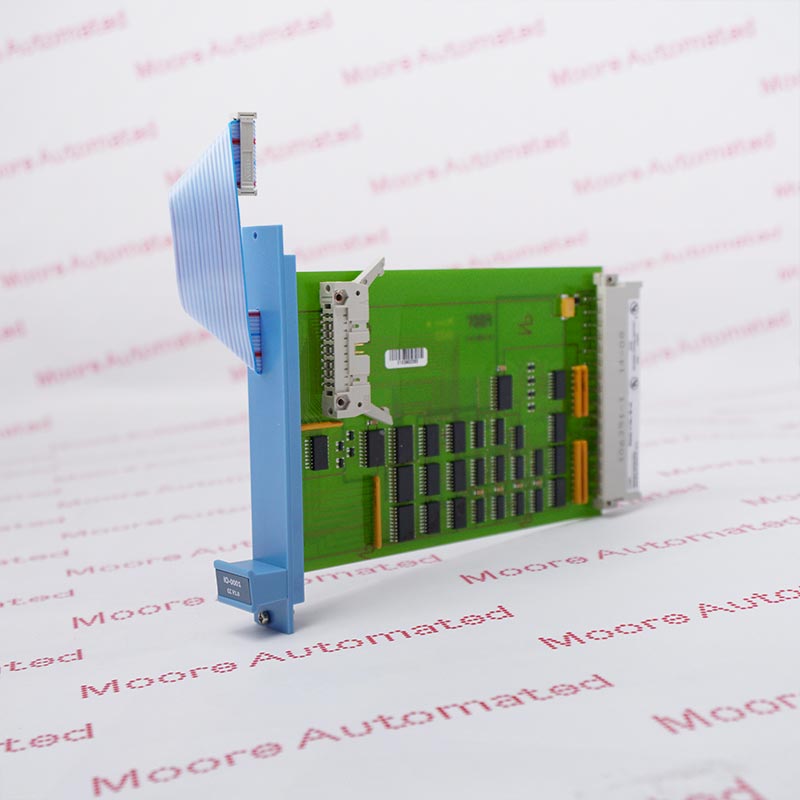
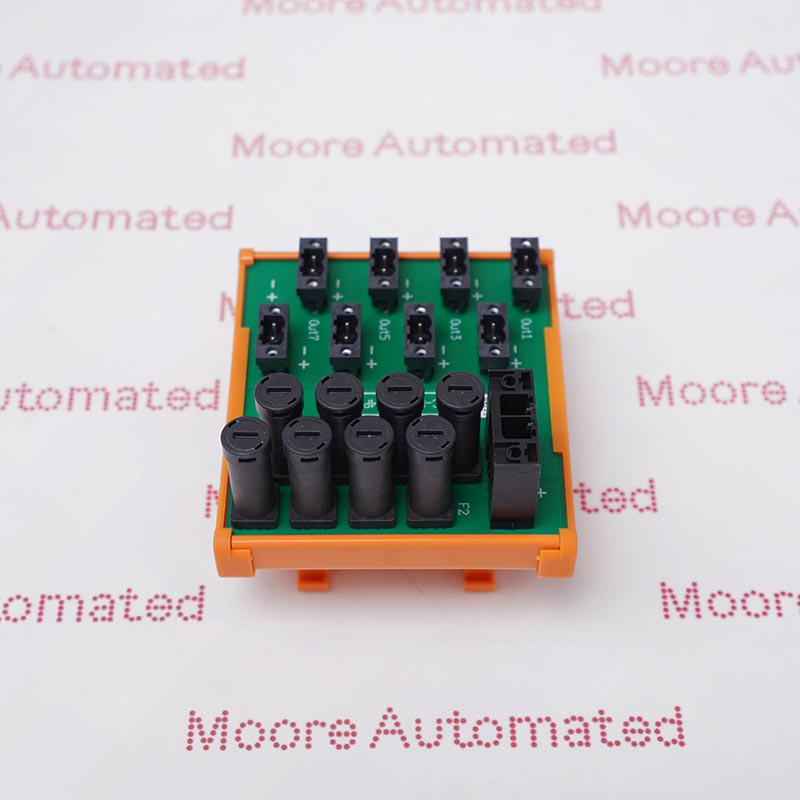
Before planning a replacement, distinguish the installed Honeywell Safety Manager platform from Safety Manager SC and from an earlier FSC installation. Record the hardware family, controller and I/O references, firmware, Safety Builder version and the site’s approved configuration. Browse Honeywell safety-system parts only after that system boundary is clear.
Honeywell publishes safety-migration options, including documented FSC-to-Safety Manager approaches. Those options do not make every safety controller or I/O assembly interchangeable. Any retained wiring, I/O or application logic must be reviewed within the specific migration design and its approval process.
Assemble the evidence before purchasing
Installed hardware record
Capture the complete module number, revision, serial information, base or chassis reference and installed location. Record the associated power, I/O and communication arrangements.
Controlled software record
Identify the approved application baseline, tool and firmware versions, licenses, backups and the responsible engineering owner. Historical release notes are not a recommendation to install an old version.
Safety application record
Use the site’s safety requirements, cause-and-effect documentation and approved drawings to define the impact of a change. Purchasing staff should not approve functional equivalence on appearance alone.
Acceptance record
Agree inspection evidence, engineering review, applicable tests, authorization and documentation before the item is returned to service. Component inspection does not validate a complete safety function.
A controlled route from enquiry to use
| Decision point | Required question |
|---|---|
| Scope | Is this an exact spare, a revision change or a migration? Who is responsible for the technical decision? |
| Compatibility | Do the module, chassis or termination assembly, firmware and engineering configuration form an approved combination? |
| Condition | What is the declared condition and what actual-unit identification, inspection or test evidence is available? |
| Change approval | Which site change-control and safety-validation activities apply before installation and restart? |
Keep safety-system work within the site’s authorized procedures and the applicable manufacturer documentation. This article does not provide online replacement, bypass, proof-test or commissioning instructions. A qualified functional-safety professional should determine the required review and validation for the actual application.

Protect the process.Plan beyond the part.
Lifecycle decisions connect field devices, control logic and documented spare-parts planning. Review the complete installed system—not the module alone.
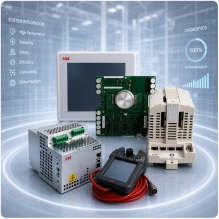
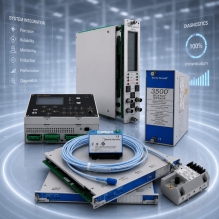
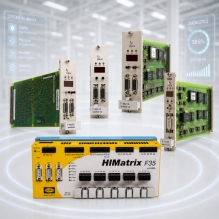
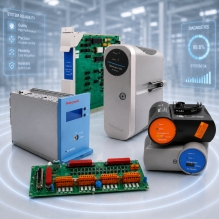
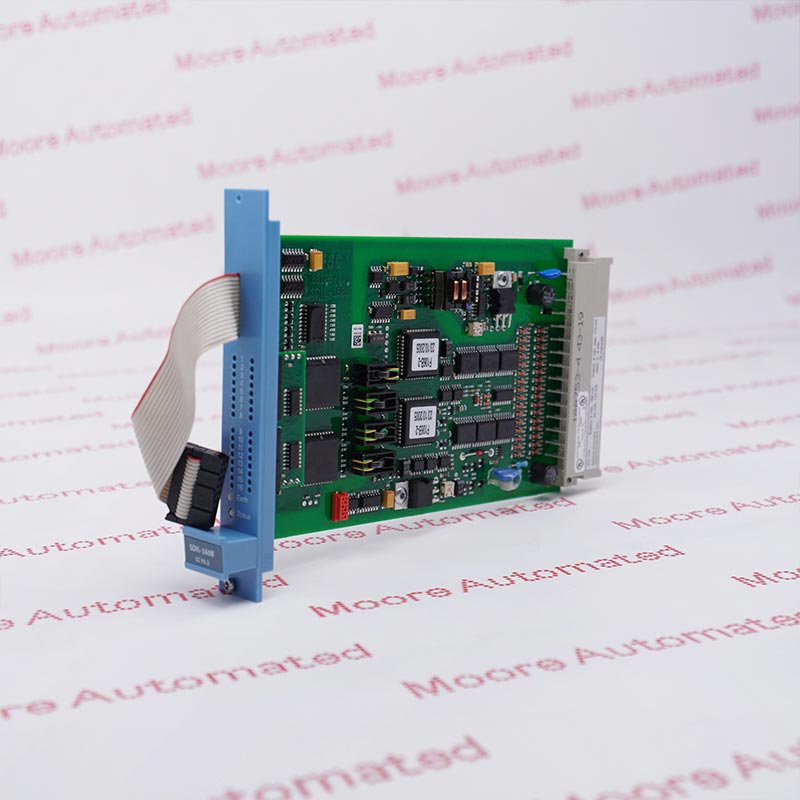
AI-generated industry illustration · Not a specific customer installation.
Retain useful documents—verify their revision
The original article included a Moore-hosted document library. These files remain available below for reference. Match each document to the offered hardware and check its revision and applicability before relying on it; inclusion here does not identify it as the latest manufacturer release.
Open the original module-document library
Make the quotation technically useful
Send a complete identification pack with quantity, condition requirements, required delivery date and destination. Specify the documentation, accessory and inspection scope you need. Use Moore’s EOL planning guide to organize supply risk, but keep the safety-system compatibility and return-to-service decisions with the responsible engineering team.
For a separate example of a model-specific documentation workflow, read the Triconex DO3401 spare-parts checklist. It illustrates enquiry discipline, not interchangeability with Honeywell Safety Manager.
Frequently asked questions
01Is Safety Manager SC a drop-in replacement for Safety Manager?
Do not assume it is. A migration must address hardware, software, I/O, wiring, application requirements and validation under an approved project scope.
02Has every Safety Manager component been discontinued?
This guide does not claim that. Obtain a manufacturer notice for the exact component or software release and distinguish production status from available service support.
03Can a matching module number prove safety suitability?
No. Hardware and software compatibility, application requirements, approved configuration and required validation must also be considered.
04Do the linked PDFs prove that a part is suitable?
No. They are retained reference files. Confirm document revision, hardware match and applicability with the responsible engineer before using them for a decision.
05Does a supplier inspection replace site validation?
No. An inspection or test has a defined component-level scope. It does not establish that the complete safety function meets the installed application’s requirements.
06What information helps Moore Automated review an enquiry?
Provide full part and revision details, clear photos, required condition and quantity, destination, delivery requirement and any mandatory documentation or inspection scope.
Watch the video from the original article
Company video retained for context; it is not a model-specific lifecycle notice or an acceptance test.
Send a complete safety-system parts brief.
Moore Automated can review sourcing requirements. Specify the exact approved references and the evidence your engineering team requires before acceptance.
Email: sales@mooreplc.com
Phone / WhatsApp: +86 180 2077 6792
Technical context: Honeywell Safety Migration information and April 2023 System HINTS release information. Release examples are historical, not current upgrade instructions. This guide is procurement information, not a functional-safety assessment.
Editorial guidance only. Availability and quoted commercial terms require written confirmation. All product names remain the property of their respective owners.





Leave Your Comment