






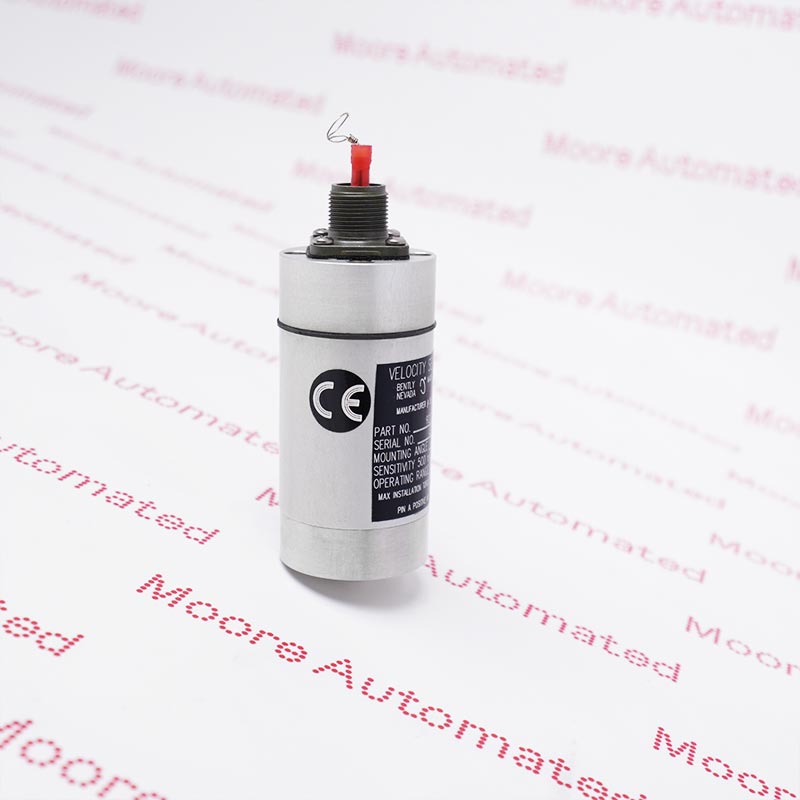
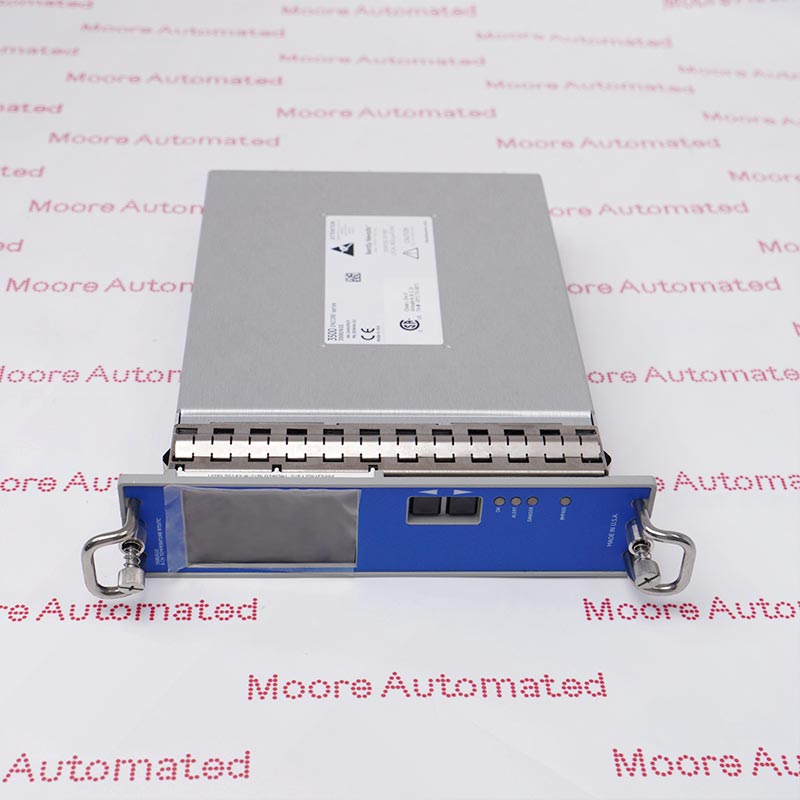
9200-02-01-10-00
Get A Quote




Why the Bently Nevada 3500 Series Remains the Industry Gold Standard
What makes the 3500 Series monitors an essential choice for protecting critical machinery?
The Bently Nevada 3500 Series is one of the most widely used and trusted online condition monitoring and machinery protection systems in the industrial sector. It is designed to provide continuous, real-time monitoring, ensuring machines operate safely and efficiently even in harsh environments. As automation and digitalization continue to increase across industries, this series continues to stand out for its proven stability and accuracy.
Why do industrial plants worldwide continue to choose the 3500 system?
From oil and gas, power generation to petrochemicals and heavy manufacturing, plant operators across industries rely on the 3500 system to minimize downtime and optimize machinery performance. Its modular design and flexible configuration make it ideal for complex, data-intensive operations. With redundant design options and compatibility with a wide range of monitoring modules, the 3500 system provides unparalleled reliability for mission-critical rotating equipment.
The Importance of the 3500 Series Monitors in Industrial Automation
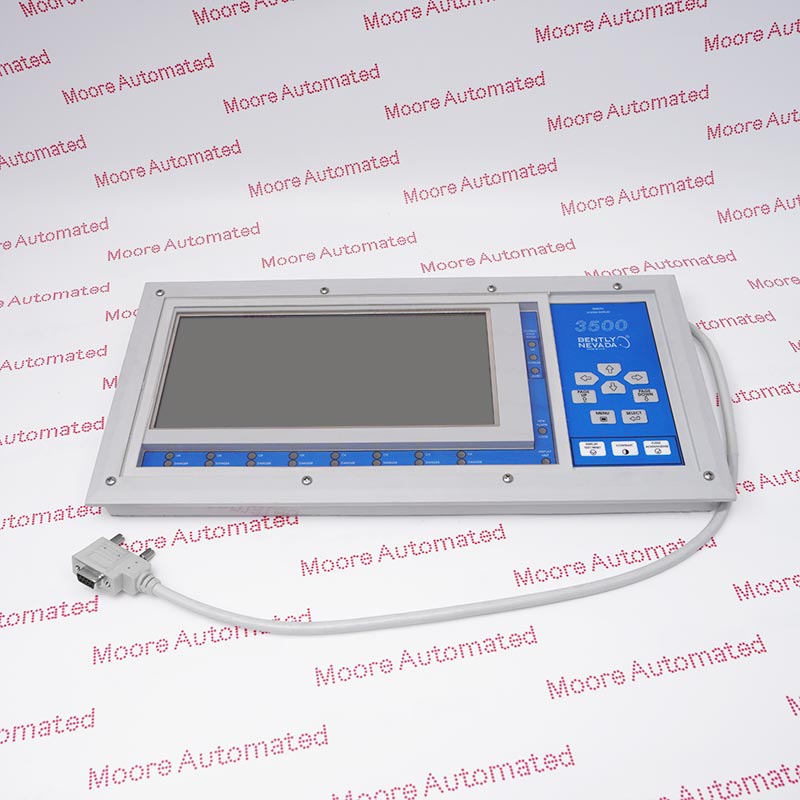
The 3500 Series monitors play a vital role in modern industrial control environments because they seamlessly integrate mechanical protection with advanced condition monitoring. These monitors continuously track vibration, rotor position, temperature, speed, and numerous other parameters critical to maintaining machine health.
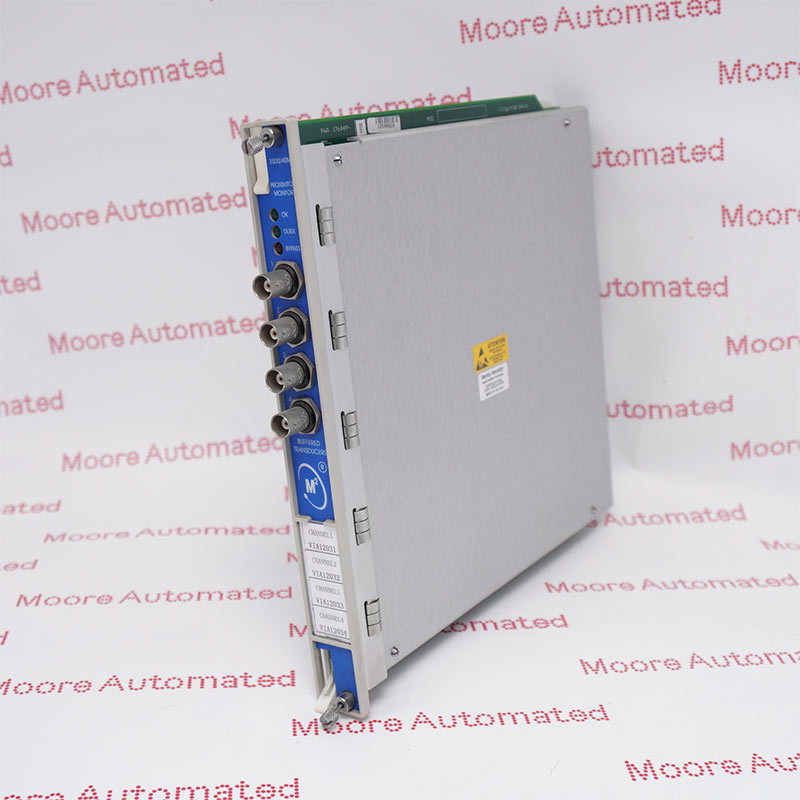
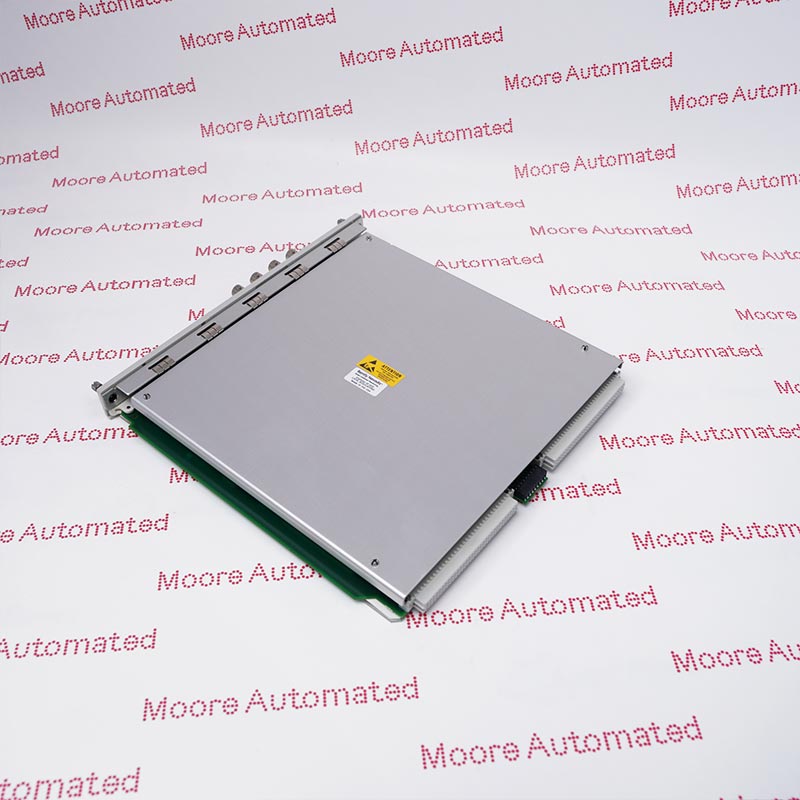
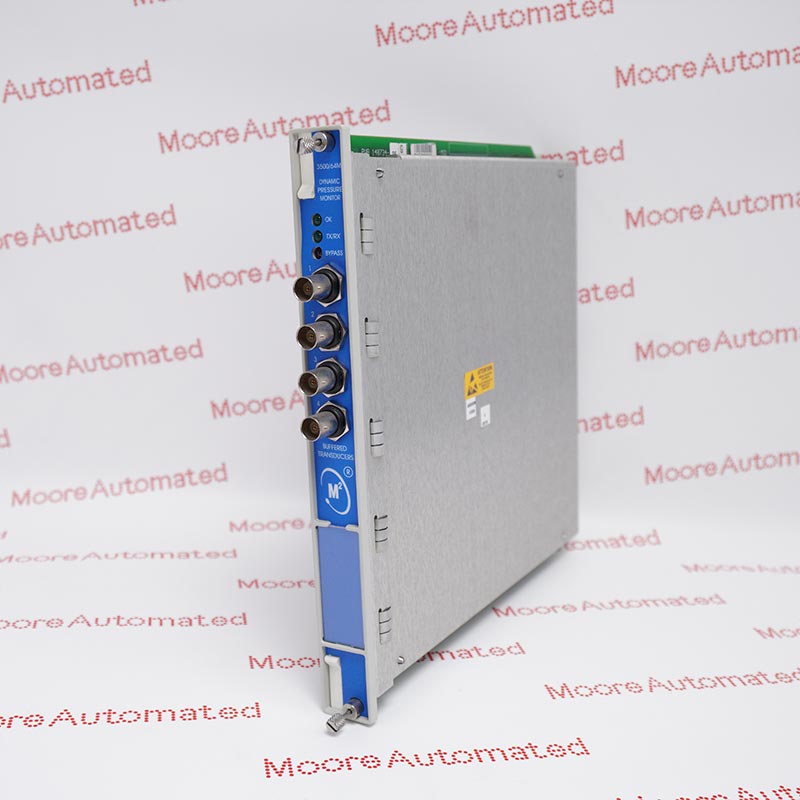
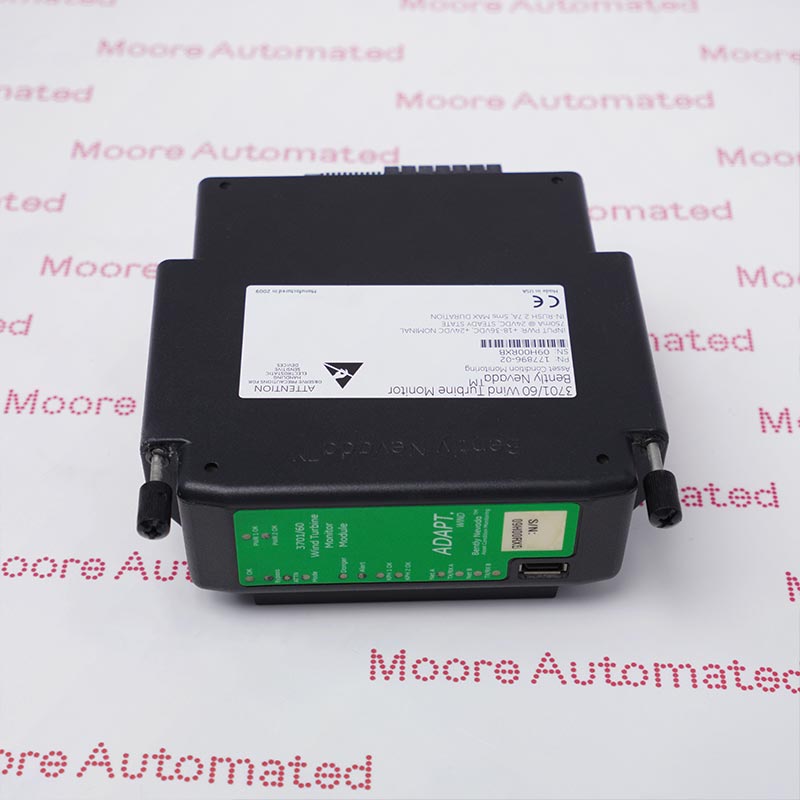
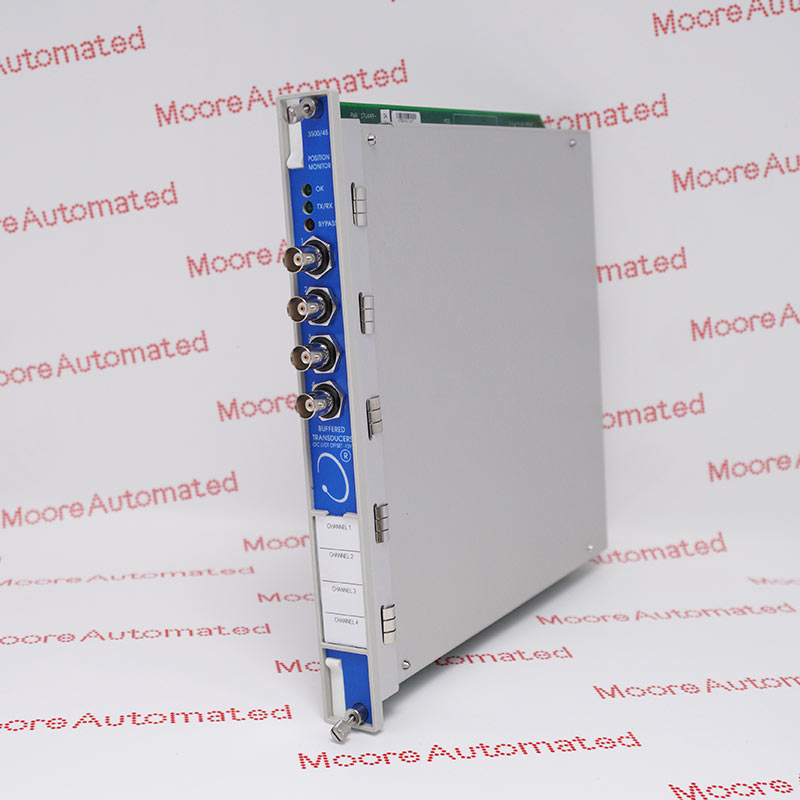
The series includes multiple modules, such as the 3500/05 system rack, the 3500/15 power module, the 3500/25 key phasor module, the 3500/40M proximity monitor, and the 3500/42M mechanical diagnostic module. Each module provides specialized functionality to meet complex operational needs.
Key contributions to industrial automation include:
Real-time machine protection: The 3500 Series instantly detects anomalies and initiates protective shutdowns when necessary.
Reduced maintenance costs: Continuous monitoring helps predict failures, enabling planned maintenance rather than emergency repairs.
Improved operational efficiency: By acquiring high-resolution dynamic data, users can optimize machine performance and extend its lifespan.
Industry standard compliance: The 3500 Series systems comply with API 670 standards, ensuring standardized and reliable protection for rotating machinery.
Scalability and integration: Its modular design allows for easy integration with DCS/PLC systems, enhancing plant-wide visibility and control.
In an era where downtime can result in millions of dollars in losses, the 3500 Series monitors provide the necessary reliability and accuracy to ensure the safe and efficient operation of industrial systems.
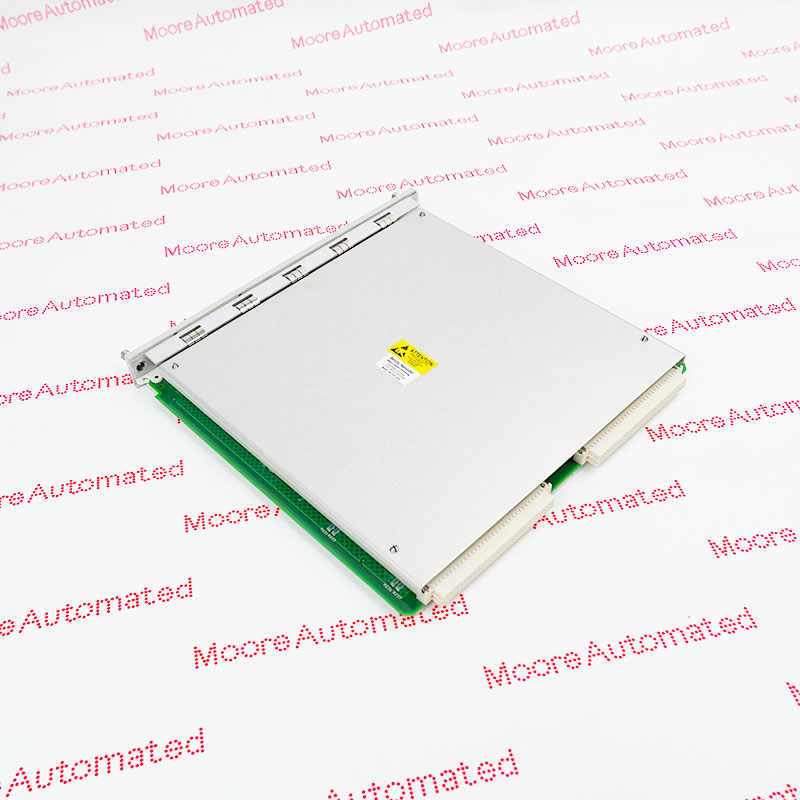
Below is a structured overview of the key parameters of the 3500/22M
|
Module Type |
Frame Interface Module with Transient Data Interface (TDI) |
|
Primary Function |
Collects dynamic and static data; acts as interface between rack and configuration/communication systems |
|
Communication Protocols |
Ethernet, Modbus, and proprietary BN communication |
|
Configuration Support |
Works with System 1 software for advanced diagnostics |
|
Rack Slot |
Occupies one slot in the 3500 rack |
|
Power Consumption |
Approx.7.5 W |
|
Data Storage Capability |
Supports transient data buffering and high-resolution event capture |
|
LED Indicators |
OK, TX/RX, CONFIG, DIAGNOSTIC |
|
Compatibility |
Supports all 3500 modules including 3500/05, 3500/15, 3500/25, 3500/40M, 3500/42M |
|
Redundancy Options |
Compatible with redundant communication architectures |
How to Install the 3500/22M Rack Interface Module
Installing the 3500/22M is straightforward, but the correct safety and configuration guidelines must be followed:
Power Off the Rack – Before installation, ensure the 3500 rack (3500/05) is completely powered off for safety.
Locate the Correct Slot – The 3500/22M is typically installed in the designated communication slot within the rack.
Insert the Module – Gently slide the module into the rack slot until it is securely held in place by the backplane connector.
Secure the Module – Tighten the front screws to lock the module in place.
Connect the Ethernet/Communication Cables – Connect the necessary network and diagnostic cables according to your system design.
Power On the Rack – Restore power and confirm the module's OK LED is illuminated.
Load the Configuration via Software – Use Bently Nevada's configuration tools to assign parameters, enable communication protocols, and test signal integrity.
Perform final verification—confirm that the module is communicating normally with all relevant monitors and that diagnostic indicators show normal operation.
The 3500 series monitors are trusted products tested by countless users worldwide. The 3500 system provides continuous online monitoring for machinery protection applications. It is the most powerful and flexible system in our framework-based system, possessing many features and functionalities not found in other systems.


Copyright Notice © 2026 mooreautomated.com All rights reserved,Moore Automated is not an authorized distributor or representative of the manufacturers featured on this website. Brand names and trademarks featured are the property of their respective owners.
Leave Your Comment