



When an ABB part leaves active sale, the plant still needs a controlled path forward.
A product withdrawal notice is not the same as an immediate replacement order. Identify the installed article, understand its lifecycle status, secure the right bridge spares and engineer a migration window before support and compatibility options narrow.
This guide turns ABB lifecycle, EOL and legacy-system questions into a repeatable workflow for Advant, AC 800M, System 800xA and related installed assets.
Four phases, four different decisions
ABB uses a four-phase lifecycle model. The phase is a planning signal—not proof that a specific stocked unit, repair service or direct substitute is available today. Confirm the current statement for the exact product family and article number.
Current sales, development and broad lifecycle support. Record the installed baseline while documentation is easy to obtain.
Support remains broad, but the successor path matters. Define upgrade scope and rank critical-spare exposure.
Parts and services narrow. Use verified bridge stock only with a dated migration plan and acceptance criteria.
OEM support or spares may no longer be available. Prioritise engineered replacement, backups and controlled cutover.
Do not choose a replacement from the model name alone
- Identity
- Dependencies
- Supply evidence
- Migration readiness
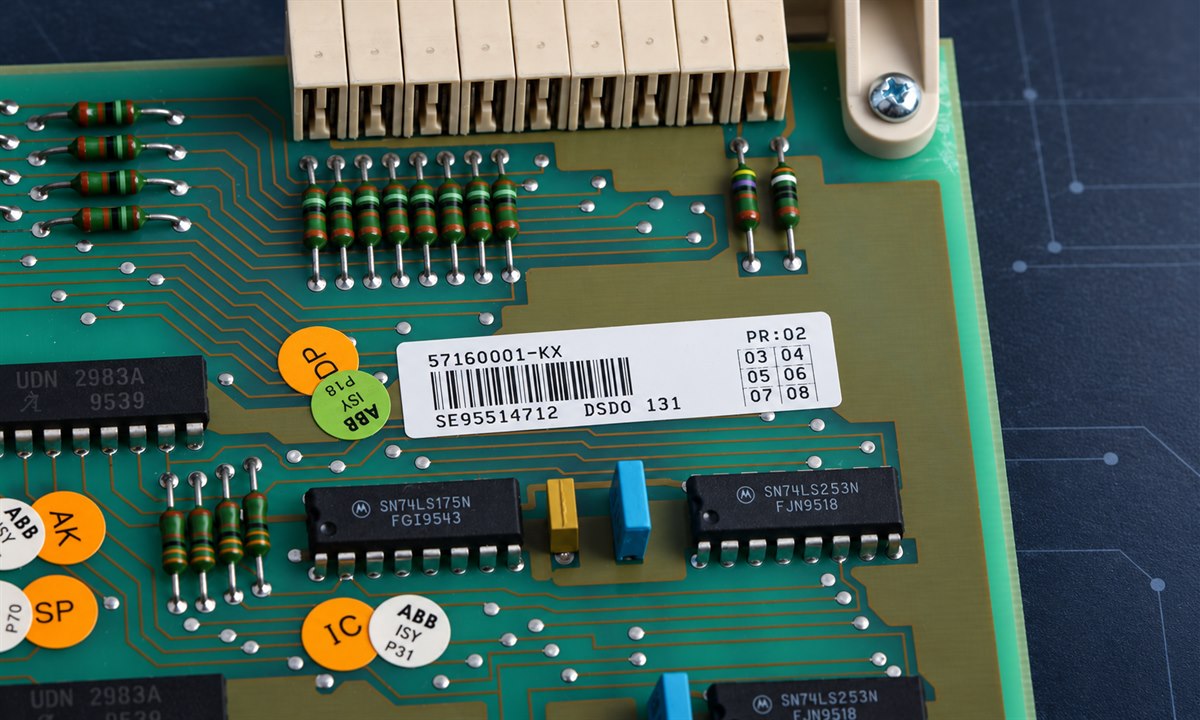
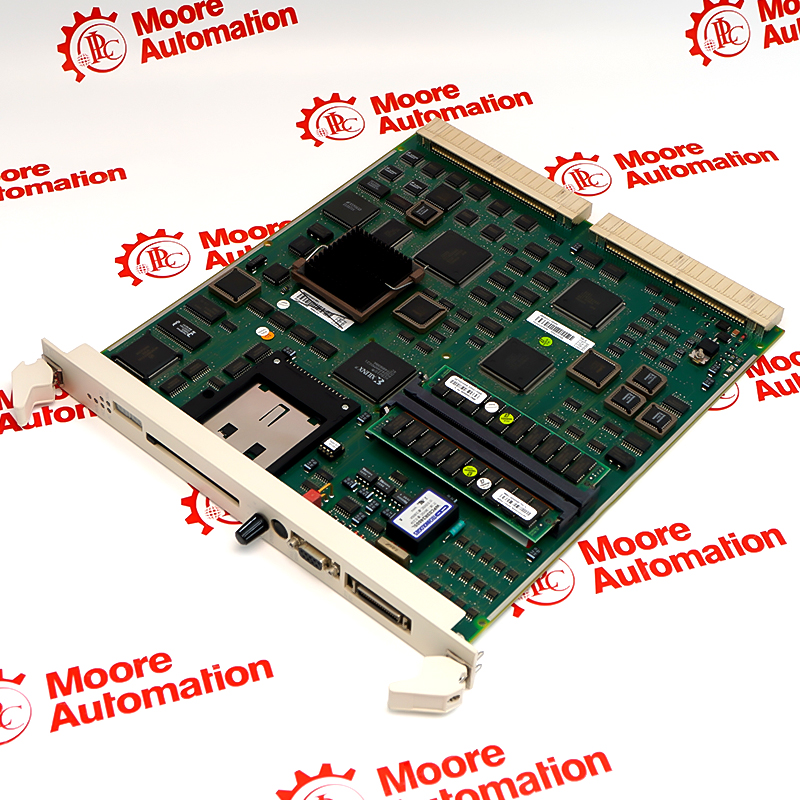
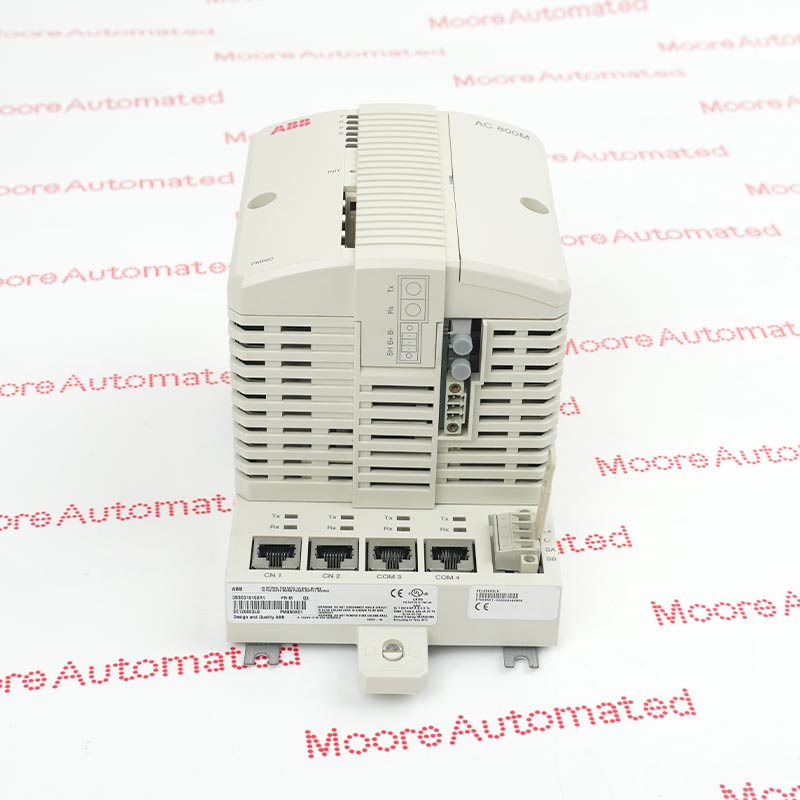
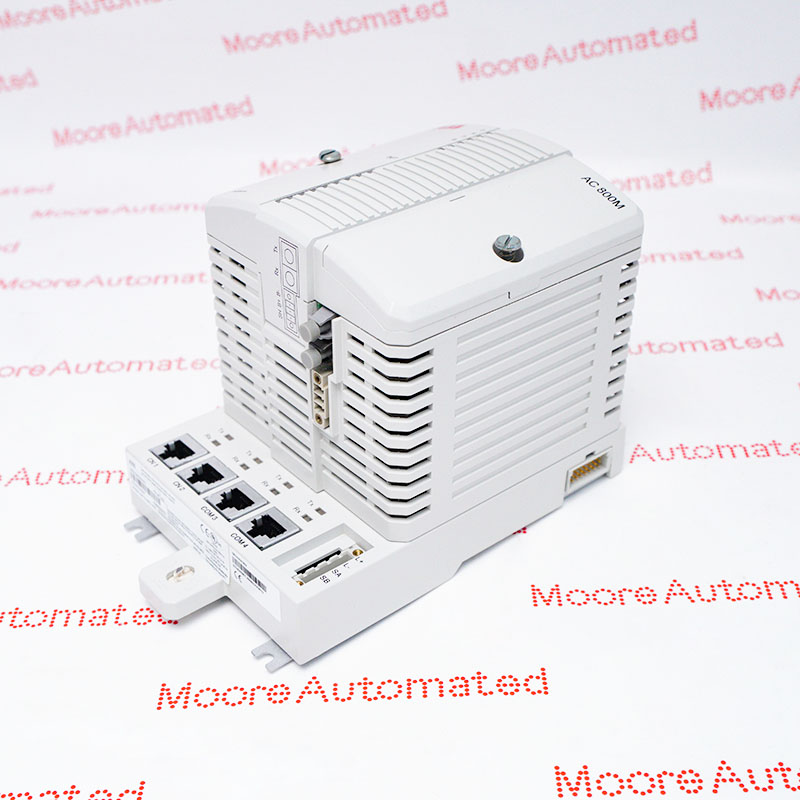
Capture the complete ABB article number, type designation, revision, firmware, rack or base, companion modules, licences and clear label photographs.
Check controller version, fieldbus, I/O bases, termination units, redundancy role, backups, network settings and project approvals.
Require current photos, condition, quantity, date code, included accessories, inspection scope, warranty source and written lead time.
Confirm wiring, logic, software, communication, safety and certification impacts; prepare backups, rollback and commissioning checks.
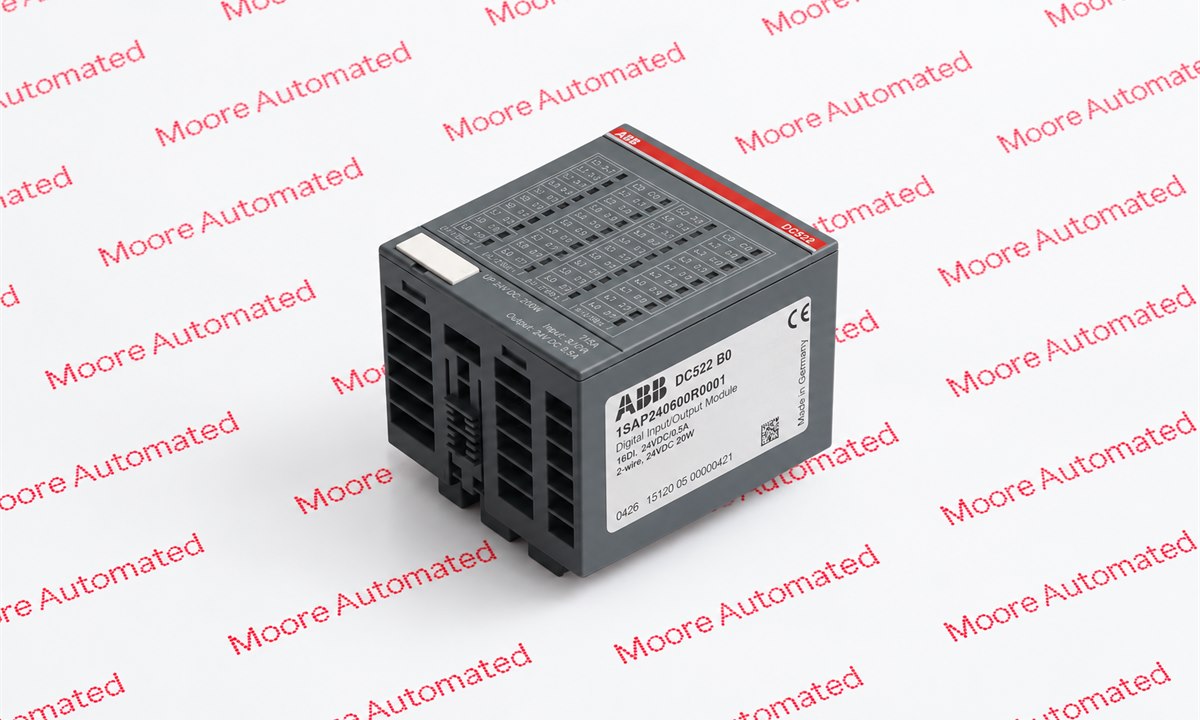
Read the whole identity—not only the family name
Capture the type code, article number, hardware or firmware revision, connector side and installed-system context. Use those details together when requesting stock evidence or planning a successor path.
A lifecycle strategy is a portfolio, not a single purchase
| Installed-base situation | Near-term action | Control that prevents a dead end |
|---|---|---|
| Active / stable platform | Document configuration and failure-critical components. | Maintain tested backups and a current bill of materials. |
| Classic with a successor | Budget the upgrade and validate it in the actual architecture. | Do not assume form, fit or function from a cross-reference. |
| Limited; production cannot stop | Secure a risk-based quantity of verified bridge spares. | Define storage, periodic inspection and the migration deadline. |
| Obsolete with weak support | Prioritise engineered migration and contingency planning. | Protect application data, test rollback and qualify restart. |
Watch an ABB PM511V08 module close-up
This Moore Automated video shows PM511V08 3BSE011180R1. It demonstrates visible identity evidence buyers should request; it does not establish live stock, condition, compatibility or migration approval.
ABB references for lifecycle and replacement reviews
Verification and lifecycle decisions in the field
Primary guidance checked for this article
Sources accessed and reviewed on 12 October 2026. Status and replacement availability must be checked for the exact product and current document revision.
Four-phase framework and transition-planning context.
Successor availability and long-term control-system support context.
Representative context for selected System 800xA and AC 800M replacement paths.
ABB lifecycle and EOL questions
What do ABB Active, Classic, Limited and Obsolete mean?
They describe movement from active sale and broad support toward restricted services and obsolescence. The exact offer varies by family and current statement.
Does an EOL notice mean the ABB part must be replaced immediately?
Not automatically. Review effective date, installed condition, support window, spares, failure risk and feasible migration. The result may be bridge spares, a scheduled upgrade or urgent migration.
Can a newer ABB model replace an older module directly?
Only after article number, revision, firmware, rack or base, network, I/O, software and application dependencies are checked. A successor statement does not prove drop-in interchangeability.
How many ABB critical spares should a plant keep?
Use installed population, failure history, repair turnaround, lead time, downtime consequence and migration date. Store only what can be preserved and periodically revalidated.
What evidence should I request for an obsolete ABB part?
Request dated photographs, full labels, condition, quantity, revision, accessories, storage history where available, inspection scope, warranty source and written lead time.
What should I send for an ABB lifecycle review?
Send complete article number, model, revision or firmware, system and software version, quantity, required condition, nameplate photos, destination and required-on-site date.
Build an ABB EOL and legacy-system parts plan
Share the installed identity, lifecycle concern and required date. Moore Automated can review sourcing evidence and separate an exact-item option from a proposed successor path.
Request an ABB lifecycle reviewEmail the installed-part listInclude these six items
- Complete ABB article number
- Revision and firmware
- System and software version
- Quantity and condition
- Label and connector photos
- Destination and required date
Independent-supplier notice: Moore Automated is an independent industrial automation parts supplier and is not an authorised ABB distributor or representative unless expressly stated. Final compatibility, engineering, cybersecurity, safety and change control remain the responsibility of the customer’s qualified team.


Leave Your Comment